CSS Beautifier for Beginners: Clean Code in One Click

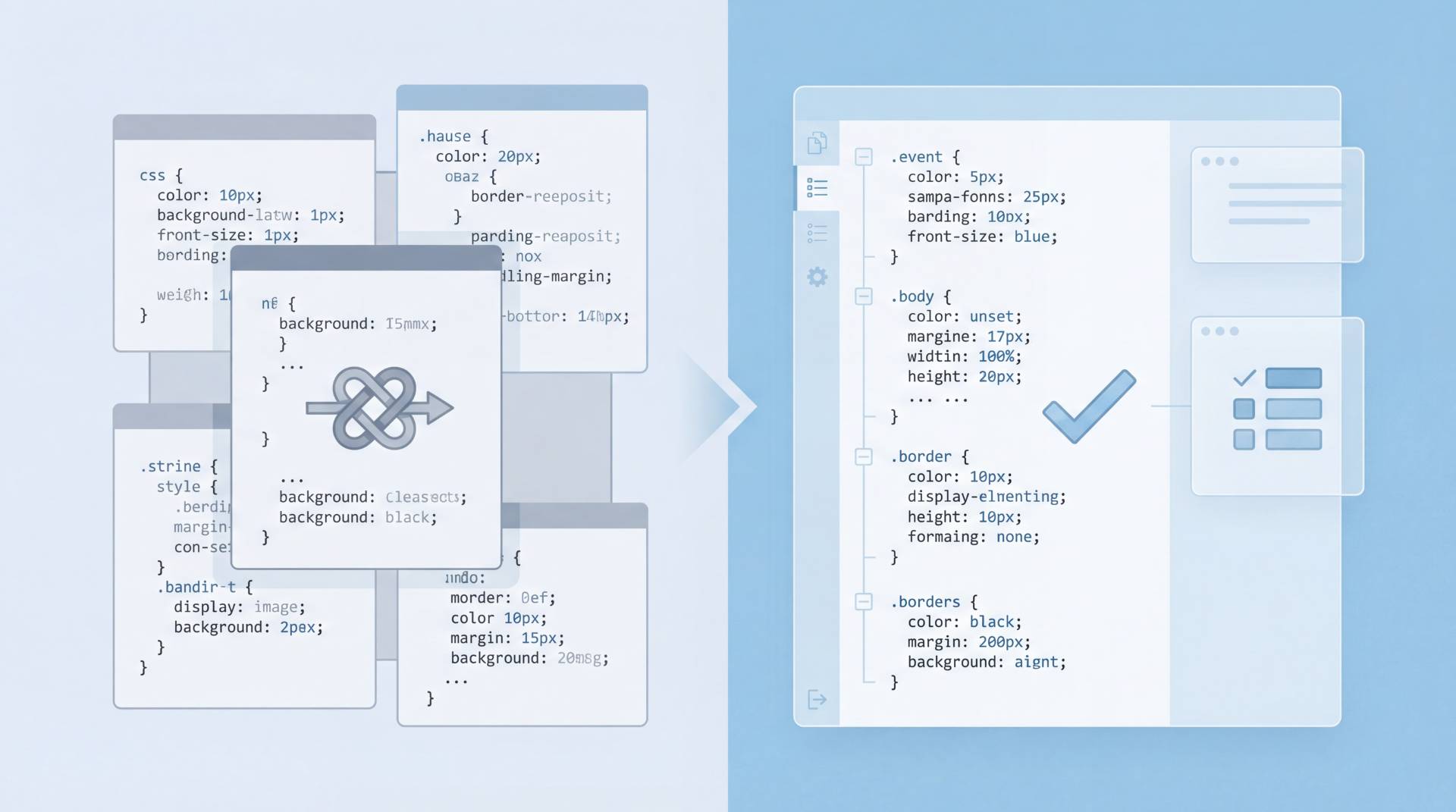
Let’s be honest.
Most of us don’t start writing CSS with elegance in mind.
We start with something that works. Then we tweak it. Then we add one more rule. Then another. Before long, your stylesheet looks like a junk drawer—everything technically belongs there, but finding anything is a pain.
That’s where a CSS beautifier earns its keep.
Not as a magic fix. Not as a shortcut around learning CSS. But as a quiet helper who turns chaos into something you can actually read.
What Is a CSS Beautifier, Really?
A CSS beautifier is a tool that takes messy, inconsistent CSS code and restructures it into a clean, readable format.
Same rules.
Same behavior in the browser.
Just… easier on the eyes.
Think of it like tidying your desk. You’re not throwing anything away. You’re just putting things where they belong.
A typical beautifier will:
- Fix inconsistent indentation
- Add proper spacing between selectors and properties
- Align brackets and values logically
- Break long, cramped lines into readable blocks
Nothing fancy. Just clarity.
Why Beginners Struggle with Messy CSS
If you’re new to CSS, messy code hits harder.
Here’s why:
- You can’t see patterns yet
Beginners rely on visual structure to understand how styles relate. When everything’s jammed together, learning slows down. - Errors hide in plain sight
A missing semicolon or bracket is easy to miss when formatting is all over the place. - Debugging feels overwhelming
You end up scrolling endlessly, unsure where one rule ends and another begins.
Clean formatting doesn’t just look nice. It actively reduces friction while you’re learning.
How a CSS Beautifier Helps You Learn Faster
This part gets overlooked.
A beautifier isn’t just a cleanup tool—it’s a learning mirror.
When you run your CSS through a formatter, you start noticing:
- How selectors are usually grouped
- Where nesting makes sense (and where it doesn’t)
- How consistent spacing improves scan-ability
Over time, your own writing starts to look cleaner before you even run the tool.
That’s a win.
How Do You Clean CSS in One Click?
This is what most beginners actually want to know.
You clean CSS in one click by using an online free CSS beautifier that formats your code instantly—no setup, no installs, no configuration rabbit holes.
Here’s the simple workflow:
- Paste your CSS code into the tool
- Click “Beautify” or “Format CSS”
- Copy the cleaned output
That’s it.
Some tools also act as a light CSS validator, flagging obvious syntax issues while formatting. That combination—clean structure plus quick feedback—is especially useful when you’re still building confidence.
If you’re looking for a straightforward option, the CSS beautifier from FileReadyNow fits naturally into this workflow without overcomplicating things. Paste, click, move on.
Beautifying vs. Validating CSS
This trips people up.
- CSS beautifier: focuses on formatting
- CSS validator: checks whether the code follows CSS rules
A beautifier won’t fix broken logic.
A validator won’t make your code readable.
Used together, though? That’s where things click.
When You Should (and Shouldn’t) Use a Beautifier
Use a CSS beautifier when:
- You’re learning CSS and want readable examples
- You inherit messy styles from someone else
- You’re debugging and need visual clarity
- You’re sharing code with teammates or clients
Don’t rely on it when:
- You’re trying to understand why CSS behaves a certain way
- You want to compress code for performance (that’s minification)
Beautifying is about humans reading code. Not machines.
Clean CSS Isn’t About Perfection
Here’s the twist.
Clean CSS isn’t about writing flawless code. It’s about writing code you can return to a week later and still understand.
Formatting helps with that more than people admit.
A CSS beautifier won’t make you a better developer overnight. But it will remove friction. And when you’re a beginner, friction is usually the biggest obstacle.
Clean code invites curiosity.
Messy code shuts it down.
Final Thought
If CSS feels confusing right now, don’t assume it’s a “you” problem. Often, it’s just the formatting getting in the way of understanding.
Run your styles through a beautifier.
Look at the structure.
Notice the patterns.
Sometimes, clarity is only one click away.
Table of Contents
Recent Posts

PDF to JPG Blurry? How to Convert a PDF Page With Sharp Text
5 days ago
HEX vs RGB vs HSL vs CMYK: Which Color Code Should You Use?
1 week ago
Video Converter Online Free: Which Format to Pick and Why
2 weeks ago
Audio Trimmer Online Free: Cut, Keep, or Remove Any Section
2 weeks ago
How Strong Should Your Password Actually Be in 2026?
3 weeks ago
HEIC vs JPG: Which Should You Actually Use?
1 month ago