DNS vs IP Address: What’s the Real Difference?

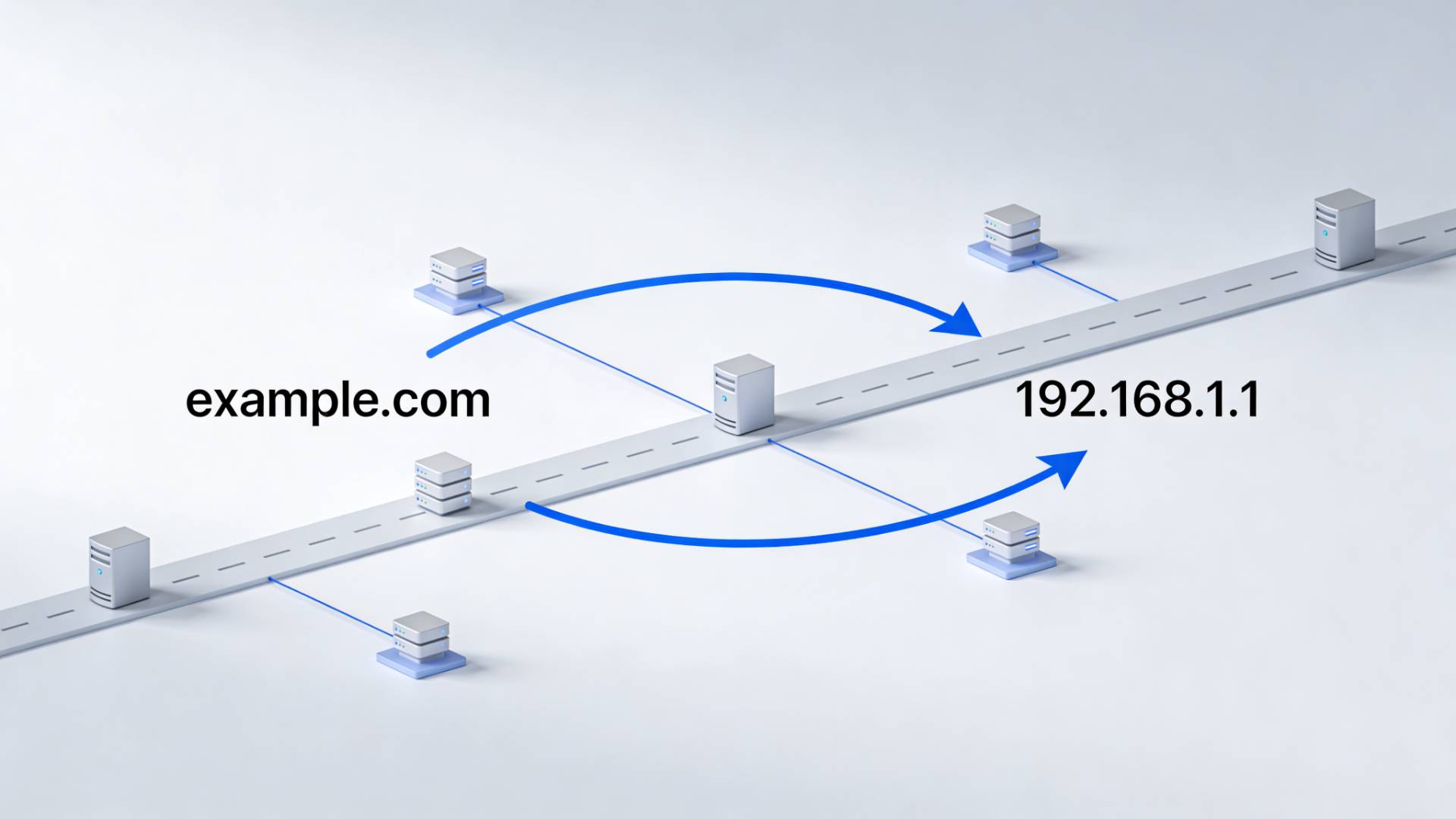
When you visit a website, you usually type a name, something simple, readable, and familiar. Behind the scenes, though, the internet works with numbers.
That gap between what humans prefer and what machines require is where DNS and IP addresses come in.
An IP address is a numerical identifier used by devices on a network.
DNS is the system that connects human-readable domain names to those numerical identifiers.
They serve different purposes, but neither works well without the other.
Understanding the difference isn’t just technical trivia. It helps explain why websites sometimes load slowly, why domain changes take time, and why DNS tools exist in the first place.
What Is an IP Address?
An IP address (Internet Protocol address) is a unique string of numbers assigned to a device connected to a network.
Its role is straightforward: identification and location.
Just like a mailing address tells the postal service where to deliver a letter, an IP address tells the internet where to send data.
There are two common types:
- IPv4, which looks like
192.168.0.1 - IPv6, which is longer and designed to support the growing number of internet-connected devices
Most users never interact directly with IP addresses. They exist primarily to enable machines to communicate efficiently and accurately.
What Is DNS and How Does It Work?
DNS stands for Domain Name System. Its job is to translate domain names into IP addresses.
When you type a website URL into your browser, several steps happen almost instantly:
- Your browser asks a DNS server for the IP address linked to that domain
- The DNS server responds with the correct IP
- Your browser connects to that IP address
- The website loads
Without DNS, users would need to remember numerical IP addresses for every site they visit. DNS makes the web usable at scale.
Why DNS Is Necessary for the Internet
IP addresses can change over time. Websites move servers, change hosting providers, or distribute traffic across multiple locations.
DNS provides flexibility.
Instead of updating every link everywhere, site owners update DNS records once, and users continue accessing the site normally. This separation between names and numbers is one of the reasons the internet can grow and adapt without constantly changing.
DNS vs IP Address: Key Differences Explained
Although they’re closely connected, DNS and IP addresses are not interchangeable.
- DNS is a naming system designed for human convenience
- IP addresses are numerical identifiers designed for machine communication
DNS resolves names.
IP addresses route data.
One depends on readability.
The other depends on precision.
What Happens When DNS Fails?
When DNS isn’t working correctly, users often see errors even though the website itself may be online.
Common DNS-related symptoms include:
- A website is not loading while others work fine
- The site is loading in one location but not another
- Delays after changing the domain or hosting settings
In these cases, DNS is often the bottleneck, not the server or the website code.
What Is DNS Propagation?
DNS changes don’t take effect everywhere instantly. This delay is known as DNS propagation.
DNS records are cached across many servers worldwide. When a change is made, each cache updates on its own schedule. Some updates quickly. Others take longer.
During this period, different users may see different results depending on location and cache state.
This is where checking DNS status becomes useful.
What Is a DNS Checker and Why Use One?
A DNS checker is a tool that shows how DNS records appear from different locations around the world.
Instead of guessing whether a change has propagated, you can see:
- Which IP address does a domain currently resolves to
- Whether nameservers are updating correctly
- How DNS data looks across regions
Using a website dns checker can save time during troubleshooting, especially after updates or migrations.
DNS checker tools don’t fix problems on their own. They provide visibility, which is often the most valuable part of resolving DNS issues.
When to Use DNS Checker Tools
You typically don’t need DNS tools for everyday browsing. They’re most useful during changes or issues, such as:
- Updating nameservers
- Switching hosting providers
- Launching a new domain
- Diagnosing regional access problems
A DNS checker online helps confirm whether the issue is local or global. Tools like the DNS checker from FileReadyNow can be useful here, offering a clear snapshot of DNS records without unnecessary complexity.
DNS Checker Propagation and Troubleshooting
During DNS propagation, results can look inconsistent. One location may show updated records, while another still shows old data.
Checking multiple regions helps answer important questions:
- Has the change started propagating?
- Is the issue isolated to one DNS provider?
- Is caching the likely cause?
This reduces uncertainty and prevents unnecessary changes while waiting for propagation to complete.
How DNS and IP Addresses Work Together
DNS and IP addresses aren’t alternatives. They’re layers of the same system.
DNS answers the question:
“Which IP address should I use?”
The IP address answers the question:
“Where should this data go?”
Together, they allow the internet to function smoothly while remaining usable for humans.
Frequently Asked Questions
DNS translates domain names into numbers, while an IP address is the numerical address used to locate a server on the internet.
DNS allows people to use easy domain names instead of remembering long IP numbers.
A DNS checker shows how a domain’s DNS records appear from different locations around the world.
Table of Contents
Recent Posts

PDF to JPG Blurry? How to Convert a PDF Page With Sharp Text
5 days ago
HEX vs RGB vs HSL vs CMYK: Which Color Code Should You Use?
1 week ago
Video Converter Online Free: Which Format to Pick and Why
2 weeks ago
Audio Trimmer Online Free: Cut, Keep, or Remove Any Section
2 weeks ago
How Strong Should Your Password Actually Be in 2026?
3 weeks ago
HEIC vs JPG: Which Should You Actually Use?
1 month ago