
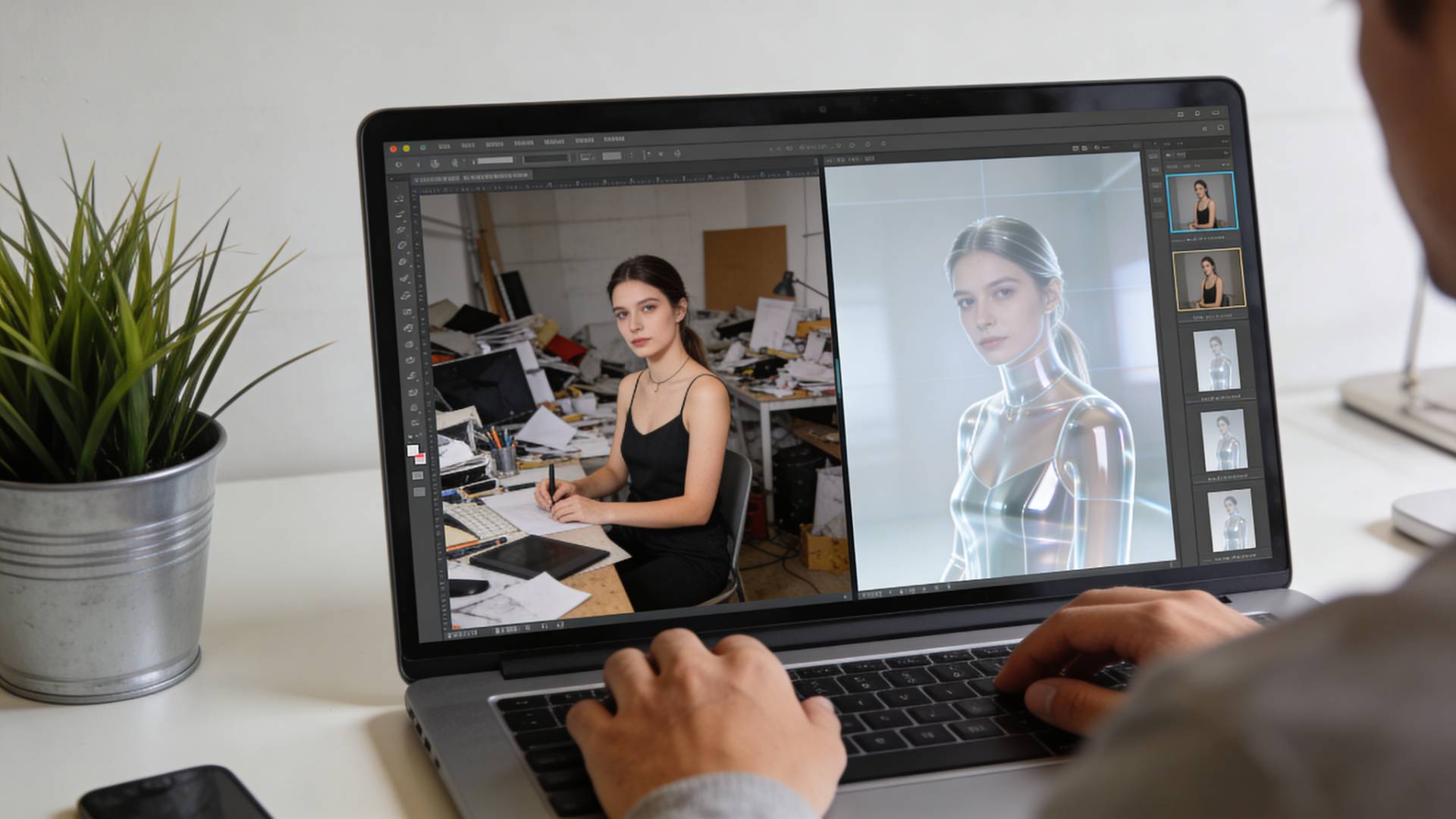
You snap a great photo. The lighting works. The subject looks sharp. Then you notice the background, cluttered, distracting, completely wrong for what you need.
Sound familiar?
Whether you’re selling a product, designing a thumbnail, updating a resume photo, or posting on social media, a messy background can quietly ruin the impact.
A few years ago, fixing this meant wrestling with complex editing software, zooming in pixel by pixel, and hoping you didn’t erase half your subject in the process.
Now? It can take seconds.
But here’s the catch: many tools promise to be free… until you try to download the image.
Let’s talk about what a truly free background remover online should offer, and how to choose one that actually delivers.
Why Removing Backgrounds Matters More Than You Think
A clean background isn’t just about aesthetics.
It changes how people perceive your image.
- Product photos look more professional → builds trust and increases sales.
- Social media visuals stand out → more engagement, more clicks.
- Personal photos feel polished → ideal for resumes, profiles, and portfolios.
- Design projects become flexible → place your subject on any background.
Think of it like framing a painting. The frame shouldn’t distract from the art; it should elevate it.
What Makes a Background Remover Truly “Free”?
Let’s be honest: the internet is full of tools labeled “free.”
But once you upload your image, you may find:
- Watermarks on downloads
- Low-resolution exports
- Credit-based limits
- Paywalls for HD images
A genuine background remover free tool should provide:
- ✔ Free downloads
- ✔ Good resolution output
- ✔ No forced subscriptions
- ✔ Fast processing
- ✔ Clean edge detection
If it feels like a trial disguised as free, it probably is.
How Online Background Removal Works
You upload an image.
The tool uses AI to detect the main subject, a person, product, animal, or object, and separates it from the background.
Within seconds, you get a transparent PNG ready to use anywhere.
No manual tracing. No design experience needed.
It’s like having a digital pair of scissors that actually knows what you’re trying to cut out.
Step-by-Step: Remove Background Online for Free
- Upload Your Image
Drag and drop or select a photo from your device. - Automatic Detection
The tool identifies the subject instantly. - Fine-Tune (Optional)
Adjust edges or restore parts if needed. - Download the Result
Save the transparent image and use it anywhere.
That’s it—no learning curve. No frustration.
Best Use Cases for Background Removal
- E-commerce Sellers — Clean white backgrounds improve product credibility.
- Content Creators — Create eye-catching thumbnails and reels.
- Job Seekers — Produce professional headshots without a studio.
- Students & Designers — Use cutouts for presentations and creative projects.
- Small Businesses — Create marketing visuals without hiring designers.
Sometimes, a small visual improvement creates a huge difference in perception.
Choosing the Right Tool (Without Wasting Time)
When selecting a background remover for photos, keep these practical factors in mind:
- Speed: Does it process quickly?
- Accuracy: Are hair edges and fine details preserved?
- Ease of use: Can anyone use it without tutorials?
- Output quality: Is the final image crisp?
- Cost transparency: Truly free means no surprises.
Some tools strike a great balance between speed and accuracy. For example, platforms like FileReadyNow background remover offer fast results without forcing complicated workflows. If you’re experimenting with quick edits, it can be a practical starting point.
Common Mistakes People Make
- Uploading very low-resolution images
- Using cluttered or heavily blurred subjects
- Expecting perfect results from dark or shadow-heavy photos
- Forgetting to refine edges when necessary
Better input = better output. Simple rule.
When a Free Tool Is Enough, and When It Isn’t
A remove bg free solution is perfect for:
- ✔ Social media
- ✔ Online listings
- ✔ Presentations
- ✔ Personal projects
But advanced design work (magazines, billboards, heavy retouching) may still require professional editing.
For most everyday needs, though? Free tools do the job beautifully.
A Small Detail That Makes a Big Difference
Clean backgrounds create visual clarity. Visual clarity builds trust. And trust influences decisions, whether someone clicks, buys, hires, or follows.
That’s a lot of power for something that takes less than 10 seconds.
If you haven’t tried removing a background from your images yet, this might be the easiest upgrade you can make to your visual content.
And if you’re testing tools, using a simple option like the FileReadyNow background remover can help you see just how quick and effective modern background removal has become.
Final Thoughts
We live in a visual world. People decide what to click, trust, and engage with in milliseconds.
A cluttered background competes for attention. A clean one directs it.
The good news? You don’t need expensive software or design skills anymore.
Just the right tool, and a few seconds.
That’s it.





