
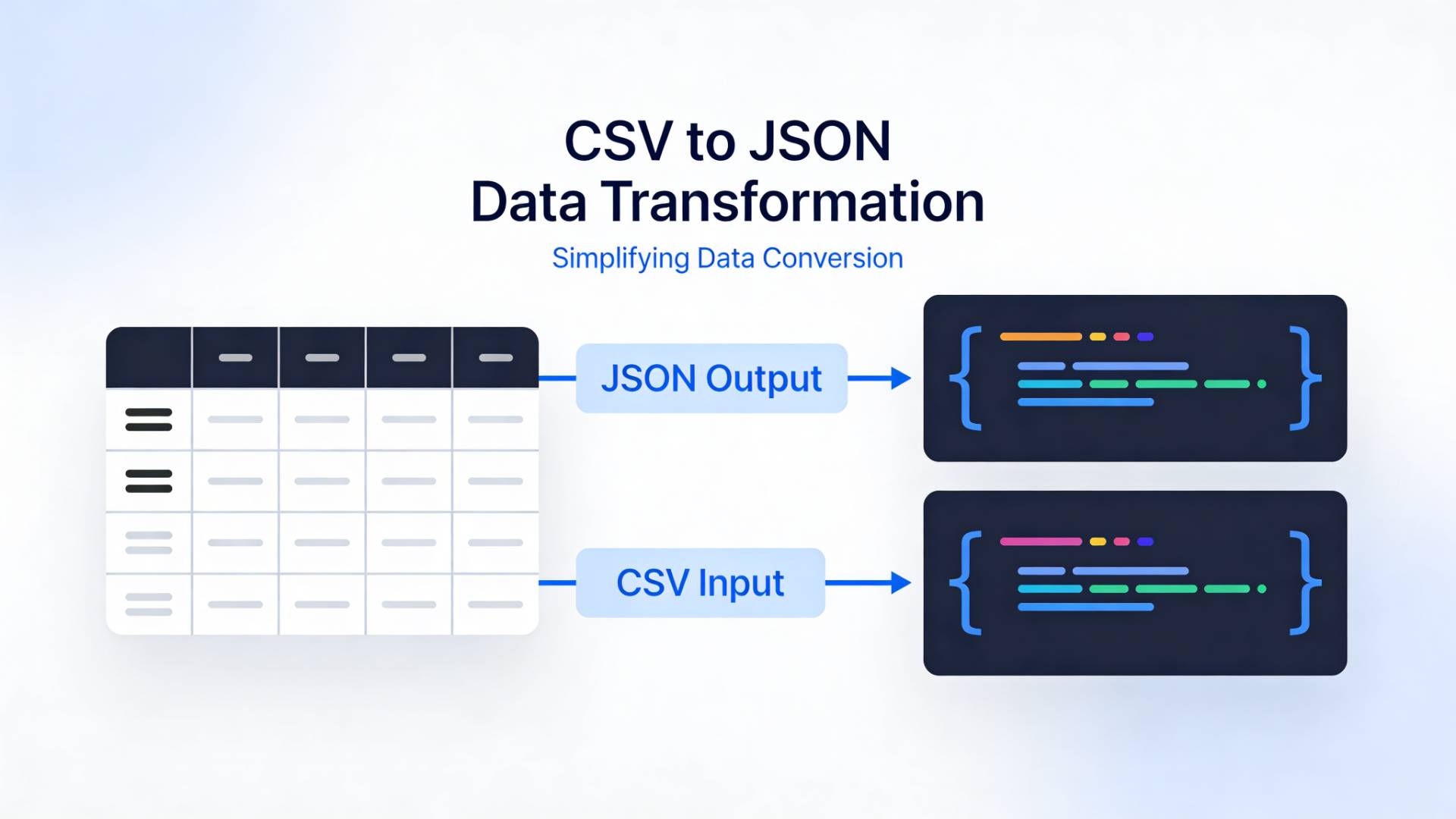
If you’ve ever opened a CSV file and thought, “This is great for spreadsheets… but useless for my app,” you’re not alone.
CSV files are simple and universal. JSON, on the other hand, is the language modern applications love. APIs expect it. JavaScript thrives on it. Databases sync with it.
So sooner or later, you’ll need to convert from CSV to JSON, and ideally, you want to do it fast, accurately, and without installing software.
Let’s explore the best free online tools, how they work, and how to choose the right one.
Why Convert CSV to JSON?
Before jumping into tools, it helps to understand the why.
CSV (Comma-Separated Values) stores data in rows and columns, perfect for spreadsheets.
JSON (JavaScript Object Notation) structures data as key-value pairs, value pairs perfect for web apps and APIs.
Think of it like this:
- CSV = a flat table
- JSON = a structured tree
You might need CSV to JSON conversion when:
- importing spreadsheet data into a web app
- sending data through APIs
- building dashboards or automation workflows
- working with NoSQL databases
- preparing data for JavaScript-based projects
In short, CSV stores data. JSON makes it usable.
What Makes a Good CSV to JSON Converter?
Not all converters behave the same. Some choke on special characters. Others destroy formatting.
Here’s what to look for:
- ✔ Clean handling of headers
- ✔ Support for large files
- ✔ Proper encoding (UTF-8)
- ✔ Nested structure options
- ✔ Privacy (no data storage)
- ✔ Instant preview & validation
A good CSV to JSON converter should feel effortless: paste, convert, copy, done.
Top Free CSV to JSON Converters Online
1. FileReadyNow CSV to JSON Converter

Sometimes you just want something fast and distraction-free. The CSV to JSON converter from FileReadyNow focuses on quick, browser-based conversion without extra complexity.
Why it stands out:
- clean interface for quick tasks
- instant preview of converted output
- no sign-up required
- ideal for everyday CSV to JSON conversion
Best for: quick formatting tasks and everyday workflow use.
2. CSVJSON (csvjson.com)

A long-standing favorite among developers.
Why people like it:
- Converts instantly in the browser
- Supports different delimiters
- Handles large datasets well
- Offers validation tools
Best for: developers handling bulk data.
3. ConvertCSV

Simple, reliable, and surprisingly powerful.
Highlights:
- Custom field mapping
- Nested JSON generation
- Data cleaning options
- Works with large files
Best for: structured data transformation.
4. TableConvert

A versatile conversion tool for multiple data formats.
Features include:
- spreadsheet-style editing
- multiple export formats
- data visualization preview
- cloud sync options
Best for: users working across multiple formats.
Step-by-Step: How to Convert CSV to JSON
If you’ve never done it before, here’s the typical process:
- Open your converter tool.
- Upload or paste your CSV data.
- Confirm the header row is detected.
- Choose output options (array, nested, formatting).
- Click convert.
- Copy or download the JSON file.
That’s it. Most conversions take seconds.
Common Problems (and How to Avoid Them)
Missing headers
JSON needs keys. Without headers, tools may generate generic labels.
Fix: Ensure the first row contains column names.
Broken formatting
Commas inside text fields can confuse parsers.
Fix: Wrap text values in quotes.
Encoding errors
Special characters may display incorrectly.
Fix: Save CSV as UTF-8 before converting.
Incorrect data types
Numbers may convert to strings.
Fix: Use tools that auto-detect data types.
CSV vs JSON: When Should You Use Each?
Use CSV when:
- sharing data between systems
- exporting spreadsheet information
- storing simple datasets
Use JSON when:
- building web apps
- working with APIs
- handling nested data
- storing structured objects
If CSV is a table, JSON is a map. Different tools. Different purposes.
Privacy & Security: A Quick Note
When converting sensitive data, be mindful.
Choose tools that:
- process data locally in your browser
- don’t store uploads
- offer HTTPS encryption
If you’re working with confidential datasets, always verify privacy policies before uploading.
Final Thoughts
Converting CSV to JSON isn’t complicated, but choosing the right tool makes a big difference.
Some tools are built for developers. Others are perfect for quick, everyday tasks. Whether you’re preparing API data, structuring a database import, or simply cleaning up spreadsheet exports, a reliable CSV to JSON converter saves time and headaches.
And honestly? Once you’ve done it a few times, it becomes second nature.
Data comes in rows. Applications need structure. Conversion bridges the gap.





