11 Reasons Your Business Needs a PDF to Word Converter

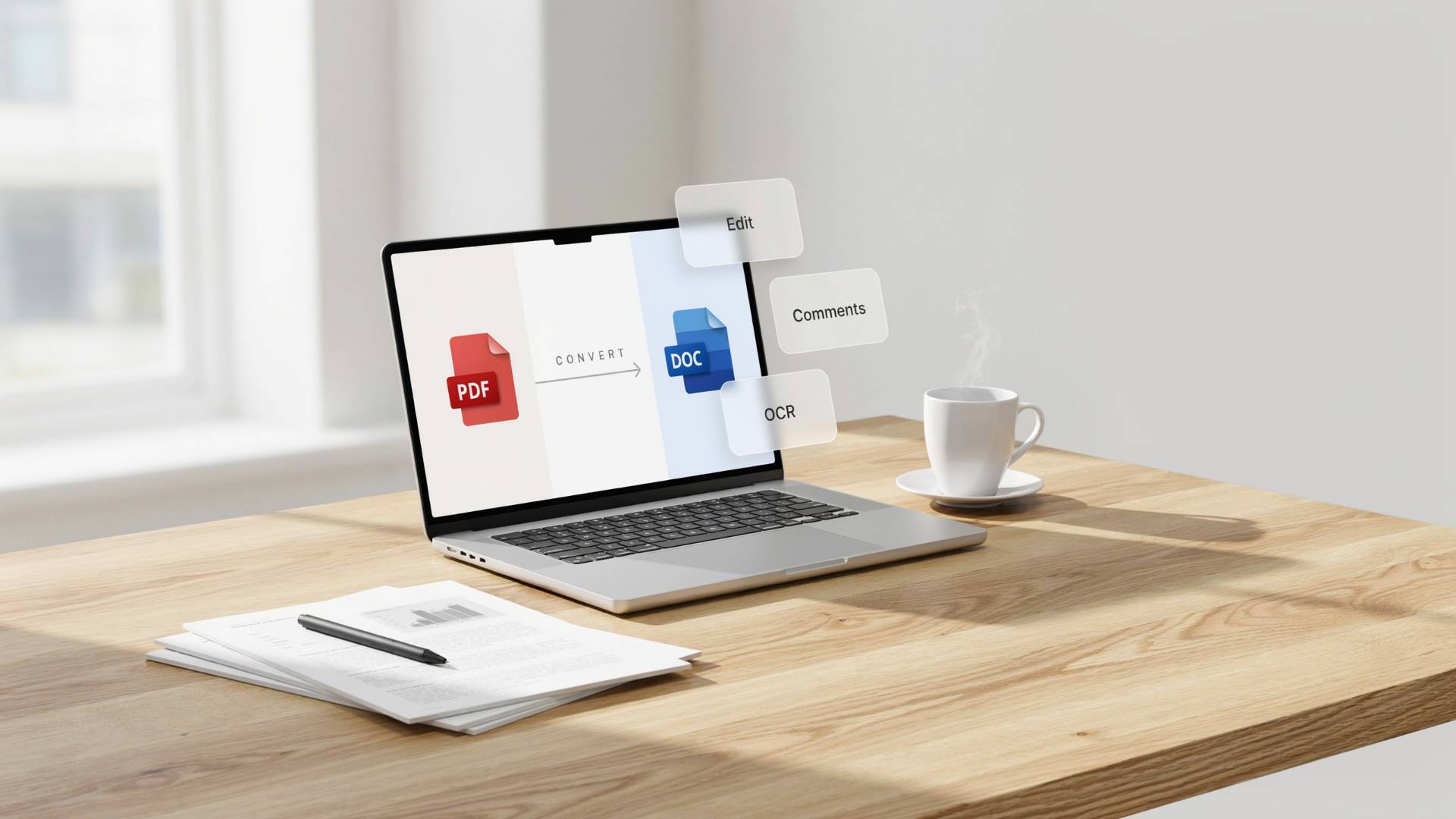
If you work with documents on a daily basis, you already know the pain. Someone sends you a PDF, a contract, a report, a proposal, and you need to make one small edit. One line. Maybe just a date change.
And suddenly you're stuck.
PDFs aren't built to be edited. That's kind of the whole point of them, they're meant to lock content in place so it looks the same no matter where it's opened. Great for sending. Terrible for editing.
That's where a PDF to Word converter becomes genuinely useful. Not as some fancy enterprise software, but as a practical, everyday tool that removes a frustration most office workers run into more than they'd like to admit.
Here's why it actually matters for your business.
1. You Can Edit Documents Without Starting Over
This sounds obvious, but it's worth saying plainly: converting a PDF to Word means you can open it, click where you want, and type. That's it.
No copying text into a blank document. No rebuilding tables from scratch. No reformatting headers for 20 minutes because the paste job made everything look wrong.
FileReadyNow's PDF to Word converter handles the conversion quickly, and the output opens in Word ready to edit, not a half-broken mess you have to clean up before you can even start working.
2. Batch Conversion Exists and It's a Lifesaver
Most people don't realize they can convert multiple PDFs at once until they've already spent an afternoon doing them one at a time.
If your team regularly handles large volumes of documents, think legal files, HR onboarding packs, financial reports, batch conversion changes the math significantly. What used to take a chunk of someone's afternoon becomes a two-minute task.
3. It Cuts Out a Surprising Amount of Busywork
Here's something worth thinking about: how many hours per month does your team spend recreating documents that already exist in PDF form?
Most businesses don't track this, but it adds up. Someone needs to update a proposal template. Someone else is adapting last year's report. Another person is trying to extract specific sections from a vendor contract.
All of that work gets faster, or disappears entirely, when you can just convert the PDF and work directly in Word.
4. Good Converters Keep Your Formatting Intact
This is where a lot of free tools fall apart. You convert the file, open it in Word, and find that the layout has completely fallen apart. Tables are broken, images are in the wrong place, fonts have changed, and the spacing looks nothing like the original.
A decent converter preserves the structure, tables stay as tables, headers look like headers, and you don't spend more time fixing the conversion than you would have just retyping everything.
If formatting accuracy matters to you (and for most professional documents, it should), it's worth using a tool that's actually built to handle it properly.
5. It Works Where You Work
Some people are at a desk with a full setup. Others are working from a laptop in a coffee shop or checking something on their phone between meetings.
A browser-based converter means you're not tied to a specific machine or a piece of software you had to install six months ago and might not have on your current device. You just open a browser, upload the file, and get the converted document back. Quick, simple, no friction.
6. Sensitive Documents Deserve Careful Handling
Not every PDF is low-stakes. Contracts, financial records, HR documents, client data, these are files where you need to know your information isn't being stored somewhere indefinitely or shared with third parties.
Before using any online conversion tool with confidential files, check what their privacy policy actually says about how long files are kept and whether they're used for anything else. A legitimate tool will be upfront about this; your documents shouldn't outlive their welcome on someone else's server.
7. Word Documents Are Easier to Collaborate On
PDFs are static. A Word document is something your team can actually work on together.
Once a PDF becomes an editable Word file, you unlock tracked changes, inline comments, version history, and real-time collaboration if you're using something like Microsoft 365. That makes a real difference during contract reviews, when multiple people are giving feedback on a report, or any time more than one person needs to be involved in editing a document.
PDFs are great for final versions. Word documents are better for everything that happens before that.
8. You Can Actually Reuse Content
Say you have a well-written section from an old report that's worth adapting for a new one. Or a contract clause that needs to be pulled into a different agreement.
With a PDF, getting that content out cleanly is a chore. With a converted Word file, it's just copy and paste, with formatting that actually survives the process.
9. Scanned Documents Don't Have to Be Dead Ends
A lot of businesses still have archives full of scanned PDFs, old contracts, paper forms that got digitized, signed documents from years ago. These files are basically images. You can't search them, can't select text, can't edit anything.
OCR (Optical Character Recognition) technology changes that. When it's built into the conversion process, it reads the text in those scanned images and turns them into real, searchable, editable content. If you're working with older document archives, this alone is worth paying attention to.
10. It Keeps You Inside Your Existing Workflow
Most business software ecosystems run on Microsoft Office. Word, Excel, PowerPoint, they're the default almost everywhere.
When documents live as PDFs, there's always an extra step involved in getting them into the tools your team is already using. Converting PDFs to Word removes that friction. The file just works with your workflow, without any workarounds.
11. Word Simply Gives You More to Work With
Word has tools a PDF viewer will never have. Spell check, grammar suggestions, style templates, mail merge, advanced formatting options, the list goes on.
Once your document is in Word, you're not just editing it. You're working with a full set of professional tools that help you produce something cleaner and more polished than you could get by trying to edit within a PDF viewer.
A Note on Workflow
Converting PDFs to Word is often just one part of how documents move through a business. You might also need to merge files, split them, get signatures, or archive them properly.
It's worth thinking about how your conversion tool fits into that bigger picture, ideally it handles not just the conversion itself, but the other steps that come before and after it. The goal is fewer manual steps, not just one less.
The Bottom Line
A PDF to Word converter isn't a flashy piece of technology. It's not going to transform your business overnight. But if your team deals with PDFs regularly, and most do, having a reliable way to convert them quickly and cleanly makes a noticeable difference in how smoothly work gets done.
Less time fighting documents. More time actually using them.
Frequently Asked Questions
A PDF to Word converter allows businesses to edit PDF documents without recreating them from scratch. It helps save time, preserve formatting, improve collaboration, and streamline document workflows across teams.
Yes. Many modern PDF to Word converters include OCR (Optical Character Recognition) technology, which can recognize text in scanned PDFs and convert it into editable and searchable Word documents..
A high-quality PDF to Word converter is designed to preserve formatting, including tables, images, fonts, headers, and page layouts. However, results may vary depending on the complexity of the original PDF and the quality of the conversion tool.
Table of Contents
Recent Posts

PDF to JPG Blurry? How to Convert a PDF Page With Sharp Text
5 days ago
HEX vs RGB vs HSL vs CMYK: Which Color Code Should You Use?
1 week ago
Video Converter Online Free: Which Format to Pick and Why
2 weeks ago
Audio Trimmer Online Free: Cut, Keep, or Remove Any Section
2 weeks ago
How Strong Should Your Password Actually Be in 2026?
3 weeks ago
HEIC vs JPG: Which Should You Actually Use?
1 month ago