DNS vs IP Address: What's the Real Difference and Why Does It Matter?

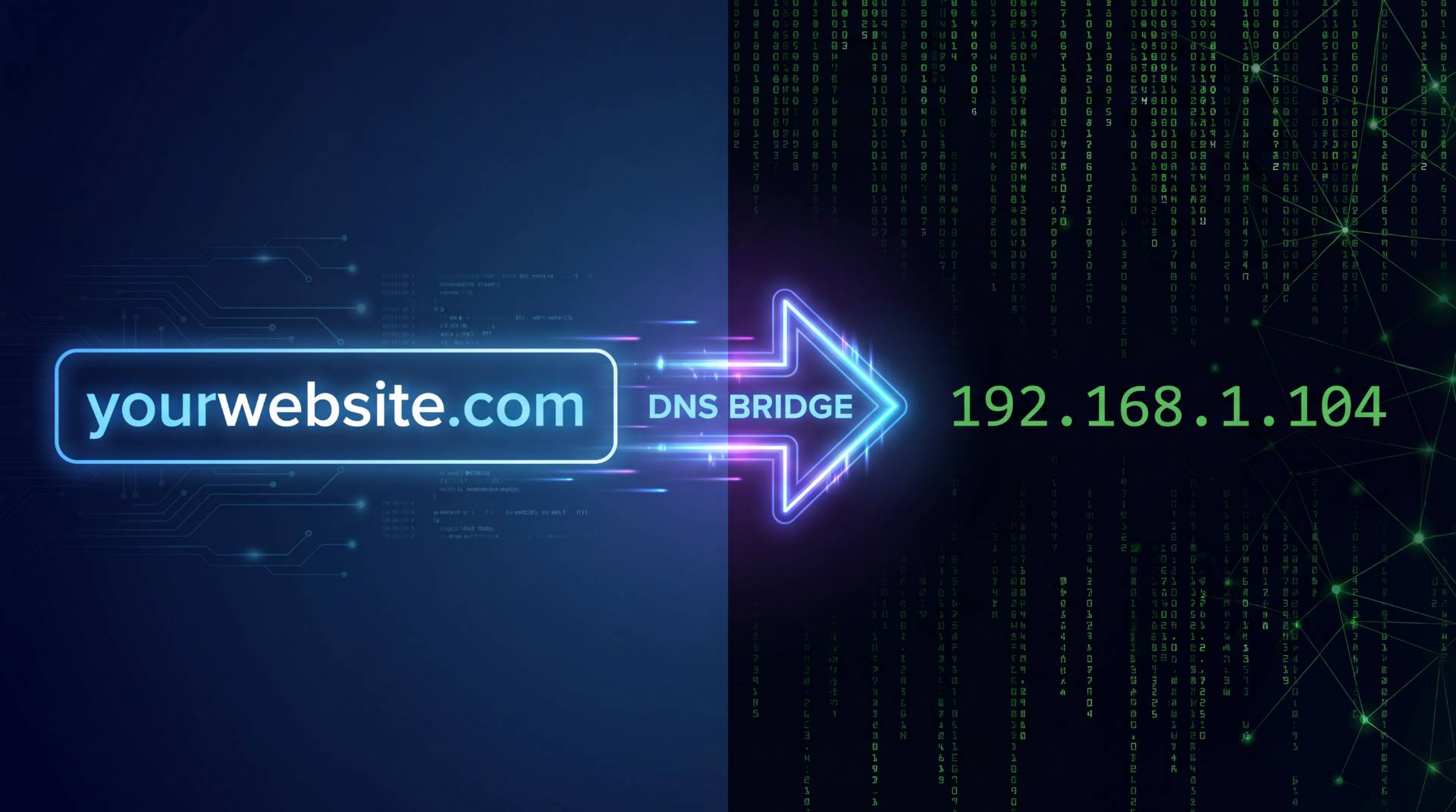
Let's say you want to visit a friend. You know their name, but to actually get to their house, you need an address. A street, a city, a zip code. Something a GPS can work with.
The internet works almost exactly the same way.
You know a website by its name, something like shopify.com or wikipedia.org. But your computer? It doesn't think in names. It thinks in numbers. And the system that sits between the human-friendly name and the machine-friendly number is what we call DNS.
That's the short version. But if you've ever wondered what's actually happening the moment you hit Enter in your browser, or why your newly launched site is working in one country and not another, this is worth understanding properly.
What Is an IP Address, Really?
Every device on the internet has an IP address. Your laptop, your phone, the server running your favorite website, all of them have one. It's a unique numerical label that identifies where a device lives on the network.
IPv4 addresses look like this: 93.184.216.34
IPv6 addresses (the newer format, built to handle the fact that we're running out of IPv4 space) look more like: 2606:2800:220:1:248:1893:25c8:1946
Neither is exactly memorable, right?
The IP address serves two functions: it identifies the device, and it gives the network enough information to route data to the right place. Think of it like a postal address. You can't mail a letter to "John's house." You need the full street address, number, road, city, country. The IP address is that full address, written in a language computers understand.
Here's something worth sitting with: if IP addresses are the actual locations, then the internet would technically work without domain names at all. You could type 93.184.216.34 into your browser and land on a website. It just wouldn't be how anyone uses the internet in practice, because who's going to memorize that string for every site they visit?
So What Is DNS?
DNS stands for Domain Name System. And the most honest explanation of what it does? It's a massive, globally distributed lookup table that translates human-readable names into IP addresses.
When you type google.com into your browser:
- Your device asks a DNS resolver (usually provided by your ISP or a service like Cloudflare or Google): "Hey, what's the IP address for google.com?"
- The resolver checks its cache. If it already knows, it answers immediately.
- If not, it asks an authoritative DNS server, essentially the official source of truth for that domain, and gets the answer.
- Your browser now has an IP address. It connects to that server. Your page loads.
All of that happens in milliseconds. Usually under 50 of them. You never notice it's happening.
DNS is not one server. It's a distributed system running across thousands of servers worldwide. That's why a DNS change you make today doesn't always show up everywhere at once. Different parts of the network are caching different versions of the answer, each with their own expiry time (called TTL, or Time to Live).
The Difference, Side by Side
Here's where people get confused, and honestly, the confusion is understandable. Both DNS and IP addresses are involved every time you visit a website. They work together. But they're doing very different jobs.
| IP Address | DNS |
|---|---|
| A numerical label for a device or server | A system that translates domain names into IP addresses |
| Numbers (e.g. 104.21.55.12) | Human-readable names (e.g. yoursite.com) |
| Used by computers and network infrastructure | Used by humans and computers after translation |
| Can change during hosting migrations | Records are updated and propagated globally |
| Without it, data cannot be routed | Without it, users must remember IP addresses |
One is the address. The other is the directory that helps you find it.
DNS Records: The Hidden Layer Most People Never See
Here's where it gets a little deeper, and this part matters if you own or manage a website.
DNS isn't just one record that maps your domain to an IP address. There are several types of DNS records, and each one has a specific purpose. These records tell the internet how to handle website traffic, email delivery, domain verification, and more.
A Record
The A Record is the most commonly used DNS record. It maps a domain name directly to an IPv4 address.
For example, when someone visits your website, the A Record tells their browser which server IP address hosts your site.
AAAA Record
The AAAA Record performs the same function as an A Record, but it works with IPv6 addresses instead of IPv4 addresses.
As IPv6 adoption continues to grow, these records are becoming increasingly important.
CNAME Record
A CNAME (Canonical Name) Record creates an alias for another domain.
For example, www.yourdomain.com can point to yourdomain.com instead of maintaining separate records. This makes DNS management simpler and more flexible.
MX Record
MX (Mail Exchange) Records control where your email is delivered.
When someone sends an email to your domain, MX Records tell mail servers where that message should be routed. If your MX Records are incorrect, email delivery may fail entirely.
TXT Record
TXT Records are commonly used for domain verification and security purposes.
Services such as Google Workspace, Microsoft 365, and various email providers often require TXT Records to verify domain ownership. They're also used for SPF, DKIM, and DMARC email authentication.
NS Record
NS (Name Server) Records define which nameservers are authoritative for your domain.
In simple terms, they tell the internet where the official DNS information for your domain is stored.
That's when a tool like the DNS Checker from FileReadyNow becomes genuinely useful. It lets you look up any DNS record type for any domain and see how it resolves across different geographic locations, useful when you're trying to figure out whether a change has propagated or whether something is misconfigured.
Why DNS Propagation Is the Source of So Much Confusion
You've made a DNS change. You're waiting for your website to point to a new server. Hours later, you're still seeing the old version of the site.
Welcome to DNS propagation.
One of the most misunderstood aspects of DNS is that changes do not become visible worldwide immediately. Different DNS servers around the world store cached copies of DNS records, and they don't all update at the same time.
What Is DNS Propagation?
DNS propagation refers to the time it takes for DNS record changes to spread throughout the global DNS network.
During this period, some users may see the updated website while others continue seeing the previous version.
This behavior is completely normal and is a result of DNS caching mechanisms designed to improve internet performance.
Understanding TTL (Time To Live)
Every DNS record includes a TTL value, which stands for Time To Live.
TTL determines how long a DNS server can cache a record before requesting an updated version.
A high TTL value means records remain cached longer, while a low TTL value allows updates to spread more quickly.
How to Speed Up DNS Changes
If you know you'll be making DNS changes soon, lowering your TTL value ahead of time can significantly reduce propagation delays.
Many administrators reduce TTL to around 300 seconds (5 minutes) before migrating websites or changing hosting providers.
This helps ensure the updated records are picked up faster by DNS servers around the world.
Does DNS Affect SEO?
More than many website owners realize.
Before a webpage can load, before JavaScript executes, before images appear, and before search engines crawl content, DNS must successfully resolve the domain name.
If DNS is slow, everything else becomes slower as well.
DNS and Page Speed
Every website visit begins with a DNS lookup. Slow DNS response times add extra latency before a connection to the server can even be established.
While DNS delays may seem small individually, they can contribute to slower page load times and a poorer user experience.
Website speed remains an important ranking factor and user experience metric.
DNS and Search Engine Crawling
Search engines rely on DNS to access your website.
If DNS services are unreliable or experience intermittent failures, search engine crawlers may encounter timeouts or fail to access important pages.
This can lead to indexing problems, reduced crawl efficiency, and ultimately lower search visibility.
Maintaining reliable DNS infrastructure is an often-overlooked aspect of technical SEO.
When Would You Actually Need to Think About This?
Most of the time, DNS works quietly in the background. You type a website address into your browser, hit Enter, and everything simply works. However, there are situations where understanding DNS becomes extremely valuable.
If you manage a website, run a business online, or use custom email addresses, you'll almost certainly encounter DNS at some point.
Launching a New Website
When launching a website, one of the first tasks is connecting your domain name to your hosting server. This is typically done by updating an A Record or changing nameservers provided by your hosting company.
Without proper DNS configuration, visitors won't be able to access your website even if the server itself is running perfectly.
Migrating to a New Host
Website migrations are one of the most common situations where DNS knowledge becomes important.
During a migration, DNS records are updated to point visitors to a new server. Because DNS propagation takes time, some users may see the old website while others see the new version.
This transition period often causes confusion for website owners who expect changes to appear instantly.
Troubleshooting Email Problems
If your email suddenly stops working, DNS should be one of the first places you investigate.
In many cases, email delivery problems are caused by incorrect MX Records, missing TXT Records, or accidental DNS changes.
Verifying DNS settings can quickly identify the source of many email-related issues.
Setting Up Google Workspace or Microsoft 365
Business email services typically require domain verification before they can be used.
This process often involves adding TXT Records and configuring MX Records correctly so email can be routed through the provider's servers.
Without these DNS records, the service won't function properly.
SSL Certificate Issues
DNS can also impact SSL certificate issuance.
CAA Records define which certificate authorities are permitted to issue SSL certificates for your domain. If these records are misconfigured, SSL validation can fail even when everything else appears correct.
Understanding DNS makes troubleshooting these situations much easier.
IPv4 vs IPv6: Does It Matter for DNS?
The internet is currently transitioning from IPv4 to IPv6, although both standards remain widely used today.
IPv4 addresses use a 32-bit structure and support approximately 4.3 billion unique addresses. While that once seemed like more than enough, the rapid growth of internet-connected devices created a need for a much larger address space.
IPv6 was developed to solve this problem.
A Records vs AAAA Records
On the DNS side, the difference between IPv4 and IPv6 appears through record types.
- A Records are used for IPv4 addresses.
- AAAA Records are used for IPv6 addresses.
Many modern websites support both protocols simultaneously to ensure maximum compatibility.
Dual-Stack Hosting Explained
Most major hosting providers now offer dual-stack configurations, meaning a website can be accessed using either IPv4 or IPv6.
This approach provides better compatibility across different networks and devices while helping prepare for the continued adoption of IPv6.
If your website only supports IPv4, users on certain IPv6-preferred networks may experience small connection delays as their systems fall back to IPv4.
A Quick Myth to Clear Up
Can You Use an IP Address Instead of a Domain Name?
This is a surprisingly common question.
Technically, yes. If you know the IP address of a web server, you may be able to access it directly through your browser.
However, this approach creates several practical problems.
- IP addresses can change when switching hosting providers.
- Many websites share a single IP address through virtual hosting.
- SSL certificates are generally issued for domain names, not IP addresses.
- IP addresses are difficult for users to remember.
Domain names and DNS provide flexibility, portability, and usability that would be difficult to achieve using raw IP addresses alone.
In other words, DNS is not simply a convenience. It is a fundamental piece of internet infrastructure.
The Bottom Line
DNS and IP addresses are often mentioned together, but they perform very different roles.
An IP address identifies where a device or server exists on a network. DNS translates human-friendly domain names into those numerical addresses, making the internet easier to use.
Without IP addresses, data would have no destination. Without DNS, users would need to memorize countless strings of numbers to navigate the web.
Together, these systems create the foundation that allows websites, email services, applications, and online platforms to function seamlessly.
For most people, understanding DNS and IP addresses is simply useful background knowledge. But for website owners, developers, marketers, and IT professionals, that knowledge can save hours of troubleshooting and prevent costly mistakes.
And if you ever find yourself staring at a website that suddenly stopped working, remember the old saying:
It's probably DNS.
Frequently Asked Questions
An IP address is a unique numerical identifier used to locate devices and servers on a network, while DNS (Domain Name System) translates human-readable domain names into those IP addresses. DNS makes it possible to access websites using easy-to-remember names instead of long strings of numbers.
DNS is essential because it connects domain names to web servers. Without DNS, users would need to enter IP addresses directly to visit websites. DNS also helps manage email routing, subdomains, and other critical internet services.
Yes. Slow or misconfigured DNS can increase page load times and make websites difficult for users and search engines to access. Reliable DNS services help improve website availability, user experience, and overall site performance.
Table of Contents
Recent Posts

PDF to JPG Blurry? How to Convert a PDF Page With Sharp Text
5 days ago
HEX vs RGB vs HSL vs CMYK: Which Color Code Should You Use?
1 week ago
Video Converter Online Free: Which Format to Pick and Why
2 weeks ago
Audio Trimmer Online Free: Cut, Keep, or Remove Any Section
2 weeks ago
How Strong Should Your Password Actually Be in 2026?
3 weeks ago
HEIC vs JPG: Which Should You Actually Use?
1 month ago