
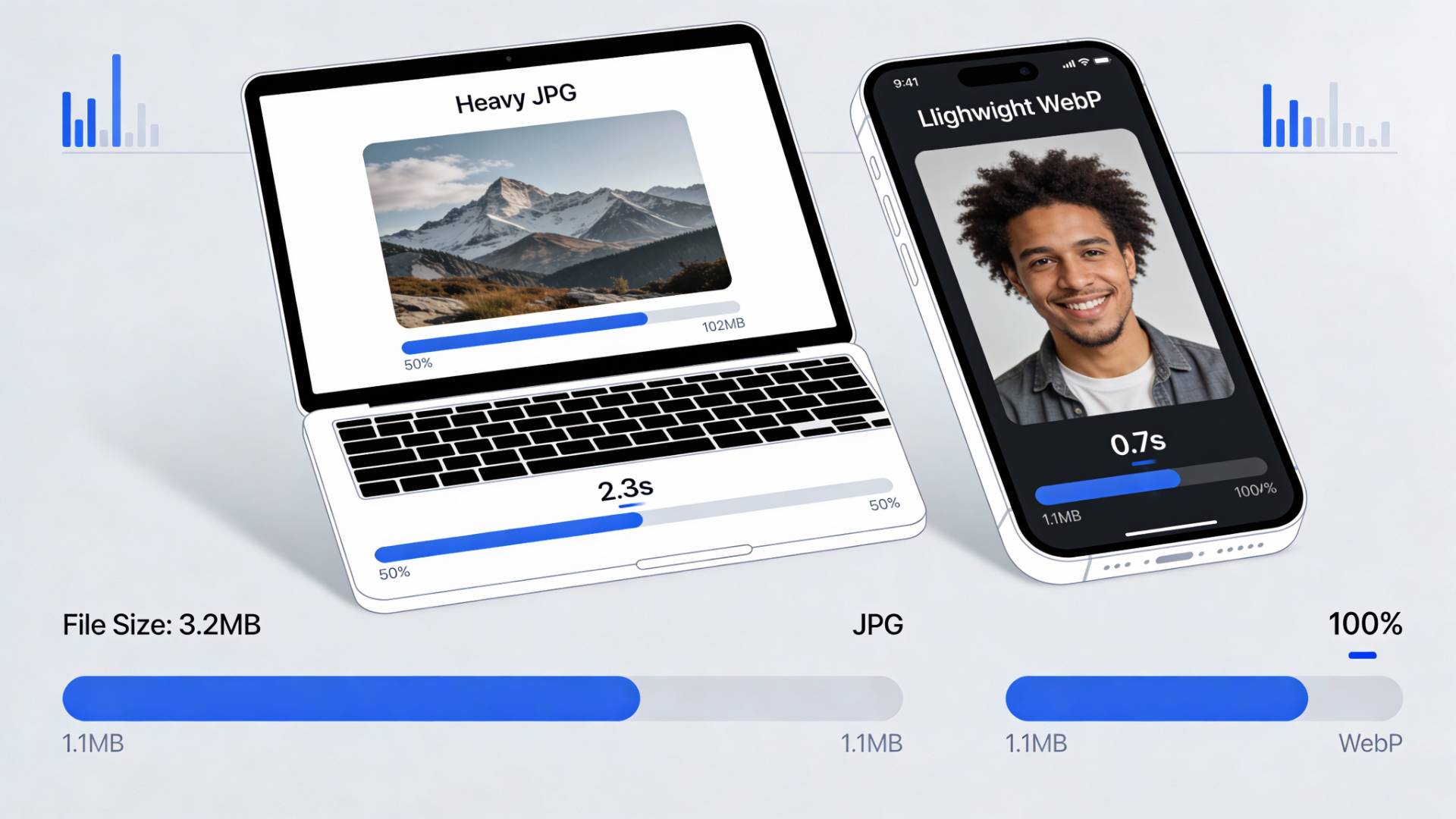
Let’s talk about something most websites quietly struggle with.
Not bad images. Not ugly images. Just… heavy ones.
You can have the best-written blog, the cleanest design, and solid backlinks—but if your images are bloated, your SEO is running with ankle weights. Google notices. Users feel it. Rankings reflect it.
This is exactly why converting JPG to WebP has gone from “nice to have” to “why haven’t you done this yet?”
Why Google Cares So Much About Image Size
Google’s job is simple: give users fast, helpful results. Speed isn’t a luxury anymore, it’s a baseline expectation.
When your page loads slowly, a few things happen almost instantly:
- Users hesitate
- Scrolls get delayed
- Bounces increase
And once that bounce happens, it sends a very clear signal: this page didn’t deliver fast enough.
Images are usually the biggest contributor to page weight. Not scripts. Not fonts. Images.
So when Google evaluates performance signals like Core Web Vitals, image size quietly plays a starring role.
JPG vs WebP: What’s Actually Different?
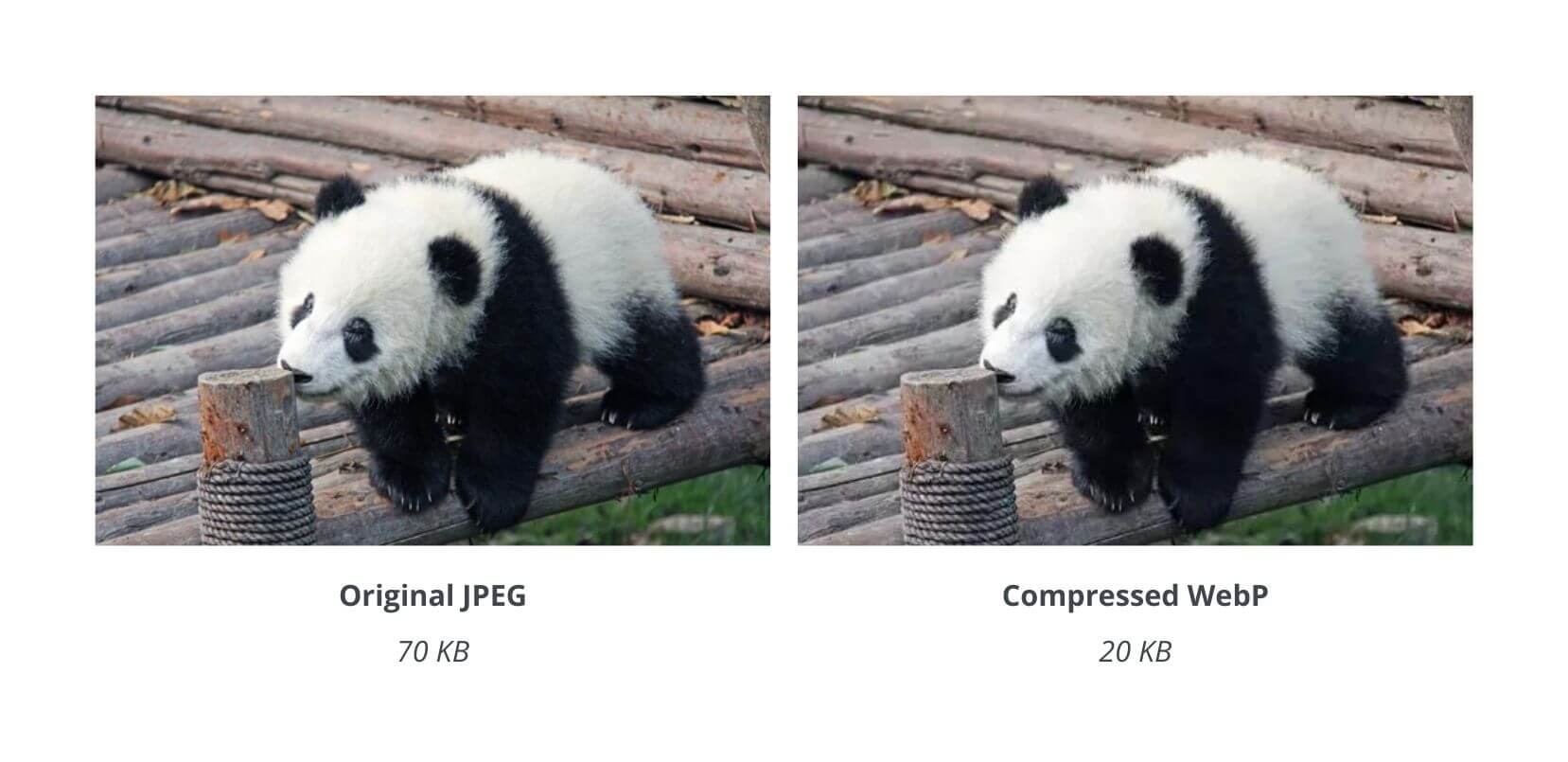
JPG has been around forever. It’s familiar. Reliable. Comfortable.
But comfortable doesn’t mean efficient.
WebP was built for the modern web. It uses smarter compression techniques that reduce file size without destroying visual quality.
Here’s the practical difference most site owners care about:
- WebP images are often 25–35% smaller than equivalent JPGs
- Quality stays visually intact
- Pages render faster, especially on mobile
Same image. Same design. Less data.
Think of it like switching from an old sedan to a hybrid. You still get where you’re going—you just burn less fuel.
How Smaller Images Directly Improve SEO Rankings
This isn’t theory. It’s cause and effect.
1. Faster Page Load Time
When you convert JPG to WebP, browsers download less data. Pages load faster. Google rewards that.
2. Better Core Web Vitals
Metrics like Largest Contentful Paint (LCP) are often image-based. Smaller images mean better scores.
3. Lower Bounce Rates
People don’t wait. Faster pages keep users engaged longer.
4. Improved Mobile Experience
Google uses mobile-first indexing. WebP performs exceptionally well on slower mobile networks.
SEO today is less about tricks and more about experience. Image optimization improves the experience instantly.
“JPG to Web Page” — What People Really Mean
You’ll often see searches like JPG to a web page. That phrase isn’t technically correct—but the intent behind it is.
People want images that:
- Load faster on websites
- Don’t slow down pages
- Work smoothly across devices
They’re not trying to turn images into HTML. They’re trying to make images behave better on the web. WebP solves exactly that problem.
Choosing the Right JPG to WebP Converter (This Matters)
Here’s where a lot of people stumble.
Some converters:
- Destroy image quality
- Add watermarks
- Overcomplicate a simple task
A good JPG to WebP converter should be invisible. No friction. No learning curve.
That’s why tools like the JPG to WebP converter from FileReadyNow work well in practice—it does one job, does it cleanly, and gets out of the way. That matters when you’re optimizing dozens (or hundreds) of images.
Does WebP Hurt Image Quality? Let’s Be Real
For most use cases? No.
Unless you’re running a photography portfolio where pixel-level fidelity is critical, WebP delivers excellent quality. Most visitors can’t tell the difference—and they’re not trying to.
They care about speed. Clarity. Smooth scrolling.
WebP delivers all three.
How to Implement JPG to WebP Without Breaking Anything
You don’t need to rebuild your site or panic-convert everything overnight.
A smart approach:
- Start with blog images
- Convert large hero images first
- Optimize images that appear above the fold
Most modern browsers support WebP natively. CMS platforms and CDNs already handle it gracefully. For manual uploads, converting images before publishing keeps things predictable and clean.
This is one of those rare SEO tasks where effort is low and payoff is immediate.
Image Optimization Is Quite SEO Power
Image optimization doesn’t scream for attention.
It doesn’t look impressive in a checklist. It doesn’t feel dramatic like link building or content rewrites.
But it works in the background, every visit, every scroll, every page load.
Converting JPG to WebP is one of those changes that compounds over time:
- Faster site
- Happier users
- Stronger SEO signals
And once it’s done, it keeps working without asking for anything back.
Final Thoughts
SEO isn’t about pleasing algorithms anymore. It’s about respecting time.
When your site loads fast, you’re telling users and Google that their experience matters. Smaller images do exactly that.
If you’re serious about performance, rankings, and long-term visibility, switching from JPG to WebP isn’t optional anymore. It’s foundational.
Sometimes the smartest SEO move isn’t adding more content.
It’s making what you already have lighter.





