Learn How a Website Metadata Checker can Improve Your Website Performance

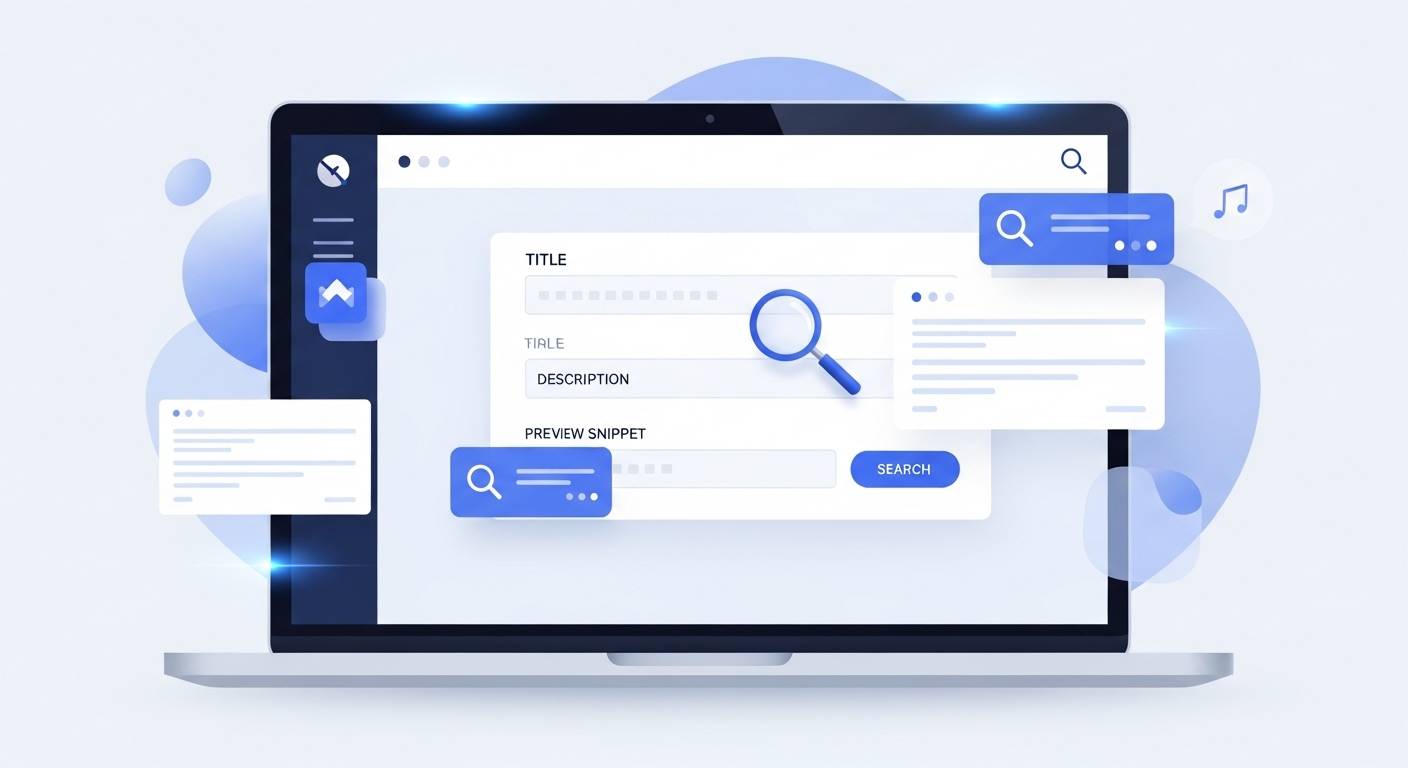
Let’s start with something simple. A website often looks polished on the outside, but search engines do not see beauty, layout, or branding first. They see text labels, descriptive tags, and hidden signals that explain what your page represents. When those signals are weak, missing, or duplicated, your content becomes harder to discover.
Think about your own search habits. When you see a search result with generic text like "Home" or "Welcome to our website," you scroll right past it. It doesn't trigger interest. It doesn’t promise value. That single moment where you decide whether to click or ignore is exactly where performance is shaped.
This is where tools like the metadata checker from FileReadyNow become valuable. They reveal the actual information search engines pick up, so you are not assuming. You are reviewing and improving with clarity.
Good metadata is not decoration. It is context. And context influences decisions.
What is a website metadata checker?
A website metadata checker reviews the descriptive elements that determine how your pages appear in search results and social previews. It evaluates details like:
- Page titles
- Meta descriptions
- Open Graph tags
- Keyword relevance
- Duplicated tags
- Missing metadata
Without a metadata check, you don't fully know how your site is being introduced to potential visitors. A checker does not improve content for you. It highlights gaps so you can address them before users encounter your site.
What is metadata in simple words?
Metadata is information that describes your content. It’s not the full article or product page—it's the short description that explains what the page intends to communicate.
Here is a basic comparison:
- Page content: Your article explaining how to improve conversions
- Metadata: A short line summarizing what the article teaches
Search engines use metadata to understand what your page offers. Users rely on metadata to decide if the page is worth clicking. When metadata is clear, the decision becomes obvious.
What are metadata tags, and why do they matter?
Metadata tags exist in the page header and are invisible in normal view, but visible to search engines. Some common examples include:
- Title tag
- Meta description
- Canonical tag
- Open Graph title and image tags
These tags help with:
- Search result previews
- Social media link previews
- Content relevance matching
- Clarity of page purpose
Without structured metadata tags, your pages do not present themselves properly.
How can Open Graph Tags SEO help improve website performance?
Open Graph Tags determine how your links appear when shared on platforms like Facebook, Instagram, WhatsApp, Slack, or LinkedIn.
With correct OG tagging, your shared links display:
- A relevant thumbnail image
- A short headline
- A meaningful summary
It instantly makes your link more clickable. When a link looks appealing, it gets shared more. When links are shared more, you receive more traffic. When visitors click more, search engines treat your page as relevant. That chain reaction starts with proper tagging.
Is a meta description checker useful?
A meta description checker identifies what needs improvement before your audience sees it. Typically, it can point out:
- Missing descriptions
- Duplicate content
- Length that exceeds search limits
- Descriptions unrelated to the page topic
- Weak or generic wording
A weak meta description says: "We offer many services for businesses."
A stronger description says: "Learn how to improve website performance by using metadata insights, optimized previews, and relevant descriptions."
One option sounds vague. The other sets expectations clearly. People respond to clarity.
What happens if metadata is missing?
Missing metadata does not break your website. But over time, it reduces performance. Effects include:
- Lower click-through rate
- Reduced relevance
- Poor preview displays
- Random auto-generated descriptions
Google occasionally creates auto descriptions from visible text on your page, but those fragments rarely represent your message accurately. If you don't control how your website is introduced, the introduction will be created for you. And that rarely reflects your intention.
A metadata example you can visualize
Here is a quick practical difference.
Weak preview:
Title: Home
Description: Welcome to our page.
Strong preview:
Title: Learn Website Marketing Strategies and SEO Tips
Description: Explore simple, structured guides that help you improve website ranking and boost engagement without complicated tools.
Which one would you click? Visitors often decide within three seconds.
What are meta tags SEO-wise?
Meta tags guide relevance rather than determining ranking directly. Search engines examine whether descriptions match content, whether titles relate to search intent, and whether users engage after the click.
When people click, scroll, and stay longer, those signals indicate relevance. That engagement often leads search engines to prioritize your page higher. So, meta tags do not rank you by themselves. They support the behavior that helps your ranking increase.
How to check metadata manually
If you want to examine metadata without tools:
- Right-click on your website
- Select "View Page Source"
- Search for tags like <title> or <meta>
You will find everything there, though not in a clean layout. This method works, but it becomes time-consuming when checking multiple pages or when looking for duplicate tags. That's why automated metadata checkers make the process easier. They organize data, so you have actionable insight instead of scattered code.
Conclusion
Your website performance is shaped long before someone reads your content. It begins when they view your title and description inside a search result or shared link preview.
Metadata influences that moment. Users click when something feels relevant, familiar, useful, or intriguing. When your metadata expresses value clearly, more people reach your page.
Your website already has content. Improving metadata simply makes that content discoverable, understandable, and worth choosing.
Table of Contents
Recent Posts

PDF to JPG Blurry? How to Convert a PDF Page With Sharp Text
5 days ago
HEX vs RGB vs HSL vs CMYK: Which Color Code Should You Use?
1 week ago
Video Converter Online Free: Which Format to Pick and Why
2 weeks ago
Audio Trimmer Online Free: Cut, Keep, or Remove Any Section
2 weeks ago
How Strong Should Your Password Actually Be in 2026?
3 weeks ago
HEIC vs JPG: Which Should You Actually Use?
1 month ago