What Is a CSS Minifier and Why It Matters for Website Performance

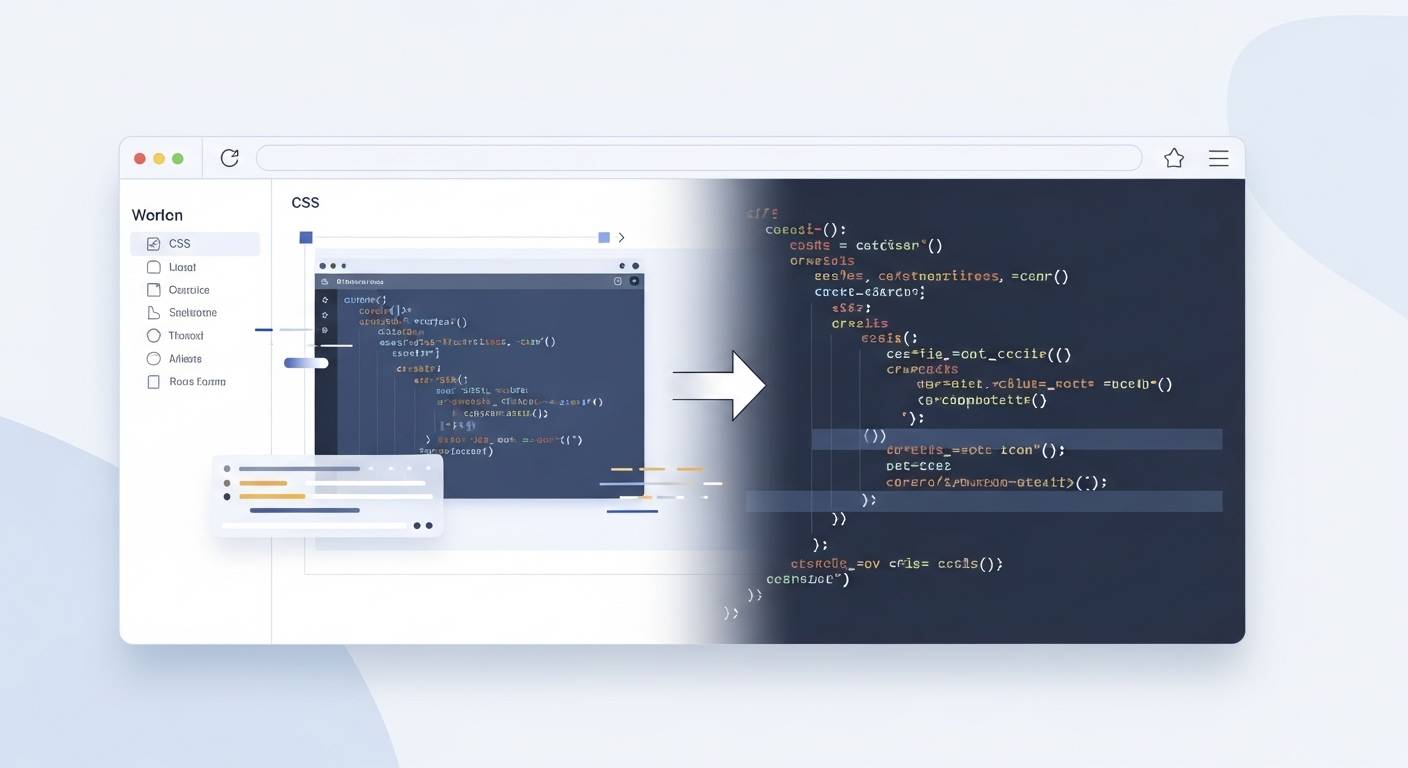
Let’s be honest for a second. You can have beautiful layouts, thoughtful animations, and flawless branding—but if your site loads slowly, most visitors won’t stick around long enough to notice.
That’s where a CSS minifier quietly does its job.
It’s not flashy. It doesn’t change how your site looks. But behind the scenes, it can make a noticeable difference in how fast your pages load, and how smooth everything feels.
What Is a CSS Minifier? (The Straight Answer)
A CSS minifier is a tool that reduces the size of your CSS files by removing anything the browser doesn’t actually need to render your design.
- Extra spaces
- Line breaks
- Comments
- Repeated or unnecessary formatting
The result? A smaller file that does the same job.
Think of it like packing for a trip. You’re not throwing away clothes—you’re folding them tighter so everything fits neatly in the bag.
How CSS Minification Actually Works
When developers write CSS, they write it for humans. Clean spacing. Helpful comments. Logical structure.
Browsers don’t care about any of that.
body {
  background-color: #ffffff;
  margin: 0;
}body{background-color:#fff;margin:0}Same instructions. Smaller file.
Some tools even CSS Minify line by line, ensuring every unnecessary character is removed while keeping the rules intact.
Why CSS Minification Matters for Website Performance
1. Faster Load Times
Smaller CSS files download faster, especially on mobile networks. When you minify CSS, the browser has less work to do.
2. Better User Experience
Fast-loading sites feel polished and trustworthy. Minified CSS reduces visual delays while styles load.
3. Improved SEO Signals
Page speed is a known ranking factor. While minification alone won’t guarantee higher rankings, it removes friction that search engines care about.
4. Lower Bandwidth Usage
Smaller files mean less data transfer, which adds up over time—especially on high-traffic websites.
Is Minifying CSS Risky?
Short answer: no, if you do it right.
Modern tools don’t change your logic; they just compress it. Always keep your original CSS for development and serve the minified version in production.
CSS Minifier Online vs Local Tools
There are two common ways to minify:
- Build tools like Webpack or Vite
- CSS minifier online tools for quick optimization
For smaller projects or quick tasks, an online tool can be ideal. Some developers use the CSS minifier from FileReadyNow because it’s simple and efficient without unnecessary steps.
What Makes the Best CSS Minifier?
- Doesn’t break styles
- Handles edge cases cleanly
- Produces consistent output
- Focuses on reliability over extreme compression
When Should You Minify CSS?
Use readable CSS during development. Use minified CSS in production. Every time.
Skipping minification means leaving free performance improvements unused.
Final Thoughts
CSS minification won’t win awards, but it makes your site faster, lighter, and more respectful of your users’ time.
Whether you use a build tool or a CSS minifier online like FileReadyNow, the goal stays the same: do more with less.
Table of Contents
Recent Posts

PDF to JPG Blurry? How to Convert a PDF Page With Sharp Text
5 days ago
HEX vs RGB vs HSL vs CMYK: Which Color Code Should You Use?
1 week ago
Video Converter Online Free: Which Format to Pick and Why
2 weeks ago
Audio Trimmer Online Free: Cut, Keep, or Remove Any Section
2 weeks ago
How Strong Should Your Password Actually Be in 2026?
3 weeks ago
HEIC vs JPG: Which Should You Actually Use?
1 month ago