What Is Image Compression And How Does It Work?

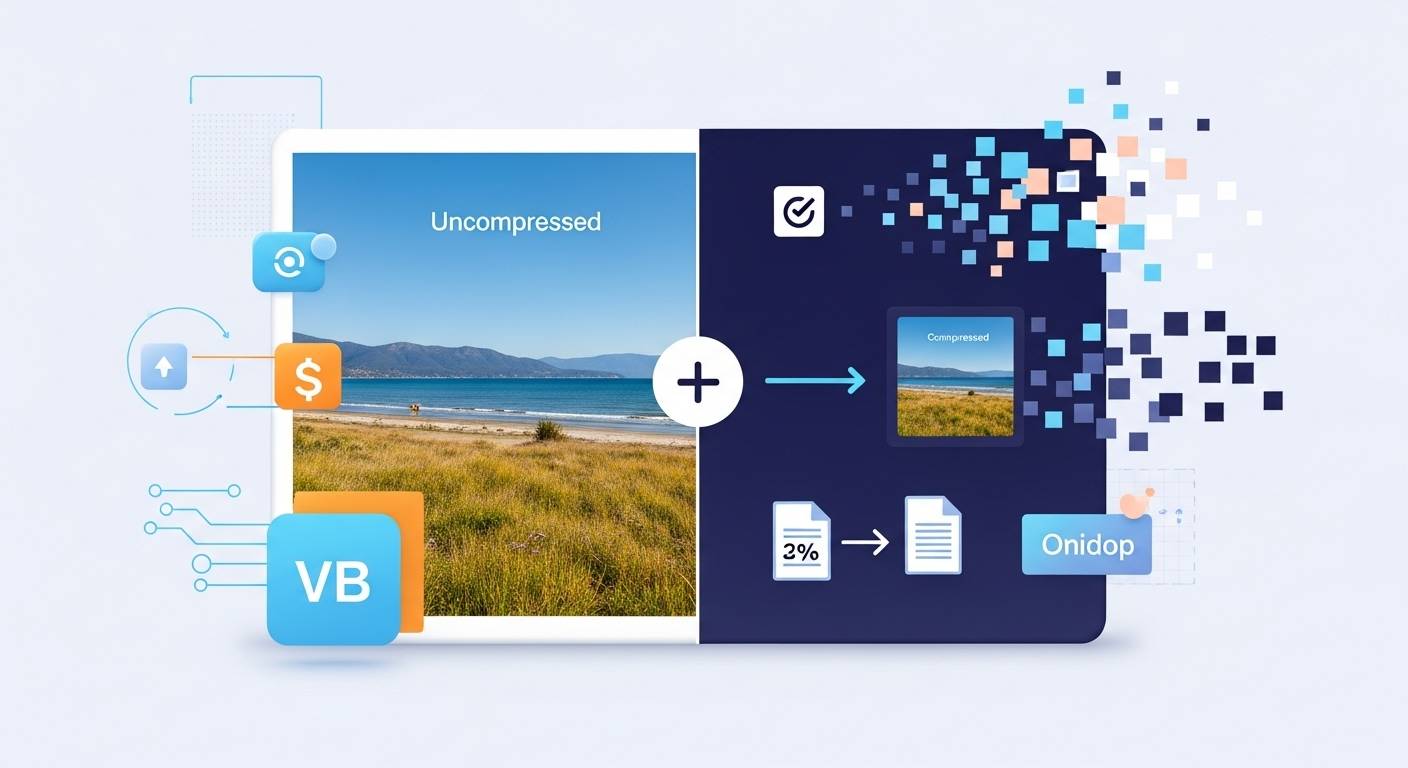
Most people only notice image compression when a photo refuses to upload, and they start hunting for an online image compressor to make the file smaller. Sometimes a simple free tool like the one on FileReadyNow.com fixes the problem in seconds. But image compression goes far deeper than shrinking files for a single upload. It quietly shapes how fast the entire internet feels.
If you have ever wondered why some pages load instantly while others make you wait, or why the same photo can be a few megabytes on your phone but only a few hundred kilobytes online, this guide will give you the full picture. It is designed to answer every question you might have, even the ones you did not know you had, in one place.
What Image Compression Actually Means
Image compression is the process of reducing the size of a digital image by removing unnecessary data or storing the same information more efficiently. The goal is to make the file smaller without making the image look worse.
Every digital image contains millions of tiny pieces of information. The human eye cannot perceive all of them, so compression trims the excess while keeping what our eyes naturally care about. This is why a photo can look identical even after being compressed to one-tenth its size.
Why Images Need to Be Compressed
Uncompressed images are extremely large because they record every pixel in full detail. That creates problems in several areas:
- Slow loading — big files take longer to load on websites and apps.
- Higher data use — mobile users burn more data when pages contain heavy images.
- Storage pressure — phones, laptops, and servers fill up faster.
- Search engine performance — search engines prioritize fast pages and heavy images slow them down.
- Upload limits — email services, online forms, and content platforms often reject very large files.
Compression solves all of these problems by dramatically reducing file sizes while keeping the image visually familiar.
The Two Main Types of Image Compression
Lossless Compression
Lossless compression keeps every pixel intact. It simply stores the same information in a more efficient way.
Best for: logos, icons, screenshots, diagrams, illustrations, text-heavy graphics.
Typical formats: PNG, GIF, some WebP images.
Why use it: perfect clarity, no quality loss, ideal for images that must stay sharp.
Lossy Compression
Lossy compression removes tiny details that the eye usually cannot detect. It keeps what matters visually and discards what does not.
Best for: photographs, digital photos, product shots, lifestyle images.
Typical formats: JPEG, WebP, HEIC.
Why use it: much smaller files, faster loading, great for web use.
If you have ever uploaded a photo to a social platform and noticed no change in appearance, you have already benefited from lossy compression.
How Image Compression Works Behind the Scenes
The full math behind compression is complex, but the ideas are simple enough to understand without formulas.
Identifying Repetition
Many images contain repeated patterns. A compressor detects these patterns and stores them more efficiently, rather than pixel by pixel.
Simplifying Color Gradients
Photos often contain areas where the colors are almost identical. Compressors merge these tiny variations without affecting the way the image looks to the eye.
Dividing the Image into Blocks
Some methods break the image into small squares. Each square is analyzed to see which parts are visually important and which can be simplified.
Transforming and Reconstructing
Algorithms convert the image into mathematical data, remove unnecessary detail, and then rebuild a lighter version of the file.
These steps make it possible to reduce a photo from several megabytes to a fraction of that size without a dramatic change in quality.
How Modern Compressors Make the Job Easy
Modern tools take care of the technical work for you. A well-built image compressor typically provides:
- instant reduction in file size
- adjustable compression levels
- previews so you can compare before and after
- support for common formats like JPEG, PNG, and WebP
- bulk compression for multiple photos at once
- the option to compress by a specific target size
These features make it simple to produce small, clean images without needing technical skills.
Why Image Compression Matters More Today
Digital experiences have become more visual. People expect crisp photos, clean graphics, and fast performance all at once. Compression makes that possible.
It helps:
- Keep websites fast
- Save mobile data
- Preserve storage space on devices
- Improve search engine rankings
- Make photos easier to share
- Support accessibility for users with slow connections
Without compression, modern digital experiences would feel clunky and slow.
The Core Idea to Remember
Image compression is the practice of keeping everything your eyes care about while trimming the excess. It creates files that are small, quick to load, and visually strong without relying on more storage or bandwidth.
Everything else is just implementation.
Table of Contents
Recent Posts

PDF to JPG Blurry? How to Convert a PDF Page With Sharp Text
5 days ago
HEX vs RGB vs HSL vs CMYK: Which Color Code Should You Use?
1 week ago
Video Converter Online Free: Which Format to Pick and Why
2 weeks ago
Audio Trimmer Online Free: Cut, Keep, or Remove Any Section
2 weeks ago
How Strong Should Your Password Actually Be in 2026?
3 weeks ago
HEIC vs JPG: Which Should You Actually Use?
1 month ago