
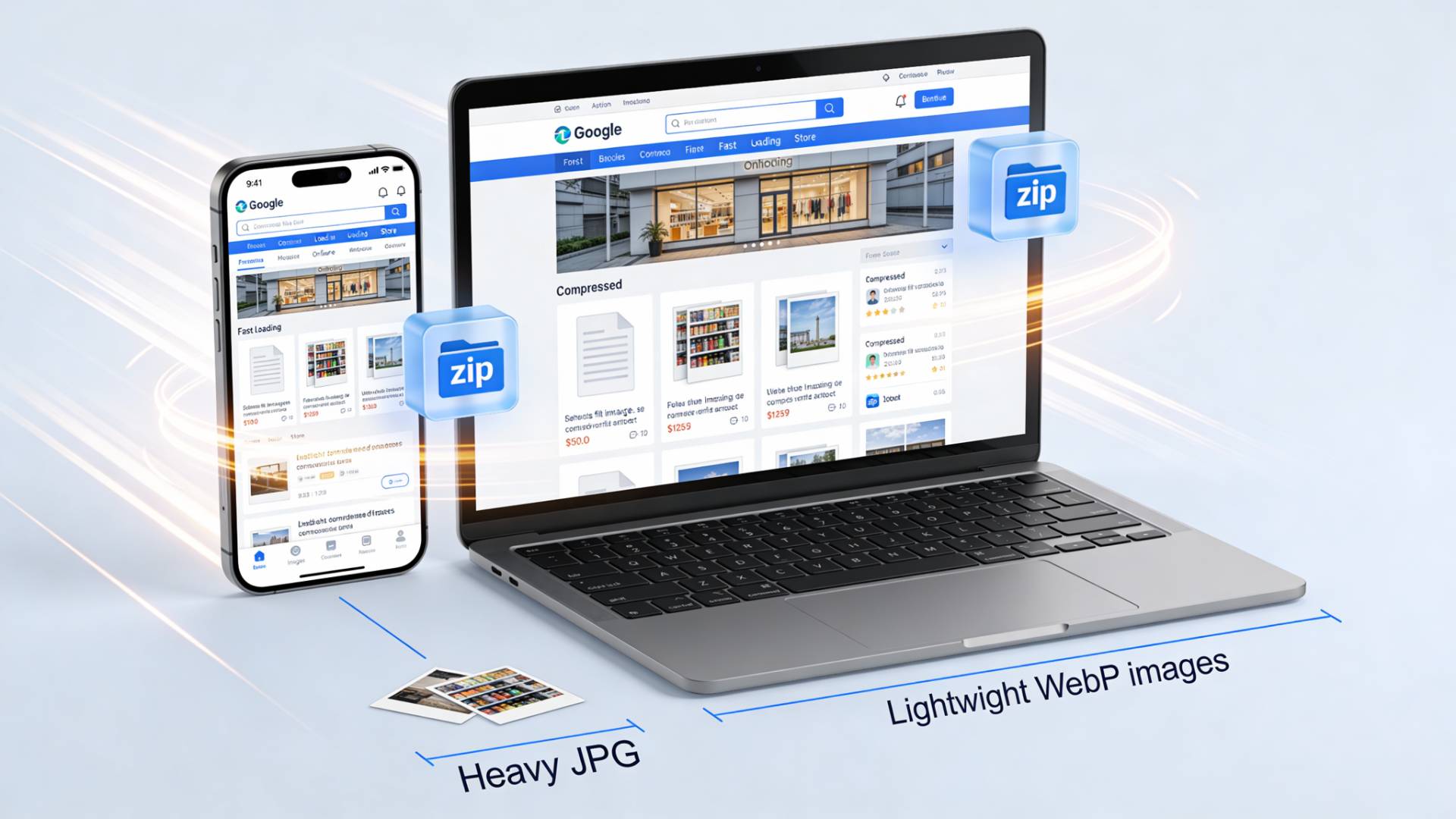
Most e-commerce websites don’t fail because of bad products. They fail because something feels off. Pages load a little too slowly. Images look fine, but not great. Mobile users bounce before the first product even finishes loading.
And nine times out of ten, the quiet culprit is images.
If your store still relies heavily on JPG files, you’re leaving performance, SEO, and revenue on the table. Not because JPG is “bad”, but because the web has moved on.
This is where WebP enters the conversation. And yes, it deserves your attention.
The Real Problem with JPG Images in Online Stores
JPG has been around forever. It’s familiar. Reliable. Comfortable.
But that’s also the problem.
JPG images are heavier than they need to be. On an image-heavy e-commerce site—product photos, thumbnails, banners, lifestyle shots—that extra weight adds up fast.
What does that mean in the real world?
- Slower page loads
- Frustrated mobile shoppers
- Lower conversion rates
- Missed SEO opportunities
Google has been pretty clear about this: speed matters. And images are often the biggest speed bottleneck on e-commerce pages.
So the question isn’t “Are JPGs usable?”
It’s “Why keep using them when there’s something better?”
What Makes WebP Different (and Better)
WebP is a modern image format developed specifically for the web. It’s designed to do one thing extremely well: deliver high-quality images at much smaller file sizes.
Here’s the twist most people miss:
WebP doesn’t just compress images harder, it compresses them smarter.
Compared to JPG, WebP images are typically 25–35% smaller at the same visual quality. Sometimes even more.
That’s not a minor improvement. That’s the difference between a page that feels instant and one that feels sluggish.
Why Page Speed Isn’t Just a “Tech Metric”
Speed isn’t abstract. It’s emotional.
You know the feeling, tapping on a product, waiting, watching the spinner, then giving up. Your customers feel it too.
When you convert JPG to WebP, here’s what actually improves:
- Faster product page loads
- Smoother scrolling on mobile
- Quicker image rendering on slower networks
- Lower bounce rates
Google rewards this. Users reward this. Your checkout funnel absolutely rewards this.
SEO Benefits: WebP Gives You an Edge
Search engines don’t “see” images the way humans do. They see performance signals.
WebP helps you win on several fronts:
- Faster Largest Contentful Paint (LCP)
- Better Core Web Vitals scores
- Reduced bandwidth usage
- Improved crawl efficiency
And no, switching to WebP doesn’t hurt image indexing. Google fully supports WebP in search results.
In other words, converting JPG to WEBP isn’t just an optimization. It’s a competitive advantage.
Does WebP Affect Image Quality?
Short answer: No.
This is the fear that stops many store owners.
“But my product images need to look sharp.”
They will.
WebP supports both lossy and lossless compression, meaning you control how aggressive the compression is. In most cases, shoppers won’t see any difference, except that images appear faster.
That’s a trade-off worth making.
How Can I Convert JPG to WebP Without Breaking My Workflow?
Good question. And an important one.
You don’t need to redesign your site or manually replace images one by one. There are tools that let you convert JPG to WebP in bulk, keeping filenames and quality intact.
For example, tools like the JPG to WebP converter by FileReadyNow make the process straightforward, especially if you’re dealing with hundreds of product images. It’s a practical option when you want results without friction.
The key is choosing a solution that:
- Supports bulk conversion
- Maintains visual quality
- Works without forced signups
- Doesn’t complicate your existing setup
Once converted, most modern CMS platforms and CDNs handle WebP delivery seamlessly.
Bulk Conversion: Why It Matters for E-commerce
If you’re running a store with dozens, or thousands, of products, single-image tools won’t cut it.
A JPG to WebP bulk converter lets you:
- Optimize entire product catalogs at once
- Maintain consistent image quality
- Save hours of manual work
Pair that with a reliable WebP compressor, and you can fine-tune file sizes without sacrificing detail.
This is where optimization becomes scalable, not tedious.
Is JPG to WebP Free Conversion Actually Viable?
Yes. As long as you’re smart about the tool you choose.
Many online tools offer JPG to WebP free conversion, which is perfect for testing or smaller batches. For ongoing e-commerce needs, reliability and consistency matter more than flashy features.
Again, the goal isn’t to chase tools. It’s to build a faster store.
When You Should Definitely Switch to WebP
Still on the fence? Here’s a simple rule of thumb.
You should convert JPG to WebP if:
- Your site relies heavily on images
- Mobile traffic makes up a large share
- Page speed scores are underperforming
- You care about SEO and user experience
That’s most e-commerce sites.
Final Thought: This Is One of Those “Quiet Wins”
Converting images doesn’t feel exciting. It’s not a redesign. It won’t impress anyone in a meeting.
But it works.
Switching from JPG to WebP is one of those behind-the-scenes decisions that quietly improves everything, speed, SEO, conversions, and user trust.
And once it’s done, you’ll wonder why you waited.





