Bear Necessities: A Fun Parenting Simulator for Kids

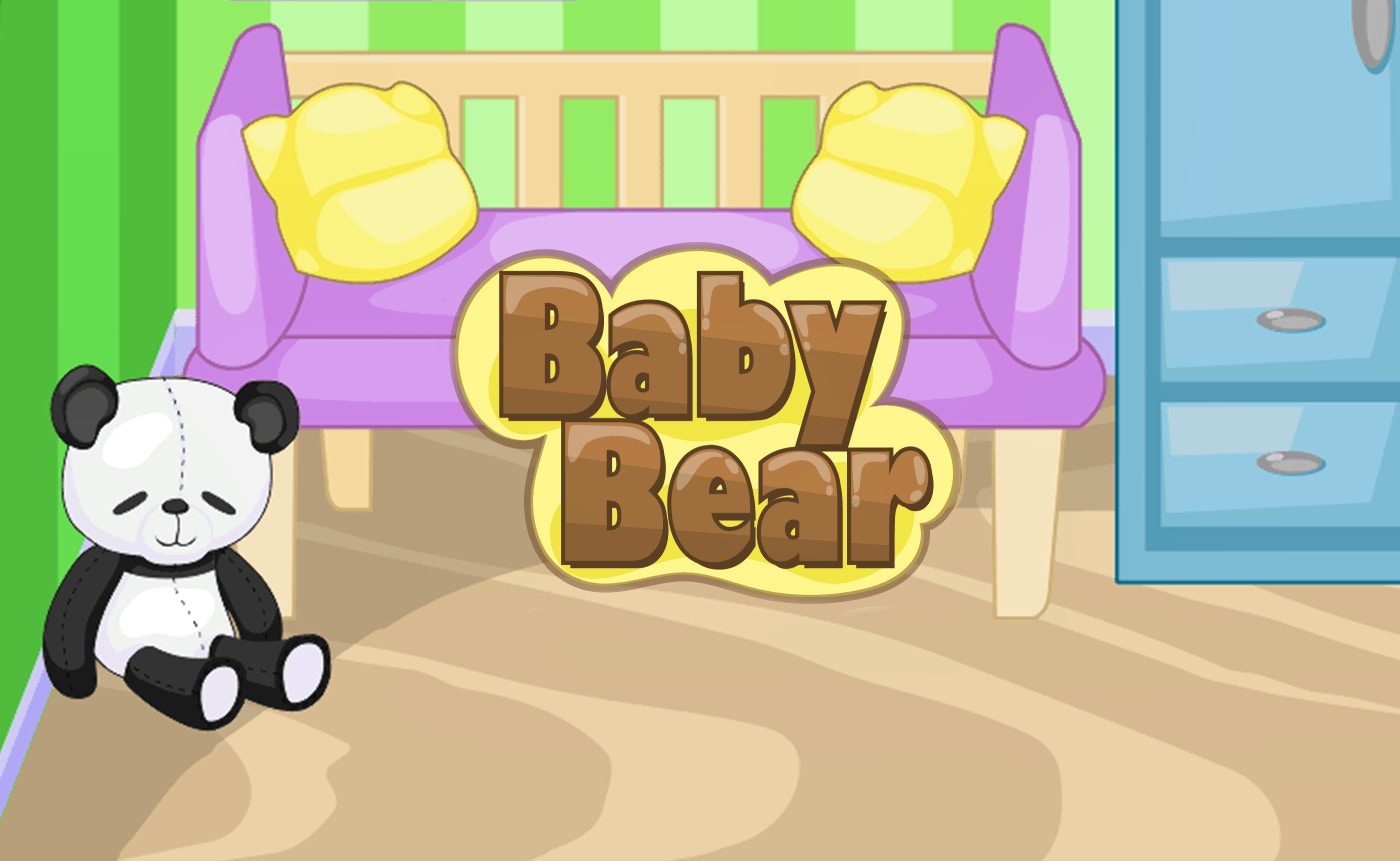
TL;DR: Baby Bear is a charming parenting simulator where you care for a baby bear and help its parents prepare for the new arrival. It's a fun, casual game with creative customization and engaging scenarios.
I was surprised by how much I enjoyed Baby Bear. The game is a great way to pass the time, and it's perfect for kids who love animals or want to experience what it's like to be a parent. As I played, I found myself getting invested in the bear family's story. The characters are adorable, and the gameplay is easy to pick up.
What is Baby Bear?
Baby Bear is a parenting simulator game where you help Mummy and Daddy Bear care for their new baby.
The game is designed for kids, with a focus on creativity and nurturing. You'll help the bear parents prepare the nursery, feed and bathe the baby, and play with it to keep it happy.
How do you play Baby Bear?
You play Baby Bear by tapping or clicking to interact with the game world.
The controls are simple and intuitive. You'll tap to feed the baby, change its diaper, or play with it. As you progress, you'll unlock new items and activities to keep the baby happy and healthy. If you've played other casual games like Pet Stories or Nintendogs, the gameplay will feel familiar.
Tips That Actually Work
One tip that helped me was to keep an eye on the baby's hunger and happiness meters. If you neglect these, the baby will get upset, and it'll be harder to care for it. Try to balance feeding, playing, and resting to keep the baby content. You can also customize the nursery with different toys and decorations to keep things interesting.
Is Baby Bear good for young kids?
Yes, Baby Bear is suitable for young kids.
The game is designed to be safe and fun for children. The gameplay is easy to understand, and the characters are cute and non-threatening. It's a great way to introduce kids to the concept of parenting and responsibility.
The Experience
As I played Baby Bear, I noticed that the game's soundtrack can get a bit repetitive after a while. However, the visuals are charming, and the characters have distinct personalities. The game does a great job of capturing the feeling of caring for a new baby, and it's a lot of fun to play.
In conclusion, Baby Bear is a delightful game that's perfect for kids who love animals or want to experience parenting. We love how creative and engaging it is. If you're looking for a fun, casual game to play with your kids, give Baby Bear a try ▶. You can start playing here or explore more kids games.
Frequently Asked Questions
Is Baby Bear available on mobile?
Yes, Baby Bear is available to play on mobile devices. You can play it in your browser without needing to download an app.
How long does it take to complete Baby Bear?
Baby Bear is a casual game that's designed to be played in short sessions. You can play for as long as you like, and there's no specific completion goal.
Can I play Baby Bear with my kids?
Yes, Baby Bear is a great game to play with your kids. It's designed for children, and the gameplay is easy to understand.
Is Baby Bear free to play?
Yes, Baby Bear is free to play. You can start playing right away without creating an account or paying a fee. You can also browse our games library for more free games.
Are there any ads in Baby Bear?
Yes, there may be ads displayed in Baby Bear, especially on mobile devices. However, the ads are non-intrusive and don't disrupt the gameplay experience.
Table of Contents
Recent Posts
Bouncing Ball Review: A Reflex Test That's Hard to Put Down
12 hours ago
Monkeys Fighting Review: Fast Jungle Brawls in Your
17 hours ago
Froggee Review: The Timing Game That Hooks You Fast
18 hours ago
Skibidi Toilet Game Review: Orbs, Goos, and One More
18 hours ago
Car Driving Test Review: A Free Parking Game That
18 hours ago
Happy Kittens Puzzle Review: 60 Levels of
18 hours ago