Chess Fans Rejoice: Master Chess Multiplayer Review

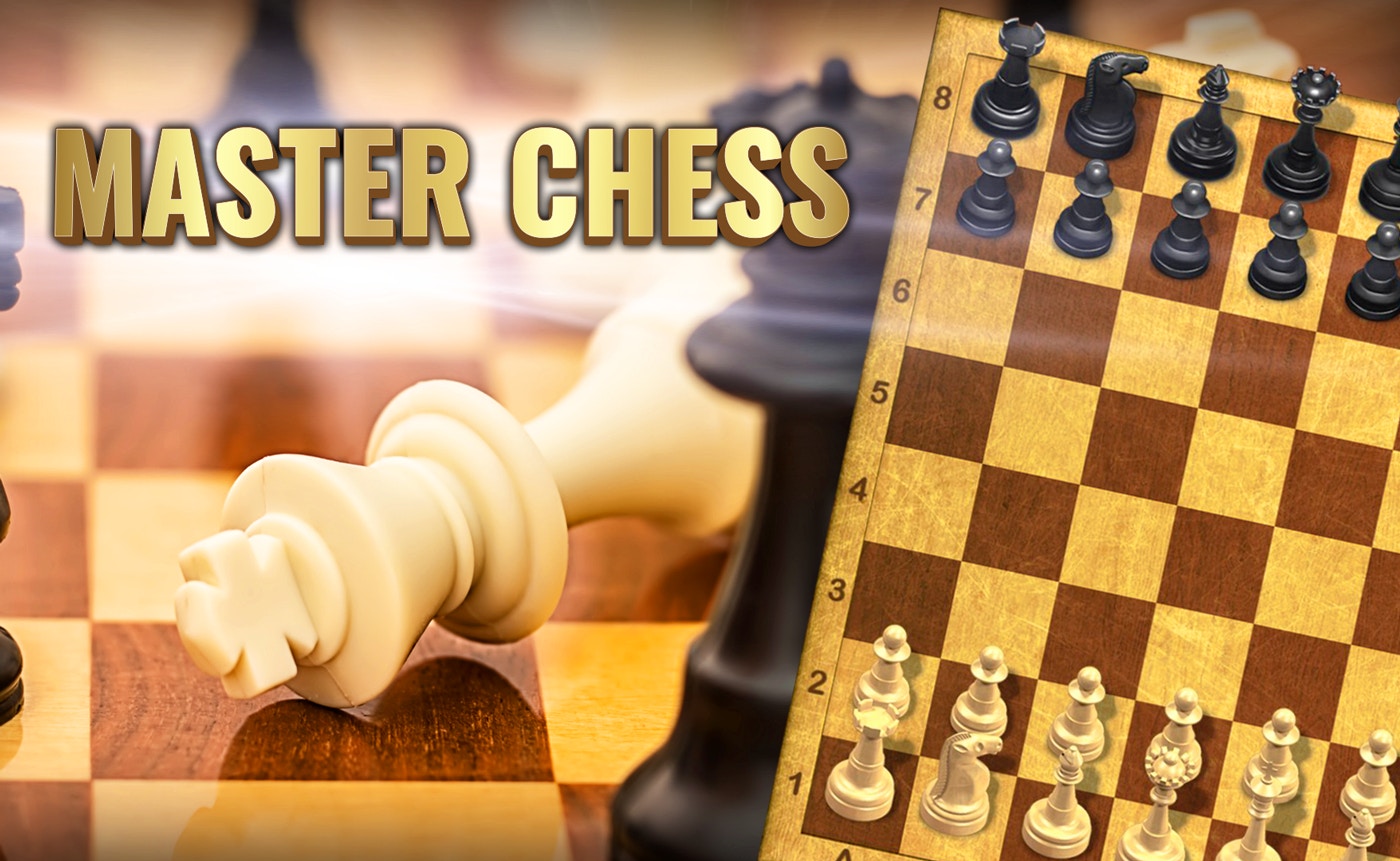
TL;DR: Master Chess Multiplayer is a solid online chess game with intuitive controls and a smooth multiplayer experience. It's great for casual players and those looking for a quick chess fix.
I've always been a fan of chess, and Master Chess Multiplayer caught my eye as a convenient way to play against others or test my skills against AI. The game invites you to a strategic showdown, and that's exactly what you'll get.
What is Master Chess Multiplayer?
Master Chess Multiplayer is an online multiplayer chess game with AI opponents.
It's designed for players of all skill levels, with a clean and simple interface that makes it easy to focus on the game. The chessboard is beautifully designed, and the pieces move smoothly.
How do you play Master Chess Multiplayer?
You play Master Chess Multiplayer by moving chess pieces on a virtual board, trying to checkmate your opponent.
The controls are intuitive - you simply click or tap on the piece you want to move, then select its destination square. The game highlights valid moves, which helps new players learn. We tried playing against both AI and human opponents, and the experience was smooth.
Tips That Actually Work
One key strategy is to control the center of the board with your pawns and pieces. This gives you more mobility and makes it harder for your opponent to maneuver. Another tip is to develop your pieces quickly - don't just move your pawns, get your knights, bishops, and queen into the game.
If you're playing against AI, you might notice it tends to favor certain openings. You can use this to your advantage by preparing counter-strategies.
Is Master Chess Multiplayer good for casual players?
Yes, Master Chess Multiplayer is great for casual players.
The game doesn't overwhelm you with complex rules or features. You can jump in and start playing right away. The AI opponents are also adjustable, so you can choose a difficulty level that suits you. We love that you can play a quick game in just a few minutes.
The Multiplayer Experience
Playing against other humans is where Master Chess Multiplayer really shines. The matchmaking is quick, and you can get into a game within seconds. One thing to note is that the game doesn't have a built-in chat feature, so you can't communicate with your opponent directly.
On the positive side, this keeps the focus purely on the game, and you can't get distracted by unnecessary chatter.
Conclusion
Master Chess Multiplayer is a great option for anyone looking for a straightforward online chess experience. It's easy to pick up, and the multiplayer is smooth. If you're looking for a more complex chess experience, this might not be it. But for a casual game or a quick match, it's perfect. You can play Master Chess Multiplayer right now and see for yourself ▶.
Frequently Asked Questions
Can I play Master Chess Multiplayer offline?
No, Master Chess Multiplayer requires an internet connection to play, as it's designed for online multiplayer.
How do I change the difficulty level of the AI?
You can adjust the AI difficulty in the game settings before starting a match against the computer.
Is Master Chess Multiplayer available on mobile?
Yes, Master Chess Multiplayer is accessible on mobile devices through most modern browsers.
Can I customize the chessboard or pieces?
No, the game doesn't currently offer customization options for the board or pieces.
Are there any in-game purchases?
No, Master Chess Multiplayer is a free-to-play game with no in-game purchases.
Table of Contents
Recent Posts
Bouncing Ball Review: A Reflex Test That's Hard to Put Down
17 hours ago
Monkeys Fighting Review: Fast Jungle Brawls in Your
22 hours ago
Froggee Review: The Timing Game That Hooks You Fast
23 hours ago
Skibidi Toilet Game Review: Orbs, Goos, and One More
23 hours ago
Car Driving Test Review: A Free Parking Game That
23 hours ago
Happy Kittens Puzzle Review: 60 Levels of
23 hours ago