Free Password Generator: Strong Passwords in Seconds

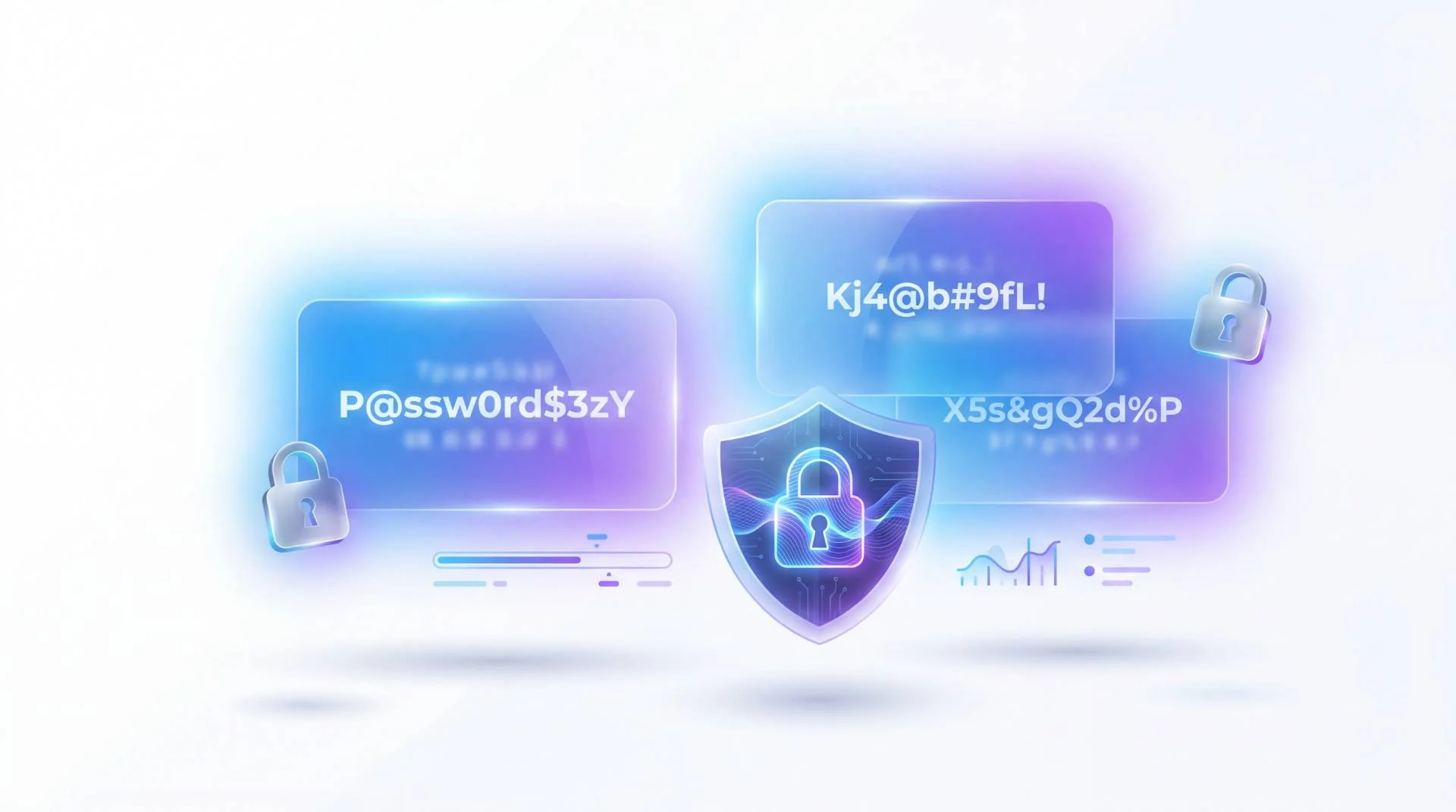
TL;DR: FileReadyNow's free Password Generator creates cryptographically secure passwords directly in your browser. No signup, no data logging. Choose random characters, memorable passphrases, or readable pronounceable passwords, set the length and rules, and copy instantly. It's a fast, safe way to stop reusing weak passwords across accounts. Bulk generation and mobile support make it a smart addition to your daily productivity kit.
Most people know they need stronger passwords. But knowing and doing are two different things. I used to recycle the same few passwords, adding a number or exclamation mark, thinking I was clever. Then a friend's email got hijacked because his “clever” pattern got guessed. That wake-up call made me look for a proper random password tool. FileReadyNow's Password Generator gives you instant, rock-solid passwords without any fuss. You click, you get a string of gibberish that would take decades to crack, and you move on. It runs entirely in your browser, so nothing you type or generate ever leaves your machine. If you're serious about locking down your accounts but don't want to pay or sign up for yet another service, this tool is exactly what you need.
Why can't I just make up my own passwords?
Because human brains are terrible at randomness. Most homemade passwords follow predictable patterns: dictionary words, pet names, keyboard walks like “qwerty,” or a capital letter followed by a number and a symbol. Attackers use automated tools that test billions of these combos per second. A truly strong password needs high entropy, meaning it's so chaotic that even a computer can't guess it in a reasonable time. The FileReadyNow generator produces that chaos for you, no thinking required.
Think about it this way: the password “Springfield2024!” follows a pattern (a proper noun, a year, and a common symbol). A password like “v8#xL@q2^*p” does not. The first might fall to a dictionary attack in minutes. The second, at sufficient length, could outlast the universe. By letting the tool do the random work, you remove the weakest link: your own habits. You can set character types, exclude similar-looking characters (like zero and the letter O), and even force no repeating or sequential characters. The result is a password that's both unpredictable and tailored to whatever a website requires.
How does FileReadyNow's password generator create truly random passwords?
It uses cryptographically secure pseudo-random number generation right inside your web browser. Your computer gathers entropy from mouse movements, timing events, and other unpredictable sources, then calculates random values that no one can predict. The tool never transmits your settings or the generated password to a server. You pick the length, toggle uppercase, lowercase, numbers, and symbols, then hit “Generate.” The result appears on screen. You can copy it with one click or clear it and start over.
Here's the step-by-step:
- Open the free Password Generator.
- Under “Password Length,” drag or type a number from 8 to 128 characters.
- Check the character types you want. At least one set is required, but checking all four gives maximum randomness.
- Optionally, tweak advanced settings: exclude ambiguous characters (O, 0, l, I, 1), block similar characters, disallow repeat or sequential characters, or force the password to begin with a letter.
- Click “Generate.” The password appears in the field, along with its entropy (in bits) and an estimated crack time.
- Hit “Copy” to grab it, or “Clear” to discard.
You can also use the quick presets for Basic (8 characters), Strong (16 chars), or Maximum (32 chars) with one tap. Banking and WiFi presets automatically tune the rules for typical requirements of those services.
Can I generate passwords that are both strong and easy to remember?
Absolutely. Not every strong password needs to look like alien code. The tool includes Passphrase and Pronounceable modes. A passphrase strings together random words like “correct-horse-battery-staple.” These are long, high-entropy, and far easier to recall than a jumble of symbols. Pronounceable passwords use alternating vowels and consonants to create nonsense words that feel like real language, making them readable and memorizable with practice.
To create a passphrase:
- Switch to the “Passphrase” tab.
- Pick how many words you want (default is 4).
- Choose a separator: hyphen, underscore, period, space, or none.
- Optionally, tick “Capitalize First Letter of Each Word” or “Include Number at End.”
- Click “Generate.” You'll get something like “Sunshine_Envelope_Parrot_85.”
For a pronounceable password, select that tab, set a length, and generate. The result might be “bramolitu,” which you can sound out in your head. Both methods keep security high while giving your memory a fighting chance. Use them for your password manager's master key or anywhere you can't autofill.
Is it safe to use an online password generator?
It is safe when the generator runs entirely on your device, which is exactly how FileReadyNow's tool works. All the computation happens in your browser using JavaScript. No data is sent across the internet. The site never saves, logs, or even sees the passwords you create. The “No Sign-up Required” promise is real: there's no account to tie the passwords to, even if the site wanted to store them. Compared to generators that send your preferences to a server, this local approach eliminates an entire class of privacy risks.
Still, a tool is only as secure as the device you're using. If your computer has malware or a keylogger, any password you generate or copy could be compromised. That's not a weakness of the generator; it's a device hygiene issue. For best results, run the generator on a trusted, up-to-date machine, and move the password directly into a reputable password manager. The generator gives you the raw material. Your password manager and common sense handle the rest.
How do I create unique passwords for all my accounts?
Unique passwords for every service sound like a headache until you use the Bulk Generation feature. On the Password Generator page, select the “Bulk Password Generation” option. You can choose to generate 5, 10, 20, or 50 passwords at once. They appear in a clean list, and you can export all of them with one click. Then you feed those passwords to your password manager as you update each online account. Never reuse a password from the list, and you'll dramatically shrink your attack surface.
The real shift is building a habit: whenever you create a new login, open the generator, make a fresh password, and save it immediately. The bulk mode helps when you're bulk-resetting passwords after a security breach or when setting up several accounts for work. Because the tool is on your phone too, you can do this from anywhere. Combine it with a password manager that syncs across your devices, and you'll never need to remember more than one master key.
Why a Password Generator Belongs in Your Productivity Toolkit
Strong passwords are not a bonus; they're a requirement. Data breaches happen daily, and one reused password can unlock multiple services. FileReadyNow's Password Generator gives you that security without any cost or clutter. You don't need to install anything. You don't need an account. You just visit, configure, and copy. It fits into your workflow the same way a word counter or a QR code generator does: as a quick, practical helper you can trust.
Take two minutes to try it. Set the length, toggle a few options, and generate a batch. Notice how each result is truly random. Then pick one as your next login and see the peace of mind it brings. For more everyday helpers like text case converters, unit converters, or encryption tools, check out the more Productivity Tools we offer. Your accounts will thank you.
Frequently Asked Questions
Why use a password generator instead of making my own?
A password generator creates complex, unpredictable strings that resist guessing and brute-force attacks far better than human-chosen phrases. It removes patterns, dictionary words, and personal info that attackers exploit.
Is the FileReadyNow password generator really free?
Yes, it is entirely free. There is no signup, no trial period, and no limit on how many passwords you generate. You can use it as much as you need, whenever you need it.
Can I set my own password length and character rules?
Absolutely. You can choose any length between 8 and 128 characters and enable or disable uppercase, lowercase, numbers, and symbols. Advanced options let you exclude similar characters, forbid repeats, and more.
Are the passwords I generate stored anywhere?
No. FileReadyNow never saves, logs, or transmits any generated password. Everything happens locally in your browser, and the password disappears when you close the page unless you copy or save it yourself.
Does this tool work on a phone or tablet?
Yes, the generator is fully responsive. You can open it in any modern mobile browser, adjust settings, and generate secure passwords on the go, just as you would on a desktop.
Table of Contents
Recent Posts

PDF to JPG Blurry? How to Convert a PDF Page With Sharp Text
5 days ago
HEX vs RGB vs HSL vs CMYK: Which Color Code Should You Use?
1 week ago
Video Converter Online Free: Which Format to Pick and Why
2 weeks ago
Audio Trimmer Online Free: Cut, Keep, or Remove Any Section
2 weeks ago
How Strong Should Your Password Actually Be in 2026?
3 weeks ago
HEIC vs JPG: Which Should You Actually Use?
1 month ago