Free Regex Tester for Beginners and Professionals

Regular expressions have a reputation problem.
They’re powerful, yes. But also intimidating. A string of symbols that looks like someone mashed the keyboard in frustration.
And yet, behind that chaos is one of the most precise tools we have for finding, validating, and transforming text.
Here’s the honest truth: regex isn’t hard because it’s complicated. It’s hard because it’s invisible. You write a pattern, hit enter, and either it works… or it doesn’t. No feedback. No clues. Just silence.
That’s exactly why a free regex tester matters. Not as a luxury. As a necessity. Let’s slow this down and unpack it properly.
What Is a Regex Tester (and Why You Actually Need One)
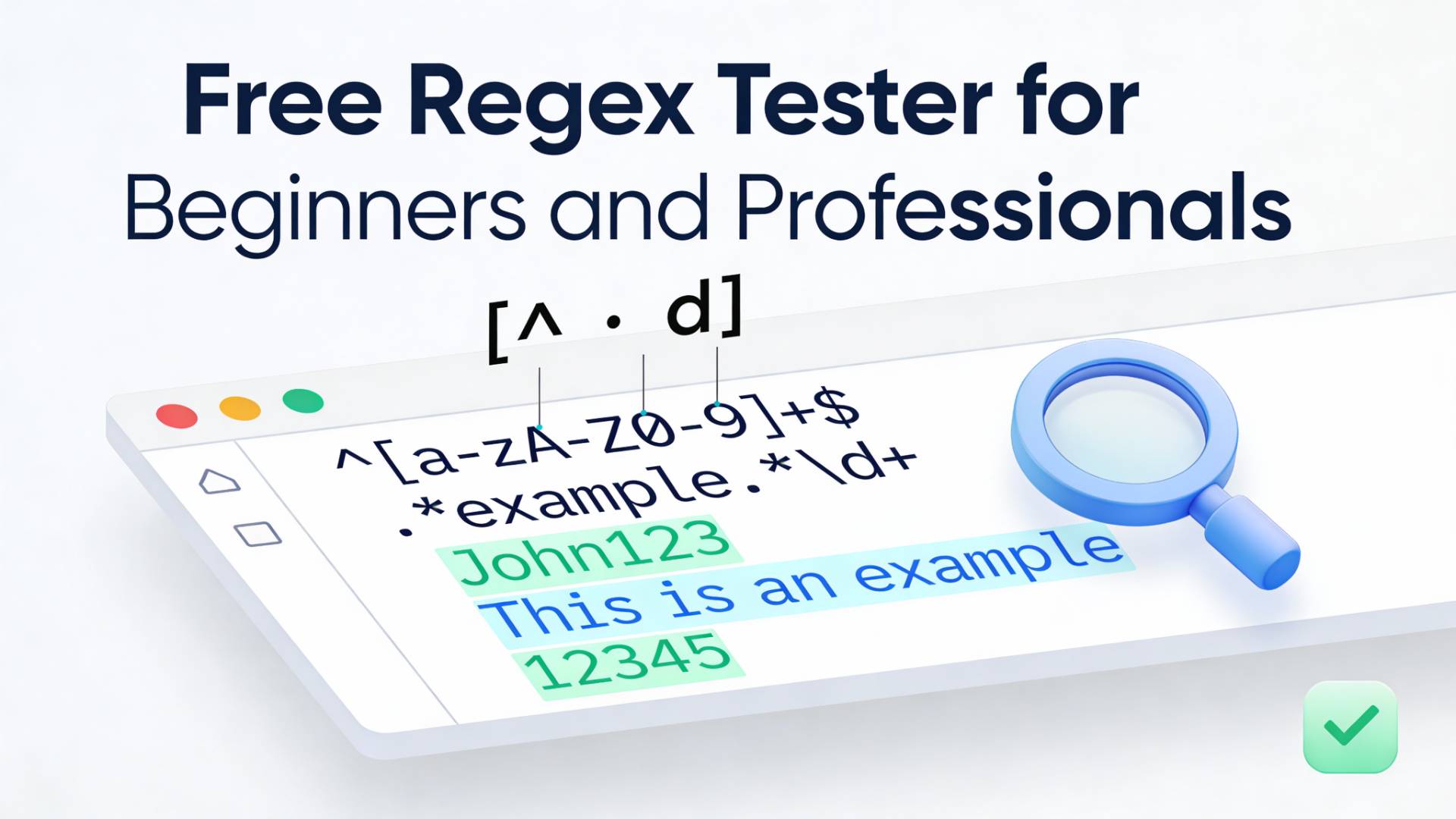
A regex tester is a place where patterns stop being abstract ideas and start becoming something you can see. Instead of guessing whether your expression works, you paste it in, add sample text, and instantly know what’s matching, what’s failing, and why.
Think of it like this:
Regex without a tester is learning to cook without tasting the food.
You’re following the recipe, but you have no idea what’s going wrong until the end.
A good regex test online tool gives you:
- Immediate visual feedback
- Highlighted matches (or non-matches)
- Error hints when your pattern breaks
- The confidence to experiment without consequences
Once you experience that loop, write, test, adjust, it’s hard to go back.
How to Test a Regular Expression Online (Step by Step)
If you’re new, this is where things usually click.
Here’s the simplest way to test a regular expression online:
-
Paste your regex pattern
This is the rule you’re creating. Maybe it’s an email validator. Maybe it’s a date format. Start simple. -
Add sample text
Real text. Messy text. The kind you actually deal with at work. -
Run the test
Instantly, you’ll see what your pattern matches, and what it ignores. -
Adjust and re-test
Change one character. See what happens. This is where learning actually happens.
This feedback loop is what turns regex from theory into muscle memory. And yes, this works whether you’re learning the basics or debugging a monster pattern you wrote six months ago and now fear touching.
Beginners vs Professionals: Same Tool, Different Superpowers
What’s interesting is how the same regex checker serves two completely different audiences.
For beginners
It’s a teacher.
- You learn what
^really does. - You finally understand why
.*is dangerous. - You see greediness and laziness play out in real time.
- Mistakes become lessons instead of dead ends.
For professionals
It’s a safety net.
- You test edge cases before shipping.
- You refactor patterns without breaking things.
- You can quickly validate inputs across multiple scenarios.
Even experienced developers don’t “just know” regex. They test it. Every time.
The Real Power: Seeing Why a Pattern Fails
This is the part people don’t talk about enough. Most bugs aren’t caused by regex not matching. They’re caused by regex matching too much or too little.
A proper regex tester lets you see:
- Overlapping matches
- Unexpected captures
- Missed edge cases
That visibility is the difference between “it works on my machine” and “this will survive real users.”
Where FileReadyNow Fits In (Briefly, and Honestly)
At some point, you’ll want a tool that doesn’t just test regex, but fits naturally into your workflow. The Regex Tester inside FileReadyNow was built with that exact mindset. Clean interface. No distractions. Just patterns, text, and clarity.
It’s the kind of tool you forget is there, until you need it. Then it quietly does its job. That’s all it needs to do.
Is It Safe to Test Sensitive Data in Online Regex Tools?
Short answer: be cautious. If your text contains passwords, personal data, or private logs, you should avoid pasting raw information into public tools.
Instead:
- Mask sensitive values
- Use dummy data with the same structure
- Or test locally when privacy is critical
Regex testing is about patterns, not real identities. You rarely need the actual data to validate the logic.
Common Use Cases People Actually Test Regex For
Let’s ground this in reality. Most people use regex to:
- Validate emails, phone numbers, or usernames
- Extract IDs, hashtags, or URLs from text
- Clean up logs or CSV files
- Search and replace patterns in bulk
- Enforce formatting rules in forms
In all these cases, the ability to test a regex before trusting it isn’t optional. It’s responsible.
Can I Use a Regex Tester to Learn Regex From Scratch?
Yes, and honestly, it’s one of the best ways. Tutorials explain what regex symbols mean. A tester shows you what they do. That difference matters.
When you’re learning:
- Write tiny patterns and observe the result
- Break things on purpose to see why they fail
- Change one symbol at a time and watch the behavior shift
This kind of hands-on feedback turns regex from something you memorize into something you understand.
Final Thought: Regex Isn’t the Enemy
Regex feels hostile until you can see it working. Once you have a place to experiment, fail safely, and understand what’s happening, the mystery fades.
What’s left is a precise, almost elegant way to solve text problems that would otherwise be messy and fragile.
So whether you’re just learning what \d+ means
or you’re stress-testing a pattern before deployment,
a solid test-a-regular-expression workflow makes all the difference.
And once you get used to that clarity?
You won’t write regex any other way.
Table of Contents
Recent Posts

PDF to JPG Blurry? How to Convert a PDF Page With Sharp Text
5 days ago
HEX vs RGB vs HSL vs CMYK: Which Color Code Should You Use?
1 week ago
Video Converter Online Free: Which Format to Pick and Why
2 weeks ago
Audio Trimmer Online Free: Cut, Keep, or Remove Any Section
2 weeks ago
How Strong Should Your Password Actually Be in 2026?
3 weeks ago
HEIC vs JPG: Which Should You Actually Use?
1 month ago