Knee Case Simulator Review: Surgery Meets Style

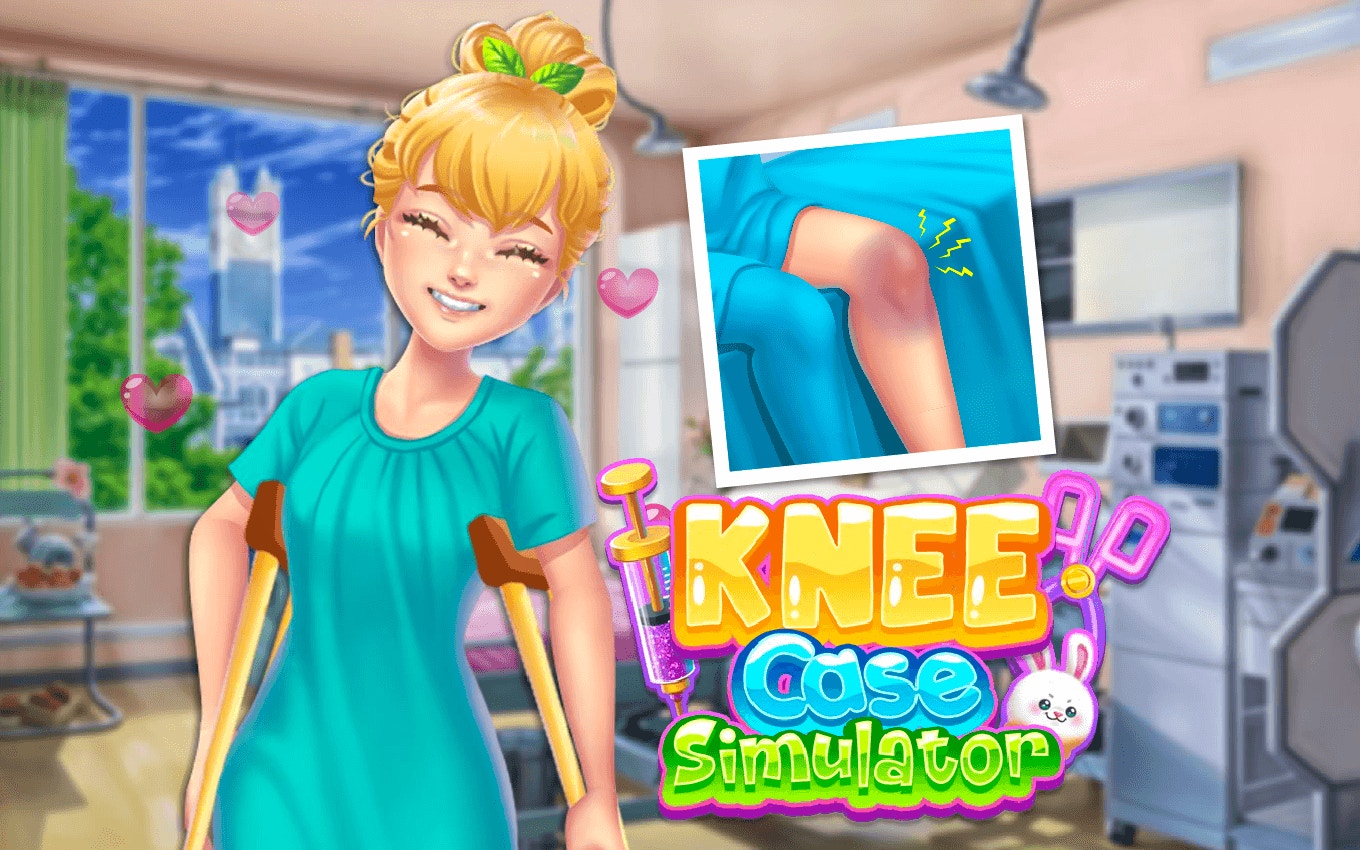
TL;DR: Knee Case Simulator flips the surgery game script by mixing medical procedures with fashion rewards. You perform knee operations, manage healing, and dress your patient in stylish outfits. Controls are mouse-based and intuitive. The game works best in short bursts. It's not deep strategy, but if you want a quirky 5-minute distraction with a surprising twist, it's worth a try.
I stumbled on Knee Case Simulator while hunting for something weird to play during lunch. You know how it goes: you open a few tabs, close them, then land on something that makes you pause. The idea of mixing knee surgery with fashion rewards felt strange enough that I had to click. After a few rounds, I can tell you it is exactly as odd as it sounds, but also kind of addictive in a way I did not expect.
What is Knee Case Simulator?
Knee Case Simulator is a browser-based surgery game where you perform knee operations and then reward your patient with outfits. You step into the role of a doctor managing both the medical and aesthetic sides of recovery. The game runs at 800x600 in landscape mode, so it fits nicely on most screens without scrolling. You can play it directly in your browser with no downloads needed.
The concept sounds random at first, but it works because the game does not take itself too seriously. The fashion layer adds a lighthearted goal beyond just completing procedures. Instead of ending a level and moving on, you unlock clothing options and styling choices. That small shift makes each surgery feel like it matters a bit more.
How do you play Knee Case Simulator?
The controls use your mouse. You click and drag to perform surgical steps on the knee, following on-screen prompts that guide each move. The interface shows the operating area clearly, and a progress indicator tracks how far along you are in the procedure. Once the surgery portion finishes, the game transitions to the styling phase where you pick outfits for your patient.
The mouse controls feel responsive. I noticed the hit detection on the surgical tools is forgiving enough that you do not get frustrated, but tight enough that you still need to pay attention. There is no keyboard input at all, which makes the game accessible to anyone who can use a mouse. The landscape layout keeps everything in view without cramping the workspace.
Tips That Actually Work
First, take your time during the surgical phase. Rushing leads to mistakes that cost you points, and the healing bonus you earn affects what outfits you can unlock. I rushed my first procedure and ended up with fewer clothing options. Slow and steady genuinely wins here.
Second, pay attention to the on-screen prompts before each cut or suture. The game gives you a clear visual cue for where to click next. Ignoring those cues is the fastest way to fail a procedure. Think of them like a recipe: skip steps and the result suffers.
Third, explore all the outfit choices after each successful surgery. Some combinations look better than others, and the game tracks your best looks. If you are the type who likes collecting things, this mechanic gives you a reason to replay levels you already cleared.
Is Knee Case Simulator good for quick breaks?
Yes, it works well for short sessions. Each procedure takes two to five minutes depending on how carefully you play. The game saves your progress automatically, so you can jump in, complete a surgery, style your patient, and get back to work without losing your place. There are no long cutscenes or loading screens to sit through.
The gameplay loop is simple enough that you do not need to remember complex controls or strategies between sessions. Pick it up, play a round, put it down. That makes it a solid choice if you need a mental break but do not have time for something demanding. Just do not go in expecting a deep narrative or endless content. The game is best when you treat it as a palette cleanser between bigger tasks.
What surprised me during my first play session
I expected the fashion mechanic to feel tacked on, like a gimmick that fades after the first level. It does not. The game commits to the idea, and by my third procedure I found myself actually thinking about which outfit would look best on my patient. That sounds silly, but the game sells it well enough that it becomes part of the fun.
The other surprise was the sound design. There are satisfying clicks and cues when you complete steps correctly, and a different tone when you make a mistake. Those audio signals help you stay focused without staring at the screen constantly. I appreciated that detail more than I expected to.
The difficulty does not spike dramatically. Each level feels slightly more involved than the last, but the curve is gentle. You will not hit a wall that makes you want to quit. That steady progression kept me playing longer than I planned.
How does Knee Case Simulator compare to other surgery games?
If you have played classic surgery games like Operation or Trauma Center, the basic premise will feel familiar. You follow prompts, use precise mouse movements, and get scored on accuracy. What sets Knee Case Simulator apart is the fashion layer that runs parallel to the medical gameplay. Most surgery games end when the procedure finishes. This one keeps going with the styling phase.
The browser-based format also means no downloads or installs, which puts it closer to casual arcade games than hardcore simulations. You can play it on a work break, a commute, or anywhere you have a browser open. That accessibility gives it an edge over more demanding surgery titles that require dedicated gaming hardware.
Knee Case Simulator is a quirky little game that knows what it is. The surgery feels solid enough to be satisfying, and the fashion twist gives it personality you do not see in other games of this type. It is not going to replace your favorite strategy game or fill an evening, but it nails the niche of a quick, memorable distraction. If that sounds good to you, give it a try. ▶ play Knee Case Simulator
Frequently Asked Questions
Is Knee Case Simulator free to play?
Yes, you can play it directly in your browser with no download or account required. Just visit the play link and start your first procedure.
What age group is this game suitable for?
The game works for teens and adults. Younger players may need help with the surgical precision required, but the fashion elements keep it accessible and fun for a wide range of ages.
Does the game work on mobile devices?
It is optimized for desktop browsers in landscape mode. Mobile play is possible but not ideal since the mouse-based controls work best with a larger screen and pointer input.
How long does each surgery take to complete?
Most procedures take between two and five minutes depending on how carefully you play. The styling phase adds another minute or two after the surgery finishes.
Are there multiple levels or just one procedure?
The game includes multiple procedures that increase in complexity. You can start playing here and work through them at your own pace. If you enjoy it, you can also browse our games library for similar titles.
Table of Contents
Recent Posts

Racing Against Time: A Thrilling Bridge-Building Challenge
12 hours ago
Mining Rush: A Surprisingly Addictive Strategy Game
1 day ago
Futuristic Archery Fun: Archer 2023 Review
1 day ago
Basketball Twist: Can You Master Drop Dunks?
2 days ago
Survive the Zombie Hordes in This Addictive Shooter
3 days ago
Hoop Dreams in Your Pocket: Dunk Hoop Review
3 days ago