Magical Swipe Action in Your Pocket

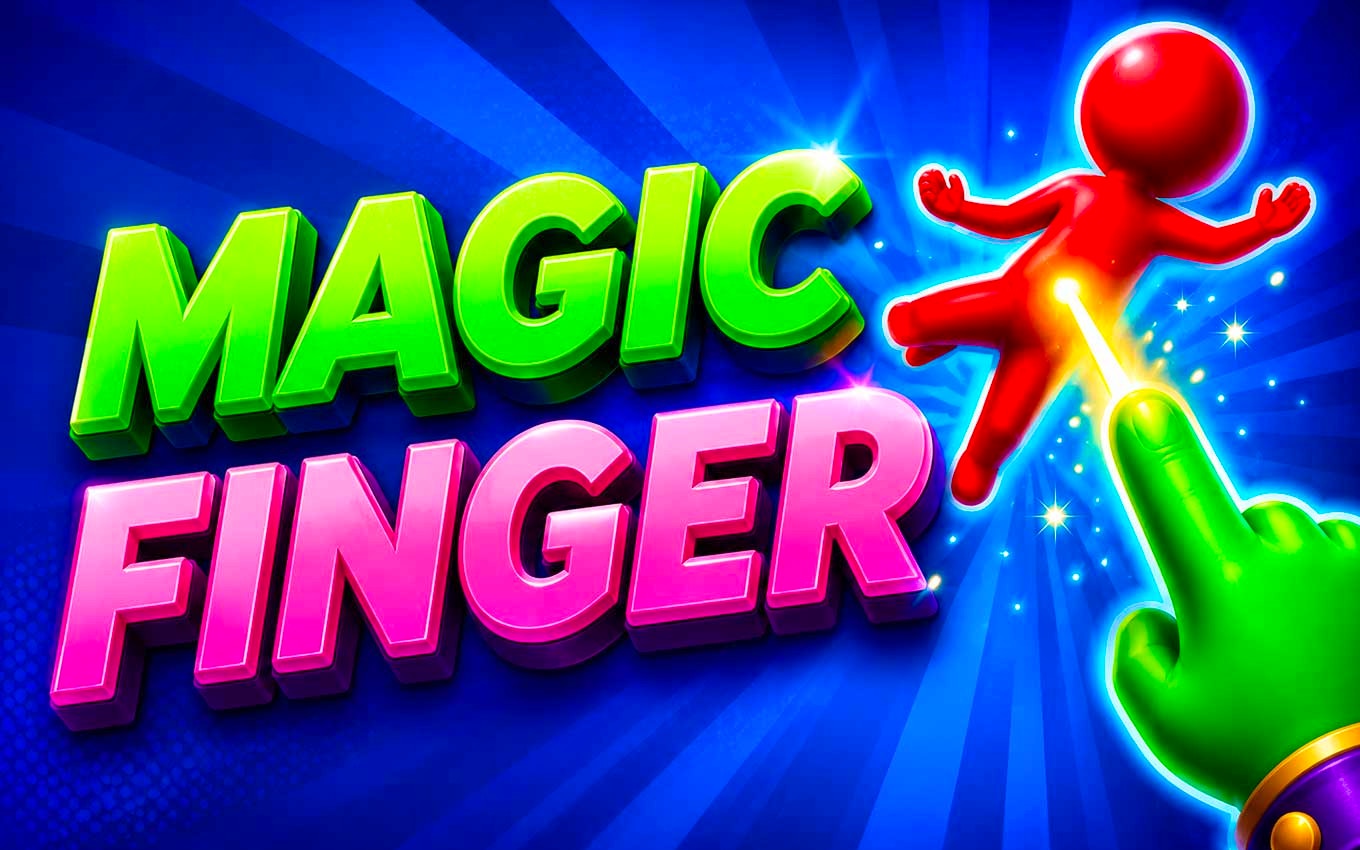
TL;DR: Magic Finger 3D is a casual game where you use gestures to defeat alien invaders with magic. Simple controls, escalating challenges, and creative environment use make it a fun pick-up-and-play experience.
I was looking for a quick game to play between meetings, and Magic Finger 3D caught my eye. The concept is simple: use magical gestures to defeat alien invaders. I was surprised by how engaging it was. After my first session, I was hooked.
What is Magic Finger 3D?
Magic Finger 3D is a casual, portrait-oriented game where you use magical gestures to interact with the environment and defeat aliens.
The game starts simple, but soon introduces new obstacles and challenges that require creative use of your surroundings. We love how it gradually increases the difficulty level.
How do you play Magic Finger 3D?
You play by using gestures to manipulate objects, cast spells, and defeat enemies in a 3D environment.
I noticed early on that the controls are intuitive. You swipe, tap, or hold to interact with objects. The game teaches you the mechanics through gameplay, so you don't need a tutorial. What surprised me was how quickly I got into a rhythm.
Tips That Actually Work
One tip that helped me was to focus on the environment first. Use objects to your advantage before attacking enemies directly. For example, you can swipe to knock objects onto enemies or tap to trigger environmental hazards. Experimenting with different gestures and combinations will help you progress further.
Is Magic Finger 3D good for casual gamers?
Yes, Magic Finger 3D is perfect for casual gamers looking for a fun, easy-to-pick-up experience.
If you've played games like Fruit Ninja or 2048, you'll feel right at home. The gameplay is straightforward, and you can play in short sessions. We tried it on a break, and it was a great way to unwind.
The Feel of Playing Magic Finger 3D
Playing Magic Finger 3D feels satisfying, especially when you master a level or discover a new way to defeat enemies. The sound effects and visuals are engaging, making it a pleasure to play. One minor criticism is that the music can get repetitive after a while.
To give Magic Finger 3D a try, you can play it directly in your browser. If you're looking for more games like this, you can explore more casual games on our site. We think you'll find something you like.
Frequently Asked Questions
Is Magic Finger 3D available on mobile?
Yes, Magic Finger 3D is available to play on mobile devices through our website. You can start playing here.
Do I need to download Magic Finger 3D?
No, you don't need to download Magic Finger 3D. It's a browser-based game, so you can play it directly in your web browser.
Is Magic Finger 3D free?
Yes, Magic Finger 3D is free to play. You can browse our games library to find more free games.
Can I play Magic Finger 3D offline?
No, Magic Finger 3D requires an internet connection to play. You can play it in your browser as long as you're online.
Are there ads in Magic Finger 3D?
Yes, there may be ads displayed during or after gameplay. You can play Magic Finger 3D and check for yourself.
In summary, Magic Finger 3D is a fun, casual game that's perfect for short breaks. It's easy to learn, challenging to master, and feels great to play. If you're looking for a new game to try, ▶ give Magic Finger 3D a try.
Table of Contents
Recent Posts

Summer Fun in Your Pocket: Fun Summer Holiday Review
12 hours ago
Feline Fashion Frenzy: A Fun Kitty Makeover Game
12 hours ago
Pixel Perfect Farming: A Relaxing Strategy Game
1 day ago
Pop It Like a Pro: Super Pop It's Addictive Fun
1 day ago
Red and Blue Cat: A Purrfect Space Adventure
2 days ago
Sweet Arcade Action: Candy Pong Review
3 days ago