Metalbot Review: Retro Robot Action That Still Works in 2025

TL;DR: Metalbot is a free browser-based retro platformer where you blast enemies and grab gems across varied levels. Tight controls, 800x600 landscape play, and a genuine 8-bit feel make it a solid pick for quick arcade sessions. Some difficulty spikes might frustrate casual players, but it's a rewarding throwback overall.
I stumbled onto this game while hunting for something that felt like the platformers I grew up with. You know the ones: simple controls, chunky pixels, and that instant "one more try" hook. Within the first 30 seconds of firing up Metalbot, I was dodging enemy fire and collecting gems, and honestly, it clicked right away. No tutorials, no loading screens, just action.
After my first session, I realized this wasn't just a quick nostalgia grab. The level design actually pushes you to pay attention. Enemy patterns change, platform layouts shift, and the gem placement sometimes forces you into risky spots. It's a game that respects your time but also tests your reflexes. If you need a break from complex modern titles, this one delivers.
What is Metalbot?
Metalbot is a free retro-style browser game where you control a robot through enemy-filled side-scrolling levels. You shoot foes, collect gems for score, and navigate platforming challenges. It runs in landscape orientation at 800x600 resolution, giving it a classic arcade cabinet feel that works on most screens without downloads or installs.
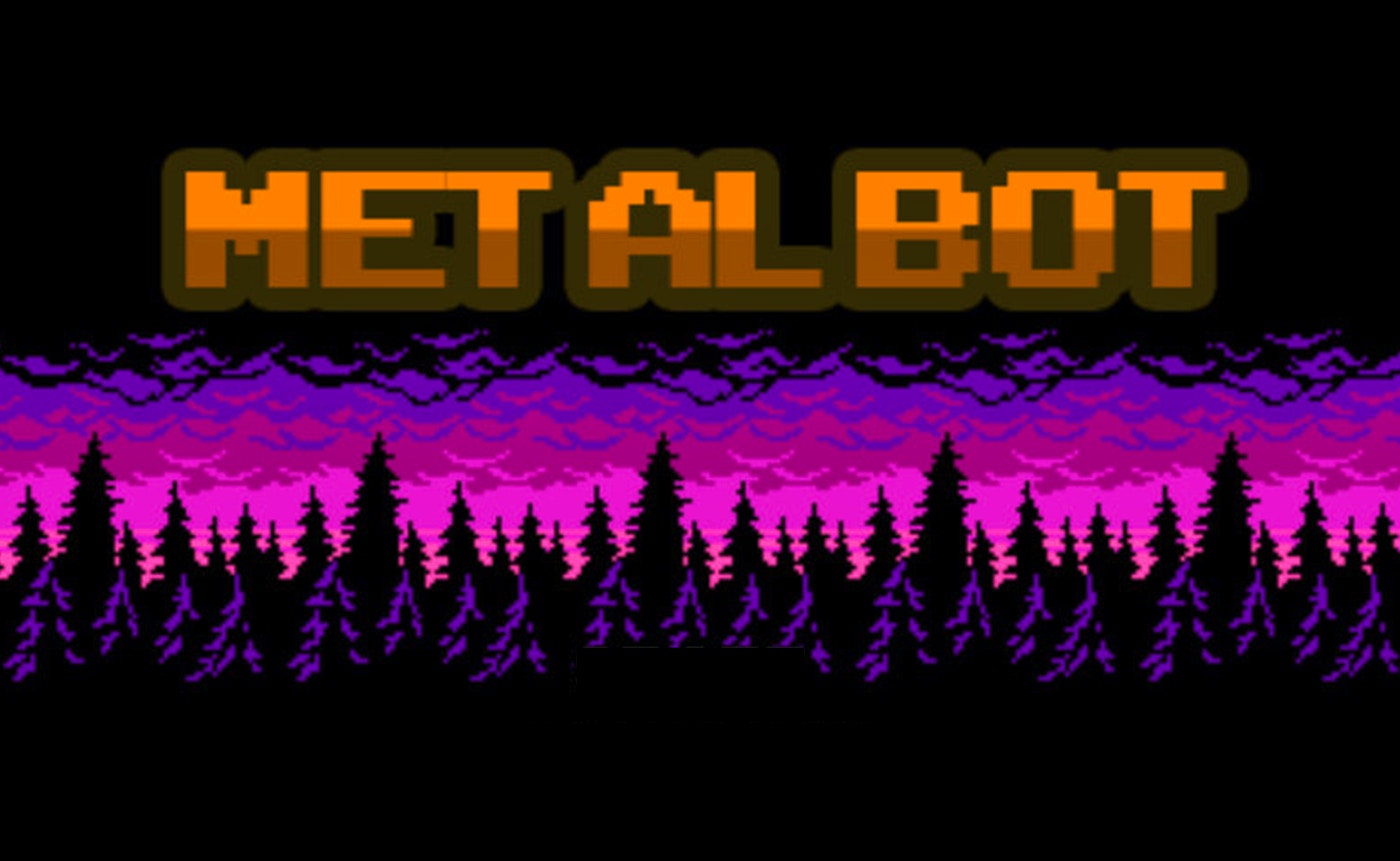
The visual style pulls straight from the 8-bit era. Chunky sprites, limited color palettes, and that slightly crunchy movement animation that retro fans will recognize instantly. It's not trying to be a modern indie darling with pixel art filters. It feels like something you'd find on an old cartridge, just playable in your browser. The soundtrack matches the vibe: simple chiptune loops that don't distract from the action.
What surprised me was how the game manages variety within its retro constraints. Each level introduces new enemy types or platform configurations. One stage had me timing jumps over spike pits while turrets fired from above. Another switched to vertical climbing with enemies dropping from the ceiling. The core loop stays consistent, but the scenarios keep shifting just enough to hold your attention.
How do you play Metalbot?
You control Metalbot with keyboard arrow keys for movement and a dedicated key for shooting. Jump across platforms, aim at enemies, and collect gems scattered through each stage. The goal is simple: reach the level exit while maximizing your score. Controls are responsive with a generous hitbox on your shots, so you don't need pixel-perfect aim to succeed.
I noticed early on that the shooting has a slight rhythm to it. You can't just hold down the fire key and spray endlessly. There's a small cooldown between shots that forces you to time your attacks. This tiny mechanic changes how you approach enemy encounters. Against faster foes, you learn to fire in bursts. Against slower, tankier enemies, you can afford to line up shots more carefully.
Gems are the scoring backbone. They appear in clusters, often placed in dangerous spots near enemies or over gaps. Going for every gem is tempting but risky. On my third try through the second level, I wiped out three times chasing a gem cluster near a turret nest. The risk/reward balance feels intentional and fair. You can play it safe and survive, or push for high scores and earn bragging rights.
Movement has a slight weight to it. Metalbot doesn't float or slide. When you stop pressing a direction, the character stops almost instantly. This precision helps in tight platforming sections where overshooting a jump means falling into a pit. It took me a couple of deaths to adjust, but once I did, the controls felt trustworthy.
Tips That Actually Work
After several runs through the early levels, I picked up a few strategies that made a real difference. These aren't generic "practice more" tips. They come from specific moments where I adjusted my approach and saw immediate results.
First, prioritize enemies before gems. It's tempting to grab shiny collectibles immediately, but clearing threats first gives you safe paths. I lost count of how many times I jumped for a gem only to land directly in a projectile's path. Clear the room, then collect.
Second, use the edges of platforms as firing positions. Enemies often patrol predictable paths. Standing near a platform edge lets you shoot at approaching foes while keeping a safe retreat option. This works especially well against ground-based enemies that can't jump up to reach you.
Third, learn enemy spawn patterns. Some foes appear at fixed points. Others trigger when you cross invisible lines in the level. Once I recognized these triggers, I could bait enemies out and eliminate them from safe distances instead of rushing in blind.
Finally, don't obsess over perfect gem collection on your first attempt. The game rewards survival more than score in later stages. Get through a level cleanly first, then replay for high scores once you know the layout.
Is Metalbot good for quick gaming breaks?
Yes, Metalbot is excellent for short play sessions. Each level takes 2 to 5 minutes to complete, the game loads instantly in a browser, and there's no account creation or download required. You can jump in, clear a stage or two, and step away without losing progress or momentum. It fits perfectly into coffee breaks or between-task gaps.
The level-based structure naturally supports short sessions. There's no sprawling open world, no complex inventory management, no lengthy cutscenes. You start a level, you finish it or die trying, and that's a complete experience. I played several rounds during a 15-minute break and felt satisfied, not rushed.
That said, later levels demand more focus. If you only have 2 minutes and you're on a tough stage, you might not finish. But the early levels stay accessible for repeat plays, and you can always start playing here without any commitment.
How does Metalbot compare to classic retro platformers?
If you've played Mega Man or Contra, the DNA here is obvious. Metalbot borrows the run-and-gun energy of Contra and the precise platforming of early Mega Man titles, but simplifies both into a more casual-friendly package. Enemy patterns are less punishing, and you get more room for error with that generous hitbox I mentioned earlier.
The aesthetic sits closer to the Commodore 64 or early DOS shareware era than NES polish. That's not a criticism. It gives the game a distinct identity. Fans of games like Jetpack or Duke Nukem 1 will feel right at home. The chunky sound effects when you blast an enemy or collect a gem reinforce that old-school PC gaming vibe.
One area where it differs from those classics is pacing. Classic retro platformers often ramp difficulty aggressively by level three. Metalbot spreads its challenge curve more evenly. You'll hit tough sections, but they don't feel like brick walls. It respects the player's time in a way older games sometimes didn't.
What could be better
The soundtrack, while fitting, gets repetitive after extended play. There are a handful of chiptune loops, and you'll hear them cycle multiple times in a long session. A mute button exists, so you can always play with your own music, but more variety would help. I found myself reaching for the volume control after about 20 minutes.
Difficulty spikes in later levels can catch you off guard. The transition from level three to four introduces enemy combinations that demand much faster reactions. It's not unfair, but casual players who cruised through early stages might hit a wall. A smoother difficulty curve would widen the appeal.
This game isn't for players seeking deep narrative, character progression, or complex upgrade systems. It's a pure arcade experience. If you want RPG elements or skill trees, you won't find them here. But for what it aims to be, a straightforward retro action platformer, it delivers cleanly.
Why It's Worth Your Time
Metalbot earns its place in your bookmark bar because it does one thing well: instant, no-friction arcade action. No sign-ups, no ads that interrupt gameplay, no waiting. You click and you're playing. In a world where many free games bury the experience under pop-ups and load screens, that simplicity matters.
The gem scoring system adds replay value. After beating a level, you'll naturally want to go back and grab the gems you missed. It's a light incentive, but it works. I replayed the first level three times just to nail a perfect gem run, and each attempt felt slightly different because enemy timing isn't fully scripted.
If you grew up with platformers or just appreciate tight game design without bloat, give Metalbot a try. It won't replace your main gaming habits, but it'll be there when you need a quick hit of retro action. You can play Metalbot right now in your browser, or explore more retro games if this style clicks with you. For even more options, browse our games library and find your next favorite. ▶
Frequently Asked Questions
Do I need to download anything to play Metalbot?
No downloads required. Metalbot runs entirely in your web browser. Just visit the play page, wait a moment for it to load, and start playing. It works on any modern browser that supports HTML5 games.
What are the controls for Metalbot?
Arrow keys handle movement and jumping. A separate key, typically displayed on the game screen, handles shooting. The controls are simple and responsive, with no complex combos or multi-button inputs to memorize.
Is Metalbot suitable for kids?
Yes, the game is family-friendly with no graphic violence or mature themes. Enemies are robots and turrets that simply explode into pixels. The controls are straightforward enough for younger players, though later levels may challenge their reflexes.
Can I play Metalbot on my phone?
The game is designed for landscape orientation at 800x600 resolution. It works on mobile browsers, but the keyboard controls mean you'll need a device with physical keys or a Bluetooth keyboard for the best experience. Touchscreen play isn't officially supported.
Does Metalbot save my progress or high scores?
The game does not include persistent save features or online leaderboards. Scores reset when you close the browser tab. This keeps the experience lightweight and private, but means you'll want to screenshot your best runs if you care about tracking them.
Table of Contents
Recent Posts
Racing Against Time: A Thrilling Bridge-Building Challenge
11 hours ago
Mining Rush: A Surprisingly Addictive Strategy Game
1 day ago
Futuristic Archery Fun: Archer 2023 Review
1 day ago
Basketball Twist: Can You Master Drop Dunks?
2 days ago
Survive the Zombie Hordes in This Addictive Shooter
3 days ago
Hoop Dreams in Your Pocket: Dunk Hoop Review
3 days ago