Multiplication Simulator: Math Practice That Feels Like Play

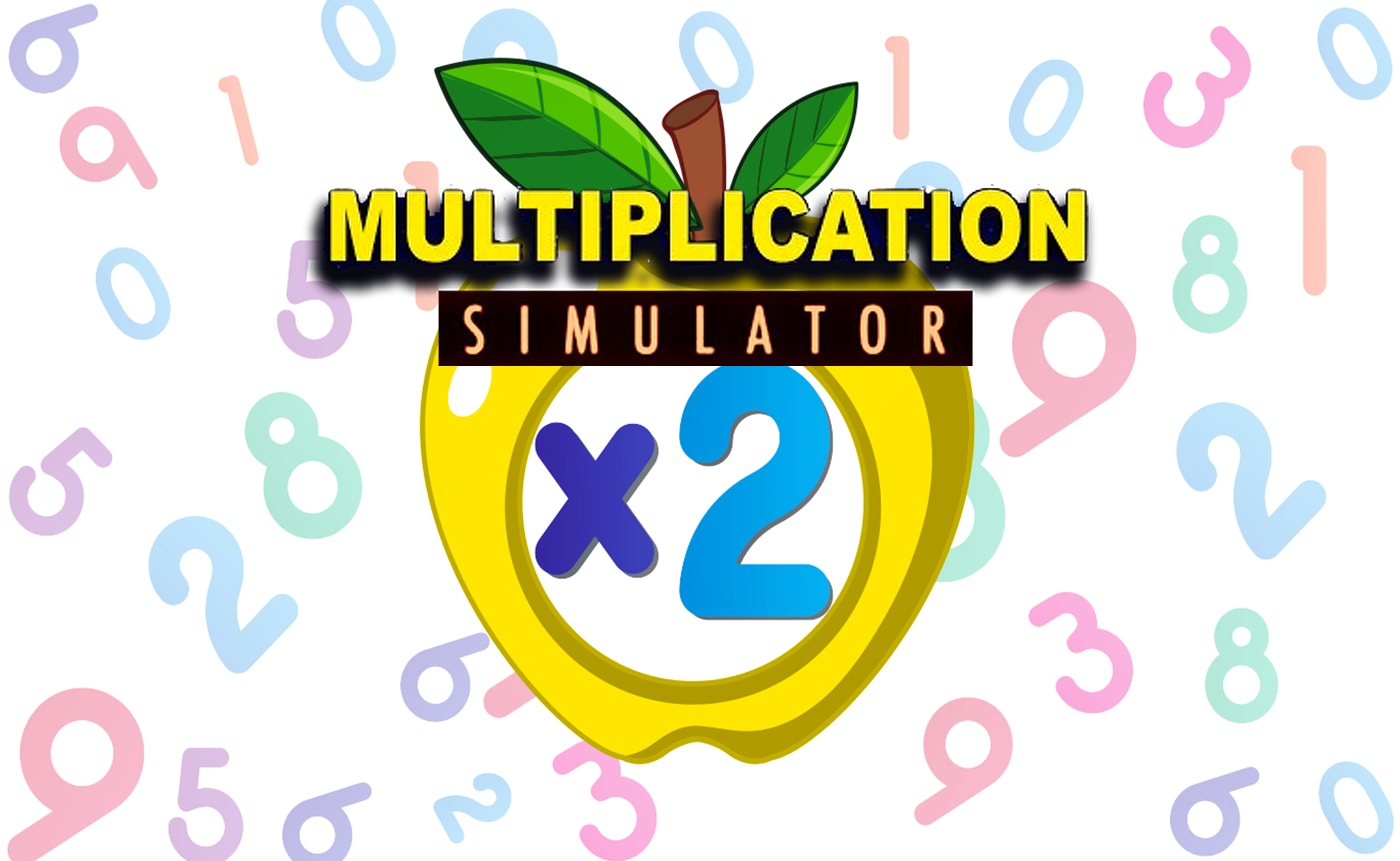
TL;DR: Multiplication Simulator turns times tables into a whimsical puzzle game for kids. Difficulty ramps up smoothly with each correct answer, keeping young learners in that sweet spot between boredom and frustration. It's free, runs in portrait mode on any browser, and needs zero downloads.
My 9-year-old nephew groaned when I said "math game." Then he saw the colorful puzzle grid and grabbed the tablet. Fifteen minutes later he was still tapping away, chasing a new high score. That's the quiet magic of Multiplication Simulator: it sneaks learning inside something that feels like play. I sat down to test it myself and ended up playing three rounds before I remembered I was supposed to be taking notes.
The game lives on FileReadyNow's kids collection, a growing hub of browser-based titles that don't need installs or accounts. You open the link, the screen rotates to portrait, and you're in. No loading bars, no signup walls. For parents tired of app store permissions and in-app purchases, that simplicity hits different.
What is Multiplication Simulator?
Multiplication Simulator is a browser game that mixes times table practice with light puzzle mechanics. Kids solve multiplication problems by interacting with whimsical on-screen elements, not by typing numbers into a worksheet. The difficulty climbs automatically as they succeed, so the challenge stays calibrated to their current skill level.
Think of it as the midpoint between a flashcard app and a casual puzzle game. It doesn't drill with timers or penalties. Instead, it wraps each problem in a small interactive moment: matching, tapping, or arranging pieces that happen to involve multiplication facts. The 600x800 portrait layout feels natural on phones and tablets, which is likely where most kids will play Multiplication Simulator.
How do you play Multiplication Simulator?
You tap or click to interact with puzzle pieces that each carry a multiplication problem. Solving the problem correctly clears the piece and advances the puzzle. Wrong answers give a gentle nudge to try again, no punishment, no timer ticking down.
Controls are dead simple. I watched a 7-year-old figure it out in under 30 seconds without any instructions. The game uses a single-tap interface throughout: pick a piece, see the equation, select or input the answer, move on. Early puzzles use smaller numbers (2s, 5s, 10s) and give plenty of time. By round five or six, you'll see 7×8 and 12×6 popping up, and the pace tightens just enough to keep things interesting.
What surprised me was how the puzzle format changes subtly between rounds. One round might have you matching products to equations, the next might ask you to arrange factors in sequence. These small shifts prevent the repetition from feeling stale, a smart touch I didn't expect from a free browser game.
Tips for getting the most out of it
Let kids start on their own. The onboarding is intuitive enough that hovering over their shoulder actually slows them down. I made that mistake in round one and got the "I know what I'm doing" look.
Use short sessions. After about 10 minutes, younger players start guessing instead of calculating. The difficulty curve is smooth but relentless: it keeps climbing as long as you keep succeeding. A 5 to 8-minute burst works better than a marathon. Come back later and the game resets to an easier starting point, which reinforces recall without burnout.
If a child gets stuck on a particular fact (my nephew hit a wall at 7×6), play alongside them for that round. Verbalize your own thinking out loud: "Okay, 7 times 5 is 35, so 7 times 6 is just 7 more, that's 42." The game provides the practice reps; you provide the strategy. That combo stuck better than either approach alone.
Is Multiplication Simulator good for classroom use?
Yes, with a small caveat. The game works great as a station activity or a quick warm-up. It loads instantly on Chromebooks and tablets, needs no student accounts, and keeps kids engaged for that 5 to 8-minute sweet spot. Teachers can rotate small groups through it without managing logins or passwords.
The caveat: there's no progress tracking or teacher dashboard. You won't get a report showing which facts a student missed. For informal practice and fluency building, that's fine. If you need data for IEP goals or parent conferences, you'll want to pair this with a more robust platform. As a no-fuss engagement tool, though, it earns its keep. Check out more kids games on FileReadyNow for other classroom-friendly options.
What the experience actually feels like
My first 30 seconds felt oddly calm. Soft colors, no blaring music, no countdown clock flashing red. The puzzle pieces have a slight bounce animation when they appear, which gives the whole thing a bouncy, toy-like feel. Sound effects are minimal: a pleasant pop on correct answers, a soft thud on misses. Nothing that would embarrass a kid in a quiet classroom.
By my third round, I noticed the difficulty ramp isn't just about bigger numbers. The puzzle layouts get slightly more complex too. More pieces on screen, answers placed closer together so you have to read carefully. It's a double track of challenge: math difficulty and spatial attention. That layering is what kept me playing past the point of "reviewing for work."
If you've played puzzle games like Where's My Water? or the logic sections of PBS Kids Games, the tactile rhythm will feel familiar. This title strips out the narrative and focuses purely on the number puzzles, which actually works in its favor for quick sessions.
A few honest limitations
The music loop is short, maybe 45 seconds, and it cycles without variation. After eight minutes I muted the tab. Kids might not notice or care, but parents working nearby will.
There's also no way to manually select a difficulty or focus on a specific times table. The game decides what you practice based on its internal progression. For a child struggling specifically with the 8s, you can't drill just those. You have to play through until they appear naturally. A simple "practice mode" toggle would make this game significantly more useful for targeted intervention.
Finally, this is a portrait-mode game through and through. On a widescreen monitor, it sits in a narrow column with empty space on both sides. It's clearly designed for phones and tablets first. That's fine for its target audience, but desktop users should know what to expect.
Why it's worth your time
Multiplication Simulator solves a real parent problem: how do you get a kid to practice math facts without a fight? It's not the deepest game in the free games library, and it won't replace a curriculum. But for five minutes of voluntary, smiling math practice, it delivers exactly what it promises.
I've bookmarked it on my nephew's tablet home screen. He treats it like any other puzzle game, which is the highest compliment a learning game can get. If you need a zero-friction way to sneak some multiplication reps into screen time, start playing here and watch how quickly the "just one more round" kicks in. ▶
Frequently Asked Questions
Do I need to download anything to play Multiplication Simulator?
No downloads or installs required. The game runs entirely in a web browser on phones, tablets, and computers. Just open the link and it loads immediately.
What age range is this game best for?
Kids ages 7 to 11 get the most out of it, roughly second through fifth grade. Younger children may need help reading the equations, and older kids might find the puzzle format too simple even as the math gets harder.
Does Multiplication Simulator track scores or progress?
It tracks your current session score on screen but doesn't save progress between visits. There's no login system or long-term data storage, which makes it privacy-friendly but limits its use for formal assessment.
Can I choose which times tables to practice?
Not currently. The game follows its own progression path, starting with easier facts and gradually introducing harder ones. You can't lock it to a specific table like the 7s or 9s.
Is the game free or are there in-app purchases?
Multiplication Simulator is completely free. There are no in-app purchases, subscription prompts, or premium unlocks. The hosting site runs ads, but the game itself doesn't push microtransactions.
Table of Contents
Recent Posts
Racing Against Time: A Thrilling Bridge-Building Challenge
11 hours ago
Mining Rush: A Surprisingly Addictive Strategy Game
1 day ago
Futuristic Archery Fun: Archer 2023 Review
1 day ago
Basketball Twist: Can You Master Drop Dunks?
2 days ago
Survive the Zombie Hordes in This Addictive Shooter
3 days ago
Hoop Dreams in Your Pocket: Dunk Hoop Review
3 days ago