Tee Off with Precision in This Retro Golf Game

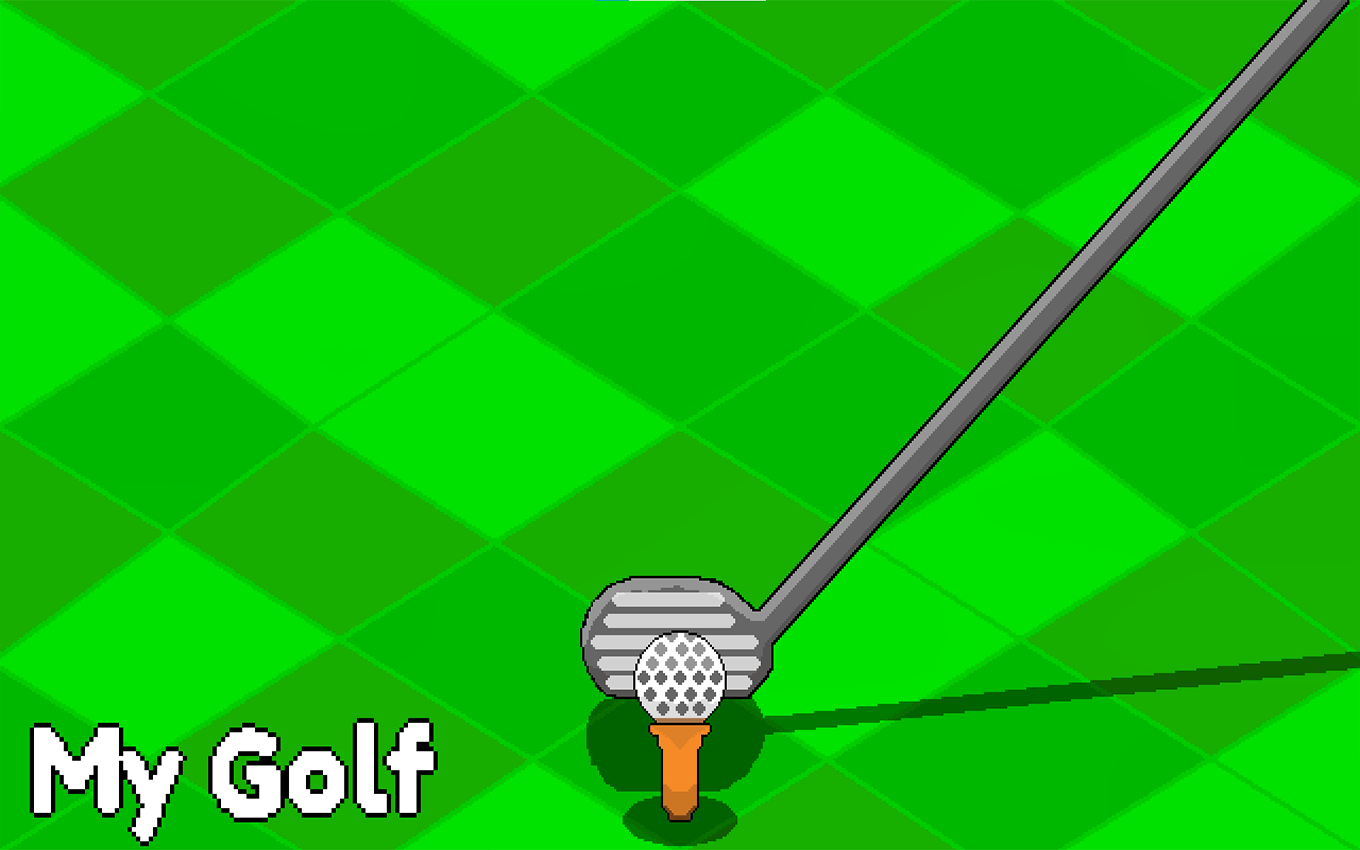
TL;DR: My Golf is a delightful pixel golf game with simple controls and diverse landscapes. Unlock new courses and balls as you master each hole.
I was surprised by how engaging My Golf was from the first swing. The pixel art is charming, and the gameplay is straightforward yet challenging. As I played a few rounds, I found myself wanting to improve my score and unlock new content.
What is My Golf?
My Golf is a pixelated golf game with a retro feel. It features various courses and golf balls to unlock.
The game has a simple, intuitive design that makes it easy to pick up. The pixel art graphics are colorful and fun. You'll play through different landscapes, each with its own challenges.
How do you play My Golf?
You play by aiming and swinging your golf club to hit the ball into the hole. The game uses simple tap controls.
To start, you tap to swing. The power and direction of your swing depend on where you tap on the screen. As you progress, you'll encounter different obstacles like sand traps and water hazards. You'll need to adjust your aim and power to overcome these challenges.
Tips That Actually Work
One tip is to pay attention to the ball's trajectory and adjust your next shot accordingly. If you're consistently overshooting or undershooting, adjust your tap position. We also found that taking your time to aim helps improve accuracy.
Is My Golf good for casual gamers?
Yes, My Golf is great for casual gamers looking for a quick, fun experience.
The game is easy to pick up, and the controls are simple. It's perfect for short breaks or when you need a quick distraction. If you've played games like PGA Tour or Mario Golf, you'll find the basic mechanics familiar.
The Experience
As I continued playing, I appreciated the variety of courses and the satisfaction of unlocking new content. The music is catchy, but it can get repetitive after a while. Still, the overall experience is enjoyable and relaxing.
Conclusion: My Golf is a fun, accessible golf game that's perfect for short breaks. It offers a good challenge and plenty of content to unlock. If you're looking for a casual golf experience, give My Golf a try ▶ at https://www.filereadynow.com/games/play/my-golf. You can browse our games library for more free games like this one, or check out more sports games for similar titles.
Frequently Asked Questions
Is My Golf free to play?
Yes, My Golf is free to play. You can start playing right away without any downloads or purchases.
Can I play My Golf on my mobile device?
Yes, My Golf is compatible with mobile devices. You can play it on your smartphone or tablet.
How do I unlock new courses in My Golf?
You unlock new courses by collecting stars on the existing courses. The more stars you collect, the more courses you'll unlock.
Are the controls difficult to learn?
No, the controls are simple and intuitive. You tap to swing, and adjust your aim by tapping at different positions on the screen.
Can I play My Golf offline?
Yes, My Golf can be played offline. You don't need an internet connection to play the game once you've loaded it.
Table of Contents
Recent Posts

Dune 2: A Timeless RTS Classic Worth Revisiting
16 hours ago
Soccer Game Review: Fast-Paced Mobile Fun
20 hours ago
Italian Brainrot Tung Tung Tug War: Absurd Tap Battles
22 hours ago
Stacky Maze Review: A Clever 3D Puzzle That Stacks Up
23 hours ago
Funny Eye Surgery: A Whimsical Medical Adventure for Kids
1 day ago
SIP Calculator: Calculate Monthly Investment Returns (Free)
1 day ago