Top 5 IMAGE to BASE64 Tools of 2026 (Ranked & Reviewed)

I got asked to explain this to a junior designer last month, and I realized halfway through my answer that I'd never actually had to put it into plain words before. So here goes.
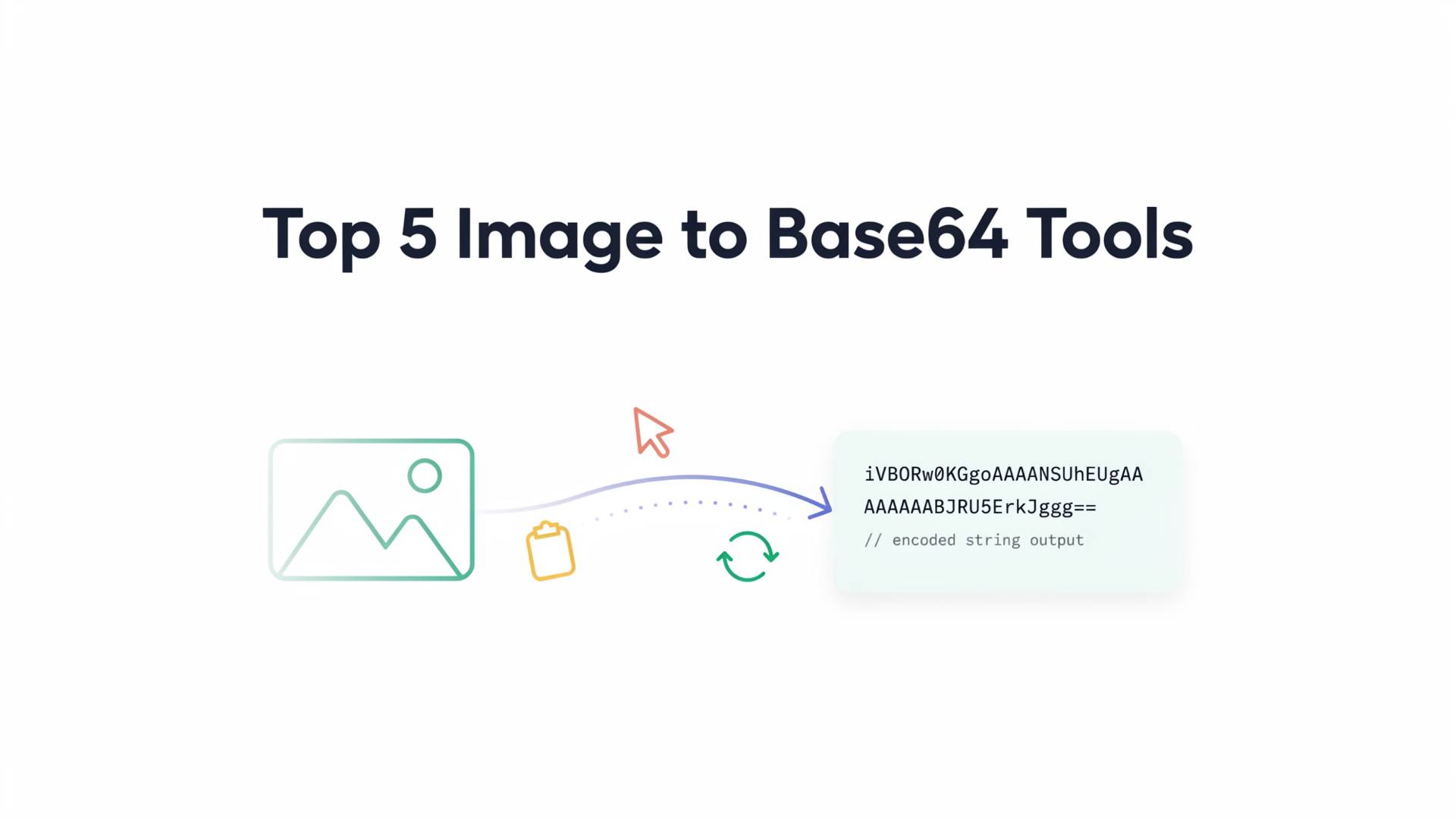
Base64 takes binary data, like the raw bytes of a JPEG or PNG, and turns it into plain text. Letters and numbers only. Why does that matter? Because some places you want to put an image (a JSON file, an HTML document, an email that shouldn't rely on external links) don't know what to do with binary data. They expect text. Base64 is the translator that makes that possible.
That's genuinely the whole concept. People overcomplicate it constantly.
Where it gets annoying is the actual doing of it. Sure, you could write three lines of Python or JavaScript to encode an image yourself. I've done that at midnight before a deadline, cursing quietly because I forgot the MIME prefix and the image just wouldn't render. A decent converter tool skips all that. You upload, it spits out the string, done.
So which ones are actually worth your time in 2026? I tested a handful over a couple of weeks, some recommended by other devs, a couple I found buried in forum threads, one because a client literally sent me the link and said "use this."
How I Tested Them (Skip This If You Just Want the List)
Nothing fancy. I ran the same five files through each tool:
- A 4MB PNG export from a client mockup.
- A tiny 16x16 favicon.
- A transparent logo PNG.
- An SVG file.
- One deliberately ugly, oddly-formatted image just to see what would break.
I wasn't measuring milliseconds or running benchmarks with a stopwatch. I just wanted to know: does this thing work when I throw a real file at it, or does it choke the moment things get slightly inconvenient?
1. FileReadyNow

You drag your image in, and FileReadyNow converts almost instantly, no waiting around, no "create an account to continue" popup halfway through. The large PNG file, the one that made two other tools I tried visibly lag, didn't slow this down at all. That alone moved it up my list.
What actually sold me, though, was the output options. Raw string, full data URI, or an already-wrapped <img> tag, your pick. Doesn't sound like much until you've manually typed out data:image/png;base64, in front of a string for the fifth time that day and started questioning your life choices. Little thing, saves real time.
2. Base64Guru

This one's been around a while, and it shows in a good way, it's clearly built by people who use it themselves rather than a tool thrown together to rank on a keyword.
No account required, no dashboard to click through. You drop your file, get your string, and there's a decent set of output options sitting right there without digging through menus.
It also handles the reverse direction cleanly, which matters more than people expect, since half the time you're not converting an image to base64, you're trying to turn a base64 string someone sent you back into an actual file you can look at.
Where it falls a little short: no batch upload. One image at a time, which is fine for occasional use, less fine if you're processing a folder full of icons.
3. CloudConvert

I almost left this off because it's known more as a general file converter than a base64-specific tool, but it deserves a mention precisely because of that flexibility.
If you're already using it for other conversions, PDF to Word, video formats, whatever, it also handles image-to-base64 through its API, which means you can wire it directly into a script or pipeline instead of manually uploading files one by one through a browser.
That's the real selling point here. It's less about the web interface (which is fine, nothing special) and more about not needing a separate tool if CloudConvert's already part of your stack.
The tradeoff is that the free tier has conversion limits, so if you're doing this at any real volume, budget for that before you build a workflow around it.
4. "Image to Base64" Chrome Extension

I almost didn't include this because it's not technically a website, but enough people brought it up when I mentioned this article that it felt wrong to leave out.
Right-click an image in your browser, hit convert, and the base64 string lands straight in your clipboard. No new tab, no upload screen, none of the usual back-and-forth.
If you're scraping visual assets off a live site for a fast prototype, this shaves off a surprising amount of friction.
One caveat, and it's not a small one: you're handing image data to a browser extension, which means permissions matter. Check what it actually has access to before installing it blindly.
5. FreeFormatter's Base64 Image Encoder

This one's a bit old-school looking, no fancy UI, but it's stuck around for a reason, it's reliable and it handles batch-style workflows better than most people expect from a site that looks like it hasn't been redesigned since 2015.
You can convert multiple images in a session without losing track of which output belongs to which file, and it gives you the option to preview the resulting image directly from the base64 string before you commit to using it, which catches transparency or rendering issues early.
Not flashy, but it does the unglamorous parts of the job properly, and honestly that's most of what you actually need from a tool like this.
Where Base64 Actually Makes Sense (And Where It Doesn't)
Here's where people get it wrong constantly: they treat base64 like a universal solution instead of a specific tool for specific situations.
It genuinely helps with email templates, since a lot of email clients block external image requests and embedding solves that outright.
It's useful for small icons and logos sitting in your CSS, saving an extra network request for something tiny. Offline-first apps benefit too, since there's no server call happening at all.
And it's basically required if you're stuffing an image into a JSON payload, because you can't attach binary data to a request expecting text.
What it's not for: full-size photography, hero banners, anything north of a couple hundred KB. I've seen developers embed a 2MB hero image as base64 directly into a page's HTML because "it seemed convenient," and then wonder why the page loads like it's running on dial-up. Don't do that.
Mistakes I See People Make With This Constantly
Forgetting the MIME prefix is probably the most common one. A raw base64 string means nothing to a browser without data:image/png;base64, (or whatever format applies) stuck in front of it.
I've debugged this exact issue for a coworker who swore the converter was "broken."
Encoding oversized images without compressing first is another. Base64 adds roughly 33% to the file size on its own, running an already-heavy image through that process just makes a heavy problem heavier.
Not checking what happens to transparency is a sneaky one too. Some converters flatten a transparent PNG onto a white background without any warning, and you won't notice until the logo shows up with an ugly white box around it on a colored background.
What I'd Actually Look For in a Converter
Forget the marketing pages for a second. Based on actually using these tools for weeks, here's what separates the useful ones from the forgettable ones:
- Whether it handles large files without freezing up.
- Whether you get to choose your output format instead of being stuck with one.
- Whether it processes things without silently storing your uploaded images somewhere you didn't agree to.
- Whether batch support exists for when a single image isn't the whole job.
- Whether the interface is clean enough that you're not hunting for the convert button under ads.
A Few Honest Questions People Ask About This
Does base64 encoding hurt image quality?
No, not at all. It's lossless, the pixel data itself is untouched. The only thing that changes is the size of the file once it's represented as text, which is bigger than the original binary.
Can you reverse it, back into an actual image file?
Yes. That's decoding, and most tools that handle the encoding side handle decoding too. Same idea, opposite direction.
Should sensitive images be converted online, or kept local?
If it's something confidential or unreleased, run it through a local script instead of trusting a random web tool.
For everyday logos and icons, an online converter is usually fine, just check whether it actually processes the file in your browser rather than uploading it somewhere first.
Where This Leaves You
None of these tools are complicated. That's honestly the whole appeal. A good base64converter should barely register as a step in your workflow, you use it, it works, you get back to whatever you were actually building.
If you're only going to bookmark one, pick something that handles a single quick conversion and a batch job equally well. Future you, elbow-deep in a client deliverable at midnight, will appreciate the five minutes you just saved.
Table of Contents
Recent Posts

PDF to JPG Blurry? How to Convert a PDF Page With Sharp Text
5 days ago
HEX vs RGB vs HSL vs CMYK: Which Color Code Should You Use?
1 week ago
Video Converter Online Free: Which Format to Pick and Why
2 weeks ago
Audio Trimmer Online Free: Cut, Keep, or Remove Any Section
2 weeks ago
How Strong Should Your Password Actually Be in 2026?
3 weeks ago
HEIC vs JPG: Which Should You Actually Use?
1 month ago