
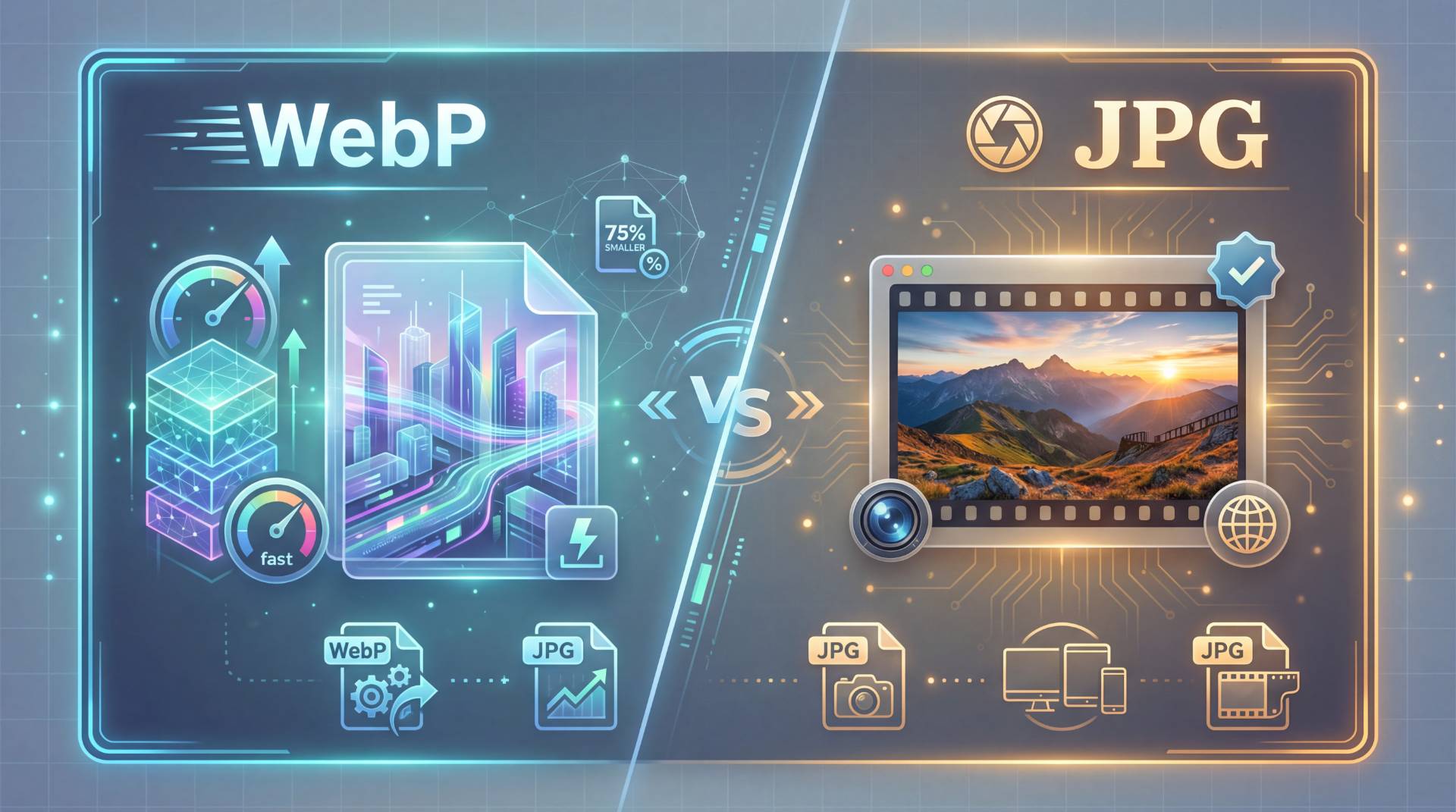
If you’ve ever saved an image from the internet and thought, “Why won’t this open?”, welcome to the WebP era.
Not long ago, JPG was the king of images. You could send it, upload it, edit it, or print it, and it just worked. Now WebP has walked in, claiming to be smaller, faster, and smarter. So what gives?
Is WebP really better than JPEG?
Or is JPG still quietly doing most of the heavy lifting?
Let’s slow this down and look at it the way a real human would, not like a tech spec sheet.
What Is WebP, Really?
WebP is Google’s modern image format. It was designed to solve one big problem:
Websites were getting heavy and slow because images were huge.
So WebP came in with a simple promise: same quality, smaller file size.
And honestly? It delivers.
A WebP image can be 25–35% smaller than a JPG with the same visual quality. That means:
- Faster page loads
- Less bandwidth
- Better performance on mobile
- Slightly happier Google rankings
From a web performance perspective, WebP is a dream.
But… that’s only half the story.
What Is JPG (JPEG)?
JPG is the old reliable. It’s been around since the 1990s, which in internet years is basically ancient.
But here’s why it refuses to die:
- Every device supports it
- Every editor understands it
- Every printer knows it
- Every social platform accepts it
JPG is like paper. It’s not fancy, but everyone knows how to use it.
And that’s where WebP sometimes stumbles.
WebP vs JPG: The Real-World Comparison
Let’s put them side by side in a way that actually matters.
1. File size
WebP wins. No question.
Smaller files mean faster sites and lower hosting costs. If you run a blog, store, or portfolio, that matters.
2. Image quality
Tie. Both use lossy compression. At normal viewing sizes, you won’t see a difference unless you zoom in and squint like a detective.
3. Transparency & animation
WebP supports transparency and animation. JPG does not. That gives WebP a technical edge.
4. Compatibility
JPG wins. Hard.
WebP still doesn’t open in some older apps, email tools, and desktop software without plugins or conversion. You can’t just assume everyone can open a WebP file. And that’s why people keep asking how to convert WebP to JPG.
Is WebP Better Than JPEG?
Here’s the honest answer:
WebP is better for websites.
JPG is better for people.
WebP is optimized for servers and browsers. JPG is optimized for humans who move files around, upload things, print stuff, and share images everywhere.
So when someone asks, “Is WebP better than JPEG?” They’re really asking, “Better for what?”
For speed and SEO? WebP wins.
For compatibility and flexibility? JPG still rules.
Why So Many People Convert WebP to JPG
If WebP is so great, why do people keep doing WebP to JPG conversion?
Because WebP is… annoying.
- Photoshop won’t open it
- Your email client rejects it
- Your CMS won’t upload it
- Your printer says nope
So you have to change WebP to JPG just to get on with your day.
That’s where tools like WebP to JPG of FileReadyNow quietly save people from throwing their laptop across the room. You don’t think about it — you just need the file to work.
How to Convert WebP to JPG (Without Losing Your Mind)
You don’t need to be technical to do this anymore.
1. Online converters
Upload → convert → download. That’s it.
Tools built specifically to convert WebP to JPG handle batches, preserve quality, and skip the fiddling. That’s why people use Webp to JPG of FileReadyNow when they just want it done.
2. Desktop software
Photoshop, GIMP, and even Windows can open WebP now, but not always smoothly. Save as JPG afterward.
When You Should Use WebP
- You’re publishing images on a website
- You care about page speed
- You want smaller files without quality loss
If the image is staying on the web, WebP makes sense.
When You Should Use JPG
- You’re sharing files with clients
- You’re emailing images
- You’re uploading to platforms that don’t love WebP
- You need maximum compatibility
In those moments, change WebP to JPG and move on with your life.
The Bottom Line
WebP is the future of the web.
JPG is the language the world still speaks.
They solve different problems. WebP makes websites fast. JPG makes files usable.
And most of the time? You’ll use both, switching between them whenever the situation demands it.
That’s not a flaw. That’s just how the modern internet works.





