Bowling Challenge Review: A Solid Browser Bowling Game

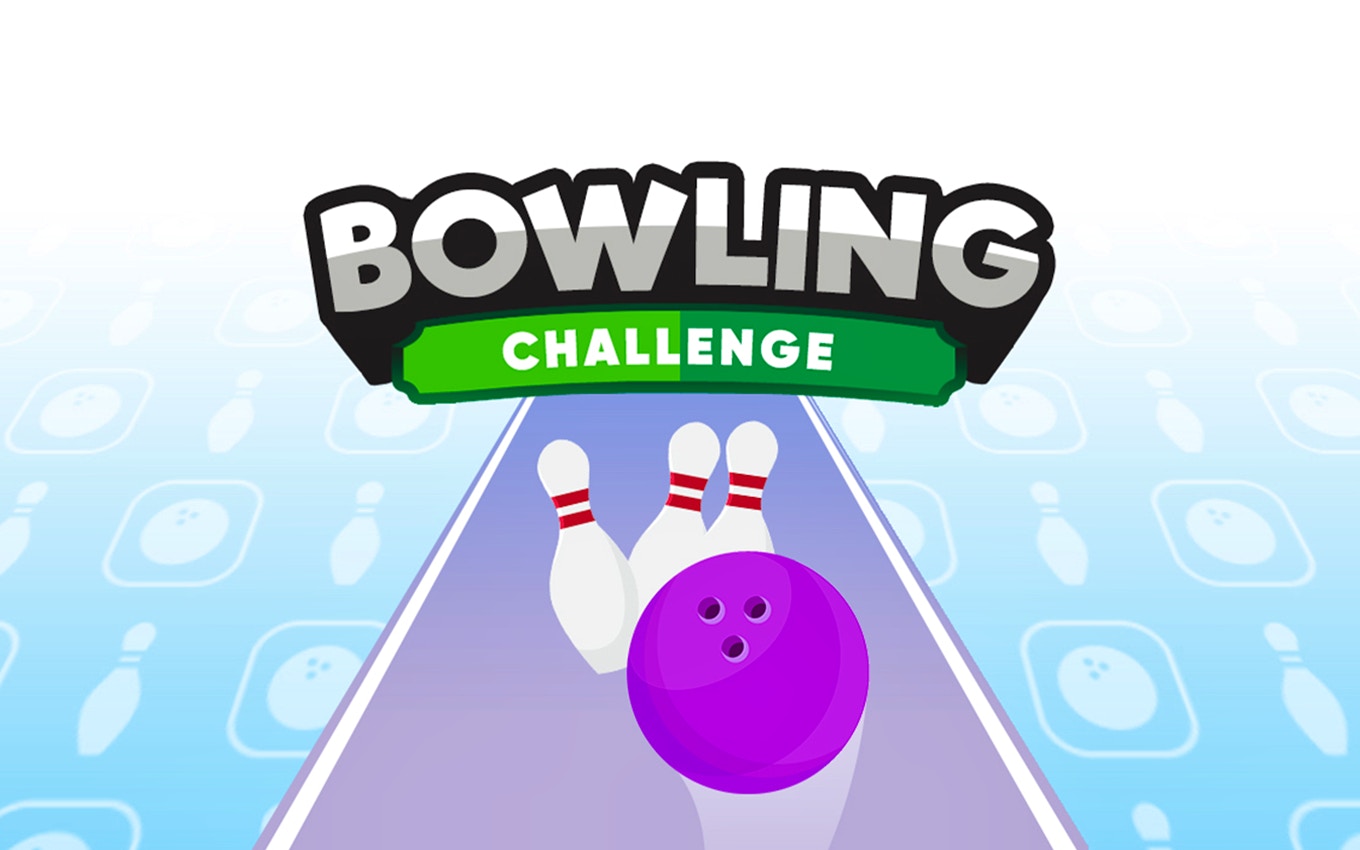
TL;DR: Bowling Challenge is a free browser bowling game with intuitive swipe controls, multiple game modes, and satisfying physics. It works great for quick sessions, offering both level-based challenges and endless high-score chasing. The touch-friendly design makes it accessible for all ages, though some pin setups feel repetitive after extended play. If you want casual sports fun without downloading anything, it delivers. Play Bowling Challenge and see for yourself.
I grabbed my phone during a lunch break last week and needed something to kill fifteen minutes. That's when I stumbled onto Bowling Challenge. I expected some clunky Flash relic, but the moment I launched it, the controls felt surprisingly natural. The swipe-to-bowl mechanic registered my movements instantly, and watching those pins scatter felt genuinely satisfying. That first session lasted forty-five minutes instead of fifteen.
What is Bowling Challenge?
Bowling Challenge is a free browser-based bowling game that combines level-based challenges with an endless scoring mode. Players swipe to set power and angle, then release to roll. Each level presents unique pin arrangements that require different approaches. The game runs directly in your browser without downloads, making it perfect for quick gaming sessions.
The visual style keeps things clean and readable. Pins are clearly visible against the lane, and the score display stays out of your way during throws. Sound effects add weight to strikes without becoming annoying. If you've played mobile bowling games like Bowling King or PBA Tour, the core loop will feel familiar.
How do you play Bowling Challenge?
You swipe up from the ball to start your throw, adjusting the angle by sliding left or right. Release timing controls power. The game shows a trajectory line that helps you aim, but hitting strikes still requires practice. After your ball stops, you get another throw if pins remain. Clear all pins in two throws to pass each level.
What I noticed early on was that the physics feels slightly floaty compared to real bowling. Balls curve gently rather than hooking hard. This actually helps beginners, but it means you can't replicate professional bowling techniques. The game rewards consistency over fancy moves.
Tips That Actually Work
The trajectory line is your best friend. Use it to center your shots for spares, even if a strike seems possible. I wasted several frames trying to curve for strikes when a straight shot would've cleared the 7-10 split.
Watch the pin shadows. They indicate where your ball will contact, letting you adjust mid-swipe. This helped me convert spares I'd normally miss. Also, don't neglect the endless mode. It trains your consistency better than repeating the same level over failed attempts.
The power meter fills quickly. You don't need a full swipe. Short, controlled releases give you more accuracy, especially for splits and tricky setups.
Is Bowling Challenge good for casual gamers?
Absolutely. The controls are simple enough that anyone can pick it up in seconds. Levels take two to three minutes each, so it fits perfectly into breaks. No energy systems or waiting rooms slow you down. You bowl, you score, you move on.
The game isn't built for deep strategy. If you want realistic physics, career modes, or online multiplayer, look elsewhere. But for filling dead time with something fun and non-committal, it hits the mark. Grandparents, kids, and office workers on lunch breaks will all find something enjoyable here.
What's the catch?
The level variety drops off after the first twenty stages. Pin setups start repeating, and new challenges become fewer. The endless mode helps, but dedicated players will notice the repetition. Music loops after about five minutes, which gets old during longer sessions. I'd recommend muting the audio and playing your own playlist.
Ads appear between some levels on mobile browsers. They're not intrusive, but they interrupt flow if you're on a roll. The game handles this gracefully overall, not forcing you to watch to continue. This minor annoyance doesn't ruin the experience, but it's worth knowing before you start.
Bowling Challenge won't replace your local alley or offer console-quality graphics. But for a browser game, it delivers reliable fun with zero setup. The swipe controls work, the physics satisfies, and the modes give you reasons to return. Whether you're killing time or unwinding after work, it earns its spot in your browser tabs. Give Bowling Challenge a try and see if it rolls with you.
Looking for more games to play during breaks? Browse our games library for hundreds of free browser titles. Prefer sports games specifically? Explore more sports games like this one.
Frequently Asked Questions
Is Bowling Challenge free to play?
Yes. You can play Bowling Challenge for free directly in your browser. No downloads or sign-ups required.
Does Bowling Challenge work on mobile phones?
Yes. The portrait orientation and touch controls make it work well on smartphones and tablets. It also runs on desktop browsers if you prefer a mouse.
How many levels does Bowling Challenge have?
The game features dozens of levels with unique pin setups. After completing the main progression, endless mode keeps you bowling for high scores.
Can you save your progress in Bowling Challenge?
Progress saves automatically in your browser. Close the tab and return later to continue where you left off.
Are there ads in Bowling Challenge?
Some ads appear between levels on mobile devices. They're brief and don't block gameplay. The desktop version has fewer interruptions.
Table of Contents
Recent Posts

Surviving the Meme Monster: OBUNGA Game Review
10 hours ago
Surviving the Chilling Horrors of a Gothic Manor
10 hours ago
Audio Trimmer Online Free: Cut, Keep, or Remove Any Section
1 day ago
Get Ready to Ride: Skateboard Wheelie Review
1 day ago
Fun Shopping Fun: Review of Funny Shopping Supermarket
1 day ago
Racing to Fun: A Look at Super Star Body Race
2 days ago