Brain Doctor Game Review: A Fun Way to Learn Medical Skills

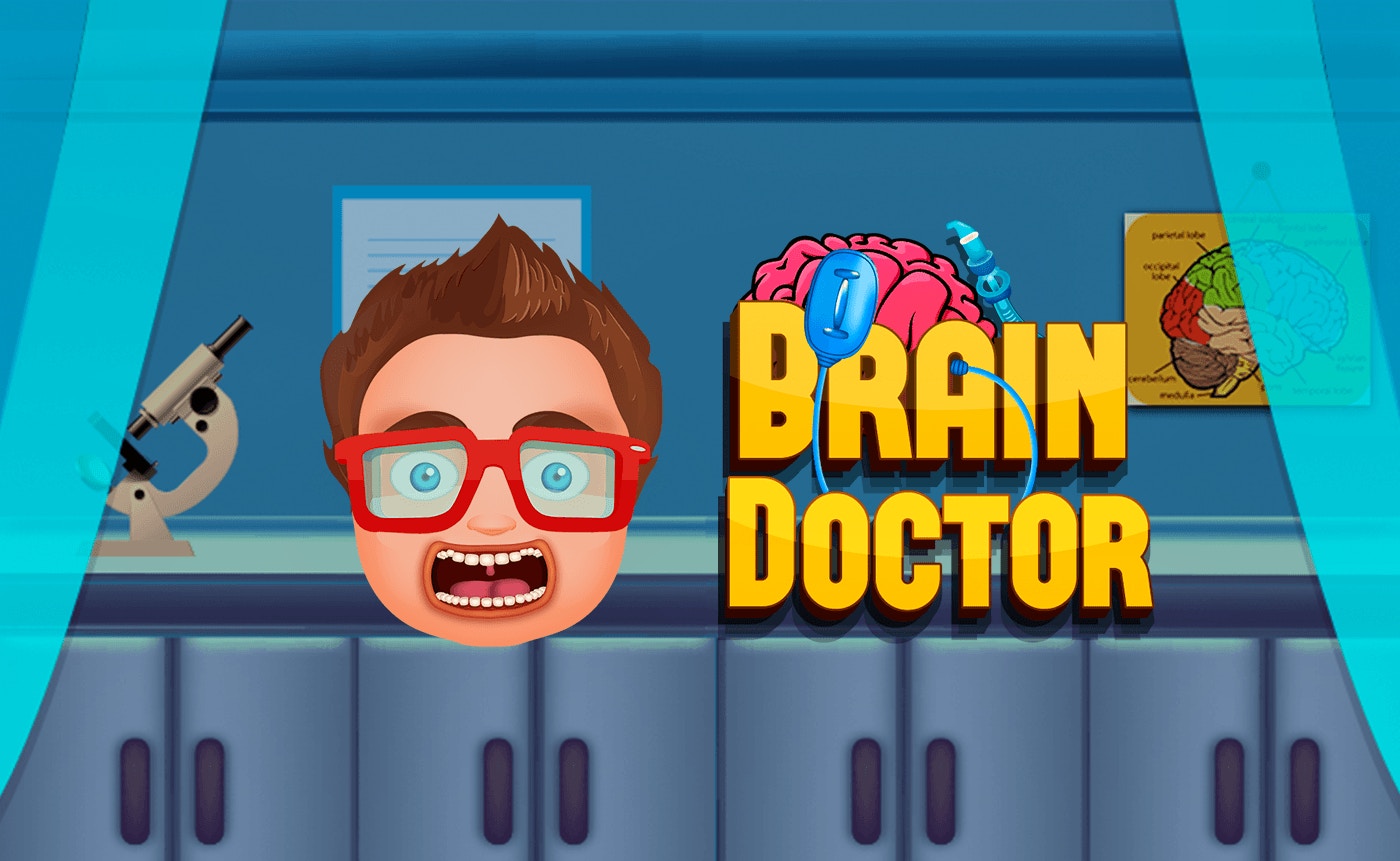
TL;DR: Brain Doctor is a free kids game where you diagnose and treat patients by performing brain surgery. The gameplay is simple but engaging, with colorful visuals and satisfying feedback. It's best for kids ages 6-12 who enjoy interactive learning games. If you want deep strategy, look elsewhere. But for quick fun that teaches medical basics, it hits the mark.
I still remember the first time I accidentally clicked the wrong tool during a procedure. My virtual patient let out a cartoonish groan, and a red warning flashed on screen. That moment taught me Brain Doctor rewards attention over speed. I played a few rounds before I figured out the rhythm, and now I keep coming back.
What is Brain Doctor?
Brain Doctor is a free browser game where you step into the role of a brain surgeon. You diagnose patients, select the right tools, and perform procedures to treat their conditions. The goal is simple: fix the brain, save the patient, move to the next case. It's designed for kids but offers enough variety to keep things interesting for adults looking for a quick break.
If you've ever played Operation or other doctor-themed games, the basic setup will feel familiar. You get a patient with a specific problem, and it's up to you to figure out the solution. The difference here is the focus on brain procedures rather than the whole body.
How do you play Brain Doctor?
You start each level by reading the patient's symptoms. Then you pick tools from a tray at the bottom of the screen. Each tool handles a specific issue, like removing blockages or repairing damaged areas. Once you select the right tool, you use it on the affected part of the brain. Correct choices earn points and move you forward. Mistakes cost you lives, but you get enough chances to recover.
The controls are straightforward. You tap or click to select tools and apply them. There's no complicated combo system or resource management. Younger players can jump in without reading a tutorial. The game explains what you need to do through on-screen prompts that are clear and easy to follow.
Tips That Actually Work
Read the symptoms before grabbing a tool. Sounds obvious, but the game rewards careful attention. I learned this the hard way when I rushed through my first few procedures and kept picking the wrong instruments.
Watch the visual cues carefully. The game highlights problem areas with color changes or pulsing effects. These hints tell you exactly where to focus. If something looks different, that's usually where you need to work.
Don't rush. There's no countdown timer pressuring you, so take your time. Speed doesn't earn bonus points. Accuracy does.
Is Brain Doctor good for kids?
Yes, if your child enjoys interactive learning games. The medical theme teaches basic anatomy and problem-solving without feeling like homework. The procedures are simplified, so kids understand the concept without needing real medical knowledge.
The game works best for ages 6-12. Younger kids might need help with some of the tool names, but the gameplay itself is accessible. Older kids looking for deep strategy will probably find it too simple. It's a great entry point for kids curious about how the brain works.
How does it feel to play?
The game feels rewarding. Each successful procedure triggers a satisfying sound effect and animation showing the patient recovering. The colors are bright and friendly, which makes the medical theme less intimidating for younger players. The music is cheerful, though it does repeat after a few levels.
The pace is relaxed. Unlike action games that demand quick reflexes, this one lets you work at your own speed. It's the kind of game you can play for five minutes or half an hour, depending on how much time you have.
What's the overall verdict?
Brain Doctor delivers exactly what it promises: simple, fun gameplay with an educational twist. The learning curve is gentle, the interface is clean, and the procedures are satisfying to complete. It's not the most complex game out there, but that's not the point.
If you want a quick game that teaches medical basics without overwhelming younger players, give play Brain Doctor a try. It's free, it runs in any browser, and it works well as a break between other activities. Browse our games library for more titles like this one.
Frequently Asked Questions
Is Brain Doctor free to play?
Yes, Brain Doctor is a free browser game. You don't need to download anything or create an account. Just visit the play page and start diagnosing patients right away.
What age group is Brain Doctor designed for?
Brain Doctor works best for kids ages 6-12. Younger children can play with some guidance, while older kids may find the gameplay a bit simple. Adults can enjoy it as a casual time-killer.
Does Brain Doctor teach real medical information?
The game simplifies medical concepts for kids, so it won't teach you to perform real surgery. Instead, it introduces basic ideas about brain function and medical procedures in an age-appropriate way.
Can I play Brain Doctor on a phone or tablet?
Yes, the game runs in any modern web browser on desktop and mobile devices. The portrait orientation fits well on phone screens, though it works on tablets too.
Are there ads in Brain Doctor?
The browser version may include occasional ads. You can avoid them by using an ad blocker if you prefer an uninterrupted experience. The gameplay itself doesn't force you to watch ads between levels.
Table of Contents
Recent Posts

Surviving the Meme Monster: OBUNGA Game Review
11 hours ago
Surviving the Chilling Horrors of a Gothic Manor
11 hours ago
Audio Trimmer Online Free: Cut, Keep, or Remove Any Section
1 day ago
Get Ready to Ride: Skateboard Wheelie Review
1 day ago
Fun Shopping Fun: Review of Funny Shopping Supermarket
1 day ago
Racing to Fun: A Look at Super Star Body Race
2 days ago