Christmas Candy Cane Review: Festive Arcade Fun Worth Your Break
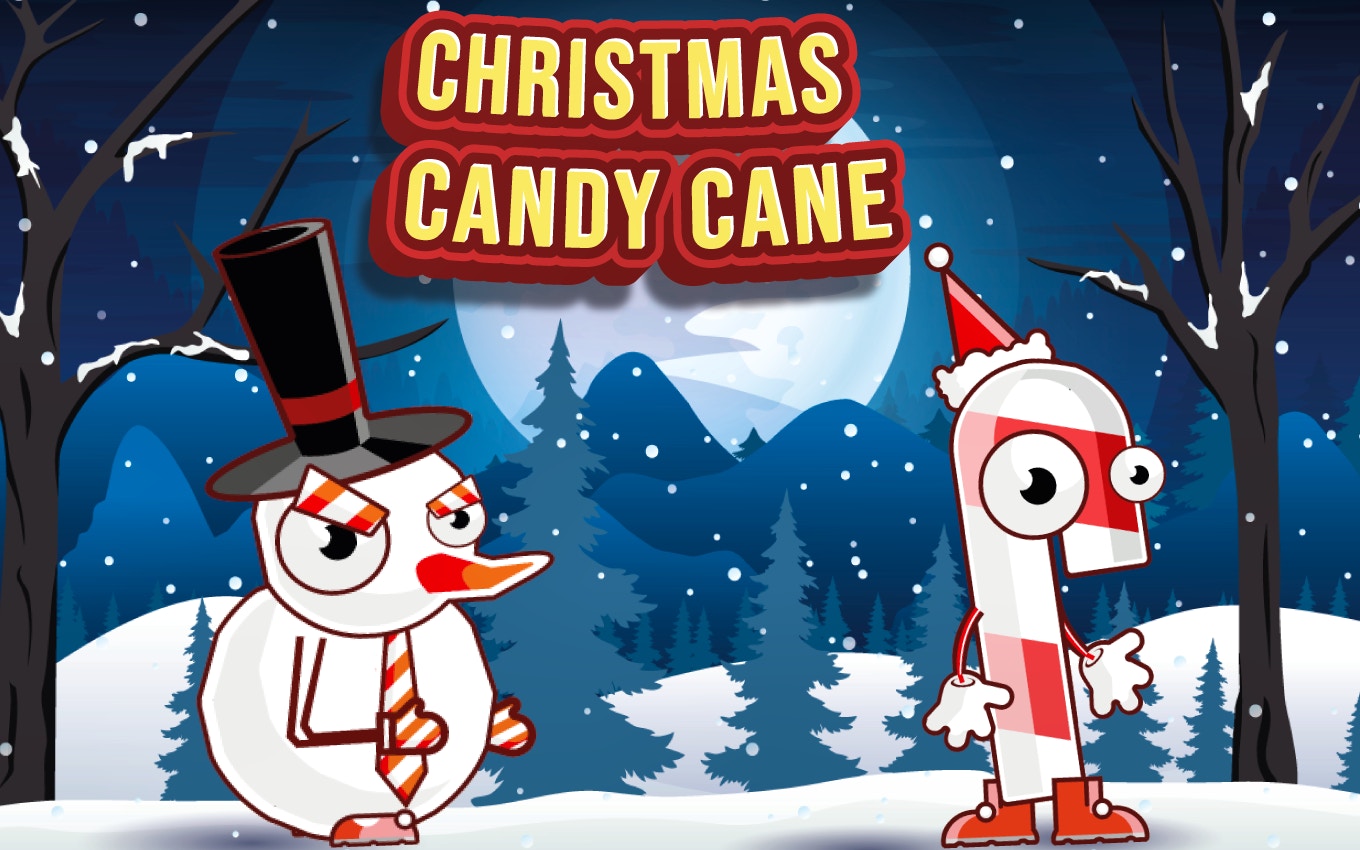
TL;DR: Christmas Candy Cane is a holiday themed arcade shooter where you match candies to clear grids. Think Bust-A-Move meets Candy Crush, with festive colors and chain reaction combos. It's free, runs in your browser at 800x600, and works best for quick, cheerful breaks. Difficulty ramps up nicely, though the soundtrack loops fast.
I'll be honest: I opened this game expecting another generic holiday reskin. You know the type, same mechanics, some snowflakes pasted on top, nothing new. But after my first session with Christmas Candy Cane, I found myself clicking "retry" more than I planned. There's something satisfying about lining up a shot, watching peppermint stripes and gumdrops collide, then seeing half the grid vanish in a chain reaction you didn't even predict.
We've all got five or ten minute gaps in our day. Waiting for a download, sitting through a boring call, avoiding actual work. This game slots right into those moments. It's not trying to be your next 40 hour obsession. It's a cheerful little arcade experience that knows exactly what it wants to be, and mostly nails it. If you're curious about how it actually plays, let's dig into the details.
What is Christmas Candy Cane?
Christmas Candy Cane is a browser based arcade puzzle shooter where you aim and launch festive candies at a descending grid of matching sweets. Your goal is to clear clusters before they reach the bottom. The game uses an 800x600 landscape layout, bright holiday visuals, and combo mechanics that reward careful aim over random clicking.
I'd describe it as a hybrid. The aiming and shooting feel pulled from classic bubble poppers like Bust-A-Move or Puzzle Bobble. The candy theme and grid clearing logic echo match three giants like Candy Crush Saga. But it strips away the mobile free to play baggage: no lives system, no energy timers, no gem packs. You just play. The festive twist isn't superficial either. Candy types include striped peppermints, wrapped chocolates, and glossy gumdrops that actually look distinct enough to tell apart at a glance, which matters when the grid gets crowded.
How do you play Christmas Candy Cane?
You control a candy launcher at the bottom of the screen. Aim with your mouse or finger, then click or tap to shoot the current candy upward toward the grid. Match three or more identical candies to clear them. Cleared clusters trigger chain reactions when falling pieces land on matching neighbors below, which is where the real scoring magic happens.
What surprised me early on was how much the aiming angle matters. The launcher shows a dotted trajectory line, but candies bounce off walls. On my third try, I discovered you can bank shots off the side to reach awkward gaps. That's not explained anywhere, it's just something you figure out by experimenting. The first few levels are gentle, grids are sparse, combos come easy. By level six or seven, the grid starts lower and candy variety increases, forcing you to think two shots ahead. There's no timer, so you can line up shots carefully. That pacing choice feels deliberate and smart.
Tips That Actually Work After Playing for an Hour
After about an hour of play across multiple sessions, I picked up some tricks that aren't obvious at first. Here's what helped me push past the mid level difficulty spike.
First, prioritize clearing the lowest hanging candies. It's tempting to aim for big clusters near the top, but if the bottom row touches the line, the round ends. Second, learn the bounce angles. The side walls are your best tool for reaching candies tucked behind obstacles. Third, don't sleep on single color chains. If you clear a small group and the falling pieces trigger two more clears below, that cascading score multiplier beats a single large match every time. Fourth, watch the upcoming candy preview near the launcher. Planning one shot ahead cuts down on panic when the grid gets tight. These aren't groundbreaking strategies, but they're specific to how this game's physics work.
Is Christmas Candy Cane good for quick work breaks?
Yes, this game is nearly perfect for short breaks. Rounds last two to five minutes, there's no login or save system to fuss with, and the browser tab stays lightweight. You can jump in, clear a few levels, and close it without losing progress in some overwrought campaign mode. The 800x600 resolution means it doesn't hog your screen either.
I played several rounds between tasks on a Tuesday afternoon. Each session felt complete on its own. That's rare in browser games, which often either demand commitment or feel too shallow to revisit. This one hits a sweet spot. The holiday theme also gives it a cheerful tone that's genuinely mood lifting, assuming you don't hate Christmas music. Speaking of which, the jingle loop is cute for about fifteen minutes, then you might reach for the mute button. I did.
The Feel of It: Controls, Feedback, and That One Annoyance
The mouse aiming feels smooth and responsive. Clicking to shoot gives a satisfying little snap, and the candy flies exactly where the dotted line predicts. When a chain reaction triggers, the screen pops with sparkles and a rising chime effect that makes even accidental combos feel intentional. What took getting used to was the lack of a restart button during a round. If I messed up early, I had to either play it out or refresh the whole page. Not a dealbreaker, but noticeable.
Visually, the game sticks to a cozy palette: reds, greens, whites, golds. Candy shapes are distinct enough that I never confused a peppermint for a gumdrop, even when the grid got chaotic. The background is a soft snowy scene that doesn't distract. Performance stayed smooth on Chrome and Edge, no frame drops or input lag. For a free browser title, the polish level impressed me. If you want deep strategy or endless progression, this isn't it. But for a five minute burst of festive arcade action, it delivers.
After a dozen rounds, I did wish for more variety in power ups or board layouts. The core loop is solid, but by level ten, the novelty starts to fade. That's okay. Not every game needs to be infinitely replayable. Sometimes you just want to shoot candy canes at other candy canes while pretending to answer emails. This game understands that assignment.
Why It's Worth Your Time (and Who Should Skip It)
If you enjoy casual arcade shooters with a puzzle twist, you'll get a solid afternoon of fun here. The combo system rewards skill, the difficulty curve feels fair, and the holiday aesthetic is executed with more care than most seasonal cash grabs. It's also completely free with no sign up walls. You can start playing here right now and be in a round within seconds.
This game isn't for players who want complex upgrade trees, multiplayer leaderboards, or gritty narratives. It's also not ideal if repetitive background music drives you up a wall (mute exists, use it). But for anyone who loved Bust-A-Move at arcades, or needs a cheerful distraction between spreadsheets, it's a easy recommendation. If you finish and want more, more arcade games await in the same library.
I came in skeptical and left charmed. That's more than I can say for most browser games I try on a random weekday. Give it a shot. Literally. The candy launcher is waiting. ▶ Play Christmas Candy Cane now or browse our games library for more free titles.
Frequently Asked Questions
Do I need to download anything to play Christmas Candy Cane?
No downloads required. The game runs directly in your web browser on desktop or mobile. Just visit the play URL and it loads immediately. No plugins or extensions needed either.
Is Christmas Candy Cane free?
Yes, it's completely free to play. There are no in game purchases, subscription walls, or limited play sessions. You can play as many rounds as you want without hitting a paywall.
What are the controls for Christmas Candy Cane?
You use your mouse or touchscreen to aim the candy launcher. A dotted trajectory line shows where your shot will go. Click or tap to fire the candy. You can bank shots off side walls for tricky angles.
Does the game save my progress?
No, there is no save system or login feature. Each session starts fresh from level one. This keeps the game lightweight and quick to jump into, but don't expect to resume a mid level run later.
Can I play Christmas Candy Cane on my phone?
Yes, the game works on mobile browsers. The 800x600 landscape layout fits phone screens reasonably well in horizontal orientation. Touch controls feel responsive, though aiming precision is slightly easier with a mouse.
Table of Contents
Recent Posts
Mega Prize Scratch Review: A Casual Gem Worth Scratching?
34 minutes ago
Red Ball Bounce Review: A Bouncy Platformer That Sticks
58 minutes ago
Jewel Bubbles 3 Review: A Match-3 Game That Pops
1 hour ago
Jelly Rock Saga Review: A Sweet Match-3 Worth Your Break Time
1 hour ago
Drop the Number Review: A Fresh 2048 & Sudoku Hybrid
1 hour ago
Super Nitro Racing 2 Review: Arcade Rally Thrills, 21 Tracks
1 hour ago