Fish Rescue Go Review: Can You Outsmart the Shark?

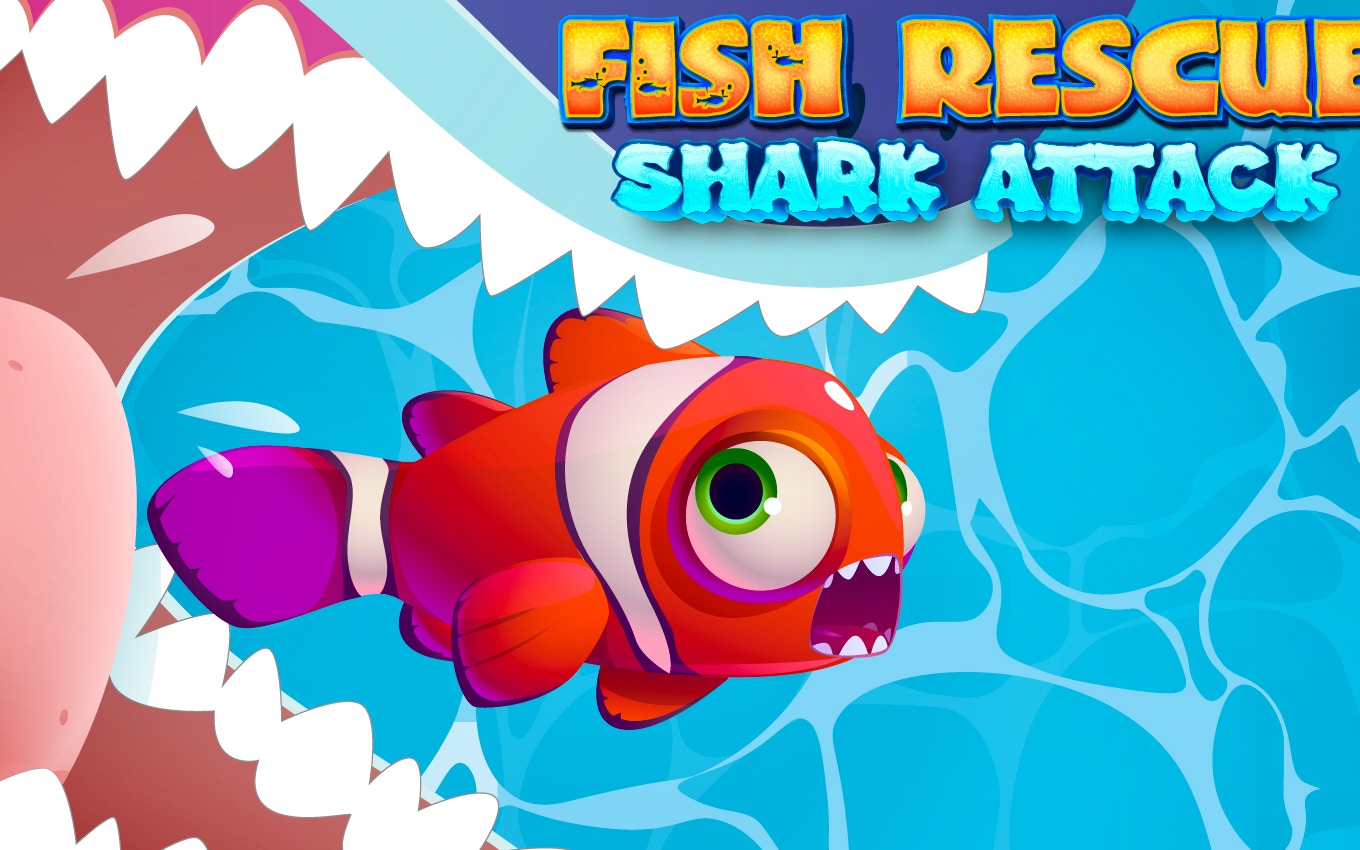
TL;DR: Fish Rescue Go - Shark Attack is a portrait-mode adventure game where you pilot a drone to save fish from circling sharks. Quick reflexes matter more than complex strategy. The controls feel snappy, the tension escalates nicely, and it's a solid pick for short bursts of arcade-style fun. Just don't expect deep storytelling.
I'll admit, I went into Fish Rescue Go - Shark Attack expecting a casual time-waster. What I got was a surprisingly tense little arcade challenge. The first time a shark veered straight for my drone, I actually flinched. That's the hook here: you're not just collecting fish. You're actively dodging a predator that feels genuinely aggressive. After a few rounds, I found myself holding my breath during close calls. It's a simple setup, but it works.
What is Fish Rescue Go - Shark Attack?
Fish Rescue Go - Shark Attack is a portrait-mode adventure game where you control a rescue drone underwater. Your goal is to scoop up fish trapped in the ocean while avoiding circling sharks. The game lives on our games library and plays right in your browser, no download needed.
Think of it as a single-screen arcade rescue mission. Each level drops you into a new patch of ocean. Sharks patrol set paths or react to your movement. You zip in, grab the fish, and get out. Miss your window and the shark closes in fast. The game leans into tension and timing, not exploration. If you've played something like Flappy Bird or Crossy Road, you'll recognize the DNA: simple controls, punishing mistakes, and that "just one more try" pull.
How do you play Fish Rescue Go - Shark Attack?
You control a small rescue drone with simple drag or tap controls. Move the drone toward a fish, grab it, and bring it back to safety. Sharks patrol each level, and touching one means losing a life. The challenge comes from reading the shark's movement pattern and timing your run perfectly.
In my first session, I kept rushing in too fast. The shark's patrol route isn't random. It loops. Watch it for a few seconds before you move. The drone feels responsive, but there's a slight momentum. You can't stop on a dime. This took getting used to. On my third try, I learned to hover just outside the shark's loop and dart in the moment it turned away. That small adjustment tripled my successful rescues.
Tips That Actually Help
I learned a few things the hard way. These tips come from actual play, not guesswork.
First, study the patrol loop. Every shark has a set path. Count the seconds it takes to complete a cycle. Then you know exactly how long your window is. Second, don't grab every fish immediately. Some fish are positioned as bait. The shark swings back faster than you think. Pick the fish on the edges of the danger zone first. Third, use the edges of the screen. The shark rarely patrols right against the boundary. Hugging the wall buys you an extra half-second. That half-second is often the difference between a save and a restart.
One thing that surprised me: the drone's grab range is generous. You don't need to be pixel-perfect. The hitbox for rescuing is forgiving, which keeps the frustration low when you're learning. The hitbox for getting eaten? Not so forgiving. That feels fair.
Is Fish Rescue Go - Shark Attack good for quick breaks?
Yes, this game is built for short play sessions. A single rescue attempt takes 15 to 30 seconds. You can finish several rounds in under five minutes. The portrait orientation makes it comfortable to play on a phone during a commute or while waiting in line.
What I like is how quickly you get into the action. No cutscenes, no long tutorials. You tap, you play. The difficulty climbs after the first few levels. Sharks get faster and patrol routes get trickier. But the game never demands a long time commitment. If you have a 5-minute gap between tasks, give Fish Rescue Go - Shark Attack a try and see how many fish you can save.
Where the Game Could Improve
No game is flawless, and this one has a few rough edges. The background music is a short loop that gets repetitive after about ten minutes. I ended up muting it and playing my own playlist. The difficulty also spikes around level 7. Suddenly the shark patrols faster and the fish placement feels less forgiving. It's not unfair, but it's a jolt.
This isn't a game for people who want a narrative or deep progression systems. You won't find skill trees, upgrades, or character arcs here. It's a pure arcade reflex challenge. If you want something with a story, check out more adventure games on the site. But if you want a test of timing and nerve, this one delivers.
Why It's Worth Your Time
I keep coming back to the tension. There's a real rush when you snatch a fish from right under a shark's nose. The game doesn't punish you with long load times or complicated menus. It respects your time. That's rarer than it should be in free browser games.
The visual style is clean and readable. Fish are bright, sharks are menacing but not scary for younger players. The water effects are simple but effective. I never lost track of where my drone was, even in busier levels. That clarity matters when you're making split-second moves.
After a week of on-and-off play, I've gotten better at reading the patterns. The game rewards patience and observation. That's satisfying. You feel like you're learning, not just reacting. For a free browser title, that's a solid achievement. If you want to test your reflexes, start playing here and see how you stack up.
If you enjoy this kind of arcade challenge, browse our games library for similar picks. We have a growing collection of free, no-download titles that work right in your browser.
Frequently Asked Questions
Do I need to download anything to play Fish Rescue Go - Shark Attack?
No downloads are needed. The game runs directly in your browser on any device with an internet connection. Just visit the page and start playing immediately.
Is Fish Rescue Go - Shark Attack free?
Yes, it's completely free to play. There are no paywalls, subscriptions, or in-game purchases required to access the full game.
What devices can I play this on?
The game uses portrait orientation and is optimized for both mobile phones and desktop browsers. The drag controls work well on touchscreens, and you can use a mouse on a computer.
How many levels does the game have?
The game features multiple levels with escalating difficulty. Each level introduces faster sharks or trickier fish placement. The challenge keeps ramping up as you progress.
Does the game save my progress?
Since this is a browser-based arcade game, progress is session-based. Your current score resets when you close the tab, which makes it perfect for quick play sessions without commitment.
Table of Contents
Recent Posts

Surviving the Meme Monster: OBUNGA Game Review
7 hours ago
Surviving the Chilling Horrors of a Gothic Manor
7 hours ago
Audio Trimmer Online Free: Cut, Keep, or Remove Any Section
1 day ago
Get Ready to Ride: Skateboard Wheelie Review
1 day ago
Fun Shopping Fun: Review of Funny Shopping Supermarket
1 day ago
Racing to Fun: A Look at Super Star Body Race
2 days ago