How Businesses Use PDF Merge Tools Efficiently

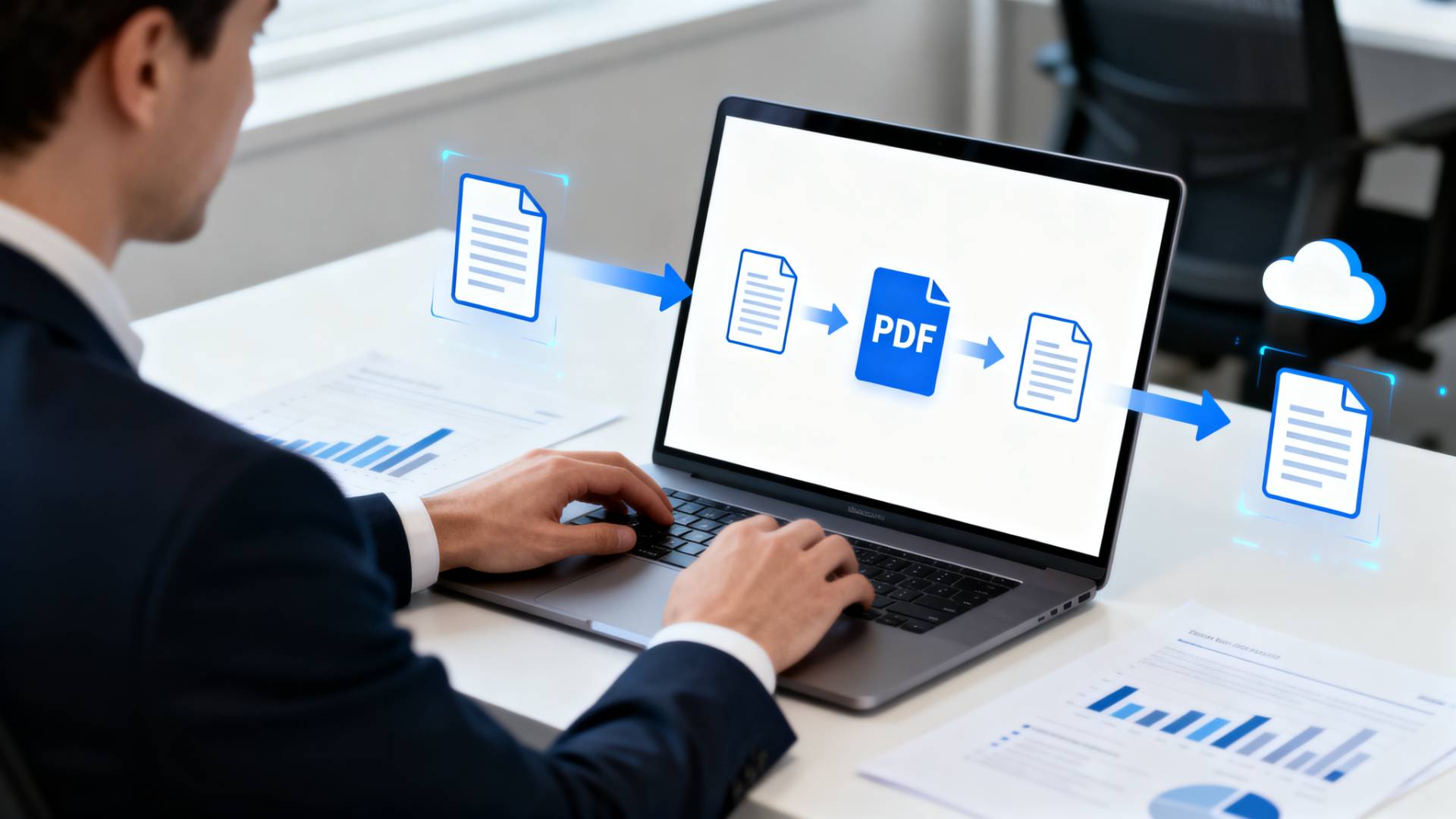
Picture this: your team is about to finalize an important deal. You send over a contract, pricing sheet, and supporting documents, but as separate attachments. It works, technically. But it’s messy, easy to overlook, and not exactly professional.
This is a common issue in many businesses. Documents pile up, files get scattered, and workflows slow down. A simple fix, often overlooked, is the ability to merge PDF files into a single, organized document.
It may seem like a small step, but in practice, it can make everyday operations smoother, faster, and far more efficient.
What Does It Mean to Merge PDF Files?
At its core, merging PDFs means combining multiple documents into one file.
Instead of juggling several files like reports, appendices, or forms, you bring everything together into a single document that’s easier to manage and share. Businesses often merge files into one PDF to keep related information in one place and avoid unnecessary back-and-forth.
Why Businesses Prefer to Merge Files into One PDF
Better Organization Without Extra Effort
When documents are scattered across folders or emails, even simple tasks can take longer than they should. Merging files keeps everything centralized, making it easier to find what you need without digging around.
A More Professional Presentation
Sending one clean, well-structured document always makes a better impression than sending multiple attachments. It shows attention to detail and makes it easier for clients or stakeholders to follow along.
Faster, Smoother Workflows
Small inefficiencies add up. Renaming files, attaching multiple documents, or explaining file order can slow things down. When everything is already combined, teams can move faster and stay focused on more important work.
Read also: Merge PDF Files Free and Preserve Original Formatting
Where Businesses Use PDF Merging Every Day
Contracts and Legal Documents
Legal paperwork rarely comes as a single file. Agreements, disclosures, and addendums are often separate. Combining them ensures everything is reviewed in the correct order, reducing confusion.
Financial Reports and Records
Finance teams frequently deal with multiple documents, summaries, statements, and receipts. Bringing them together into one file makes reporting and audits far more manageable.
HR and Employee Documentation
From onboarding forms to policy documents, HR teams handle a large volume of paperwork. Merging these into a single file creates a more organized employee record.
Sales and Client Proposals
Sales teams often tailor documents for each client. Instead of sending separate files, they can combine presentations, case studies, and pricing details into one cohesive document.
How PDF Merge Tools Improve Efficiency
Trying to organize documents manually can quickly become frustrating, especially when dealing with large or multiple files. This is where dedicated tools come in.
Instead of relying on complicated software, many teams prefer simple solutions that allow them to merge PDF files quickly and move on. Tools like FileReadyNow’s merge PDF feature make it easy to combine documents in seconds, helping teams avoid unnecessary delays.
The less time spent managing files, the more time teams have to focus on actual work.
What to Look for in a Good PDF Merge Tool
- Ease of Use: A clean, simple interface saves time
- Speed: Especially important when handling large documents
- File Quality: The final document should look exactly like the originals
- Security: Essential when dealing with sensitive business data
- Cross-Device Compatibility: Useful for teams working across different systems
Read also: How to convert PDF to image with high resolution for free
Best Practices for Merging PDF Files
Plan the Order First
Before merging, arrange your files in the correct sequence so the final document flows naturally.
Use Clear Naming Conventions
A well-named file makes it easier to find later, especially when working with large volumes of documents.
Keep an Eye on File Size
Merging multiple files can increase size quickly. If needed, compress the final document to make sharing easier.
Choose Reliable Tools
Using a dependable solution helps avoid formatting issues or data loss. Many businesses prefer lightweight tools such as FileReadyNow to merge files into one PDF without compromising quality.
Common Challenges (And Simple Fixes)
- Large files: Compress documents before merging
- Formatting inconsistencies: Use tools that preserve layout
- Security concerns: Stick to trusted platforms with proper safeguards
The Growing Role of PDF Tools in Business
As more businesses shift toward digital workflows, document management continues to evolve. Tools are becoming faster, simpler, and more integrated with cloud systems.
What used to be a small administrative task, like merging PDFs, is now part of a larger effort to improve efficiency across teams. And for many businesses, even small improvements like this can have a noticeable impact over time.
Conclusion
Keeping documents organized shouldn’t feel like a constant struggle. By choosing to merge PDF files, businesses can simplify how information is shared, reduce clutter, and improve day-to-day operations.
It’s a simple step, but one that can save time, improve communication, and create a more professional experience for both teams and clients.
Frequently Asked Questions
On a Mac, use Preview: open a PDF, enable thumbnails, and drag in other PDFs to combine them, then save. Alternatively, use FileReadyNow to merge PDF files online quickly without installing anything.
To merge PDF files into one, upload or select your documents, arrange them in order, click the merge option, and download the final file.
Yes, many online tools allow you to merge PDF files directly in your browser. You don’t need to download or install anything.
Table of Contents
Recent Posts

PDF to JPG Blurry? How to Convert a PDF Page With Sharp Text
5 days ago
HEX vs RGB vs HSL vs CMYK: Which Color Code Should You Use?
1 week ago
Video Converter Online Free: Which Format to Pick and Why
2 weeks ago
Audio Trimmer Online Free: Cut, Keep, or Remove Any Section
2 weeks ago
How Strong Should Your Password Actually Be in 2026?
3 weeks ago
HEIC vs JPG: Which Should You Actually Use?
1 month ago