I Played Obby Modes! Online Mini-Games: An Honest Review

TL;DR: Obby Modes! Online Mini-Games delivers 100 parkour levels, wild races, and a glass bridge challenge in a colorful browser game. The controls are tight, the variety keeps things fresh, and character customization adds a personal touch. It is free, loads fast, and works right in your browser. Perfect for quick gaming sessions when you need a break from bigger games.
You know that moment when you have five minutes before a meeting and you think, "I should just check my emails" but then you spot a game that looks like fun? That was me last Tuesday. I clicked on play Obby Modes! Online Mini-Games and suddenly twenty minutes vanished. If you have ever played games like Tower of Hell or Ninja Legends, you will recognize the vibe immediately. This title crams 100 obby levels, race modes, and a glass bridge into a tidy browser package. I spent a few hours with it and have some thoughts.
What is Obby Modes! Online Mini-Games?
It is a free browser-based parkour game with 100 levels that test your timing and precision. You jump across platforms, dodge traps, and race against the clock or other players. The game also throws in wild races and a glass bridge mode where one wrong step sends you back to the start. You can customize your character and team up with friends, which adds a social layer that many single-player obby games lack.
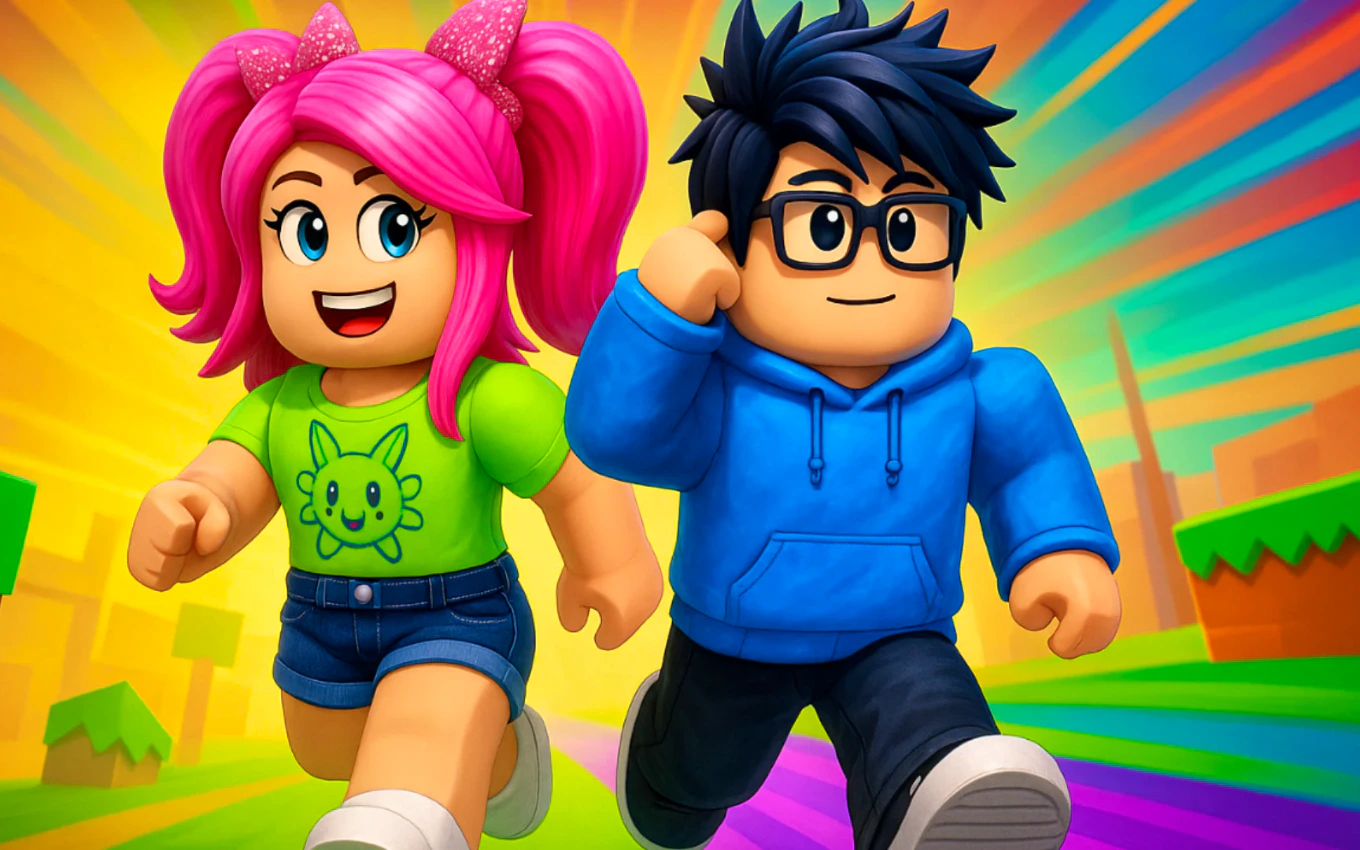
The visual style is bright and colorful, almost cartoonish. Each level has a distinct color scheme so you always know roughly where you are in the progression. The platforming feels snappy and the checkpoints are generous enough that you never lose too much progress. The game sits in the same lane as titles like Roblox obstacle courses, but it runs directly in your browser without any downloads.
How do you play Obby Modes! Online Mini-Games?
You control your character with arrow keys or WASD. Tap to jump, hold for a bigger leap, and time your landings carefully on moving platforms. The first few levels teach you the basics, but the difficulty ramps up around level 20 when platforms start shrinking and traps appear more frequently.
After you finish the tutorial levels, you unlock race mode. Here you compete against other players on the same course. The glass bridge mode is where things get spicy. You walk across panels that may or may not be solid. It is pure RNG mixed with nerve. I lost count of how many times I froze mid-step, convinced the next panel would shatter. The multiplayer works through simple matchmaking. You join a lobby, pick a mode, and the game drops you into a session with other players.
Tips That Actually Work
Watch the shadows under platforms before you jump. I missed this cue constantly in my first session and it cost me lives. The shadows telegraph whether a platform is about to move or disappear.
Save your speed boosts for tight corridors. Using them on open stretches wastes the momentum. In race mode, focus on consistency over speed. One fall can cost you more time than a slightly slower pace.
Use the checkpoint system wisely. The game autosaves at each checkpoint, but you can manually respawn there if you are stuck. Do not grind a difficult section endlessly. Come back with fresh eyes after a short break.
Customize your character early. It sounds trivial, but having a unique avatar makes you more visible in multiplayer races. Plus, the customization menu is quick to navigate, so it does not eat into your play time.
Is Obby Modes! Online Mini-Games good for quick gaming sessions?
Yes, if you need a game you can pick up and put down without losing momentum. Levels take two to five minutes each, so you can knock out three or four during a coffee break. The game autosaves your progress, so you never lose your place.
On mobile, the touch controls work but feel slightly less precise than keyboard input. The game is better on a desktop or laptop where you can use arrow keys. If you are on a phone, stick to easier levels and avoid the hardcore parkour sections.
The one annoyance is that ads appear between some levels on mobile. They are short, but they break the flow if you are in a competitive race. On desktop, I did not notice any intrusive ads, which made the experience smoother overall.
What surprised me about the game
On my third try, I hit a wall section where platforms slide side to side. I expected the movement to feel clunky, but the timing window is actually generous. The hitbox for landing is forgiving in a way that feels encouraging rather than cheap. That design choice kept me playing instead of quitting in frustration.
The glass bridge mode surprised me the most. I thought it would be pure luck, but I found patterns after a few rounds. Panels that are slightly darker tend to be safer. It is not a guaranteed system, but it gives you something to work with beyond blind guessing.
The music loops quickly and can get repetitive after an hour. I ended up muting it and playing my own playlist. That is a minor gripe, but it is worth noting if you prefer game audio.
If you want deep strategy or a story mode, this is not it. The game is purely about reflexes, speed, and pattern recognition. But for what it sets out to do, it does not get in its own way. You load, you jump, you have fun.
Give Obby Modes! Online Mini-Games a try if you enjoy parkour challenges or want to compete against friends in quick races. Browse our games library for more free browser titles, or check out more parkour games if this scratches the itch. ▶
Frequently Asked Questions
Is Obby Modes! Online Mini-Games free to play?
Yes, the game is completely free and runs in your browser. You do not need to download anything or create an account to start playing.
Can you play with friends in Obby Modes! Online Mini-Games?
You can join multiplayer races and team up in certain modes. The matchmaking is simple and does not require friend lists or invites.
How hard are the levels in Obby Modes! Online Mini-Games?
The first 20 levels are easy and teach you the controls. Difficulty spikes around level 25 and continues ramping up. The game is challenging but fair, with generous checkpoints throughout.
Does Obby Modes! Online Mini-Games work on mobile?
It works on mobile browsers, but the touch controls are less precise than keyboard. For the best experience, play on a desktop or laptop.
What makes the glass bridge mode different from regular levels?
The glass bridge mode uses panels that may or may not be solid. It mixes luck with observation. You can spot subtle patterns after playing a few rounds, but each step still carries risk.
Table of Contents
Recent Posts

Surviving the Meme Monster: OBUNGA Game Review
12 hours ago
Surviving the Chilling Horrors of a Gothic Manor
12 hours ago
Audio Trimmer Online Free: Cut, Keep, or Remove Any Section
1 day ago
Get Ready to Ride: Skateboard Wheelie Review
1 day ago
Fun Shopping Fun: Review of Funny Shopping Supermarket
1 day ago
Racing to Fun: A Look at Super Star Body Race
2 days ago