
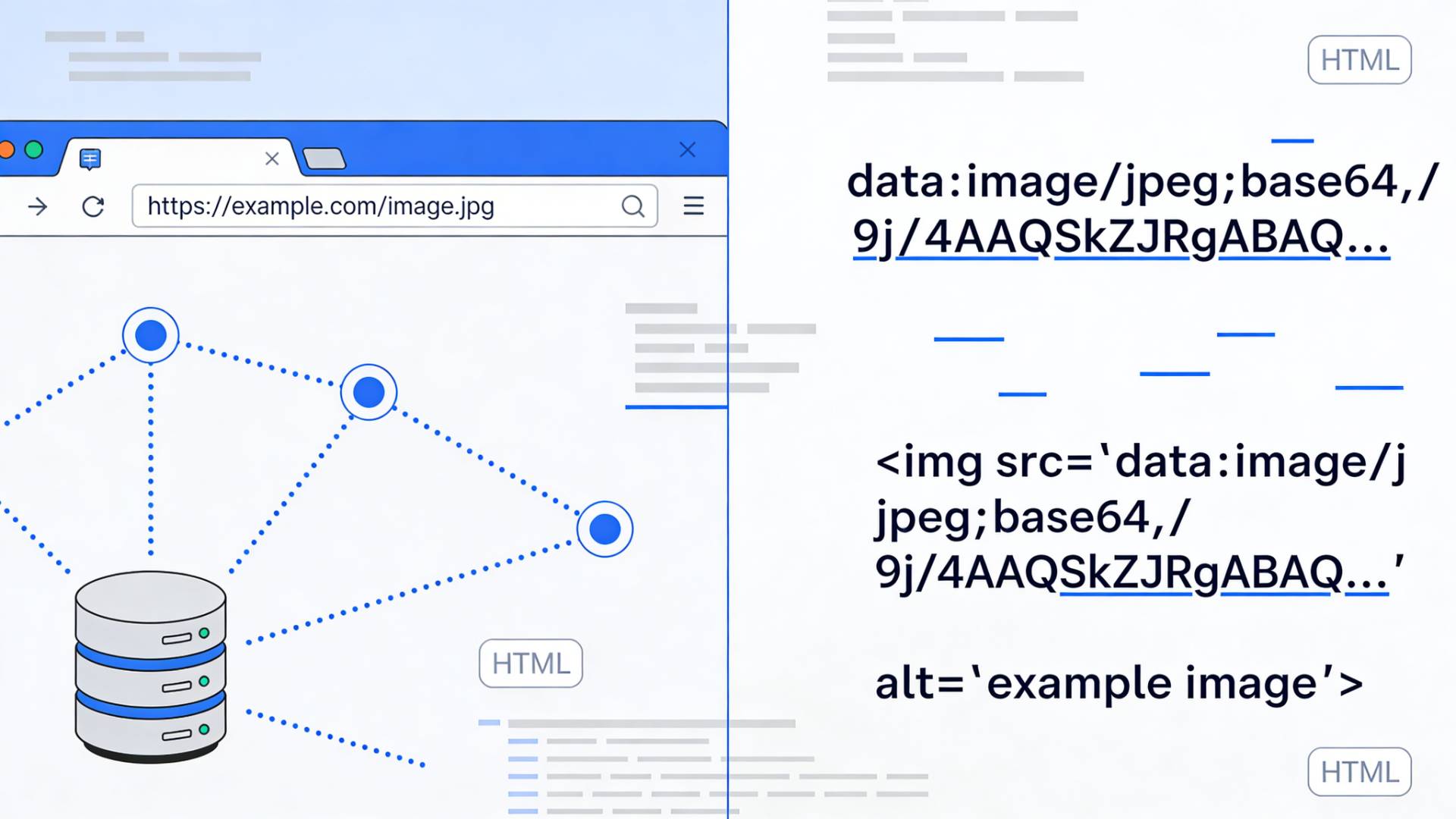
If you’ve ever looked closely at the source code of a webpage, you’ve probably noticed something odd.
Sometimes images appear as normal file paths:
/images/photo.pngOther times, they show up as an enormous block of text that looks like someone smashed the keyboard for five minutes straight.
That strange block of text?
That’s a Base64 encoded image.
Both methods display the same picture in a browser. Yet behind the scenes, they work in completely different ways.
And depending on how you use them, they can affect page performance, loading behavior, and even maintainability.
So let’s unpack the real story behind Image URLs and Base64 images, without turning this into a computer science lecture.
What Is an Image URL?
An Image URL is the traditional way websites load images.
Instead of embedding the image directly in the code, the HTML simply references a file stored on a server.
Example:
<img src="https://example.com/images/product.jpg">When the browser encounters this tag, it performs a separate request to fetch the image file.
Think of it like ordering food from a restaurant:
- The webpage loads first
- The browser sees the image reference
- It asks the server for that image
- The image arrives and appears on the page
This approach keeps the HTML clean and allows images to be reused across multiple pages.
Most websites, from blogs to large e-commerce stores, rely on this method.
What Is a Base64 Image?
A Base64 image works very differently.
Instead of referencing a separate file, the image itself is converted into a long string of encoded text and embedded directly in the code.
Example:
<img src="data:image/png;base64,iVBORw0KGgoAAAANSUhEUg...">Here’s what’s happening:
- The original image file is translated into Base64 text
- That text is placed directly in the HTML or CSS
- The browser decodes it and renders the image
No extra file request required.
The entire image travels with the webpage itself.
That’s why developers sometimes convert an image to base64 when they want to embed small graphics directly inside code.
How Image to Base64 Conversion Actually Works
Let’s slow down for a moment.
Images are normally stored as binary data, essentially a series of 0s and 1s.
Base64 encoding converts that binary data into readable text using a set of 64 characters.
It’s not compression.
It’s a translation.
Binary image → Encoded text string
Once converted, the image can be placed into places where binary files wouldn’t normally work, such as:
- HTML attributes
- CSS stylesheets
- JSON payloads
- API responses
Developers often rely on an image to Base64 converter to handle this process quickly. Tools like FileReadyNow allow you to upload an image and instantly generate the encoded string needed for embedding.
Why Developers Sometimes Use Base64 Images
At this point you might be thinking:
Why go through all this trouble?
Good question.
Base64 images exist mainly to reduce external file requests.
Years ago, browsers struggled with loading many resources at once. Each image created an additional HTTP request, slowing down pages.
Embedding small assets directly into code solved that problem.
Typical use cases include:
- tiny icons
- background patterns
- embedded graphics in CSS
- email templates where external images may be blocked
In those situations, a base64 converter can be surprisingly useful.
The Advantages of Using Image URLs
Despite the cleverness of Base64 encoding, image URLs still dominate the web.
Efficient browser caching
Browsers store images locally after loading them once.
So when a user revisits a page, the browser doesn’t need to download the image again.
Base64 images, however, are tied to the HTML file itself.
If the page reloads, the image loads again too.
Cleaner and smaller HTML files
Base64 encoding increases file size by about 30–35%.
So embedding large images directly in HTML can make your page significantly heavier.
Image URLs keep code lightweight and manageable.
Easier asset management
Updating an image with a URL is simple.
Replace the file. Done.
With Base64 images, you'd need to regenerate the encoded string and edit the code.
That’s not ideal for sites with lots of media.
Better for large images
Hero banners, blog images, and product photos should almost always be loaded through URLs.
Embedding them as Base64 would balloon the size of your HTML file.
The Advantages of Base64 Images
Base64 still has a few clever tricks up its sleeve.
Fewer network requests
Embedding an image removes the need for an additional request.
For tiny assets, this can slightly speed up page rendering.
Useful for data transport
APIs often need to send images inside JSON responses.
Since JSON is text-based, images must be encoded.
That’s where Base64 becomes essential.
Many developers quickly convert an image to base64 using utilities such as FileReadyNow when preparing image data for APIs or embedded scripts.
Works well in email templates
Email clients frequently block external images for security reasons.
Embedding images directly ensures they still display.
Base64 vs Image URLs: Which Should You Choose?
Let’s keep this simple.
Use Image URLs when:
- Images are large
- Images appear on multiple pages
- Caching matters
- You want faster long-term performance
Use Base64 images when:
- Images are tiny
- Assets need to be embedded directly in code
- Images are transmitted via APIs
- Reducing requests is important
Modern web technologies like HTTP/2 have reduced the need for Base64 tricks, but they still have their place in specific scenarios.
How to Convert an Image to Base64
The process is surprisingly quick.
Most developers follow a simple workflow:
- Upload the image
- Encode it using an image to base64 converter
- Copy the generated string
- Embed it in HTML, CSS, or API data
That’s it.
No complicated setup required.
The Real Takeaway
At the end of the day, Image URLs and Base64 images solve the same problem in different ways.
One relies on external resources.
The other embeds everything directly into the page.
Neither approach is universally better.
It’s about context.
Understanding when to use each method can help you build faster, cleaner, and more efficient websites, and avoid those mysterious strings of code that confuse everyone the first time they see them.





