Why bils Are Paid Late (And How Businesses Can Fix the Problem)

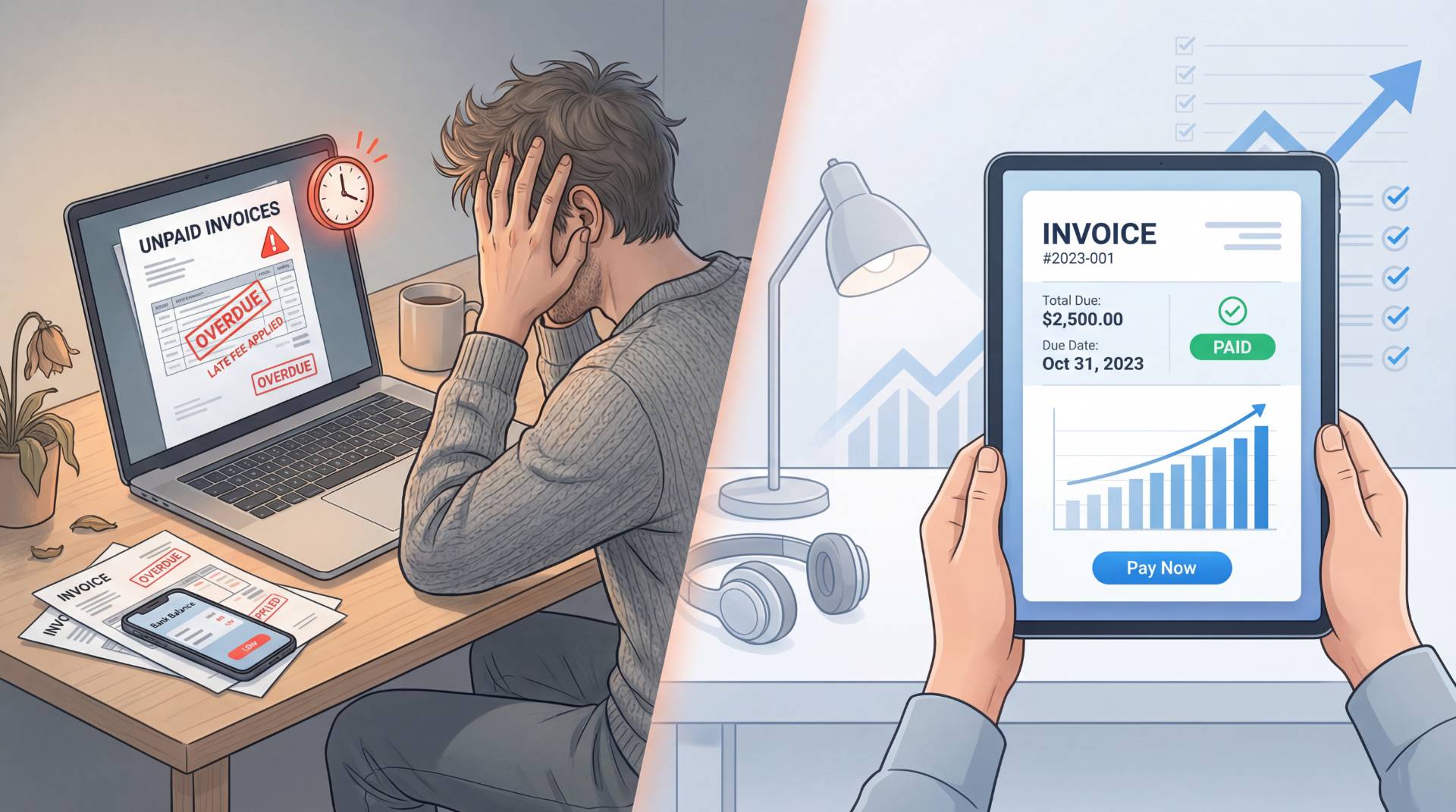
The Silent Anxiety of Unpaid Work
Let’s be honest. There is nothing quite as anxiety-inducing as doing great work, sending off your invoice, and then hearing nothing but silence. You check your bank account. You refresh your inbox. You start doing mental math just to stay afloat.
You know the feeling. It quietly shifts you from a professional into someone chasing payments, and no one enjoys that role.
But here’s the twist: most late payments aren’t intentional. They’re usually the result of broken systems, small frictions, or unclear communication.
Why Bills Are Paid Late
1. The Invoice Feels Like a Puzzle
When a client opens your invoice, what do they see? A clean breakdown, or a wall of confusing text?
If they have to search for the total or decode what they’re paying for, your invoice gets pushed aside. And “later” often means “late.”
2. Emails Get Lost in the Noise
Inboxes are chaotic. If your subject line is vague or your file name looks generic, your invoice disappears into the noise.
3. Internal Approval Delays
In many companies, the person receiving your invoice isn’t the one approving it. Missing details like purchase orders or itemized lists slow everything down.
4. Cash Flow Chain Reactions
Sometimes your client is waiting to get paid too. Without clear payment terms or penalties, your invoice becomes a lower priority.
5. No Follow-Up System
No reminders? No urgency. People act on what’s in front of them.
How Businesses Can Fix the Problem
Set Clear Payment Terms Early
Before the work even begins, define expectations. Net 7, Net 15, or Net 30—just be clear. Add late fees if needed.
Keep Your Invoice Clean and Simple
A professional invoice simple format works best. Avoid clutter. Highlight key details like total amount and due date.
If you’ve ever wondered what does an invoice look like when it works, it’s one you can understand in seconds.
Stop Creating Invoices from Scratch
Manually building invoices every time leads to errors and delays. Using a bill generator online saves time and reduces mistakes.
Tools like the Bill Generator of FileReadyNow help standardize everything, making your invoices clear and professional without extra effort.
Make Payments Effortless
Ask yourself: can your client pay you in under two minutes?
- Provide payment links
- Share clear bank details
- Offer multiple payment options
The easier it is, the faster you get paid.
Use a Consistent Template
A solid freelance invoice template ensures consistency. It also helps you avoid mistakes that slow approvals.
Send Professional Confirmations
Once payment is received, send an invoice receipt. It closes the loop and builds trust.
Streamline with Better Tools
Using an online bill generator simplifies your workflow and ensures your invoices are always clean, accurate, and easy to process.
For example, the Bill Generator of FileReadyNow removes formatting confusion and helps your invoices get approved faster.
Final Thoughts
Late payments aren’t always about difficult clients. Most of the time, they’re the result of small inefficiencies stacking up.
A confusing invoice. A missing reminder. A complicated payment process.
Fix those, and everything changes.
You did the work. You delivered the value. You deserve to be paid on time—without chasing it.
Frequently Asked Questions
Most of the time, it’s not intentional. Payments get delayed because of unclear invoices, missing details, internal approval processes, or simply because your email got buried. If your invoice isn’t easy to understand or act on quickly, it naturally drops down the priority list.
Start by removing friction. Use a clean invoice simple format, clearly mention due dates, and provide easy payment options. Sending invoices immediately after work is completed and following up politely also makes a big difference. Many businesses find that using a bill generator helps standardize the process and reduce delays.
A good invoice should clearly show the total amount, due date, payment terms, and a simple breakdown of services. It should be easy to understand at a glance so the client doesn’t have to ask questions or delay payment.
Table of Contents
Recent Posts

PDF to JPG Blurry? How to Convert a PDF Page With Sharp Text
5 days ago
HEX vs RGB vs HSL vs CMYK: Which Color Code Should You Use?
1 week ago
Video Converter Online Free: Which Format to Pick and Why
2 weeks ago
Audio Trimmer Online Free: Cut, Keep, or Remove Any Section
2 weeks ago
How Strong Should Your Password Actually Be in 2026?
3 weeks ago
HEIC vs JPG: Which Should You Actually Use?
1 month ago