Why Audio Trimming Matters for Creators in 2026

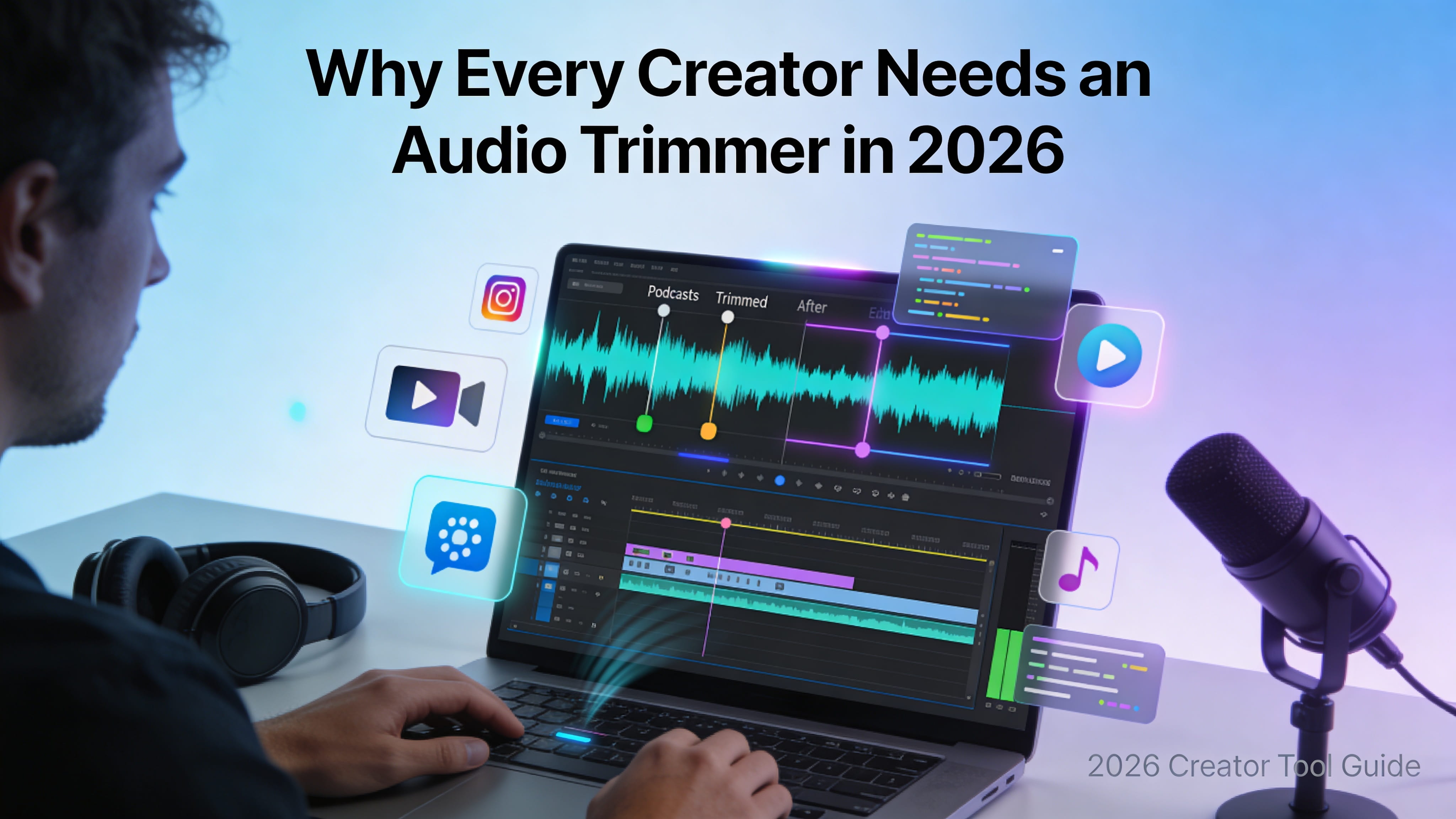
Content creation in 2026 is faster, more accessible, and more competitive than ever. Whether you’re recording podcasts, creating videos, or producing short-form content, audio quality has become a key factor in how your work is perceived.
The challenge is that raw recordings are rarely perfect. There are pauses, background noise, mistakes, and extra segments that don’t add value. Left unedited, these small issues can make content feel unpolished.
That’s why creators today rely on simple tools to clean up their audio quickly, without getting stuck in complicated editing software.
Why does audio quality matter so much today?
People have less patience than ever when consuming content. If something doesn’t sound right, they move on quickly.
Clear and well-paced audio helps:
- Keep listeners engaged
- Build trust and credibility
- Make content easier to follow
Even a few seconds of awkward silence or unclear sound can affect how your content is received.
What is an audio trimmer in simple terms?
An audio trimmer is a basic tool that lets you cut out parts of an audio file you don’t need.
For example, you can remove:
- Long pauses
- Mistakes or retakes
- Unnecessary intros or endings
Think of it as a quick way to keep only the useful parts of your recording.
When do creators actually use it?
Common use cases include:
- Editing podcast recordings
- Cleaning up voiceovers
- Cutting short clips for social media
- Removing silence from tutorials
Once you start creating regularly, it becomes a normal part of the workflow.
How does trimming improve the overall content?
By removing unnecessary parts:
- The message becomes clearer
- The pacing improves
- The content feels more professional
Listeners are more likely to stay engaged when the audio flows smoothly.
Does it really save time compared to full editing software?
Yes—and that’s one of the main reasons creators prefer it.
With a lightweight trimming tool, you can:
- Make quick edits
- Avoid complex timelines
- Finish tasks in minutes instead of hours
How do creators adapt audio for different platforms?
- Podcasts → full-length audio
- Social media → short clips
- Videos → trimmed voiceovers
How does it help with content repurposing?
You can:
- Extract highlights from long recordings
- Turn interviews into smaller segments
- Share key moments across platforms
Can better audio really improve engagement?
Yes. Clean and well-paced audio helps people stay longer and improves overall experience.
Is it beginner-friendly?
Absolutely. Most tools are simple to use:
- Upload your file
- Select what you want to keep
- Save the result
Some platforms, like FileReadyNow, make this process quick and accessible.
What should you look for in a good tool?
- Easy controls
- Fast performance
- Support for common formats
- Clean output quality
What mistakes should you avoid?
Cutting too much
Removing everything can make audio feel unnatural.
Ignoring flow
Some pauses are necessary for clarity.
Not reviewing the final version
A quick listen can catch small issues.
How is audio editing evolving?
- Automatic silence removal
- Faster processing
- Simpler interfaces
The goal remains the same—clean, clear audio with minimal effort.
Why is this tool becoming essential for creators?
- Helps work faster
- Maintains quality
- Supports consistency
Conclusion
Creating content isn’t just about recording—it’s about refining what you’ve created.
An audio trimmer helps turn raw recordings into polished content, making your work more engaging and professional.
In a world where attention is limited, even small improvements in audio can make a big difference.
Frequently Asked Questions
The easiest way is to use a simple online audio trimmer. You just upload your file, select the parts you want to keep, and download the edited version—no technical skills needed.
No, trimming audio does not reduce quality if you use a reliable tool. It simply removes unwanted sections while keeping the original sound intact.
You should remove only unnecessary parts like long pauses, mistakes, or repeated sections. Keep natural pauses so the audio still feels smooth and easy to follow.
Table of Contents
Recent Posts

PDF to JPG Blurry? How to Convert a PDF Page With Sharp Text
5 days ago
HEX vs RGB vs HSL vs CMYK: Which Color Code Should You Use?
1 week ago
Video Converter Online Free: Which Format to Pick and Why
2 weeks ago
Audio Trimmer Online Free: Cut, Keep, or Remove Any Section
2 weeks ago
How Strong Should Your Password Actually Be in 2026?
3 weeks ago
HEIC vs JPG: Which Should You Actually Use?
1 month ago