Mincraft Cube Puzzle Review: A Spatial Challenge Worth Trying

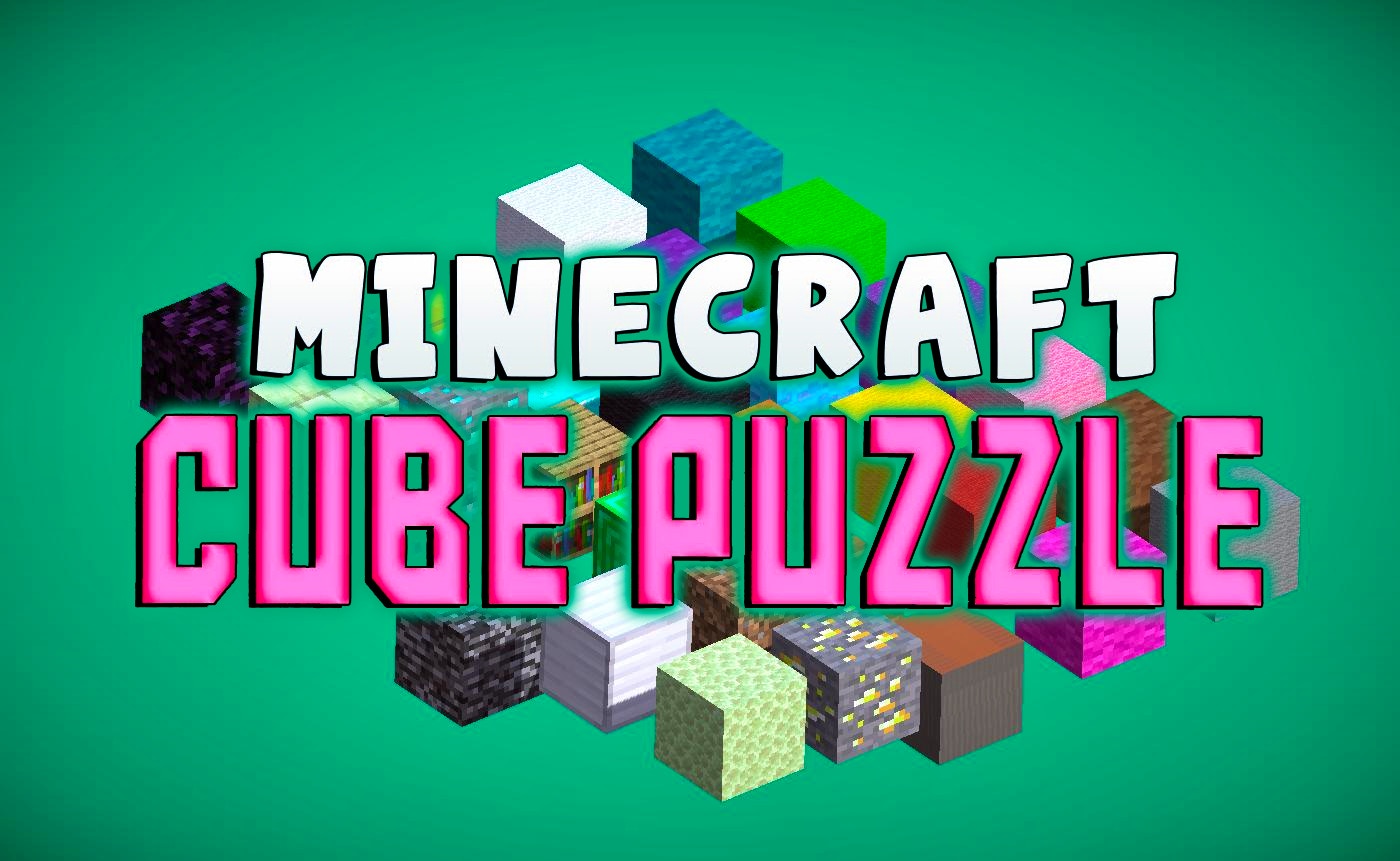
TL;DR: Mincraft Cube Puzzle is a free browser puzzle game where you manipulate cubes across two planes to guide your block to the goal. The game features escalating challenges, simple controls, and addictive gameplay that rewards spatial thinking. It's best for casual gamers wanting quick mental workouts, though it lacks deep strategy and may feel repetitive after extended sessions.
I first stumbled on Mincraft Cube Puzzle during a slow afternoon when I needed something to break up my screen time. The title caught my eye because I'm a sucker for any game that mixes Minecraft's blocky aesthetic with actual brainwork. Within five minutes I was hooked, rearranging cubes in my head like a puzzle-solving machine. This isn't just another match-three clone or endless runner. It's a spatial challenge that asks you to think in dimensions, and that makes it stand out from the crowd of addictive browser games.
What is Mincraft Cube Puzzle?
Mincraft Cube Puzzle is a free browser puzzle game that combines Minecraft-inspired visuals with strategic cube manipulation mechanics. You navigate your cube to a goal by shifting your environment across two planes, creating a unique twist on classic block puzzles. The game falls into the addictive category, meaning it hooks you with simple mechanics and keeps you coming back for one more level.
The visual style borrows heavily from Minecraft's blocky world, but the gameplay is pure puzzle territory. Each level presents a grid-like environment where repositioning cubes opens new paths. The difficulty ramps up gradually, introducing new obstacles and spatial twists that test your problem-solving from the first level onward.
How do you play Mincraft Cube Puzzle?
You play by clicking or dragging to reposition cubes within the level, creating a path for your block to reach the goal. The core mechanic involves shifting your environment across two planes, which adds a layer of spatial reasoning that simple puzzle games lack. Your cube stays put while you manipulate the world around it.
Controls are straightforward. You click on cubes to shift their positions, and the game handles the physics and movement automatically. I found the controls responsive from the start, with no learning curve worth mentioning. The interface clearly shows which cubes can be moved and which are fixed, so you're never guessing at the mechanics. After a few levels, manipulating the environment became second nature.
Tips That Actually Work
First, take your time before making your first move. Rushing leads to dead ends, especially in later levels where cube repositioning becomes a multi-step process. Second, look for cubes that block multiple paths simultaneously. These are your high-value targets because moving one obstacle can open several routes at once.
Third, don't reset levels out of frustration. Sometimes walking away for thirty seconds and returning with fresh eyes reveals solutions you missed. Fourth, pay attention to the spatial layout before you start clicking. Mapping out your moves mentally saves time and prevents those annoying moments where you shift a cube into a corner you actually needed.
Is Mincraft Cube Puzzle good for casual gamers?
Yes, this game nails the casual experience. Levels take two to five minutes, controls are intuitive, and the Minecraft aesthetic makes everything feel familiar and approachable. You can jump in, solve a few puzzles, and quit without any lingering obligations. It's perfect for short breaks between meetings or winding down before bed.
If you want deep narrative or complex meta-systems, look elsewhere. But for quick mental stimulation that actually engages your brain, Mincraft Cube Puzzle delivers. The escalating difficulty means there's always a fresh challenge waiting, yet nothing ever punishes you for taking a break.
Why It Stands Out From Other Addictive Games
Most games in the addictive category rely on time pressure or endless mechanics. Mincraft Cube Puzzle instead focuses on deliberate problem-solving, which feels refreshing by comparison. You won't find energy systems or wait timers here. The game respects your time while still creating that "one more level" pull that keeps you engaged.
The two-plane mechanic adds a twist you don't see in typical puzzle games. Similar titles like Tetris or Candy Crush focus on falling pieces or matching colors, but shifting spatial geometry feels different. I appreciated how the game rewards patience and spatial awareness over reflexes or pattern recognition.
The biggest limitation is variety. After playing for about an hour, the level designs started feeling samey. New obstacles appear, but the core loop remains unchanged. That's not a dealbreaker for casual sessions, but it's worth noting if you plan marathon gaming sessions.
Mincraft Cube Puzzle hits a sweet spot between accessibility and genuine challenge. The controls work smoothly, the visual style is charming, and the spatial puzzles keep your brain engaged without overwhelming you. It's not going to replace your favorite competitive game, but it fills a niche perfectly. Whether you're looking for a quick mental workout or a way to pass the time without zoning out, this title earns its place in your browser bookmarks. Give it a try and see if you can solve all the levels.
Ready to test your spatial skills? Play Mincraft Cube Puzzle and see how far your problem-solving can take you. If you enjoy puzzle games, browse our games library for more free challenges.
Frequently Asked Questions
Is Mincraft Cube Puzzle free to play?
Yes, the game is completely free and runs directly in your browser. You don't need to download anything or create an account to start playing.
Do I need to know Minecraft to enjoy this game?
Not at all. The visual style borrows Minecraft's blocky look, but you can enjoy the puzzle mechanics fully without any prior Minecraft experience.
How many levels does Mincraft Cube Puzzle have?
The game features multiple levels with escalating difficulty. New obstacles and spatial challenges appear as you progress, providing a steady stream of fresh puzzles.
Can I play Mincraft Cube Puzzle on mobile?
The game runs in any modern browser, so mobile play is possible. However, the experience is optimized for desktop mouse controls, and touch interactions may feel less precise.
What should I do if I get stuck on a level?
Try taking a short break and returning with fresh eyes. Look for cubes that block multiple paths and consider how shifting different elements affects your route. Patience often reveals solutions that rushing misses.
Table of Contents
Recent Posts

Surviving the Meme Monster: OBUNGA Game Review
10 hours ago
Surviving the Chilling Horrors of a Gothic Manor
10 hours ago
Audio Trimmer Online Free: Cut, Keep, or Remove Any Section
1 day ago
Get Ready to Ride: Skateboard Wheelie Review
1 day ago
Fun Shopping Fun: Review of Funny Shopping Supermarket
1 day ago
Racing to Fun: A Look at Super Star Body Race
2 days ago