Slicer N Scale Review: A Reflex Test That Cuts Deep

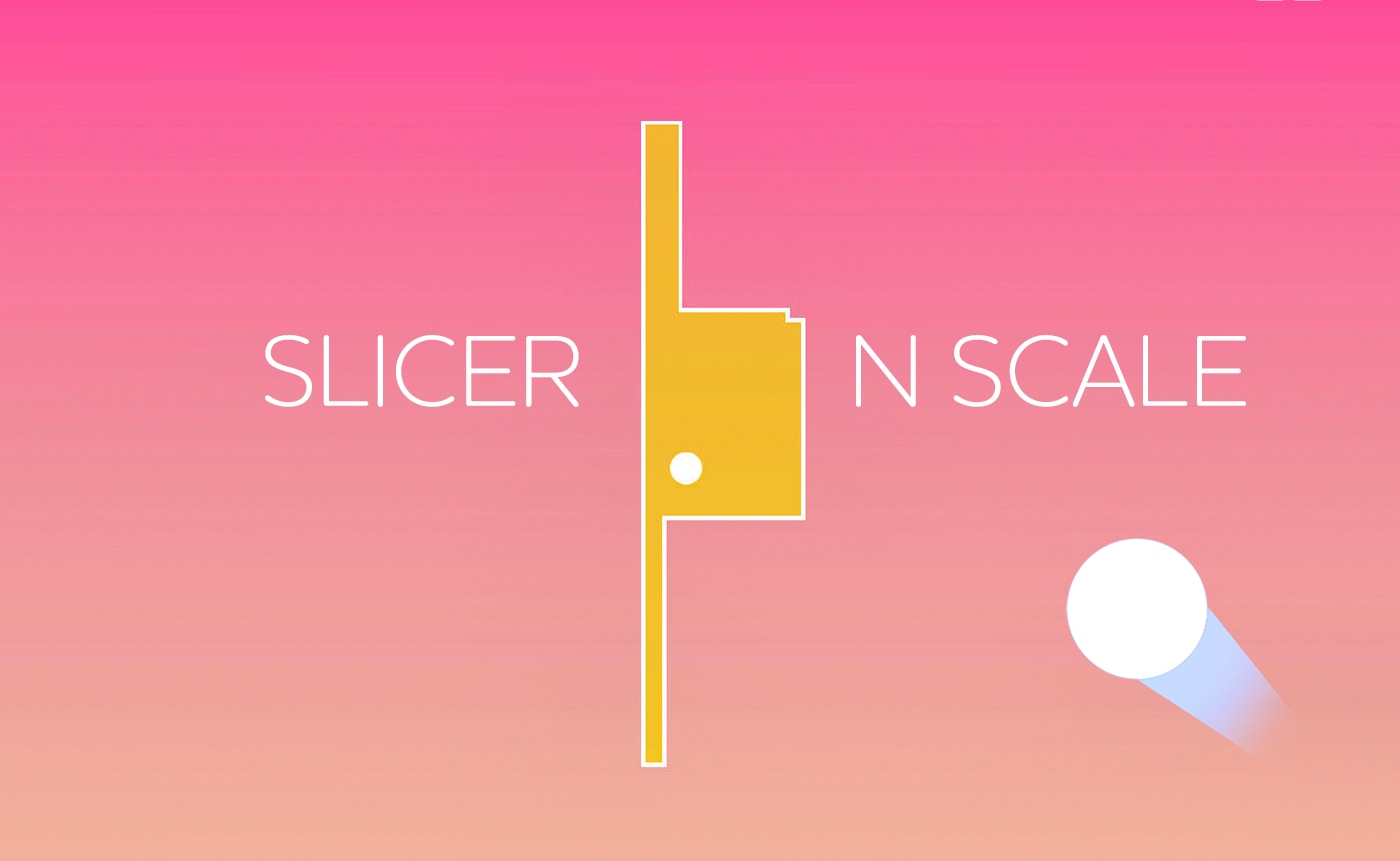
TL;DR: Slicer N Scale is a free browser game where you drag shapes to slice paper while a bouncing ball chases you. It's part puzzle, part reflex test. The portrait layout works great on phones, and the tension builds fast. It's simple to learn but hard to put down, with a few quirks that keep it interesting.
First Impressions: 30 Seconds of Calm Before the Chaos
I clicked on the link expecting another throwaway time killer. What I got was a genuinely tense little game. The first thing I noticed was how clean the layout feels. A single ball bounces lazily in a 600x800 portrait window. You have a shape hovering above it. The prompt says "drag to slice." Simple enough. I dragged my first line, the paper split, and the ball suddenly felt a lot closer. That's when it clicked: this isn't just about cutting. It's about cutting fast while something is actively hunting you down. After my first session, I realized the game had me holding my breath without noticing. That's a good sign.
What is Slicer N Scale?
Slicer N Scale is a browser-based reflex game where you slice paper shapes by dragging lines across the screen. A persistent ball bounces around, and your goal is to clear the canvas before the ball touches your cutting line or the remaining paper. The core tension comes from balancing careful cuts with the speed needed to stay ahead of the ball. It falls into the "ball" category of casual games, similar to titles like "Helix Jump" or "Stack Ball" in its simple, single-mechanic focus.
Unlike those games, this one adds a layer of spatial reasoning. You aren't just tapping or swiping in one direction. You decide the angle and length of each slice. The shapes start simple but quickly become more complex, forcing you to plan your cuts while the ball's path gets more unpredictable. It's a smart twist on a genre that often relies on one-note gameplay. If you want to play Slicer N Scale, expect a learning curve that feels fair but demanding.
How do you play Slicer N Scale?
You play by dragging your finger or mouse across a shape to slice it into smaller pieces. Each slice must be a clean line from one edge of the shape to another. The goal is to reduce the paper to nothing while a ball bounces around the screen. If the ball hits the paper you are cutting or the shape itself, you lose a life. The game ends when you run out of lives. Speed matters, but a bad cut that leaves a weird shape can make the next slice harder.
The controls are dead simple. On a phone, you swipe with your thumb. On a desktop, you click and drag. The hitbox for the paper is generous, so you won't fail because of pixel-perfect nonsense. What surprised me was how much strategy fits into a single drag. Do you cut a big chunk quickly to reduce the target size, or do you make small, safe cuts? The ball's speed ramps up after each successful level, so early decisions matter. I found myself dying most often because I got greedy with a big cut and the ball curved right into my drag path.
Tips That Actually Work (From Someone Who Lost a Lot)
I died. A lot. On my third try, I started noticing patterns. The ball isn't random. It follows a predictable bounce angle, but it speeds up when you make a cut. That means your first slice on a new shape is the safest. Take a big, clean chunk off immediately. Don't try to be perfect.
Second tip: slice from the corners. The paper shapes often have awkward protrusions. Cutting a triangle off a corner is faster than trying to halve the whole thing. The ball tends to linger near the center of the canvas, so corners are safe zones. If you've played "Helix Jump" or similar ball games, you know the trick of watching the shadow or the trajectory. Here, you watch the ball's arc. If it's heading up, slice near the bottom. Simple, but it saves you when the pace gets frantic. Finally, don't chase the paper. Let your drags be short and deliberate. Panic-swiping across the whole screen is a ticket to the game over screen.
Is Slicer N Scale good for quick breaks?
Yes, this game is perfect for short breaks. A full round lasts anywhere from 30 seconds to a couple of minutes. The portrait orientation makes it ideal for one-handed play on a phone while you're waiting in line or taking a coffee break. There's no loading screen, no complex menus. You open the link and you're playing. The "endlessly playable" description is accurate because losing feels like your own fault, not the game's.
However, if you want a game with a deep story, progression systems, or a sense of accomplishment beyond a high score, this isn't it. There's no leveling up, no character unlocks. It's a pure arcade loop. For a 5-minute gap between meetings or while dinner is cooking, it nails the brief. The lack of extra fluff is a strength here, not a weakness. If you want something with more meat, you can browse our games library for longer adventures.
The Feel of the Game: Smooth, Until It's Not
The game's visual style is clean. The paper is white, the background is a soft gradient, and the ball is a solid, bright color. There's no clutter. The sound design is minimal, a soft swoosh when you cut, a dull thud when the ball hits a wall. It's oddly satisfying. The whole experience feels polished for a free browser title. The 600x800 canvas is used well, giving you enough space to plan without feeling cramped.
My one honest gripe is the difficulty curve. It's smooth for the first handful of shapes, then it spikes hard. The ball suddenly feels like it has a personal vendetta. I went from feeling confident to losing three lives in ten seconds. A slightly more gradual ramp would help. Also, there's no pause button. On a phone, a notification can end your run. That's a small frustration, but it's worth knowing before you give Slicer N Scale a try. Still, for a game that loads instantly, these are minor trade-offs. If you enjoy this style, you might also like more ball games in the same category.
Final Thoughts: A Small Game That Earns Its Keep
Slicer N Scale won't change your life, but it will make your next 10 minutes more interesting. The core loop of slicing, dodging, and planning is tight. It rewards patience but punishes hesitation. I came back to it a few times while writing this review, which says more than any description can. The game feels honest. It doesn't promise anything it can't deliver.
If you want a reflex test that respects your time, this is a solid pick. The controls are responsive, the concept is clear, and the tension is real. Just don't expect a deep progression system. Expect a ball that wants you to fail. Ready to test your reflexes? Start playing here. ▶
Frequently Asked Questions
What is the goal of Slicer N Scale?
The goal is to slice all the paper shapes on the screen by dragging lines across them. You must finish each cut before a bouncing ball touches the paper or your cutting line. Each level clears the canvas and brings a new, often trickier shape.
Can I play Slicer N Scale on my phone?
Yes, the game uses a portrait orientation of 600x800 pixels, which is designed for mobile screens. You can play it in a browser on your phone with one hand using touch controls. It also works on desktop with a mouse.
Is Slicer N Scale free to play?
Yes, the game is completely free. You can play it directly in your web browser without any downloads, logins, or payments. There are no in-game purchases or premium features to unlock.
What happens when the ball hits the paper?
When the ball hits the paper or your cutting line, you lose a life. The game gives you a limited number of lives, and once they are gone, your run ends. You then have to start over from the beginning.
Does the game get harder over time?
Yes, the ball moves faster and the paper shapes become more complex as you progress. The difficulty spikes noticeably after the first few levels. The combination of faster ball speed and irregular shapes makes later cuts much more demanding.
Table of Contents
Recent Posts

Surviving the Meme Monster: OBUNGA Game Review
8 hours ago
Surviving the Chilling Horrors of a Gothic Manor
8 hours ago
Audio Trimmer Online Free: Cut, Keep, or Remove Any Section
1 day ago
Get Ready to Ride: Skateboard Wheelie Review
1 day ago
Fun Shopping Fun: Review of Funny Shopping Supermarket
1 day ago
Racing to Fun: A Look at Super Star Body Race
2 days ago