Tommy the Monkey Pilot Review: A Cute Flying Game for Kids

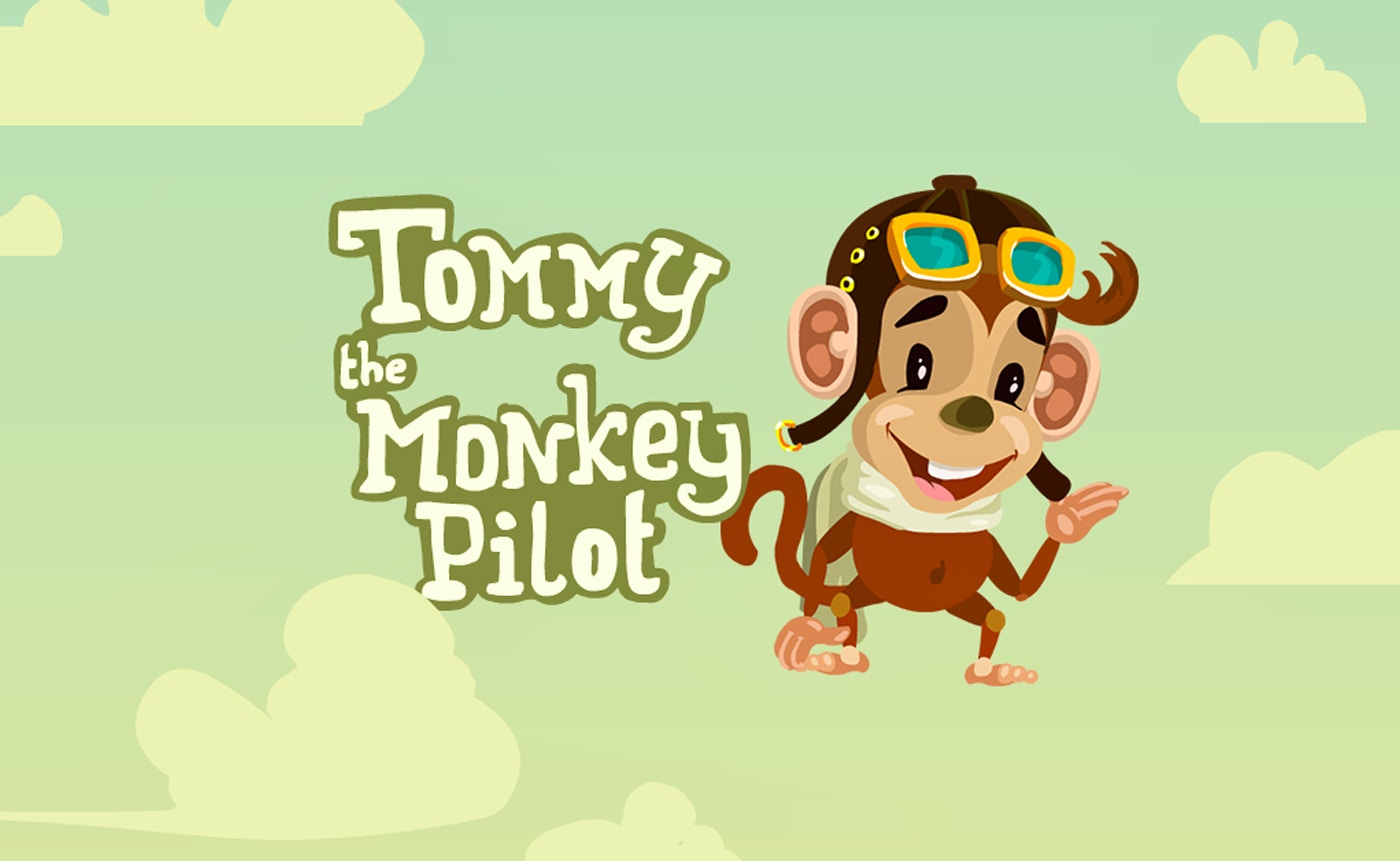
TL;DR: Tommy the Monkey Pilot is a free browser game where you fly a triplane through stormy skies, collecting balloons and stars while dodging rainclouds. Simple controls, cute visuals, and a sweet story make it a solid pick for kids who want a light aerial adventure. It's not deep, but it's charming for short play sessions.
My four-year-old niece grabbed my laptop last weekend, and within seconds she was giggling at a monkey in goggles. That's how I discovered Tommy the Monkey Pilot. I took over after she went down for her nap, and honestly, I played longer than I planned. This little browser game doesn't try to be epic. It just wants to be delightful, and for the most part, it succeeds.
The setup is simple and sweet. Tommy wants to impress his sweetheart, so he takes to the skies in an old-fashioned triplane. Storm clouds roll in, balloons scatter, and suddenly it's up to you to guide him home safely. The stakes feel low in the best way. Nobody's saving the world here. It's just a monkey, his plane, and a sky full of surprises.
What is Tommy the Monkey Pilot?
Tommy the Monkey Pilot is a free browser-based flying game built for kids. You control a cheerful monkey piloting a triplane across a stormy landscape, collecting lost balloons and shimmering stars while avoiding rainclouds. The goal is to gather enough items to impress Tommy's sweetheart before the storm gets the better of you. It's a lightweight arcade-style game you can play Tommy the Monkey Pilot right in your browser with no downloads.
The game sits squarely in the kids category on FileReadyNow, alongside other child-friendly titles. It uses an 800x600 landscape layout that fits most screens without awkward scrolling. The art style is bright and storybook-like, with hand-drawn clouds and a monkey that looks like he stepped out of a bedtime story. If you've played simple collection games like Doodle Jump or early Flash-era titles, the pick-up-and-play vibe will feel familiar.
How do you play Tommy the Monkey Pilot?
You move Tommy's triplane around the screen using simple keyboard or touch controls, collecting balloons and stars while steering clear of dark rainclouds. Each cloud you hit costs you health or slows you down. The controls are responsive and forgiving, which makes it easy for young kids to pick up without frustration. There's no complicated upgrade system or menu diving. You just fly and collect.
What surprised me was how smooth the plane felt. I expected clunky movement, but Tommy's triplane glides with a nice floaty weight. The first 30 seconds throw you right into the action. Balloons drift upward from the bottom of the screen, stars twinkle in fixed positions, and rainclouds drift in from the sides. You quickly learn to prioritize: grab the stars first since they're worth more, then sweep low for balloons, and always keep an escape path open when clouds cluster together.
One quirk I noticed: the hitbox on the plane is generous. You can graze the edge of a cloud and sometimes get away with it. That's a smart design choice for a kids game. It reduces the kind of pixel-perfect frustration that makes younger players quit. On my third try, I deliberately tested the boundaries and found the collision detection leans forgiving, especially on the wings.
Tips That Actually Work After a Few Rounds
After five or six runs, I picked up some patterns that made a real difference. First, stay high early. The storm clouds tend to gather near the bottom third of the screen in the opening minute. Hugging the top gives you room to breathe and lets you spot star clusters before committing to a dive. Second, don't chase every balloon. Some drift into cloud packs, and it's smarter to let them go than risk a hit. The game rewards consistency over greed.
Third, use the edges. The screen wraps slightly in some sections, meaning you can slip out one side and reappear on the other. This saved me twice when a wall of clouds boxed me in. It's not a full wraparound, but it's enough to escape tight spots. Finally, listen for the little chime when a star appears. The audio cue gives you a split-second heads-up before the visual sparkle, and reacting to sound instead of sight shaved precious moments off my collection time.
Is Tommy the Monkey Pilot good for preschoolers?
Yes, Tommy the Monkey Pilot works well for preschoolers and early elementary kids. The controls are simple enough that a four or five-year-old can manage them after a quick demo. There's no reading required, no timers that induce panic, and no violent content. The failure state is gentle: Tommy just looks disappointed, and you get a prompt to try again. It's frustration-tolerant by design.
That said, very young kids might need help with the initial steering. The triplane has a slight drift momentum that takes a minute to internalize. My niece overcorrected at first, zigzagging wildly, but she settled in after two tries. If your child has played any tilt-based or arrow-key games before, they'll adapt fast. For absolute beginners, sit with them for the first minute and they'll be solo flying soon after.
The Feel of the Game: What Sticks With You
What lingers after you close the tab is the game's earnest sweetness. Tommy isn't a superhero. He's just a nervous little monkey with a big crush, and that goofy sincerity gives the whole experience a warm tone. The background music is a simple looping melody that fits the whimsical mood, though I'll be honest: after 15 minutes, I muted it. It's charming but repetitive, and there's no variety track to break it up.
The stormy sky backdrop shifts subtly as you progress. Clouds darken, the wind seems to pick up visually, and the balloon patterns get trickier. It's not a dramatic difficulty spike, more of a gentle incline. I appreciated that the game respects a kid's attention span. A full session runs about 5 to 10 minutes, which is perfect for a quick break or a wind-down activity before bedtime. If you want deep strategy or hours of content, this isn't it. But for a smile and a few minutes of light challenge, it nails the assignment.
One minor gripe: the game doesn't save high scores between sessions. Each time you load it up, you start fresh. For competitive siblings who want to one-up each other, that's a bummer. A simple local score tracker would go a long way. Still, for casual play, it's not a dealbreaker.
If you enjoy this style of lighthearted collection game, you can explore more kids games in the same category. The library has a nice range of animal-themed adventures that hit a similar sweet spot.
Why It's Worth Your Time
Tommy the Monkey Pilot earns its place in a parent's bookmarks folder. It's free, loads instantly, and doesn't bombard kids with ads between rounds. The premise is wholesome, the controls are accessible, and the difficulty curve respects young players. In a sea of browser games that either talk down to kids or frustrate them with hidden paywalls, this one feels honest.
I also like that it works on older laptops and low-end devices. The 800x600 resolution means it doesn't tax your hardware. I ran it on a dusty Chromebook from 2018 and it hummed along fine. For classrooms, libraries, or hand-me-down family computers, that compatibility matters. You can start playing here without any setup fuss.
After a week of having this game available, my niece asks for "the monkey plane" every time she sees my laptop. That's the real review. Kids vote with their attention, and Tommy's held hers. If you need a few minutes to finish your coffee while your child stays happily occupied, this game delivers. You can also browse our games library for more options when Tommy's adventure runs its course.
Frequently Asked Questions
Is Tommy the Monkey Pilot free to play?
Yes, the game is completely free. You can play it directly in your browser without any payment, subscription, or account creation. There are no in-game purchases or locked content.
What devices support Tommy the Monkey Pilot?
The game runs on any device with a modern web browser, including laptops, desktops, and tablets. It uses an 800x600 landscape layout that works best on screens with keyboard or touch input. Older devices handle it fine due to the low hardware demands.
How long does a typical game session last?
A full session usually lasts between 5 and 10 minutes. The game doesn't have timed levels, so play length depends on how well you dodge clouds and collect items. It's designed for short, satisfying bursts of play.
Is there any violence or scary content in the game?
No. The game contains no violence, scary imagery, or intense moments. The worst that happens is Tommy looks briefly disappointed when you fail, and you're encouraged to try again. It's fully appropriate for young children.
Does the game save my high score?
Unfortunately, the game does not save high scores between sessions. Each time you load it, you start from scratch. This is one of the game's few limitations, but for casual play it doesn't detract much from the experience.
Table of Contents
Recent Posts

Surviving the Meme Monster: OBUNGA Game Review
9 hours ago
Surviving the Chilling Horrors of a Gothic Manor
9 hours ago
Audio Trimmer Online Free: Cut, Keep, or Remove Any Section
1 day ago
Get Ready to Ride: Skateboard Wheelie Review
1 day ago
Fun Shopping Fun: Review of Funny Shopping Supermarket
1 day ago
Racing to Fun: A Look at Super Star Body Race
2 days ago