File Size Calculator: Convert KB, MB, GB Instantly

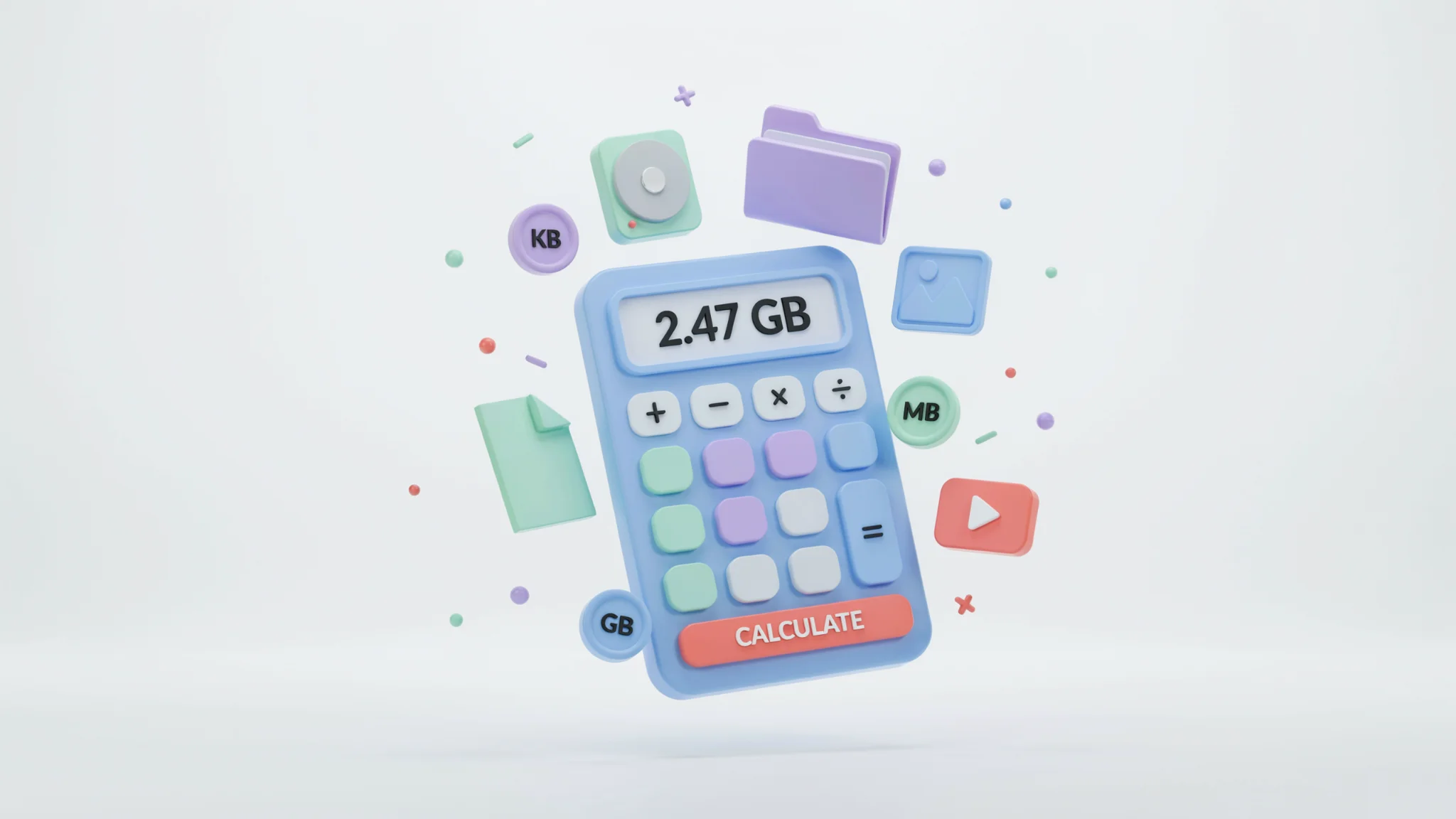
TL;DR: The File Size Calculator from FileReadyNow converts file sizes between bits, bytes, KB, MB, GB, TB, and PB instantly. It supports binary (1024) and decimal (1000) measurement systems. You can also estimate file sizes for images, videos, and audio before creating them. No downloads, no signup, and completely free.
Have you ever attached an image to an email and had the server bounce it back because it was too large? Or tried to upload a video to a platform that has a 2 GB limit, but you have no idea how big your final export will be? I ran into that exact problem when sending a 10‑minute screen recording. The video hadn’t been rendered yet, and I needed to pick the right export settings to keep it under 25 MB for a client portal. That’s when I started using the File Size Calculator on FileReadyNow. The tool lets you convert file sizes using common units and, more usefully, predict image, video, and audio file sizes before you ever hit ‘export’.
How to Use the File Size Calculator’s Basic Mode
If you already have a file and want to see its size in different units, the Basic Converter tab is all you need. Enter a number, choose the original unit (like MB), and the tool instantly shows the value in bits, bytes, KB, MB, GB, TB, and PB.
Two system options sit at the top:
- Binary (1024) , uses the traditional computer memory system where 1 KB = 1024 bytes.
- Decimal (1000) , follows the SI standard that storage manufacturers and some operating systems use (1 KB = 1000 bytes).
Pick the one that matches your context. Quick preset buttons let you jump to 1 KB, 1 MB, 100 MB, 1 GB, 10 GB, or 1 TB with one click. That’s handy when you just need to know, for instance, how many bytes are in 100 MB without typing anything.
Why Binary and Decimal Units Don’t Agree (and How to Fix It)
Why does my 1 GB USB drive show less than 1 GB in Windows? This happens because storage makers advertise capacity using decimal units (a gigabyte is 1,000,000,000 bytes), but many operating systems report using binary units (a gibibyte is 1,073,741,824 bytes). The same drive can look much smaller if your OS uses 1024‑based counting.
The File Size Calculator clears up this confusion by letting you see both versions side by side. Toggle between binary and decimal and the numbers update immediately. This is useful when you’re buying a hard drive, formatting a memory card, or figuring out upload limits that mention “GB” without specifying which one.
Here’s a quick reference for the most common conversions:
| Unit | Decimal (1000) | Binary (1024) |
|---|---|---|
| 1 KB | 1,000 bytes | 1,024 bytes |
| 1 MB | 1,000,000 bytes | 1,048,576 bytes |
| 1 GB | 1,000,000,000 bytes | 1,073,741,824 bytes |
| 1 TB | 1,000,000,000,000 bytes | 1,099,511,627,776 bytes |
When precision matters, this dual‑system approach removes the guesswork.
How to Estimate an Image’s File Size
How can I know the file size of a photo before saving it as a JPEG or PNG? Switch to the Image Calculator tab. Enter the image width and height in pixels, pick a color depth, and choose a compression estimate. The tool immediately returns an estimated file size based on those inputs.
Here’s how it works in three steps:
- Input the resolution (for example, 1920 × 1080).
- Select the color depth: 24‑bit is standard for photos, while 32‑bit includes an alpha channel and 8‑bit works for simple graphics.
- Choose a compression type. Uncompressed (BMP/RAW) gives the exact size: width × height × (color depth/8). For JPEG or PNG, the tool applies typical compression ratios linked to the quality setting you pick.
An uncompressed 1920×1080 24‑bit image is exactly 6.22 MB. With medium JPEG compression (75% quality), the same image might land around 250, 350 KB. That difference tells you right away whether an attachment will slip under an email’s 25 MB limit or if it needs more compression.
Calculate a Video File Size Before You Render
How do I figure out how large my video will be before exporting it? Use the Video Calculator tab on the free online file size calculator. Enter the duration in minutes, select the resolution (480p, 720p, 1080p, 2K, 4K), the frame rate, and a quality/bitrate preset. The tool multiplies duration by an average bitrate for that combination and shows the estimated size.
A real‑world example: a 10‑minute 1080p video at 30 fps with Medium quality (standard streaming bitrate) might estimate around 1.1 GB. That’s close enough to decide whether you need to lower the resolution or bitrate to meet a 2 GB upload cap.
This tab uses standard bitrate ranges for its presets, so it won’t replace a bitrate calculator that accepts a custom value. But for everyday planning, the estimate is reliable. All that’s missing is the final few megabytes that vary with scene complexity, still, you’ll know if you’re in the right ballpark.
How to Calculate Audio File Sizes for Podcasts or Music
What size will my MP3 or WAV file be for a podcast episode? The Audio Calculator gives a straightforward answer. Enter the duration in minutes, pick a bitrate (for example, 128 kbps, 192 kbps, 256 kbps, or 320 kbps), and choose mono or stereo. The tool calculates the file size using (bitrate × duration in seconds × number of channels) divided by 8, then converts to the most readable unit.
For constant‑bitrate formats like MP3, this calculation is very accurate because the bitrate stays the same throughout the file. A 30‑minute stereo MP3 at 128 kbps consistently produces about 28.8 MB. That predictability makes the audio calculator perfect for podcasters who pay for hosting by the gigabyte, or for anyone sending voice memos and wanting to know if they’ll fit in a chat app’s size limit.
When to Use Each Tab: A Quick Overview
The tool moves beyond simple unit conversion. Here’s a snapshot of which tab solves which problem:
- Basic Converter: You already have a file or a known number and you need to see it in bits, bytes, KB, MB, GB, TB, PB.
- Image Calculator: You’re designing a graphic, resizing a photo, or preparing an email attachment and want to know the resulting file size before saving.
- Video Calculator: You’re choosing export settings for a screen recording, a YouTube upload, or a social media clip and need to keep the file under a specific limit.
- Audio Calculator: You’re producing a podcast, recording a voice memo, or exporting a music track and need to estimate storage or upload size.
Each tab delivers an instant result. You don’t need to remember formulas or open a spreadsheet.
Real‑World Examples: Attachments, Uploads, and Storage Planning
Imagine you’re attaching a PNG screenshot to an email. The image is 1440×900 with 24‑bit color. Switch to the Image tab, pop in those numbers, and you’ll see the uncompressed size is about 3.71 MB. With PNG compression, it might end up around 400, 500 KB. That’s way below Gmail’s 25 MB limit, so you can send confidently.
For video uploads, the story changes fast. A 20‑minute 4K video at High quality could estimate around 5, 8 GB. Knowing that before rendering lets you decide to downscale to 1080p or drop the bitrate to Medium. The same pre‑check applies to cloud backups: you can plan how many short videos fit in a free tier’s 5 GB storage.
These scenarios make the calculator a practical planning partner, not just a converter.
What Are the Limitations of the File Size Calculator?
The basic converter is 100 percent precise. It’s just multiplication. The image, video, and audio estimators are close enough for planning, but they aren’t exact for compressed formats because final file size depends on the content itself. A JPEG with lots of uniform color compresses smaller than a complex photo, even at the same quality setting. A video with fast motion uses more bitrate than a static talking‑head scene. The tool doesn’t let you input a custom video bitrate number, the presets cover common scenarios, but if you need fine‑grained control, you might need a dedicated bitrate tool. Still, for 90 percent of pre‑export decisions, the built‑in presets get you the right answer.
Try the File Size Calculator Now
Whether you’re sizing an image for a website, checking if a video will upload before bedtime, or just curious how many bytes are in a terabyte, the File Size Calculator handles it moment by moment. There’s no registration, no ad blockers to disable, and no software to install. Open the page, pick a tab, and see your numbers.
If you need other quick helpers, explore more productivity tools on FileReadyNow. From text case converters to password generators, they’re all free and browser‑based.
Frequently Asked Questions
How accurate is the file size calculator?
The basic unit converter is mathematically exact. The image, video, and audio estimators use standard formulas and average bitrate values, so they give you a very close approximation. Small differences can occur because compressed files like JPEGs or MP4s vary with content complexity, but the estimates are reliable for planning storage, uploads, or email attachments.
Can I use this tool to estimate video file sizes?
Yes. The Video Calculator tab accepts duration, resolution, frame rate, and a quality/bitrate preset. It then estimates the final file size based on typical bitrate ranges for that preset. This is helpful when you want to know how large a video will be before you export it.
What’s the benefit of an MP3 file size calculator?
It lets you calculate the file size of constant‑bitrate audio like MP3s from bitrate and length. Podcasters and musicians use it to figure out how much storage an episode will take or whether a file fits under a platform’s upload limit. The estimate is accurate because MP3 bitrates don’t change during playback.
Do I need technical knowledge to use this tool?
No. Every tab asks for straightforward inputs like length in minutes, resolution, or bitrate. The interface automatically converts everything and shows the result in an easy‑to‑read unit. No formulas or manual math are required.
Is the tool really free and without signup?
Yes. The File Size Calculator on FileReadyNow works entirely in your browser. You don’t need to create an account, download anything, or provide an email address. It’s free to use as many times as you want.
Table of Contents
Recent Posts

PDF to JPG Blurry? How to Convert a PDF Page With Sharp Text
5 days ago
HEX vs RGB vs HSL vs CMYK: Which Color Code Should You Use?
1 week ago
Video Converter Online Free: Which Format to Pick and Why
2 weeks ago
Audio Trimmer Online Free: Cut, Keep, or Remove Any Section
2 weeks ago
How Strong Should Your Password Actually Be in 2026?
3 weeks ago
HEIC vs JPG: Which Should You Actually Use?
1 month ago