Free Online Unit Converter , Convert Measurements Instantly

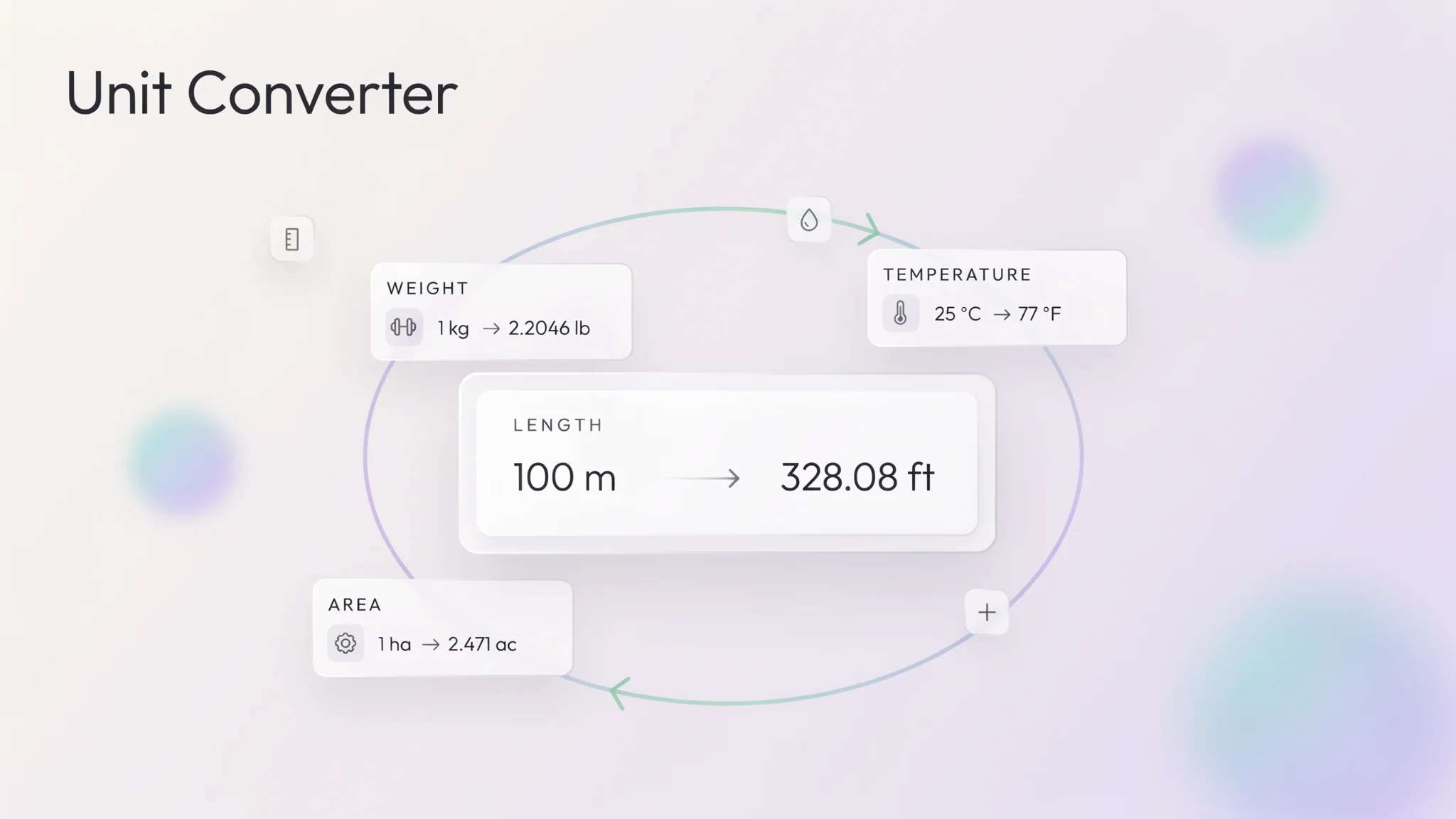
TL;DR: The FileReadyNow Unit Converter is a free, no‑signup browser tool that converts 15 measurement categories (length, weight, temperature, volume, data, currency, and more). Just pick a type, enter a value, and see the result appear instantly. Works on phones and desktops. No ads, no waiting.
Converting units can be a headache. You look up a formula, type it into a calculator, and then second‑guess if you multiplied instead of divided. I ran into this last week when I needed to switch kilometers to miles for a training plan. A quick search led me to the FileReadyNow Unit Converter, and I had my answer in seconds. That’s what this tool does: it removes the friction from measurement conversions so you can move on with your work.
This isn’t a clunky app or a spreadsheet. It’s a clean, single‑page converter built right into your browser. You choose a unit type, type a number, and the result updates as you type. There’s no submit button and no page reload. It’s designed to feel like a utility that’s always ready, whether you’re on a phone at a job site or on a laptop at a desk.
What Is the FileReadyNow Unit Converter?
The FileReadyNow Unit Converter is a free online tool that instantly converts values between different units of measurement. It supports 15 categories, from everyday length and weight to scientific units like energy and pressure. You don’t need to create an account or download anything; just head to the page and start converting.
Bidirectional conversion is baked in. You can enter a value in either the “from” or the “to” field, and both directions update simultaneously. This saves time when you’re comparing two units, like checking how many pounds are in a kilogram versus kilograms in a pound. A one‑click copy button lets you grab the result and paste it into a document, email, or spreadsheet.
Which Measurement Categories Are Included?
The converter covers 15 unit categories: length, weight, temperature, area, volume, speed, time, data storage, currency, energy, pressure, power, angle, force, and fuel economy. Each category includes the most commonly needed units, both metric and imperial.
Here’s a quick look at what’s inside a few of those categories:
| Category | Example Units Included |
|---|---|
| Length | meters, feet, inches, kilometers, miles, yards |
| Weight | kilograms, pounds, ounces, grams, tons |
| Temperature | Celsius, Fahrenheit, Kelvin |
| Data Storage | bytes, kilobytes, megabytes, gigabytes, terabytes |
| Speed | meters per second, kilometers per hour, miles per hour, knots |
You’ll find the full list when you open the tool. The layout groups unit types in a simple dropdown, so you aren’t overwhelmed by choices.
How Do I Use the Unit Converter Step by Step?
Using the converter takes three quick steps, and you’ll see results immediately.
- Select the measurement type from the dropdown (for example, “Length”).
- Pick the unit you’re starting from and the unit you want to convert to.
- Enter a value in the input field. The converted result appears in the other field as you type.
You can also click the “Swap” button to flip the “from” and “to” units. If you need the result somewhere else, hit the “Copy” button next to the converted value. I tried this when I had a recipe calling for 350°F and wanted to know 175°C for my oven. I selected Temperature, set Fahrenheit to Celsius, typed 350, and immediately saw 176.67°C. It was that fast.
How Accurate Are the Conversions?
All conversions use standard international formulas. The tool applies fixed, widely accepted conversion factors for each unit pair. For example, 1 inch equals exactly 2.54 centimeters, and 1 pound equals 0.45359237 kilograms. These aren’t rounded shortcuts; they reflect the defined values used in science and engineering.
One thing to keep in mind: the currency category uses reference rates that may not match live market exchange rates. If you need real‑time forex data for a financial transaction, this tool is not a replacement for a dedicated currency converter. For all other physical and digital units, the precision is consistent and reliable enough for schoolwork, cooking, travel planning, and general productivity.
Why Use a Browser Converter Instead of Manual Calculations?
Manual conversion opens the door to mistakes. You might use an outdated factor or accidentally invert a formula. A browser‑based converter like this one removes that risk. You don’t need to memorize that 1 mile equals 5280 feet or that 1 byte equals 8 bits; the tool remembers for you.
Another advantage is speed. This converter updates as you type, so you can tweak a value and see several results in seconds. Compare that to opening a calculator app, typing a formula, and possibly writing down intermediate numbers. With the FileReadyNow tool, the entire workflow is one browser tab. It also works without an internet connection once the page loads, since all calculations happen locally in your browser.
Does the Unit Converter Work on Mobile Phones?
Yes, it works perfectly on any mobile device. The page is responsive, so all dropdowns, input fields, and buttons scale to fit your screen. You won’t need to pinch and zoom. I tested it on an iPhone and found the experience just as smooth as on a desktop. The tap targets are large enough, and the result updates instantly, even on a slower mobile connection.
This mobile‑friendly design makes it handy on the go. You might use it to convert fuel economy while driving in a country with different units, or to check luggage weight limits at the airport without juggling multiple apps.
Conclusion
The FileReadyNow Unit Converter is a straightforward, no‑fuss tool that handles 15 measurement categories with instant, accurate results. It works on any device, requires no signup, and keeps all calculations private in your browser. Whether you’re a student, a professional, or just someone who needs a quick fluid ounce to milliliter conversion, this converter saves time and effort. Give it a try at the online unit converter page, and explore more Productivity Tools for other handy utilities like word counters, QR code generators, and text encryptors.
Frequently Asked Questions
What types of measurements can I convert?
You can convert length, weight, temperature, area, volume, speed, time, data storage, currency, energy, pressure, power, angle, force, and fuel economy. Each category has the most common metric and imperial units.
Is the FileReadyNow Unit Converter really free?
Yes, it is completely free. There is no sign‑up, no subscription, and no limit on how many conversions you can run.
Can I use the converter for scientific calculations?
Absolutely. The tool includes scientific units such as Kelvin for temperature, joules for energy, pascals for pressure, and newtons for force. Conversions follow standard international formulas.
Does the converter show live currency exchange rates?
No, the currency conversion uses reference rates and does not update in real time. For financial transactions that require live forex data, use a dedicated currency conversion service.
Will the tool work if I’m offline?
Yes. Once the page loads, all conversions are performed locally in your browser. You don’t need an active internet connection after the initial load, so it works even in areas with poor connectivity.
Table of Contents
Recent Posts

PDF to JPG Blurry? How to Convert a PDF Page With Sharp Text
5 days ago
HEX vs RGB vs HSL vs CMYK: Which Color Code Should You Use?
1 week ago
Video Converter Online Free: Which Format to Pick and Why
2 weeks ago
Audio Trimmer Online Free: Cut, Keep, or Remove Any Section
2 weeks ago
How Strong Should Your Password Actually Be in 2026?
3 weeks ago
HEIC vs JPG: Which Should You Actually Use?
1 month ago