Adobe Acrobat Now Works Inside WhatsApp and ChatGPT, Bringing PDFs Straight Into Chat

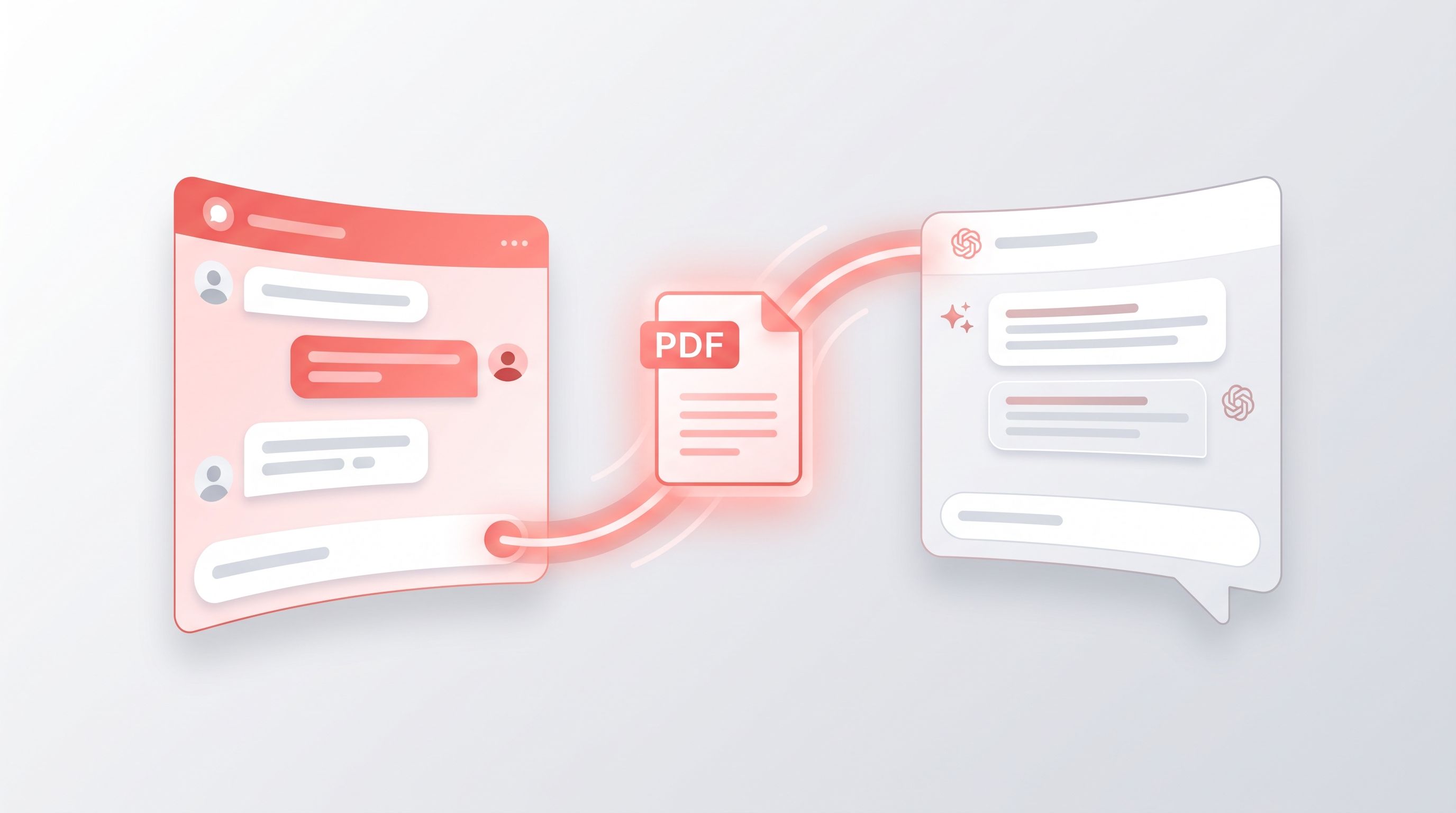
Adobe has quietly rolled two of its most significant Acrobat updates of the year into the same week. Acrobat now works directly inside WhatsApp, and it's also available as a plugin inside ChatGPT, meaning PDF work no longer has to happen in a separate app at all.
Both updates share the same idea: stop making people leave the app they're already chatting in just to open, review, or fix a PDF. Here's what's actually changed, and what it means if PDFs are part of your daily routine.
Acrobat Is Now Built Into WhatsApp
Adobe has added PDF viewing, markup, and editing directly into WhatsApp Web and WhatsApp on Windows. In practice, that means someone can send you a PDF, and you can open it, mark it up, leave comments, or make edits right inside the chat thread, without downloading the file first or switching over to a separate PDF app.
For anyone who's ever had a client, teammate, or family member send a contract, invoice, or scanned form over WhatsApp, this closes a genuinely annoying gap. Before this, that usually meant downloading the file, hunting for the right app to open it in, editing it there, and then sending it back, several extra steps for what should be a two-minute task.
Acrobat Now Lives Inside ChatGPT Too
Alongside the WhatsApp integration, Adobe has launched an Acrobat plugin inside ChatGPT itself, available globally on both the web and mobile app. Once connected, it lets you bring Adobe's PDF and creative tools straight into a ChatGPT conversation, so you can generate, edit, or polish a PDF without leaving the chat to open Acrobat separately.
This is part of a bigger shift happening across the AI tools space right now: chat interfaces are becoming the place work actually happens, and software companies like Adobe are racing to plug their tools directly into that experience instead of hoping people come to them.
Why This Matters Even If You Don't Use Acrobat
Whether or not Acrobat is your go-to PDF tool, this points to where document work is heading. Chat apps and AI assistants are turning into the default place people handle files day to day, which means the files themselves need to be in good shape before they ever land in one of these conversations.
A messy, oversized, or badly formatted PDF doesn't get any easier to work with just because it's inside a chat window. If anything, cleaning it up first, compressing it, converting it, or splitting a long file into smaller sections, matters more now, not less, since these tools work best with files that are already in good condition. Our PDF Compressor, Merge PDF, and PDF to Word tools are built for exactly that kind of quick prep work, no downloads or sign-ups required.
Who Actually Benefits From This
The WhatsApp integration is likely to matter most for small businesses, freelancers, and anyone who already does a lot of client communication over WhatsApp rather than email. The ChatGPT plugin is more useful for people already using AI chat tools daily and who'd rather generate or tweak a document mid-conversation than jump between five different tabs.
Either way, the direction is the same: fewer separate apps, fewer downloads, and PDF work happening wherever the conversation already is.
What to Watch Next
Adobe has been steadily building out this kind of integration all year, from AI Assistant inside Acrobat to Acrobat Studio's newer sharing and publishing features. This WhatsApp and ChatGPT rollout looks like the next step in that same pattern, and it wouldn't be surprising to see similar integrations show up in other chat platforms before the year is out.
We'll keep an eye on how this rolls out and whether other PDF and document tools follow the same path, in our AI tools and updates section.
Frequently Asked Questions
Can I edit a PDF directly inside WhatsApp now?
Yes. Adobe Acrobat now supports PDF viewing, markup, and editing directly inside WhatsApp Web and WhatsApp on Windows, without needing to download the file first.
What does the Acrobat plugin for ChatGPT actually do?
It connects Adobe's PDF and creative tools directly into a ChatGPT conversation, letting you generate, edit, or polish documents without leaving the chat.
Is the ChatGPT Acrobat plugin available everywhere?
Adobe says the plugin is available globally on both ChatGPT web and the ChatGPT mobile app.
Do I need an Adobe subscription to use these features?
Feature access can depend on your Acrobat plan, so some capabilities may require an active subscription rather than the free version.
Does this replace the need for separate PDF tools?
Not necessarily. These integrations are useful for quick, in-chat edits, but preparing a file beforehand, compressing, merging, or converting it, still typically works better with a dedicated PDF tool first.
Table of Contents
Recent News

GPT-6 Sol Explained: Pricing, 1M Context Window, Limits, and Who Should Use It
2 weeks ago
Title: Microsoft 365 Copilot Gets a New Prompt Button Inside Word, Excel, and PowerPoint
2 weeks ago
Gemini 3.8 Flash Is Here: Same Price, Stronger Reasoning, and Better PDF Handling
1 month ago
Apple OpenAI Lawsuit Escalates as Both Sides Clash Over Confidential Data
1 month ago
ChatGPT Gets Major File Updates: Voice Uploads, Google Drive Sync, and Better
1 month ago
Alibaba Launches Qwen3.8-Max: Its Largest and Most Capable AI Model Yet
2 months ago