Compress PDF Online: Reduce File Size Without Losing Quality

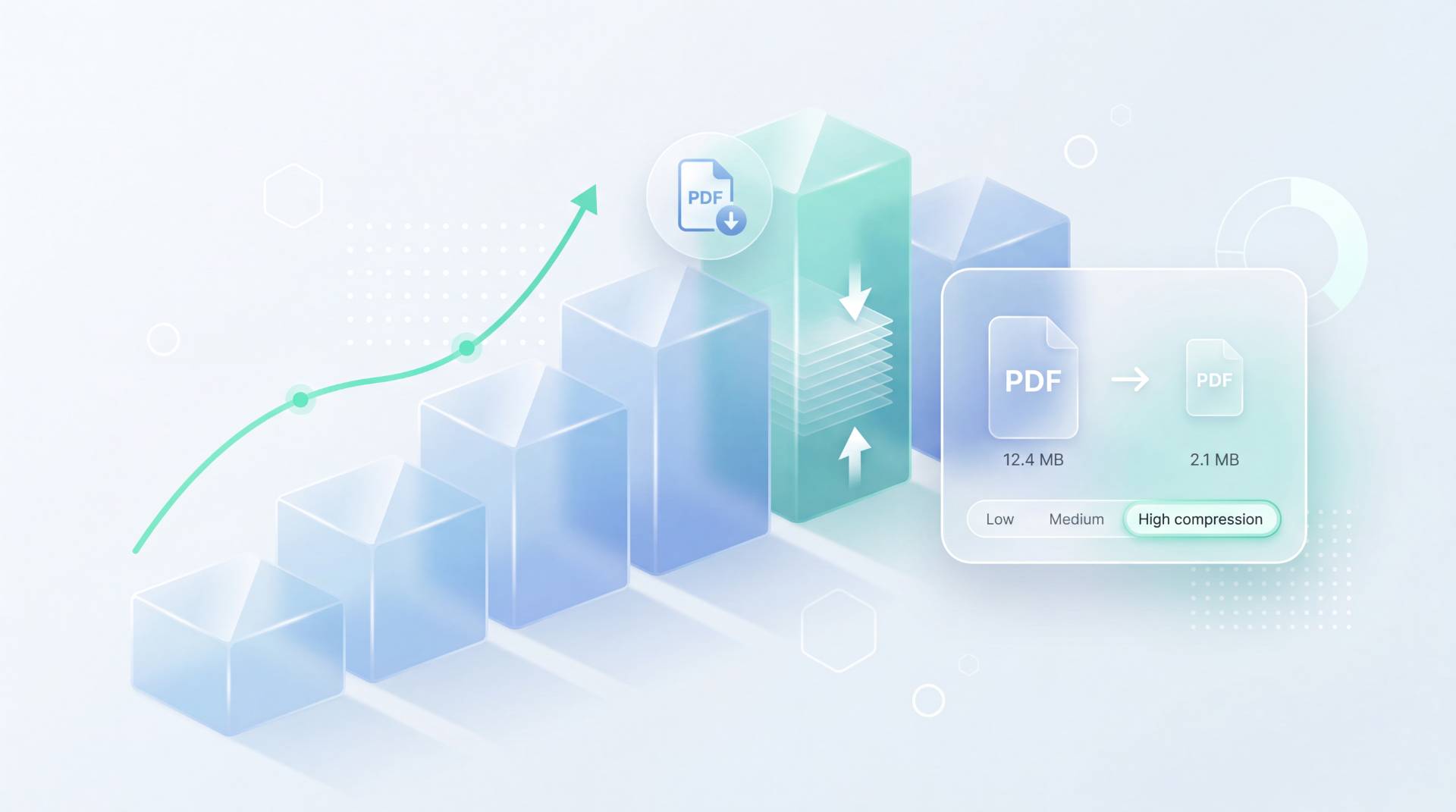
TL;DR: FileReadyNow’s PDF Compressor is a free online tool that reduces PDF file size in seconds. You upload a file up to 250MB, pick Low, Medium, or High compression, and download the shrunk version. It’s built for people who need to email a large PDF or meet an upload limit, without messing up the document’s readability. You do need a free account.
You're staring at a PDF that's too big for the email you need to send. Maybe it's a report with photos, a scanned contract, or a presentation full of graphics. You don't have time to sort through menus in a desktop application. The good news: FileReadyNow's PDF Compressor can shrink that file in seconds, right from your browser.
The tool handles PDFs up to 250MB. You choose from three compression levels (Low, Medium, High), and you get back a file that's noticeably lighter while text stays sharp. I tried it with a 12MB multi-page brochure. On Medium, it popped out a 3.4MB file that looked crisp on screen, and it uploaded to a contact form with zero issues. You will need a free account, which takes under a minute to set up. Once you're logged in, the whole process is drag, drop, and download.
How to Compress a PDF to Email It (Or Meet Any Upload Limit)
The fastest way is to use FileReadyNow's free PDF Compressor. Upload your file, decide how aggressive you want the compression (Low preserves most quality, High makes it tiny), and download. It's built specifically for situations like a 15MB PDF that needs to be under 5MB quickly.
No desktop software, no complicated settings. Here's exactly what happens. Sign in with your free account, drag your PDF onto the upload zone (the page accepts files up to 250MB), pick a compression level using the slider, and click "Compress PDF". In a few seconds, a download link appears. Grab the file and attach it to your email. That's it.
What Happens to Image Quality When You Compress a PDF?
The tool tries hard to keep text crisp while making images smaller. With Low compression, you'll barely notice a difference even in image-heavy PDFs. Medium drops the file size more and softens images just a little. High compression will make pictures look grainier, but text remains readable.
| Level | What It Does | Who It's For |
|---|---|---|
| Low | Reduces file size minimally, preserves original image quality almost completely. Text stays pixel-perfect. | Documents you want to look sharp, like portfolios, resumes, or presentation decks. |
| Medium | Cuts file size by a noticeable margin. Slight softening in photos, but text remains crisp. | Most everyday PDFs you need to email or upload where size is a concern but quality still matters. |
| High | Makes the file as small as possible. Images become grainy, though text legibility holds. | Meeting a strict size limit (like a 1MB cap) when image quality isn't the main priority. |
Remember, the tool doesn't change the document's content, just strips away extra data and optimizes images. If you're not sure, start with Medium. You can always run the original PDF through the compressor again with a different setting (your original stays untouched).
How to Compress a PDF on Mac Without Installing Any Software?
You don't need Preview or any Mac-specific app. Open FileReadyNow in Safari, Chrome, or any browser, sign in with a free account, and compress the PDF online. It works identically on Mac, Windows, and phones.
Apple's Preview can reduce file size through the Quartz filter, but the results are unpredictable and you can't fine-tune the balance. This online tool gives you straightforward control with three clear options. Plus, you don't need to install or update anything. Just visit the shrink PDF online page and get the job done.
Can I Compress a PDF to Exactly 1MB?
You can try, but the final size depends on what's inside your PDF. A text-only PDF might squeeze to 1MB easily. A scan-heavy file with large photos might only reach 2-3MB on High without degrading too much. The tool aims for the smallest size possible at each level.
There's no 'target size' input. Instead, the compressor works with smart algorithms that analyze your document. If you absolutely need to hit 1MB, start with High compression. If the file is still over 1MB, you might need to remove some large images or use the Image Compressor on individual pictures first (though that's a separate process). The tool is straightforward: you upload, pick a level, and get the best it can do.
Is It Safe to Use an Online PDF Compressor?
FileReadyNow processes your file over an encrypted connection, uses 256-bit encryption at rest, and permanently deletes the PDF after you download it. No one else can access it. The only catch: you need to create a free account, which helps prevent abuse.
Every upload is shielded with HTTPS. The server holds the file briefly, then once you hit download and the link expires, the file is wiped from the system. It won't sit in a cloud folder waiting to be discovered. Because an account is required, the platform can also keep abusive bots out, adding another layer of safety for legitimate users.
Conclusion
When a PDF is too large to share, the PDF Compressor on FileReadyNow is the straightforward fix. No desktop apps, no fine-tuning, just three simple compression choices. You can log in from a Mac, a Windows laptop, or even a phone, and get a smaller file that's ready to send in under a minute.
Most documents come out noticeably slimmer without making text look blurry. And because the tool handles files as big as 250MB and deletes them after, it's safe enough for contracts, reports, and personal scans. If you need to combine, split, or convert PDFs too, there are more Pdf Tools waiting for you. Try the compressor now and give your email client a break.
Frequently Asked Questions
How do I compress a PDF on my Mac for free?
You can use FileReadyNow's web-based PDF Compressor. It runs in any browser and requires only a free account. Simply upload your PDF, choose a compression level, and download the slimmer file. It's consistent and gives you more control than Apple Preview's built-in compress option.
Can I compress a PDF to exactly 100KB or 1MB?
The tool doesn't let you set a specific target size. It analyzes your file and applies the best possible reduction based on the level you pick. A text-only document might hit 1MB easily, but heavy scans may settle around 2-3MB. If you need an exact size, try the High setting first; if it's still too big, consider reducing the images separately before making the PDF.
Will compressing a PDF make the text blurry?
Text remains crisp and readable at all three compression levels. The tool focuses on reducing the resolution and data of images inside the PDF. On Low and Medium, you'll hardly notice any difference. High compression may soften photos and graphics, but the typed content stays sharp.
Is the FileReadyNow PDF Compressor better than Adobe's tool?
For quick, everyday jobs, it's simpler and faster. Adobe's compressor often sits behind a subscription or requires the full Acrobat app. FileReadyNow's version is free (with signup), gives you three clear quality options, and works straight from your browser. It doesn't offer advanced preflight profiles, but for basic file shrinking, it gets the job done without the clutter.
Do I need to create an account to use the PDF Compressor?
Yes. A free account is required. It helps keep the service safe from abusive traffic and ensures your files are processed securely. Signup takes less than a minute with just an email and password.
Table of Contents
Recent Posts

Surviving the Meme Monster: OBUNGA Game Review
11 hours ago
Surviving the Chilling Horrors of a Gothic Manor
11 hours ago
Audio Trimmer Online Free: Cut, Keep, or Remove Any Section
1 day ago
Get Ready to Ride: Skateboard Wheelie Review
1 day ago
Fun Shopping Fun: Review of Funny Shopping Supermarket
1 day ago
Racing to Fun: A Look at Super Star Body Race
2 days ago