Convert PDF to Word Free Online , No Signup, No Fuss

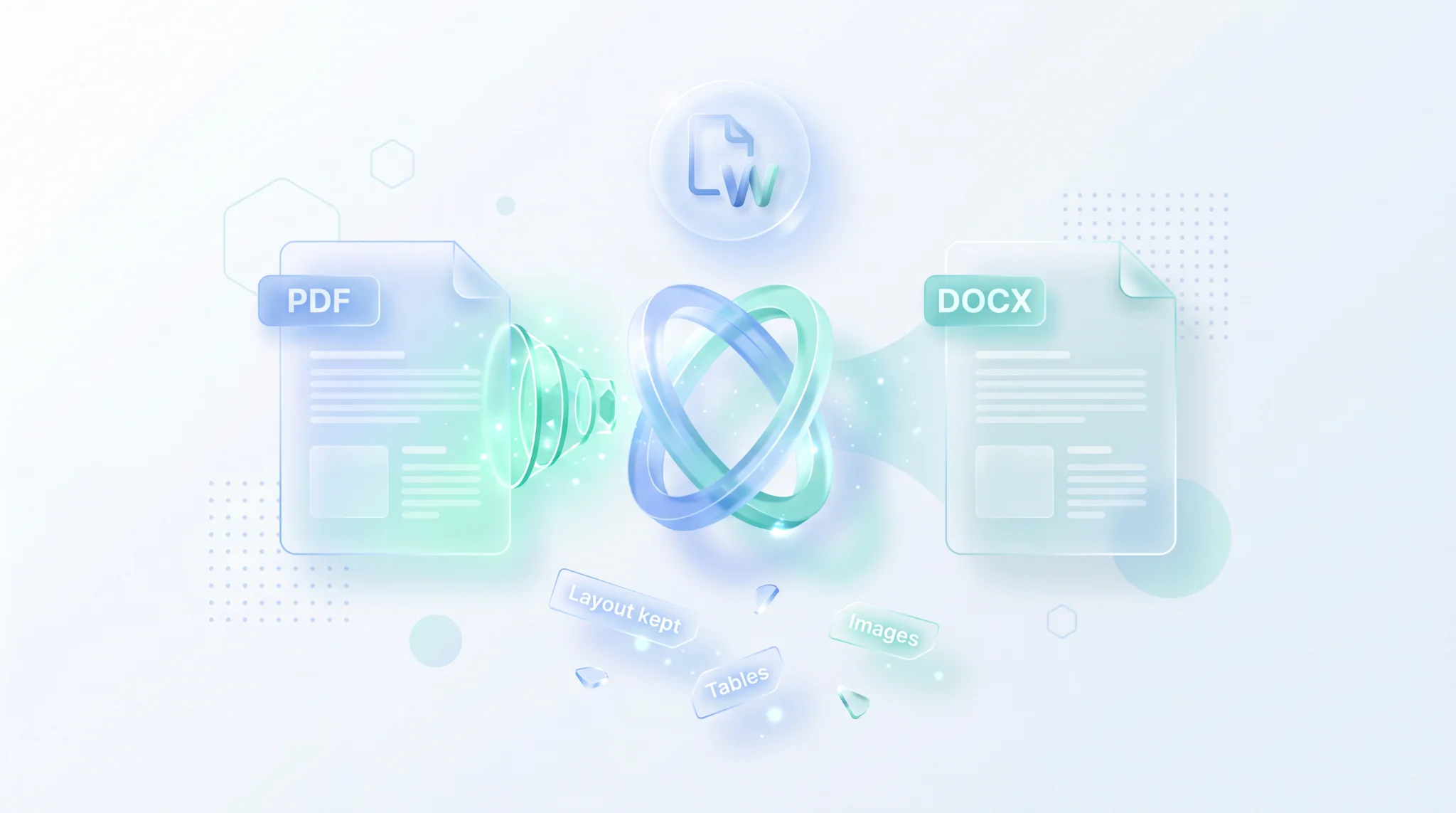
TL;DR: FileReadyNow's free PDF to Word converter turns your PDF into a fully editable .docx file right in your browser. No signup, no downloads. Tables, images, and text formatting are preserved. Scanned PDFs get OCR treatment. Files are auto-deleted and encrypted. Max 50 MB. Just upload, click convert, and download your Word doc.
You have a PDF that needs editing, but you can't just type into it like a Word doc. That's exactly where FileReadyNow's free PDF to Word converter steps in. In a few seconds, it hands you a clean .docx file that you can open, tweak, and share. I recently had to update a product spec PDF, and instead of retyping entire pages, I just dropped it into this tool. The tables stayed intact, the headings stayed bold, and I finished the edits before my coffee got cold. That's the kind of quick win this tool delivers.
How to Convert a PDF to a Word Document
Upload your PDF to the tool, click convert, and download the Word file. That's it. The whole process runs in your browser and takes less than a minute for most files.
Here's exactly what to do:
- Drag and drop your PDF onto the upload area, or click to browse and select it from your device. The page only accepts PDF files.
- Wait a moment while the conversion engine works its magic. The progress indicator shows you when it's done.
- Download your new .docx file. If you converted multiple PDFs, you can grab them all as a zip file.
There's no software to install, no account to create, and no email to surrender. It's just a direct, hassle-free process that respects your time and privacy.
Will My PDF's Formatting Stay the Same After Conversion?
Yes, for most elements. Headings, paragraphs, text styles, tables, and images transfer to the Word file exactly as they appeared in the PDF. The one exception: charts and graphs become non-editable images, so you can't change their data inside Word.
Here's a quick breakdown of what you can expect:
| Element | Conversion Result |
|---|---|
| Headings, paragraphs, text styles | Preserved, ready to edit |
| Tables | Converted as editable Word tables |
| Images | Embedded in their original positions |
| Charts and graphs | Turned into images (not editable) |
Very complex layouts, like dense brochures with layered elements, might need a few manual tweaks. But for standard reports, contracts, resumes, and forms, the result looks remarkably close to the original. The tool also matches fonts, sizes, and bold/italic styling automatically, so you spend less time fixing and more time editing.
Does This PDF to Word Converter Work on Mac, Windows, and Mobile?
Absolutely. The tool runs in any modern web browser, so it works identically on Mac, Windows, Chromebook, Linux, and even your phone. No extra apps or plugins are needed.
Because it's purely browser-based, you can start on a Mac and finish on a Windows PC without missing a beat. The interface adapts to your screen size, making it easy to convert a PDF on the go. This is the answer for anyone who's ever searched "how to convert PDF to Word on Mac" and got frustrated by software downloads. Just open your browser, visit the tool page, and you're all set.
Can I Convert a Scanned PDF or Image-Based PDF to Word?
Yes. The tool includes OCR technology that scans the text inside images and pulls out editable words. So even if your PDF was created from a scanner or a photo, you'll still get a Word file you can work with.
OCR happens automatically during conversion. You don't need to select any special option. The quality of the extracted text depends on how clear the original scan is. A sharp, high-contrast document will convert almost flawlessly. A blurry phone photo of a wrinkled receipt might need some cleanup afterward. For standard office scans, though, the results are impressively accurate.
Is My Data Secure When I Convert a PDF to Word?
Your files are treated with bank-grade care. All uploads are protected by 256-bit encryption. Your PDF is processed, your Word file is created, and then every trace of your document is permanently purged from the servers once the download link expires.
There's no account or signup, so your identity never gets attached to the file. No humans look at your content. The short retention window means you never have to worry about old documents floating around. If you're converting a confidential contract or a personal document, you can do it with peace of mind.
Are There Any Limits on File Size or Page Count?
The converter accepts PDFs up to 50 MB. There's no fixed page limit. A 200-page training manual and a one-page invoice both get processed, though the larger file may take a bit longer.
If your PDF exceeds 50 MB, you can split it first using FileReadyNow's free Pdf Tools or compress it with the PDF Compressor. Multi-page documents convert into a single .docx file that preserves the original page order. Very complex files with many high-resolution images can slow down the conversion, so a stable internet connection helps.
Ready to turn your PDF into an editable Word file? Head over to the PDF to Word converter, drop your file, and get your .docx in under a minute. No signup, no fees, and no formatting headaches. And when you're done, take a look at the other free Pdf Tools like Merge PDF, PDF Compressor, and PDF Summarize to handle every document chore without leaving your browser.
Frequently Asked Questions
How do I start converting a PDF to Word?
Open the PDF to Word tool on FileReadyNow. Drag your PDF onto the upload area or click to browse. Once the file is loaded, the conversion begins automatically. After a few seconds, you can download the editable Word document.
Will the Word document look exactly like my PDF?
It will be extremely close. Text, tables, images, and most formatting carry over. Charts and graphs become static images, so you can't edit the data inside them. For complex layouts, a few minor adjustments might be needed, but overall fidelity is very high.
Can I convert a PDF that was created from a scanner?
Yes. The built-in OCR reads the text from scanned images and puts it into an editable Word document. The conversion quality depends on the scan's clarity, but typical office documents convert cleanly.
How long does it take to convert a PDF to Word?
Most files convert in seconds. Very large PDFs (close to 50 MB) or documents with many high-resolution images may take up to a minute. A stable internet connection helps speed things up.
How secure is my file when I use this converter?
All transfers are encrypted with 256-bit encryption. Your file is deleted from the server permanently shortly after your download link expires. No one else can access your document.
Table of Contents
Recent Posts

Surviving the Meme Monster: OBUNGA Game Review
3 hours ago
Surviving the Chilling Horrors of a Gothic Manor
3 hours ago
Audio Trimmer Online Free: Cut, Keep, or Remove Any Section
23 hours ago
Get Ready to Ride: Skateboard Wheelie Review
1 day ago
Fun Shopping Fun: Review of Funny Shopping Supermarket
1 day ago
Racing to Fun: A Look at Super Star Body Race
2 days ago