HEIC vs JPG: Which Should You Actually Use?

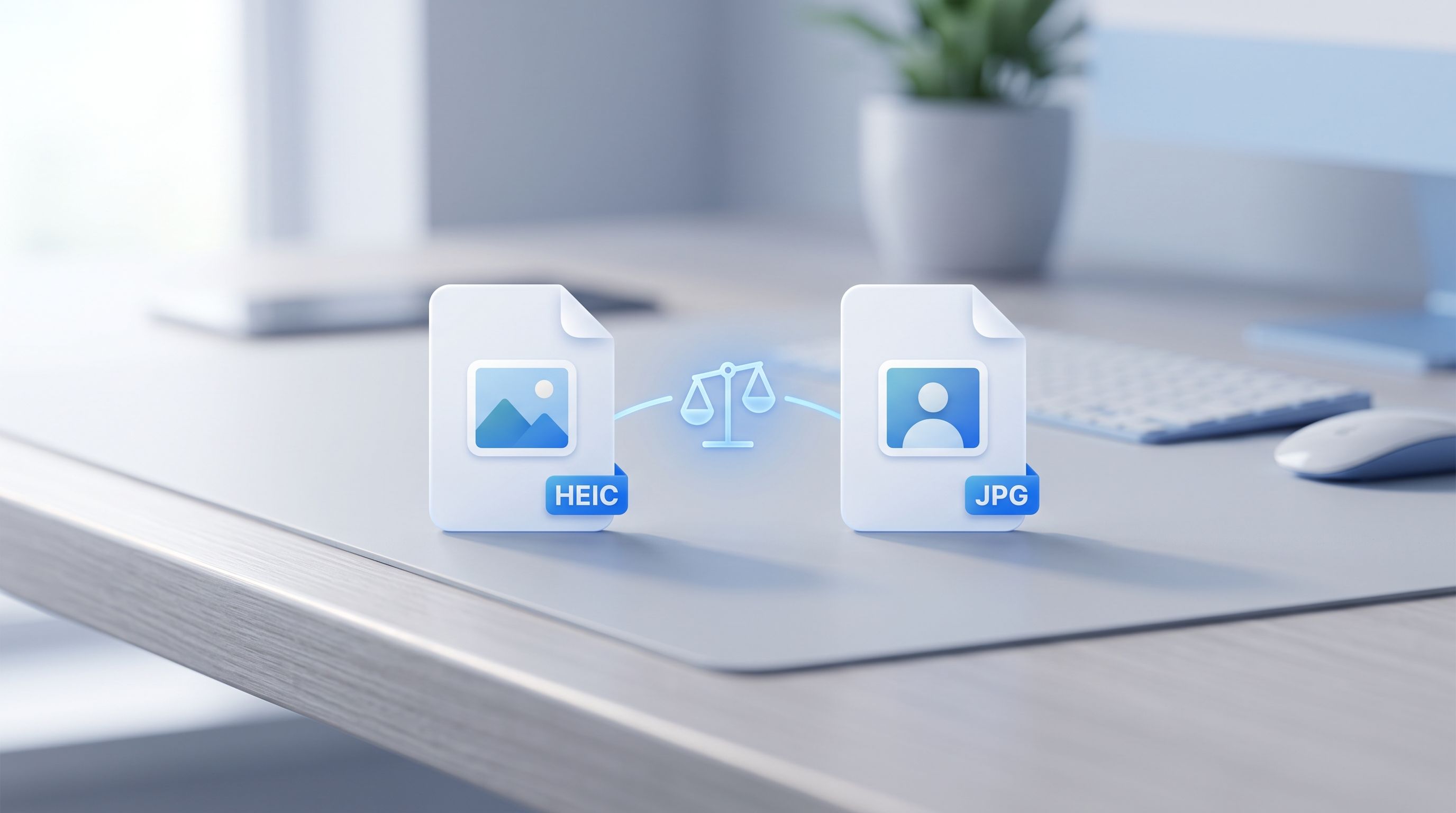
Somewhere along the way, "should I convert my photos" turned into "which format is actually better," and those are two different questions. One is about fixing a compatibility problem. The other is about whether your iPhone's default setting is even serving you well in the first place. Here's the real answer, not the marketing pitch from either side.
What's Actually Different Between HEIC and JPG?
HEIC is Apple's default photo format since iOS 11, built on the same compression technology as modern video codecs. JPG is the format that's been the web and photography standard since the 1990s. The technical gap between them is real:
- File size: HEIC stores the same image in roughly half the space JPG needs.
- Color depth: HEIC supports 16-bit color, JPG is limited to 8-bit, meaning HEIC can capture smoother gradients and more subtle tonal detail.
- Extra features: HEIC can hold Live Photos, burst sequences, and depth data (used for Portrait mode edits) inside a single file. JPG holds exactly one static image, nothing more.
- Compatibility: JPG opens on literally everything. HEIC needs a codec, a converter, or an Apple device.
On paper, HEIC is the more capable format. In practice, capability doesn't matter if the file won't open where you need it to.
When HEIC Is Genuinely the Better Choice
If your photos mostly stay inside the Apple ecosystem, HEIC is doing exactly what it's supposed to. A few situations where it's worth keeping:
- You're tight on storage. Roughly double the photos fit in the same space compared to JPG. On a 128GB phone with a big camera roll, that adds up fast.
- You share mainly through AirDrop or iCloud. Apple-to-Apple sharing handles HEIC natively, no conversion, no compatibility issue.
- You use Portrait mode and want to edit depth effects later. HEIC preserves the depth data JPG discards, so you can adjust the blur or focus point after the fact.
- You care about Live Photos. Converting to JPG flattens a Live Photo down to a single still frame permanently.
If none of that describes how you actually use your phone, the storage savings aren't worth much.
When JPG Is the Better Choice
The moment a photo needs to leave the Apple ecosystem, JPG wins, not because it's technically superior, but because compatibility is the only thing that matters once you're trying to actually use the file somewhere else:
- Sending photos to Windows or Android users. HEIC either fails to open or requires the recipient to install a codec they don't know they need.
- Uploading to websites and forms. A lot of upload fields, job portals, and older CMS platforms don't recognize HEIC at all and reject it silently.
- Posting on social media. Some platforms convert HEIC automatically. Others show a broken thumbnail or reject the upload outright, and it's rarely obvious which behavior you'll get until it happens.
- Printing photos. Print labs and kiosks almost universally require JPG. Sending HEIC either gets the order rejected or means the lab converts it themselves, without you controlling the quality settings.
- Archiving for the long term. JPG has been a stable, universally readable format for three decades. That kind of longevity matters if you want photos to still open on whatever device exists ten years from now.
Do You Actually Lose Quality Converting HEIC to JPG?
Technically yes, but not in a way most people will ever notice. Converting from HEIC's 16-bit color down to JPG's 8-bit is a real reduction, and going from HEIC's efficient compression to JPG's older method means the file gets bigger to hold the same visual quality. At a high quality setting, the difference is virtually invisible in a normal photo viewed on a normal screen.
A photographer editing RAW-adjacent files with fine tonal gradients, or anyone doing serious post-production work, might notice banding or lost detail in shadows and highlights after conversion. For everyday photos, family pictures, screenshots, product shots, the loss isn't something you'll pick out with the naked eye.
Do You Have to Pick One Format Forever?
No, and that's the actual answer for most people. Keep your iPhone set to HEIC for everyday shooting, so you get the storage benefit on the device where storage is limited. Convert to JPG only for the specific photos that need to leave the Apple ecosystem, an attachment for a Windows-using client, an upload to a job portal, a batch for a print order.
This is where a fast converter matters more than the theoretical format debate. FileReadyNow's HEIC to JPG converter handles the conversion side of that split in seconds, batch convert up to 10 files at once, right in your browser, nothing uploaded to a server. You're not choosing a format for life, you're picking the right one for wherever the photo is actually going.
What If You're Tired of Deciding Every Time?
If you'd rather stop thinking about this entirely, switching your iPhone's camera format to JPG going forward removes the decision at the source. Go to Settings, then Camera, then Formats, and select Most Compatible instead of High Efficiency. Every new photo saves as JPG from that point on, at the cost of roughly double the storage per photo.
That's a reasonable trade for someone who shares photos constantly across platforms and would rather not think about format compatibility ever again. It's a worse trade for someone with a nearly full phone and no storage plan to make room. There's no universally correct answer here, only the one that matches how you actually use your photos.
Frequently Asked Questions
Is HEIC better quality than JPG?
Technically yes, HEIC supports 16-bit color versus JPG's 8-bit, and compresses more efficiently. In everyday viewing, most people can't tell the difference.
Does converting HEIC to JPG lose the Live Photo effect?
Yes. A Live Photo is two files working together, a still image and a short video clip. Converting to JPG keeps only the still frame permanently.
Should I just switch my iPhone to JPG and stop dealing with this?
Only if storage isn't a concern for you and you regularly share photos outside the Apple ecosystem. If storage is tight, keeping HEIC and converting individual photos when needed makes more sense.
Is there a downside to keeping some photos in HEIC and converting others?
No, that's actually the most efficient approach for most people, storage savings on your device, compatibility only when you actually need it.
Conclusion
HEIC and JPG aren't really competing for the same job. HEIC is built for storing photos efficiently on your own devices. JPG is built for photos that need to work everywhere else. Keeping HEIC as your default and converting selectively with FileReadyNow's HEIC to JPG tool when a photo actually needs to leave the Apple ecosystem gets you the benefit of both, instead of forcing a single choice on every photo you'll ever take.
Table of Contents
Recent Posts

Festive Fun: A Review of Collect the Gift
19 hours ago
Squid Hero Impostor: Unmasking Fun in Pixelated Worlds
1 day ago
HEIC Photos Won't Open on Windows? Here's the Fix
2 days ago
Flappy Bird 3D Brings the Classic Challenge to a New Dimension
2 days ago
Cute Puzzle Fun: Protect My Dog Review
2 days ago
Why Are My iPhone Photos HEIC? (And How to Get JPG Instead)
3 days ago