Sign PDF Online Free: Add a Signature Without Printing or Scanning

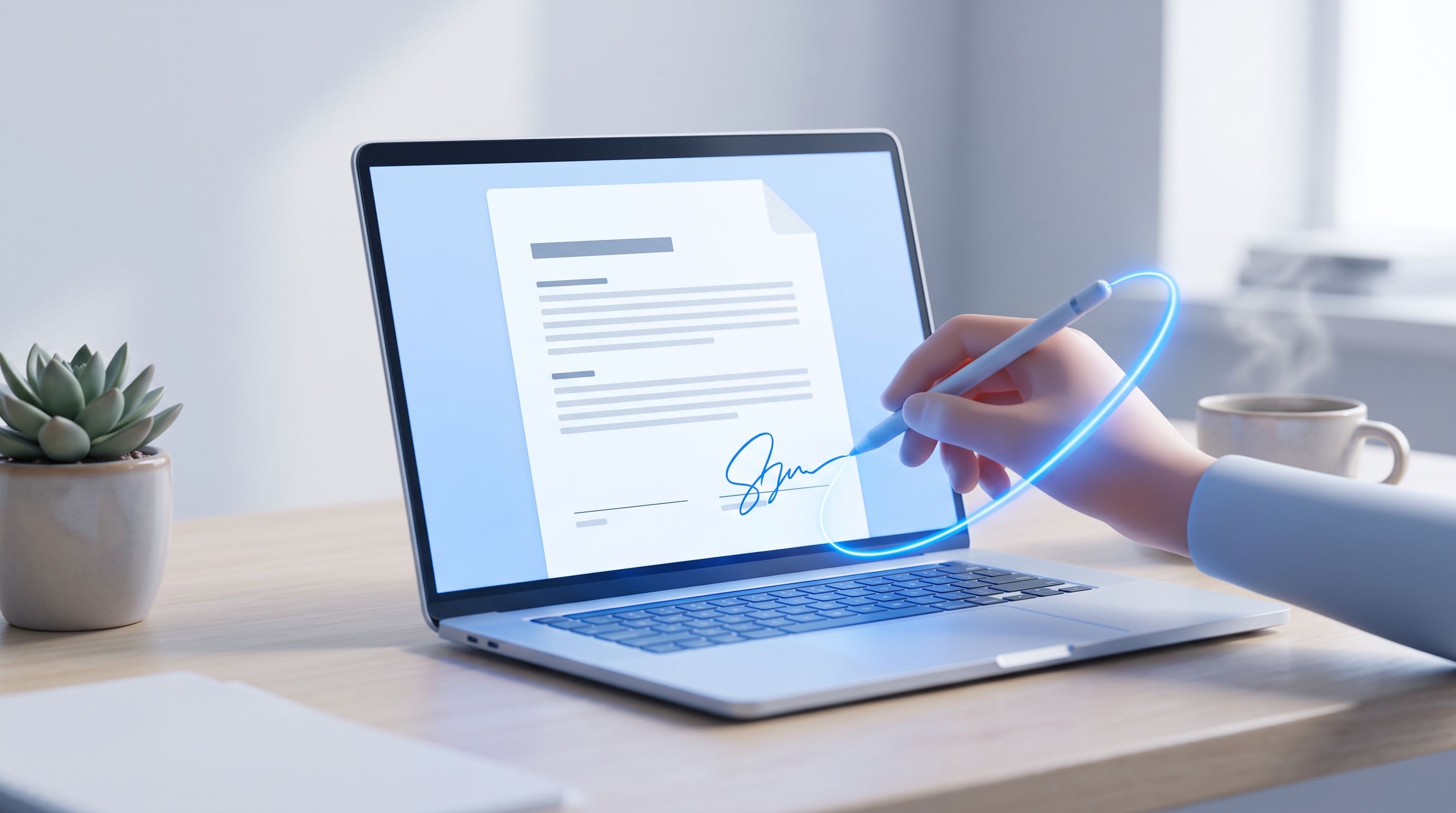
TL;DR: You can sign a PDF online free with FileReadyNow's Sign PDF tool, right in your browser. Draw it, type it, or upload a photo of one you already have. No account, no watermark, and the file never leaves your device. Upload, sign, place it, download.
My printer ran out of ink the day an offer letter landed in my inbox marked "sign and return by EOD." Printers only ever run out at the worst moment. Instead of hunting for a print shop, I opened the PDF in my browser, drew my signature with the trackpad, dropped it on the line, and sent it back before my coffee got cold.
That's the whole point of FileReadyNow's Sign PDF tool. It lets you sign a PDF online free and skip the print, sign, scan routine entirely. Here's how it works, what it's good for, and a couple of things to know before you use it for something important.
How to Sign a PDF Online Free Without Printing It
Upload the PDF, create a signature by drawing, typing, or uploading an image of it, then drag that signature onto the page and download the file. That's the whole process. No printer, no scanner, no extra software.
The old routine took ten minutes on a good day, longer if the scanner app on your phone had opinions about lighting. This tool cuts it down to four steps:
- Drop your PDF into the upload box, or click to browse for it.
- Draw, type, or upload your signature.
- Choose where it sits on the page, and which page it applies to.
- Click Sign PDF. The signed file downloads automatically.
The layout, fonts, and formatting of your original document stay untouched. Only the signature gets added on top.
Drawing vs. Typing vs. Uploading: Which Signature Type Should You Use?
Drawing gives you a freehand signature made with a mouse, trackpad, or finger. Typing turns your name into a handwritten style font. Uploading uses a photo or scan of your actual ink signature. Each one can be resized and placed anywhere on the page.
I draw mine most of the time because it looks closest to what I actually sign on paper. Go slow if you're using a trackpad, since a rushed signature ends up looking shaky. Typing is faster and comes out clean and consistent, which some people prefer for anything formal. Uploading makes sense if you already have a signature saved as an image. Just use a PNG with a transparent background so it doesn't sit inside a white box.
| Signature type | Works best for |
|---|---|
| Drawn | Personal documents, anything you'd normally sign by hand |
| Typed | Fast turnarounds, a consistent look every time |
| Uploaded image | Reusing a signature you've already scanned or stamped |
Where Should the Signature Go on the Page?
Most documents want a signature at the bottom of the last page, but not all of them. The tool gives you nine placement positions, any combination of top, middle, or bottom with left, centre, or right, so you can line it up with wherever the actual signature line sits.
You also pick whether it applies to the last page only, every page, or one page you specify by number. That distinction matters in practice. Initialing every page of a rental agreement is a different job than signing once at the end of a contract, and this handles both without reopening the file.
Is It Safe to Sign a PDF Online?
Yes. Your PDF is never uploaded to a server with this tool. Reading the file, rendering the pages, placing the signature, and building the signed download all happen locally in your browser.
A lot of free PDF signing sites route your file through their servers to process it, which means a contract or offer letter passes through somewhere you can't see before it comes back to you. That's not the case here. Nothing leaves your device, which is why I don't hesitate to use it for things I'd otherwise think twice about uploading anywhere.
Is This the Same as a Digital Signature or Digital Certificate?
No, and the difference matters. This tool adds a visible signature, your name, drawn or typed, placed on the page, the same way ink on paper works. A digital certificate signature is a separate thing entirely. It uses cryptography to verify identity and creates an audit trail, and it's what banks, notaries, and some legal systems require for high stakes transactions.
For everyday documents like contracts, forms, HR paperwork, and invoices, a visible electronic signature is what's expected and accepted almost everywhere. If a document specifically asks for a certified digital signature or notarization, this isn't the right tool for it, so check with whoever's requesting the document before you sign.
Is an Electronic Signature Made This Way Legally Valid?
In most countries, yes. Electronic signatures are legally recognized for everyday documents under laws like the U.S. ESIGN Act and the EU's eIDAS regulation. Validity still depends on your jurisdiction and what kind of document you're signing, so double check anything unusual, like a real estate transfer.
For the documents most people sign day to day, freelance contracts, NDAs, permission slips, HR forms, this covers it. Anything that legally requires notarization or a certified digital signature needs a different, purpose built service.
What Do People Actually Use This For?
Anything that arrives as a PDF and needs a signature before it can move forward:
- Contracts and agreements: freelance contracts, service agreements, rental leases, sent back the same day.
- HR paperwork: offer letters, NDAs, and policy acknowledgements needed before onboarding continues.
- School and government forms: applications, scholarship agreements, consent forms.
- Invoices: a signature that satisfies accounting departments asking for an authorised sign off.
- Personal documents: permission slips, tenancy forms, anything you'd normally sign in person.
If your document also needs pages removed, merged with another file, or protected with a password before or after signing, FileReadyNow's Merge PDF, Delete PDF Pages, and Protect PDF tools handle those the same way. In the browser, nothing uploaded.
Do You Need an Account to Sign a PDF?
No. There's no registration, no subscription, and no watermark on the finished document. Sign as many PDFs as you need.
This is where a lot of "free" tools quietly turn out to be free trials. This one just works: open it, sign, download. It runs fine on a phone or tablet too. The signature pad adapts to a fingertip the same way it works with a mouse.
Frequently Asked Questions
Is the Sign PDF tool really free?
Yes, with no limit on how many documents you sign.
Can I sign a PDF on my phone?
Yes. It works in mobile browsers, tablets, and desktops without an app.
Will signing change my PDF's formatting?
No. The layout, fonts, and formatting stay exactly as they were.
Can I use my own scanned signature?
Yes. Upload it as a JPG, PNG, or WebP. A transparent PNG gives the cleanest result.
Do I need to install anything?
No. It works entirely in the browser, on any device.
Is a password protected PDF the same as being locked from signing?
If a PDF is locked or encrypted, you'll need to unlock it first with a tool like Unlock PDF before a signature can be added.
Conclusion
Signing a PDF shouldn't depend on a printer that's out of ink or an app you download once and forget about. FileReadyNow's Sign PDF tool turns it into something you can do from wherever you already are, laptop, phone, or tablet, without the file ever leaving your device. Next time something lands in your inbox needing a signature, skip the scanner and sign it where it already is.
Table of Contents
Recent Posts

Surviving the Meme Monster: OBUNGA Game Review
6 hours ago
Surviving the Chilling Horrors of a Gothic Manor
6 hours ago
Audio Trimmer Online Free: Cut, Keep, or Remove Any Section
1 day ago
Get Ready to Ride: Skateboard Wheelie Review
1 day ago
Fun Shopping Fun: Review of Funny Shopping Supermarket
1 day ago
Racing to Fun: A Look at Super Star Body Race
2 days ago