Sign PDF Online Free: Draw, Type, or Upload a Signature

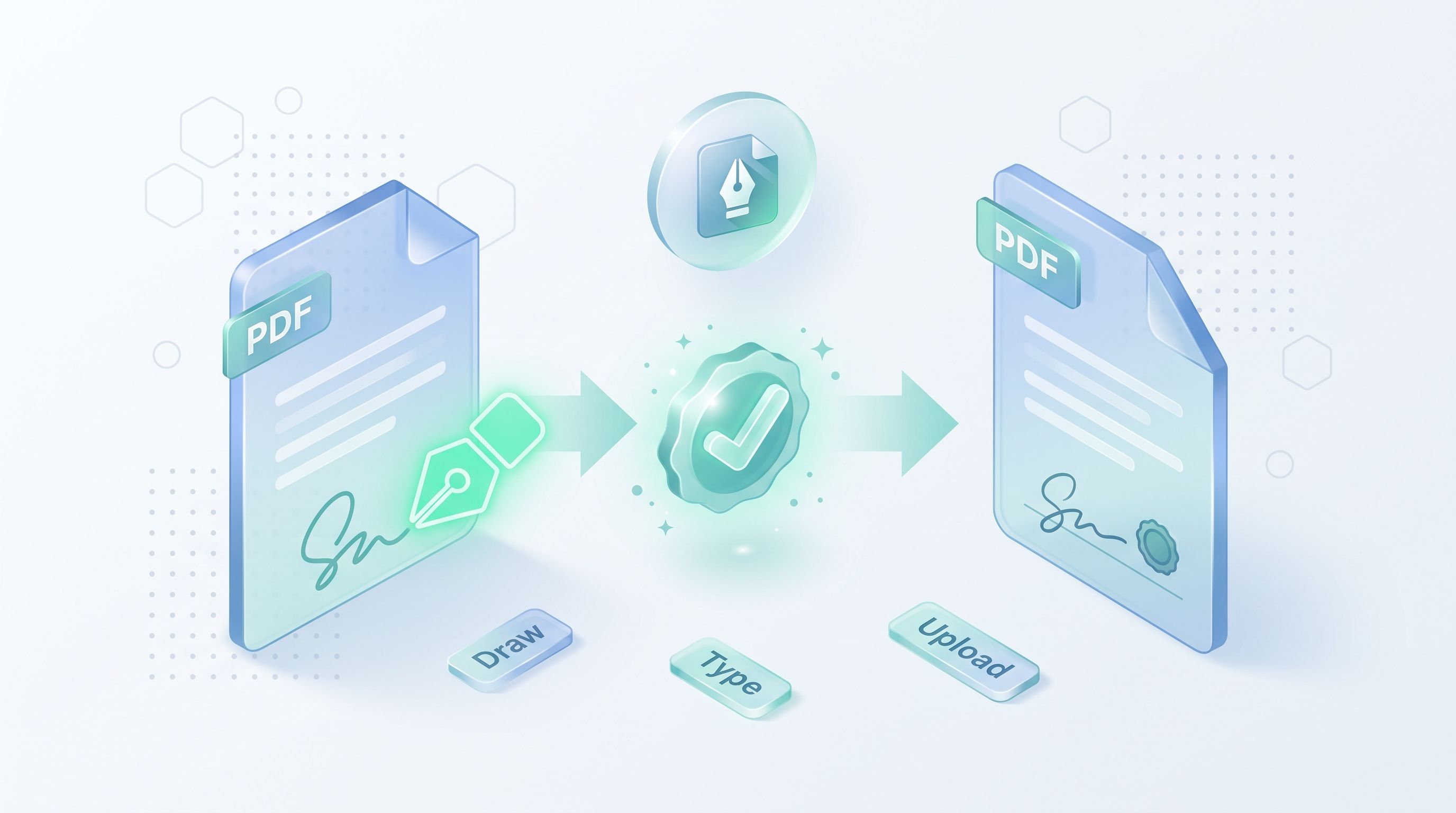
TL;DR: You can sign a PDF online for free in under a minute. FileReadyNow's Sign PDF tool lets you draw, type, or upload your signature, drag it onto the page, and resize it to fit. Everything runs in your browser, so your file never leaves your device. No account, no watermarks, no software to install.
Someone emails you a contract, a lease, or a permission form and wants it back signed today. Printing it out, signing it, and scanning it back is a chore most of us would rather skip. That's exactly why I reach for the Sign PDF tool on FileReadyNow: it lets you sign a PDF online for free without installing anything.
The whole thing happens in your browser. Your document never gets uploaded to a server, which matters when you're dealing with contracts, tax forms, or anything with personal details on it. Here's how it works and what you should know before you use it.
How do I sign a PDF online for free?
Drop your PDF into the Sign PDF tool, create your signature by drawing, typing, or uploading an image, then drag it onto the page and click Sign. The signed file downloads instantly, and it's all free with no signup required.
Here's the full process in plain steps:
- Open the Sign PDF tool and drop your file in, or click to browse for it.
- Create your signature using the draw, type, or upload option. Pick a color and pen thickness if you're drawing.
- Click the button to place your signature on the page preview.
- Drag it into position and resize it using the corner handle.
- Hit Sign and download your finished document.
Last month I used this to sign a rental agreement on my lunch break. The whole thing took less time than finding a working pen would have.
Can I draw, type, or upload my signature?
Yes. The tool gives you three ways to create a signature: draw one with your mouse or finger, type your name and pick a handwriting-style font, or upload an image of your real signature. You choose the color and thickness for each method.
Each method has its place, so here's a quick comparison:
| Method | Best for | Things to know |
|---|---|---|
| Draw | Looking most like your real signature | Works with mouse, trackpad, or touch. Takes a little practice. |
| Type | Fastest option, clean look | Pick from several handwriting-style fonts. Color is adjustable. |
| Upload | Reusing your exact signature | PNG with a transparent background works best. JPG, PNG, and WebP supported, up to 5 MB. |
If you want your signature reusable, sign a white piece of paper once, photograph it, and upload the image. Then you'll have the same signature every time.
Is it safe to sign a PDF in my browser?
Yes. This tool processes your file entirely in your browser, so the PDF never leaves your device. Nothing is uploaded to a server, and nothing is stored. That's a real difference from many online signing tools that send your document to their servers for processing.
This matters most for sensitive documents. W-2s, medical forms, and contracts all contain personal information, and keeping them on your own device is the safest way to handle them. Since the processing happens locally, you also don't wait for uploads and downloads on slow connections.
Will signing a PDF change its formatting?
No. The original formatting stays intact after signing. Your layout, fonts, images, and page structure look exactly as they did before you added the signature.
That's important because a signed document is often a legal copy. If a tool scrambled the layout, the contract you signed might not match what the other party has. This tool keeps everything as-is and simply places your signature where you put it.
Is an electronic signature legally valid?
In many cases, yes. Electronic signatures are legally recognized in most countries, including under laws like the ESIGN Act in the United States and eIDAS in the European Union. But the exact rules depend on your country and the document type, so always verify the requirements that apply to your situation.
Some documents need extra steps, like a witness or a certified digital certificate. For everyday contracts, forms, and agreements, an electronic signature placed on a PDF is generally accepted. When in doubt, check with the organization that sent you the document.
What are the limits of this tool?
A few honest things to know before you start. The tool works best with PDFs under 50 MB, and it only accepts PDF files, not Word or image documents. If you need to convert something first, you'll find plenty of options under more PDF tools on the same site.
Also worth noting: this is not a certified digital signature with cryptographic verification. It adds a visual electronic signature, which is what most everyday documents require. If you need bank-level certification, check with your specific institution.
One more thing I appreciate: it works on phones and tablets too. I've signed documents from my phone while waiting in line, which honestly felt like a small win.
Sign your PDF in under a minute
Printing, signing, and scanning a PDF is a habit left over from when paper was the only option. You don't need to do it anymore. Open the tool, create your signature, place it, and download the signed file. Ready to try it? Sign your PDF in the browser now and see how quick it is.
Frequently Asked Questions
Is the Sign PDF tool free?
Yes, it's completely free. You can sign PDF documents online without paying anything or creating an account.
Can I sign PDFs on my phone?
Yes. The tool works on mobile devices, tablets, and desktop browsers, so you can sign from anywhere.
Do I need to create an account?
No. There's no registration required. Open the tool and start signing right away.
Can I sign multiple PDFs?
Yes. You can sign as many PDF documents as you need, one after another.
Will my signature look handwritten?
It can. Draw your signature with your finger or mouse for a handwritten look, or type your name in a handwriting-style font if you prefer something cleaner.
Table of Contents
Recent Posts

JPG to PNG: What It Fixes, What It Cannot, Transparency
3 days ago
PNG to JPG: What Happens to Transparency and File Size
5 days ago
JWT Decoder: Read a Token and Know What It Cannot Prove
1 week ago
GST Calculator: How to Add or Remove GST, With Examples
1 week ago
JPG to PDF: Page Size, Fit and Margin Settings Explained
2 weeks ago
JPG to PDF Free: Merge, Reorder and Size Pages
2 weeks ago