HEIC Photos Won't Open on Windows? Here's the Fix

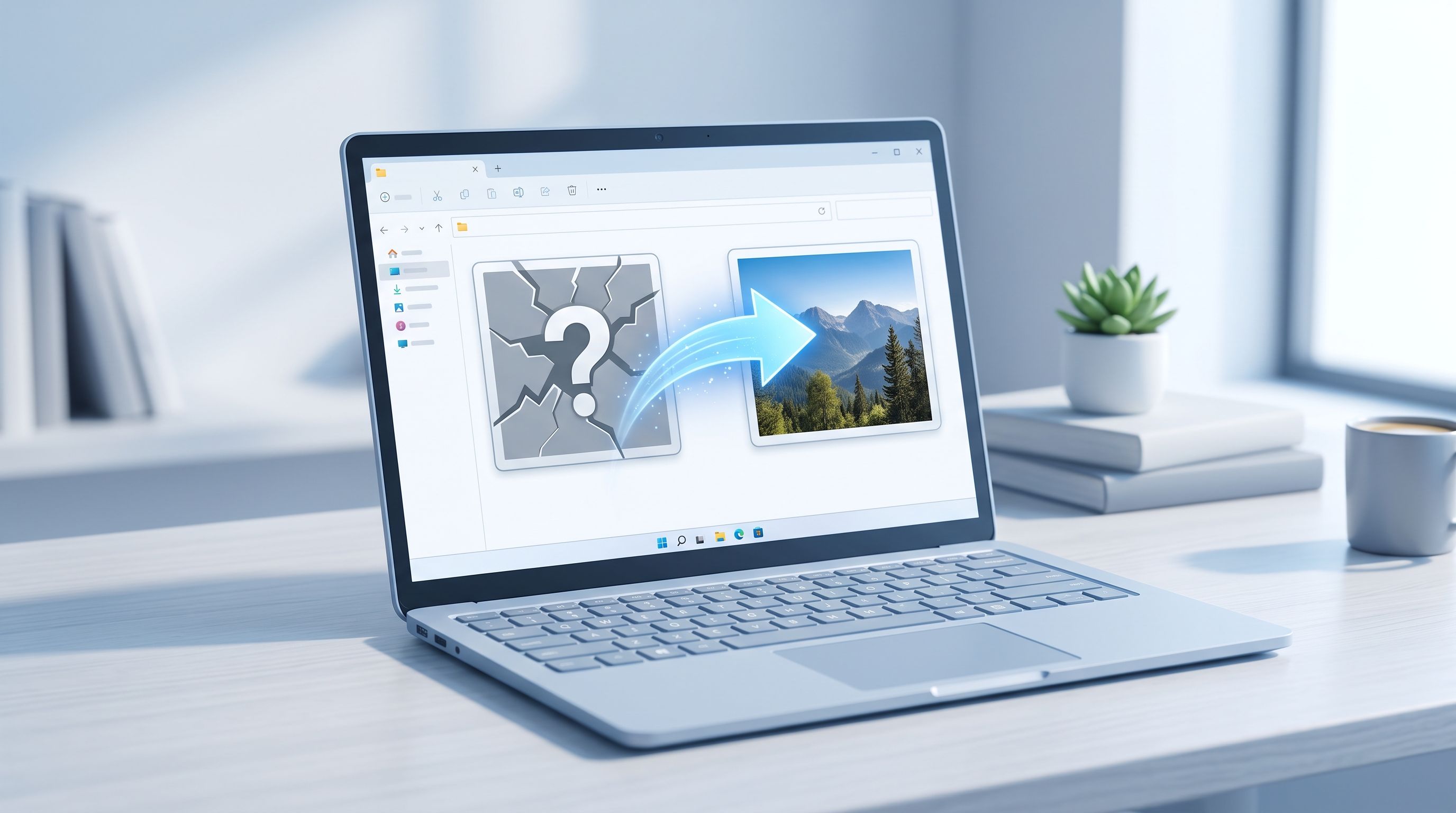
You copy some photos from your iPhone to a Windows PC, double-click one, and nothing happens. Or worse, you get "this file format is not supported." The photo isn't corrupted and your PC isn't broken. Windows just doesn't know how to read HEIC, and depending on which fix you try, you might end up paying for something that should be free.
Why Won't HEIC Files Open on Windows?
Windows doesn't include a built-in decoder for HEIC, the photo format iPhones have used by default since iOS 11. JPEG and PNG ship with Windows out of the box. HEIC doesn't, so File Explorer shows a blank thumbnail and the Photos app throws an unsupported format error, even though the file itself is perfectly fine.
This isn't a bug and it isn't your PC's fault. Apple built HEIC around its own devices. Getting it to work on Windows means either adding the missing piece Windows needs, or sidestepping the problem by converting the file to something Windows already understands.
The Codec Fix, and the Confusing Part Most Guides Skip
Microsoft splits HEIC support into two separate Store extensions, and mixing them up is why this fix fails for a lot of people:
- HEIF Image Extensions, free, tells Windows that a .heic file is an image at all.
- HEVC Video Extensions, the piece that actually decodes the compressed image data inside the file. This one is usually $0.99 in the Microsoft Store.
Installing only the first extension is a common mistake, and it's why some people install "the HEIC codec" and still see a blank thumbnail. You need both. There's sometimes a free version called "HEVC Video Extensions from Device Manufacturer" available depending on your hardware, but Microsoft has scaled that back over time, so don't count on finding it.
If you're on a work laptop or a shared computer where you can't install anything from the Microsoft Store, this fix isn't available to you at all, no matter how many times you retry it.
Converting to JPG Instead
The codec fix solves viewing HEIC files on that one PC. It doesn't help anywhere else. A JPG opens in every Windows app ever made, attaches cleanly to any email, and uploads without issue to any website or form, no extension required, no per-machine setup, no $0.99 charge.
FileReadyNow's HEIC to JPG converter handles this without installing anything: drop in up to 10 HEIC files at once, and they convert to JPG right in your browser. Nothing gets uploaded to a server in the process, your photos stay on your device the entire time, which matters if you're doing this on a work computer where you can't install extensions anyway.
Which Fix Actually Makes Sense for You
If you regularly receive HEIC photos from an iPhone-using friend or family member and want File Explorer and the Photos app to just work going forward, installing both extensions is worth the one-time setup and the $0.99. If you're dealing with a handful of photos you need to open, email, or upload right now, converting to JPG is faster and skips the cost entirely.
On a locked-down work PC where you can't install Store extensions at all, converting is the only option that works, since there's no admin permission required to use a browser-based tool.
Still Not Opening After Installing the Extensions?
A few things worth checking before assuming the file itself is broken. Restart the Photos app after installing, since it sometimes needs a fresh launch to pick up the new codec. Clear the thumbnail cache if File Explorer still shows blank previews, older cached thumbnails can stick around even after the codec is installed. And if a specific photo still won't open while others do, it may have gotten corrupted or truncated during transfer, an AirDrop-to-cloud-to-Windows hop is a common way this happens. Re-copying the original from the iPhone, or converting it fresh, usually resolves that.
If you've worked through all of that and it's still not opening, converting straight to JPG with the HEIC to JPG tool sidesteps the whole codec question entirely.
Frequently Asked Questions
Do I need both HEIF and HEVC extensions, or just one?
Both. HEIF Image Extensions tells Windows the file is an image. HEVC Video Extensions actually decodes it. Installing only one leaves the file unreadable.
Is there a free way to get HEVC Video Extensions?
Sometimes, through a "from Device Manufacturer" listing tied to specific hardware, but it's not guaranteed to be available, and Microsoft has reduced how often it shows up.
Will converting to JPG work on a computer where I can't install anything?
Yes. A browser-based converter needs no admin rights or installation, which makes it the only option on locked-down or shared PCs.
Does converting to JPG lose photo quality?
Not noticeably at a high quality setting. Most converters, including this one, let you choose the quality level before converting.
Conclusion
HEIC not opening on Windows comes down to a missing codec, not a broken photo or a broken PC. Installing both Microsoft extensions fixes it permanently on that machine if you're willing to pay for the HEVC piece. Converting to JPG with FileReadyNow's HEIC to JPG tool sidesteps the cost and the installation entirely, and works on any computer, including ones where you can't install anything at all.
Table of Contents
Recent Posts

Encrypt Text Online Free: Lock a Message With a Passphrase
2 days ago
Base64 to PDF: How to Convert a Base64 String Into a PDF (Free)
5 days ago
Merge PDFs Without Uploading Them: Free, In-Browser Method
1 week ago
How to Resize an Image to 100 KB (or Any Target File Size)
1 week ago
PDF Too Large to Email? How to Get It Under 25 MB
1 week ago
How to Make Pixel Art Online: Beginner Guide (Free Tool)
1 week ago