Base64 to PDF: How to Convert a Base64 String Into a PDF (Free)

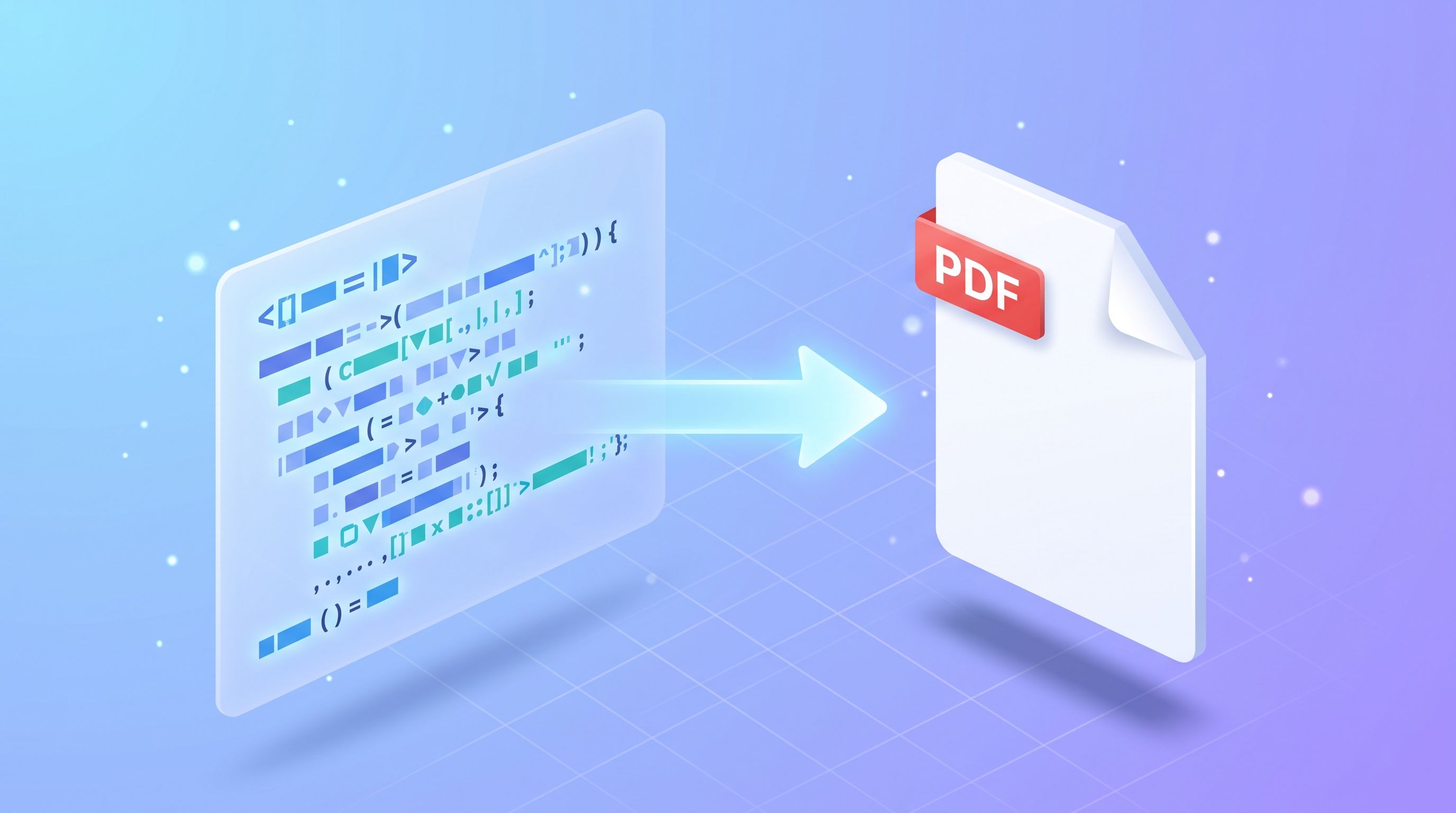
To convert a base64 string to a PDF, paste the string into FileReadyNow's Base64 to PDF converter, click Convert to PDF, and download the file. You get a live preview before you save anything. FileReadyNow built the tool, and its page says the conversion runs in your browser.
What is a base64 PDF string, and why would I have one?
A base64 PDF string is a PDF file written out as plain text. Base64 maps the file's bytes onto 64 printable characters, so the document can travel through places that only accept text, such as JSON, XML, HTML or email. The text version ends up about 33% larger than the original file, according to the tool page.
If an API just handed you a long base64 string in a JSON field, that is the usual case. A data URL is the same string with data:application/pdf;base64, on the front.
If your string is a picture, use the Base64 to Image tool. To turn a picture into a string, use Image to Base64.
How do I convert a base64 string to a PDF?
Choose the input format, paste the string, click Convert to PDF, check the preview, then download.
- Open the Base64 to PDF tool.
- Set Input Format. Pick Data URL if your string starts with
data:application/pdf;base64,. Pick Base64 Only if it is just the encoded characters. - Put the string in the box. Paste it, click Paste, or click Load File to read a .txt, .b64 or .base64 file. A character counter shows how much loaded.
- Click Convert to PDF. The decoded PDF appears on the page.
- Use Prev and Next to move between pages. The zoom controls let you fit the page to the width of your screen or shrink it to see the whole page.
- Click Download PDF to save the file to your device.
The preview uses PDF.js, so you can check the document before saving it. To turn pages into pictures afterwards, use the PDF to Image tool.
Why is my base64 string not converting?
Usually the string is incomplete, corrupted, or not a PDF at all. The tool page says the same. Check these in order.
Check what the string starts with
A real PDF begins with the characters %PDF-, and in base64 that becomes JVBERi0. If your string starts with something else, it probably is not a PDF. For example, iVBORw0KGgo is the usual start of a PNG and /9j/ is the usual start of a JPEG.
The "data:application/pdf;base64," prefix
The page says the tool strips this prefix before decoding. Still, match the Input Format setting to what you pasted. If you copied the string out of JSON, make sure you did not grab the surrounding quotes or a trailing comma.
Line breaks and spaces
Email in particular wraps base64 at a fixed line length, and URL decoding can turn a plus sign into a space. Remove stray line breaks and spaces, and put missing plus signs back.
Truncated or corrupted strings
Terminal output, chat apps and spreadsheet cells all have size limits, so long strings get cut off. Compare the tool's character counter with what you expect: a file of n bytes encodes to about 4n/3 characters. If the count is much lower, copy the string again from the source.
Wrong padding
Base64 length should be a multiple of 4, and the string may end with one or two equals signs. If those were trimmed, add them back until the length divides by 4. The URL-safe variant uses - and _ instead of + and /, so swap them back.
Is it safe to use with private documents?
The tool page says nothing is uploaded. It states that the entire conversion runs in JavaScript inside your browser with zero network requests, that your string never leaves your machine, and that the file is created in memory with no temporary files on a server.
That is the page's own description. If your organisation has strict rules for confidential documents, follow those first.
Frequently Asked Questions
Is the Base64 to PDF converter free?
Yes. The tool page describes it as free, with no account and no software to install.
Do I need to remove the data:application/pdf;base64, prefix first?
No. The tool page says it strips the prefix automatically. Set Input Format to Data URL when your string starts with data:, or Base64 Only when it does not.
Will the PDF lose quality when I convert it?
No, as long as the data is valid and complete. The tool page says the PDF should keep the same quality, formatting and content as the original.
Can I load the string from a file instead of pasting it?
Yes. Click Load File and choose a .txt, .b64 or .base64 file. This helps with very long strings.
Can I see the PDF before I download it?
Yes. After you click Convert to PDF, the document appears on the page via PDF.js, with Prev and Next buttons and two zoom modes.
Ready to convert your string?
If a conversion fails, work through the checks above: the start of the string, the prefix, line breaks, length and padding. Then open the free Base64 to PDF converter and try it.
Table of Contents
Recent Posts
Merge PDFs Without Uploading Them: Free, In-Browser Method
4 days ago
How to Resize an Image to 100 KB (or Any Target File Size)
5 days ago
PDF Too Large to Email? How to Get It Under 25 MB
6 days ago
How to Make Pixel Art Online: Beginner Guide (Free Tool)
1 week ago
PNG vs HEIC: Which Is Smaller, and Should You Convert?
1 week ago
PDF to JPG Blurry? How to Convert a PDF Page With Sharp Text
1 week ago