ChatGPT Gets Major File Updates: Voice Uploads, Google Drive Sync, and Better

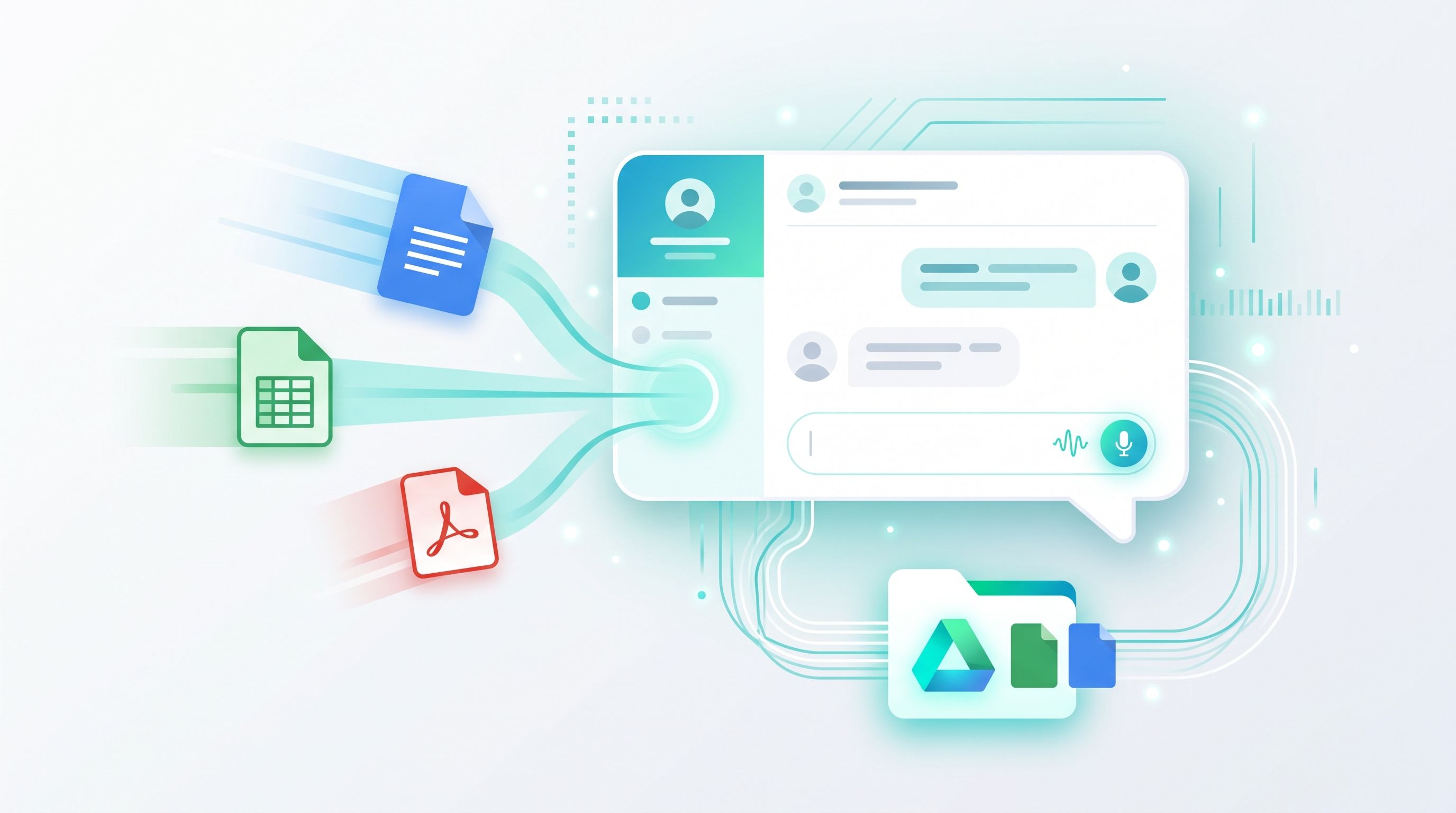
OpenAI has rolled out a batch of file-handling updates to ChatGPT, and together they make it a genuinely more capable tool for anyone who works with documents, spreadsheets, or reports day to day. The headline changes: voice conversations can now include file uploads, Google Drive files can be pulled in without re-uploading, and copy-pasted formatting no longer breaks.
None of these are flashy, headline-grabbing features on their own. But if you've ever been mid-conversation with ChatGPT and had to stop, dig up a file, upload it manually, or lost your document's formatting after pasting it in, this update is aimed squarely at fixing that friction.
You Can Now Upload Files During a Voice Chat
ChatGPT's voice mode, sometimes referred to as GPT-Live, now supports file uploads and Projects. That means you can start a voice conversation, upload a file mid-chat, and ask ChatGPT questions about its contents out loud, instead of switching over to text mode to attach something.
For anyone using ChatGPT hands-free, on a commute, while cooking, while reviewing paperwork away from a keyboard, this closes a gap that's existed since voice mode launched. Voice can also now reference recent project chats, sources, and project instructions, so it's no longer a separate, more limited experience from typing.
Google Drive Files Now Work Without Re-Uploading
If you've connected the Google Drive plugin, ChatGPT can now browse your Drive files and folders directly from its Library tab, including anything shared with you. You can pull a file into a chat straight from the composer using an @mention, without uploading it again each time.
It goes a step further too. You can keep a Google Doc, Sheet, or Slide open next to the conversation while asking ChatGPT to summarize, compare, or build something new from it, and in cases where you're authorized, ChatGPT can update the source file directly rather than creating a separate copy.
Worth noting this rollout is still limited, it currently covers My Drive and files shared directly with you, but doesn't yet include Shared Drives, and some Drive editing and collaboration features aren't available inside ChatGPT yet.
Copy-Pasted Formatting Finally Sticks
On the web, text copied from Google Docs or from another ChatGPT conversation now keeps its headings, bold text, links, and lists, both while you're writing your message and after you send it. It sounds small, but if you've ever pasted a formatted outline into ChatGPT and watched it collapse into a wall of plain text, this fixes exactly that.
Why This Matters If Files Are Part of Your Daily Workflow
Put together, these updates point in a clear direction: OpenAI wants ChatGPT to be where document work actually happens, not just a place you paste text into after doing the real work somewhere else. That mirrors what we're seeing across the industry right now, with tools like Adobe Acrobat pushing PDF editing directly into chat apps too.
As always, the files you bring into these AI tools tend to work best when they're already clean and properly prepared. A bloated PDF, a spreadsheet full of formatting issues, or scanned pages that haven't been converted to readable text will still slow ChatGPT down no matter how good its file handling gets. Getting a file into good shape first, compressed, converted, or split into smaller sections, still makes a real difference. Our PDF Compressor, PDF to Word, and document tools are built for exactly that kind of quick prep before a file goes anywhere near an AI chat.
Where This Leaves ChatGPT Users Right Now
These updates are rolling out now across web, iOS, and Android. If you don't see the Library changes or voice file uploads yet, it's worth checking for an app update, since OpenAI tends to roll features out gradually rather than all at once.
We'll keep tracking how ChatGPT's file handling evolves, and how it compares to similar moves from Google's Gemini and Adobe's Acrobat AI, in our AI tools and updates section.
Frequently Asked Questions
Can I upload files while using ChatGPT Voice?
Yes. ChatGPT Voice now supports file uploads and Projects, letting you upload a file during a voice conversation and ask questions about it out loud.
Do I need to re-upload my Google Drive files every time?
No, not anymore. With the Google Drive plugin connected, you can browse your Drive files directly from ChatGPT's Library and add them to a chat with an @mention, without uploading them again.
Can ChatGPT edit my Google Docs directly?
In supported and authorized cases, yes, ChatGPT can update the source Google Doc, Sheet, or Slide directly, though some Drive editing and collaboration features aren't fully available yet.
Does copy-pasted formatting still break in ChatGPT?
No. Text copied from Google Docs or another ChatGPT conversation now keeps its headings, bold text, links, and lists intact when pasted.
Is this update available to free ChatGPT users?
Feature availability can vary by plan and is rolling out gradually across web, iOS, and Android, so free and paid users may see these changes at different times.
Table of Contents
Recent News
Gemini 3.8 Flash Is Here: Same Price, Stronger Reasoning, and Better PDF Handling
1 week ago
Apple OpenAI Lawsuit Escalates as Both Sides Clash Over Confidential Data
2 weeks ago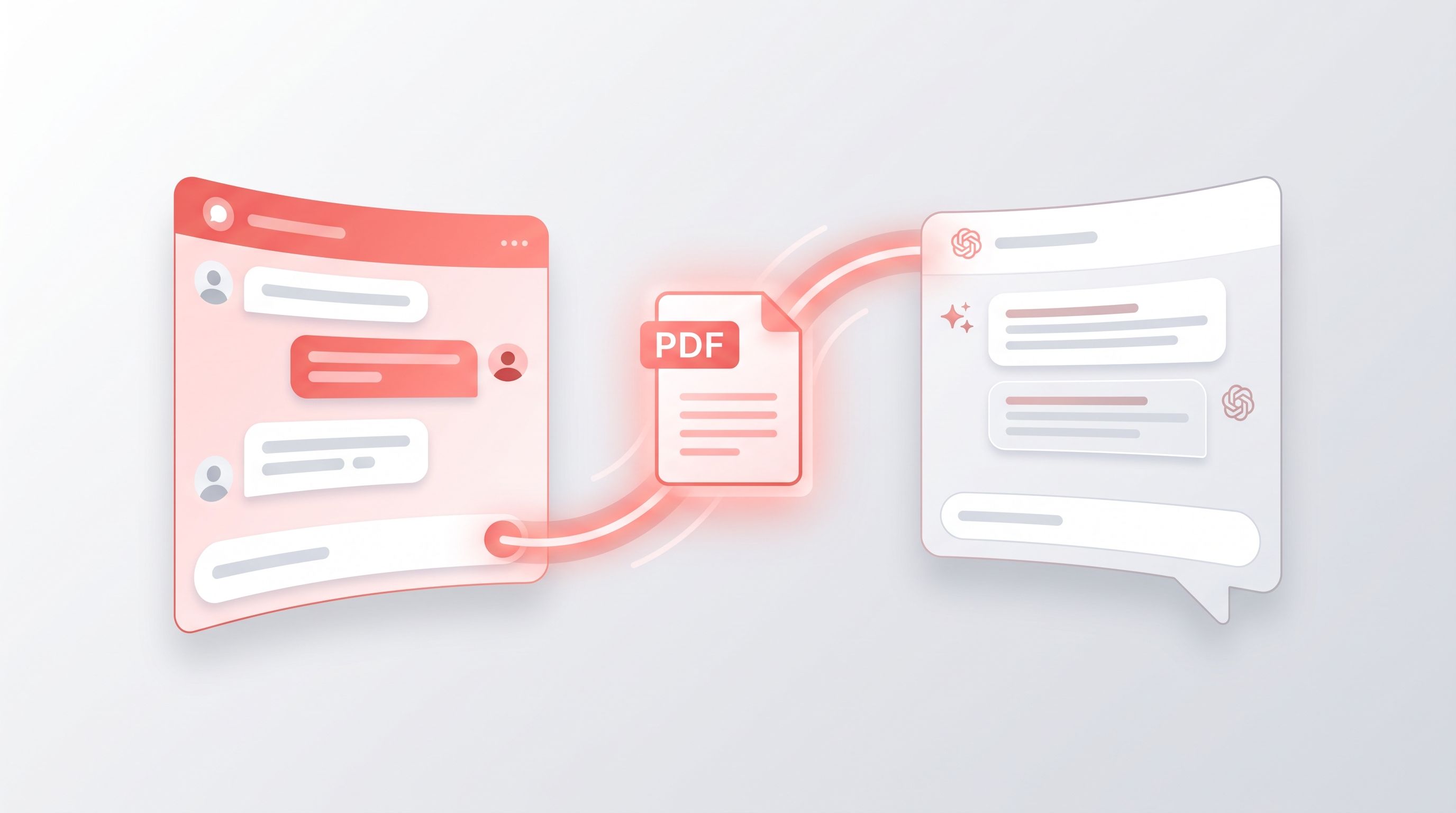
Adobe Acrobat Now Works Inside WhatsApp and ChatGPT, Bringing PDFs Straight Into Chat
1 month ago
Alibaba Launches Qwen3.8-Max: Its Largest and Most Capable AI Model Yet
1 month ago
GenOffice Launches as an Open-Source AI Office Suite for Editing and Managing Documents
1 month ago
Meta Launches Muse Spark 1.1 and Opens Public Preview of Its New Model API
2 months ago