Title: Microsoft 365 Copilot Gets a New Prompt Button Inside Word, Excel, and PowerPoint

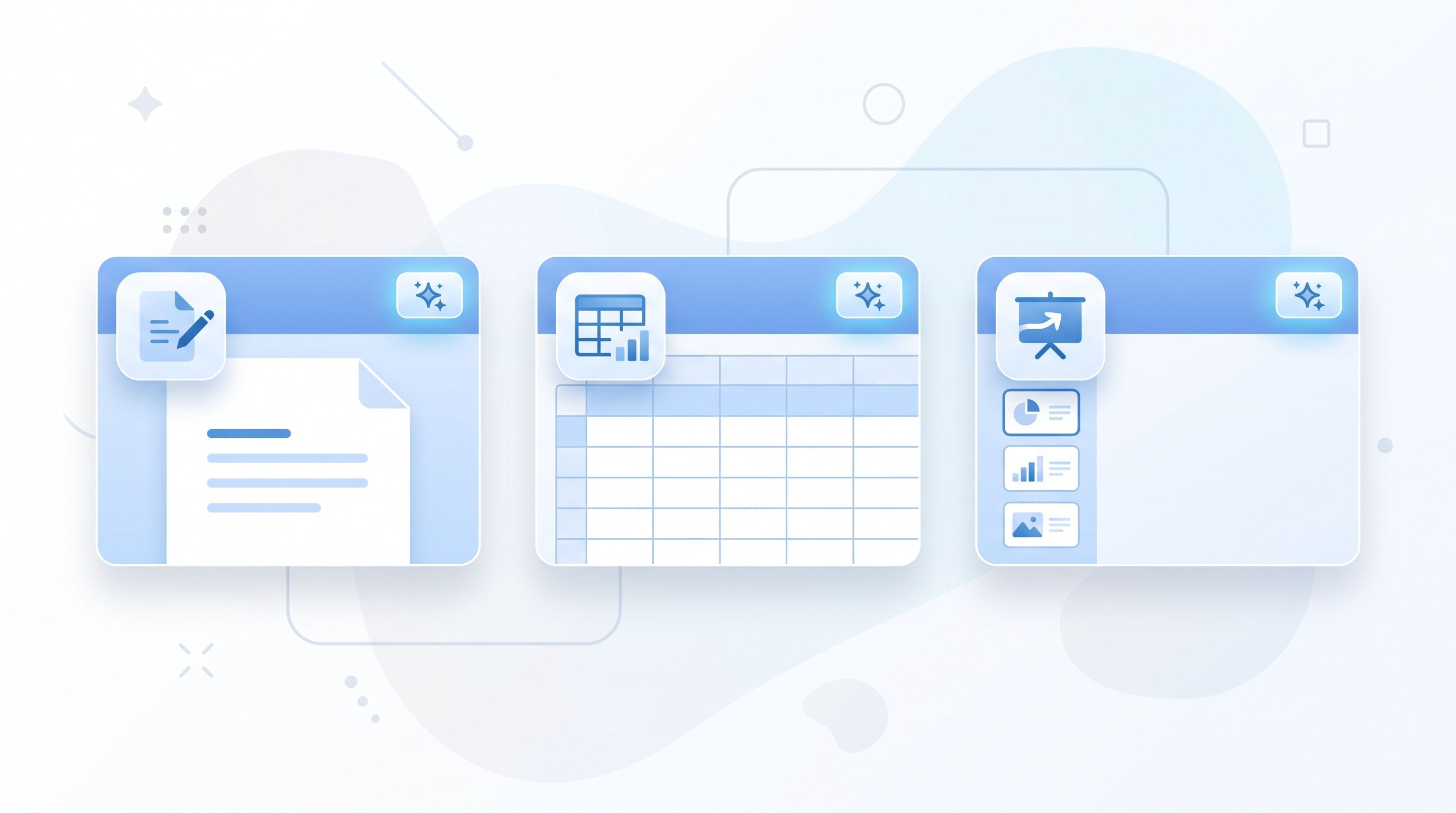
Microsoft is putting Copilot one click closer to where people actually work. Starting this month, Word, Excel, and PowerPoint are getting a new prompt input built directly onto the Copilot button itself, letting you type or dictate a request without opening the separate Copilot side pane first.
It's a small interface change with a real effect on how people use AI inside Office. Instead of interrupting your work to open a chat panel, describe what you need, and wait for it to load, the request now happens right where your cursor already is.
What's Actually Changing
The update adds a prompt field directly to the Copilot button in Word, Excel, and PowerPoint. You can type a request, dictate one out loud, or select content in your document and ask Copilot to act on just that selection, all without switching over to the full side panel experience.
Microsoft says the goal is to bring Copilot assistance into the document itself rather than treating it as a separate destination. In practice, that means faster edits, quicker content generation, and fewer context switches for everyday tasks like rewriting a paragraph, building a formula, or restructuring a slide.
Rollout Timeline
This is rolling out worldwide starting this month and is expected to reach everyone by the end of the year, across Word, Excel, and PowerPoint on Windows desktop, macOS, and the web. Microsoft hasn't detailed an exact per-app order, so it's worth expecting the update to land on different apps and platforms at different times rather than all at once.
Part of a Bigger Shift in How Copilot Works
This follows a broader pattern Microsoft has been building all year, moving Copilot from a standalone assistant you visit into something woven directly into the apps themselves. Outlook has been getting similar treatment, with a refreshed, chat-centered Copilot experience and a more visible entry point rolling out around the same timeframe.
Taken together, it points toward AI assistance becoming a default layer across Microsoft 365, available the moment you need it rather than something you have to go looking for.
Why This Matters If Documents Are Part of Your Daily Work
Faster, more accessible AI inside Word, Excel, and PowerPoint is genuinely useful, but it works best on files that are already in good shape. A messy spreadsheet, an oversized Word document, or a file that's been through several format conversions without proper cleanup tends to slow down AI tools just as much as it slows down a person working through it manually.
If you're converting between formats before or after working with Copilot, whether that's turning a finished Word document into a shareable PDF, pulling a PDF back into an editable format, or compressing a file before sending it along, having reliable tools for that step still matters. Our Word to PDF, PDF to Word, and PDF Compressor tools handle that kind of prep quickly, right in your browser.
What to Watch Next
Microsoft has been shipping Copilot updates at a steady pace across nearly every Microsoft 365 app this year. This prompt-button change looks like one more step toward AI becoming a constant, low-friction layer across Word, Excel, PowerPoint, and Outlook, rather than a separate tool people open on purpose.
We'll keep tracking how this rolls out, and how it compares to similar in-document AI moves from Google Workspace and Adobe Acrobat, in our AI tools and updates section.
Table of Contents
Recent News

GPT-6 Sol Explained: Pricing, 1M Context Window, Limits, and Who Should Use It
2 weeks ago
Gemini 3.8 Flash Is Here: Same Price, Stronger Reasoning, and Better PDF Handling
1 month ago
Apple OpenAI Lawsuit Escalates as Both Sides Clash Over Confidential Data
1 month ago
ChatGPT Gets Major File Updates: Voice Uploads, Google Drive Sync, and Better
1 month ago
Adobe Acrobat Now Works Inside WhatsApp and ChatGPT, Bringing PDFs Straight Into Chat
1 month ago
Alibaba Launches Qwen3.8-Max: Its Largest and Most Capable AI Model Yet
2 months ago