
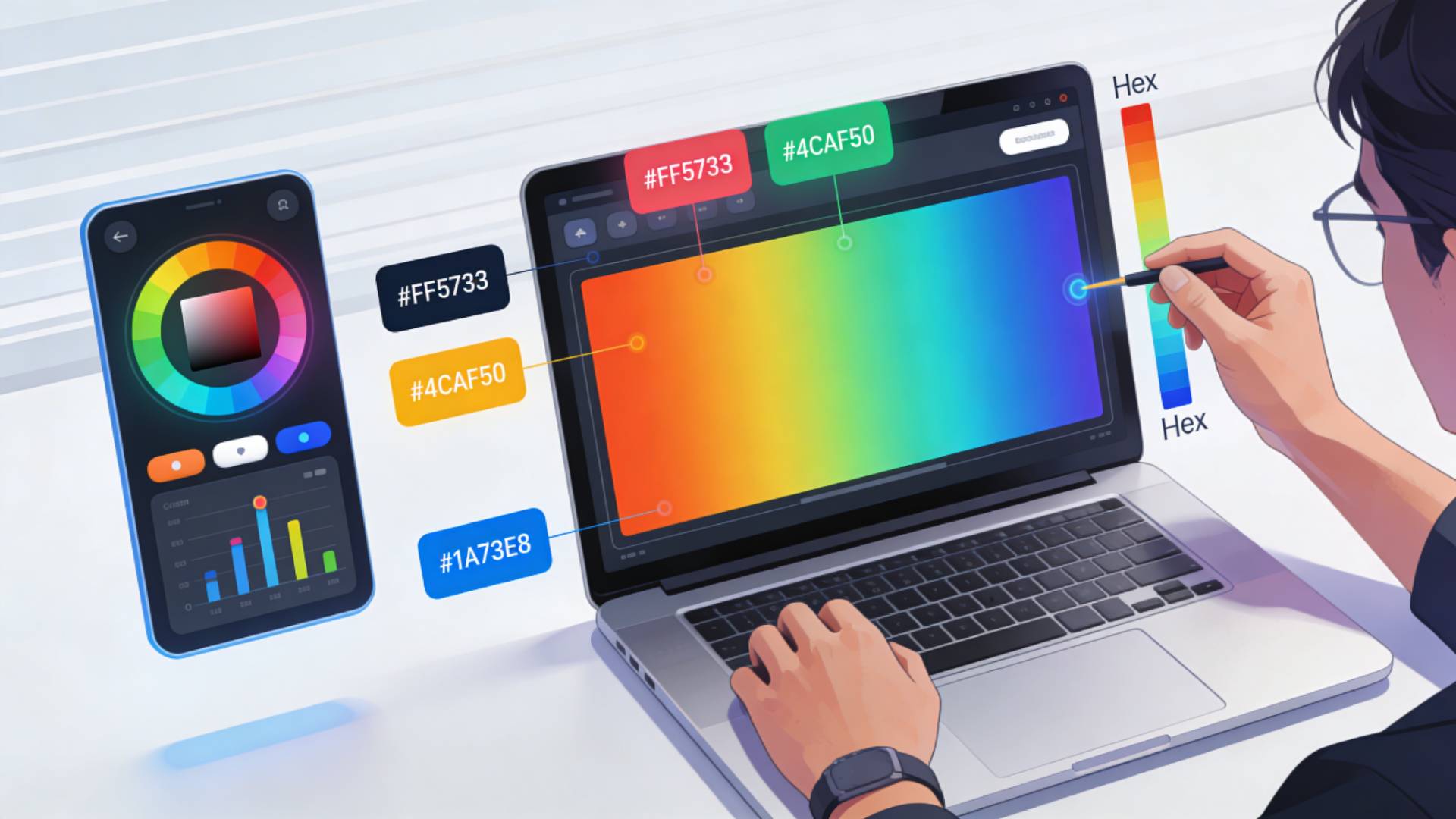
Color plays a critical role in user interface (UI) design. The right color palette can guide user attention, reinforce branding, improve usability, and create an engaging visual experience. However, selecting the right colors for digital interfaces isn’t just about aesthetics—it requires precision and consistency.
This is where hex color codes become essential. A hex code defines an exact color value used in web and app development, ensuring that designers and developers display the same color across devices, browsers, and platforms.
A colour code generator simplifies this process. Instead of manually experimenting with colors, designers can instantly generate hex color values, test combinations, and build consistent palettes.
In this article, we’ll explore 9 powerful ways a colour code generator can improve your UI design workflow, helping you create more consistent, accessible, and visually appealing interfaces.
What Is a Colour Code Generator?
Understanding Hex Color Codes
Hex color codes are six-digit values used in web design to represent colors in digital systems.
A typical hex code looks like this:
#FF5733The six characters represent the intensity of Red, Green, and Blue (RGB) values. This format allows millions of color combinations, giving designers precise control over how colors appear on screen.
Using colors and hex codes ensures that the same color appears exactly the same across HTML, CSS, and design tools.
Why Designers Use Hex Colors
Designers prefer hex color values because they:
- Provide exact color precision
- Ensure cross-platform consistency
- Are widely supported in CSS, HTML, and design tools
- Allow easy collaboration between designers and developers
Instead of describing a color vaguely like “light blue”, a designer can specify an exact color in hex code, ensuring everyone uses the same shade.
9 Ways a Colour Code Generator Can Improve Your UI Design
1. Quickly Generate Hex Colors for UI Elements
One of the biggest advantages of a hex color codes generator is speed.
Instead of manually tweaking RGB values, you can instantly:
- Generate random hex colors
- Explore variations
- Test new palette ideas
This allows designers to experiment quickly and discover unique combinations that enhance their interface design.
2. Create Consistent Design Systems
Consistency is a core principle of great UI design.
When your interface uses consistent colors for:
- Buttons
- Navigation elements
- Icons
- Backgrounds
- Alerts
Users learn how the interface works more easily.
A colour code generator helps you define and maintain a consistent palette across your entire design system.
3. Improve Accessibility with Better Contrast
Accessibility is an essential part of modern UI design.
Poor color contrast can make text difficult to read, especially for users with visual impairments.
Using a color generator allows designers to:
- Test color combinations
- Adjust brightness levels
- Improve readability
- Ensure proper contrast between text and backgrounds
Better contrast improves usability for all users, not just those with accessibility needs.
4. Simplify Collaboration Between Designers and Developers
In digital product development, designers and developers must work closely together.
Instead of describing colors visually, designers can provide exact hex values.
Example:
- Designer:
#1A73E8for primary buttons - Developer: Applies the same value in CSS
Using colors and code removes ambiguity and ensures the final product matches the design.
5. Build Harmonious Color Palettes
Choosing colors that work well together is a challenge for many designers.
A colour code generator helps create harmonious palettes by enabling designers to experiment with:
- Complementary colors
- Analogous colors
- Monochromatic palettes
- Gradient variations
Balanced color palettes improve the overall visual hierarchy and aesthetics of a UI.
6. Speed Up UI Prototyping
Rapid prototyping is essential when designing digital products.
When designers can generate hex color values instantly, they can test multiple color variations without slowing down their workflow.
This allows for faster:
- Design iterations
- User testing
- Product development cycles
A good color generator tool significantly improves design efficiency.
7. Enable Data-Driven Color Decisions
Modern UI design often involves testing different visual elements to see what performs best.
For example:
- A/B testing button colors
- Testing highlight colors
- Testing notification colors
A hex color codes generator makes it easy to experiment with multiple color options and identify the most effective design choices.
8. Improve Cross-Platform Consistency
Users interact with products on multiple platforms, including:
- Mobile apps
- Websites
- Desktop software
- Tablets
Using hex color codes ensures that colors appear consistent across all platforms.
A color code generator helps maintain this consistency by providing precise and reusable color values.
9. Reduce Design Errors
Without exact color values, it’s easy for small inconsistencies to appear in a UI.
Examples include:
- Slightly different button colors
- Inconsistent background shades
- Misaligned color themes
Using a colour code generator eliminates guesswork and ensures designers always use the correct color values.
This results in a cleaner, more professional user interface.
How to Generate Hex Color Codes for Your UI
Generating hex color codes is simple when using a color generator tool.
Step 1: Open a Colour Code Generator
Access a color generator tool like the one available on FileReadyNow.
Step 2: Generate or Select a Color
Use sliders or random generation features to explore colors.
Step 3: Copy the Hex Code
Once you find the perfect color, copy its hex value.
Example:
#4CAF50Step 4: Apply It in Your UI
Use the hex code in your design software or directly in CSS.
background-color: #4CAF50;
This ensures your design remains consistent and accurate.
Best Practices for Using Colors and Hex Codes in UI Design
Limit Your Color Palette
Too many colors can create visual chaos. Most interfaces use 3–6 core colors.
Use Color Hierarchy
Define clear roles for colors:
- Primary color
- Secondary color
- Accent color
- Background colors
This helps users navigate your interface more easily.
Ensure Good Contrast
Text should always be readable against its background. High contrast improves usability and accessibility.
Stay Consistent with Brand Identity
If your product has brand colors, ensure your UI palette aligns with them. This strengthens brand recognition and visual consistency.
Conclusion
Color is one of the most powerful tools in UI design. The right palette can enhance usability, reinforce branding, and create a visually appealing digital experience.
A colour code generator makes it easier for designers to:
- Generate hex color values instantly
- Maintain consistent color systems
- Improve accessibility and contrast
- Collaborate efficiently with developers
- Build professional UI designs faster
Whether you're designing a website, app, or digital product, using a hex color codes generator can dramatically improve your workflow and design quality.
By leveraging the power of colors and hex codes, designers can create interfaces that are both beautiful and functional.





