PNG vs HEIC: Which Is Smaller, and Should You Convert?

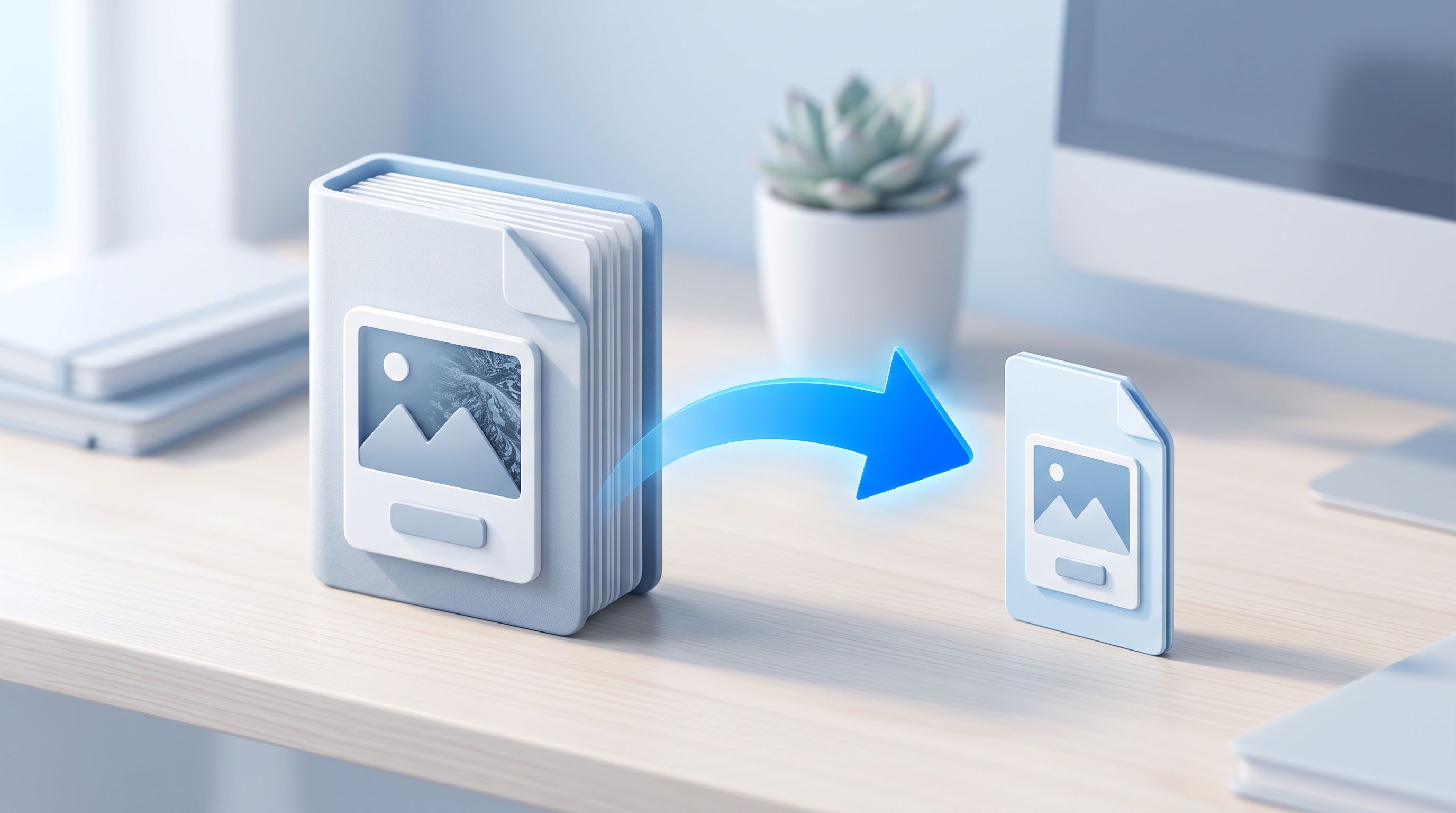
A client once sent me forty photos exported as PNG from an editing tool. The folder was bigger than the rest of the project combined, and every file was an ordinary photograph with no transparency. PNG was the wrong format for the job. The team worked on Macs and iPhones, so the better format was HEIC.
Whether converting PNG to HEIC makes sense for you depends on what the image is and where it needs to go. Here is a plain PNG vs HEIC comparison, followed by how to do the conversion on a Mac, an iPhone, or in your browser.
PNG vs HEIC: What Is the Difference?
PNG is lossless. It keeps every pixel exactly as it was and supports transparency, which makes it the standard for logos, icons, and screenshots. HEIC, short for High Efficiency Image Container, uses the same compression family as modern video. It is lossy, built for photographs, and has been the default photo format on iPhones since iOS 11.
| PNG | HEIC | |
|---|---|---|
| Compression | Lossless | Lossy, adjustable |
| Size for a photo | Large | Often a fraction of the PNG |
| Transparency | Yes | Not in this converter, and patchy elsewhere |
| Opens on | Everything | Apple devices natively, others need support |
| Best for | Logos, icons, screenshots, editing masters | Photographs on Apple devices |
Is HEIC Smaller Than PNG?
For photographs, usually yes, and often by a large margin. PNG stores every pixel, while HEIC drops detail the eye is unlikely to miss. For screenshots and flat graphics the gap is smaller, because PNG already compresses areas of flat color well, and HEIC's lossy compression can soften sharp text.
The exact saving depends on the image and the quality setting, so convert one file first and compare the sizes before you process a whole folder. The converter shows the original and converted sizes so you can compare them.
When Should You Convert PNG to HEIC?
- Photos that were exported as PNG: editing tools, design apps, and some image generators default to PNG even for photographs, which wastes a lot of space.
- A full iPhone or iCloud library: smaller files mean more pictures fit before you hit a storage limit.
- Keeping everything in one format: HEIC images sit alongside your camera photos in the Photos app without any special handling.
- Sending a batch to Apple users: smaller files move faster over a slow connection.
When Should You Keep PNG Instead?
- The image has transparency: this converter fills transparent areas with white, so keep the PNG if you need see-through backgrounds.
- Logos, icons, and interface screenshots: sharp edges and small text stay cleanest in a lossless format.
- Files you will keep editing: HEIC is lossy, and you cannot recover the exact original pixels from it. Keep the PNG as your master.
- Uploads and print orders: many websites, forms, and print services expect JPG or PNG.
- Sharing with Windows or Android users: if compatibility is the goal, convert to JPG instead with PNG to JPG.
How Do You Convert PNG to HEIC on a Mac?
macOS can do it without extra software. In Preview, open the image, choose File, then Export, and pick HEIC from the Format menu. Preview lets you adjust quality, so it is the better choice when you care about the result.
For a batch, select the files in Finder, right-click, choose Quick Actions, then Convert Image, and pick HEIF. It is faster than opening each file, but you get less control over quality and where the files go.
How Do You Convert PNG to HEIC on an iPhone?
The Shortcuts app has a Convert Image action that can output HEIF. Build a short shortcut that selects photos, converts them, and saves them to an album. It takes a few minutes to set up and then works on any batch you pick.
How Do You Convert PNG to HEIC Online Without Uploading Your Files?
FileReadyNow's PNG to HEIC converter runs in your browser, so the images never leave your device. It uses your device's own HEVC encoder to compress each picture.
- Drop up to 10 PNG files onto the page, up to 25 MB each.
- Set the output quality with the slider. The default is 60, labeled Balanced.
- Click Convert to HEIC.
- Download each file, or take the whole batch as one ZIP.
Your image keeps its original resolution. The only exception is an odd pixel row or column, which is trimmed so the encoder accepts the size. Camera and location metadata does not carry over, because the HEIC is built from the pixels alone.
Why Does It Say HEIC Encoding Is Not Available in My Browser?
Because the browser does the encoding, and not every browser can. The tool needs HEVC video encoding, which current versions of Chrome, Edge, and Safari provide on hardware that supports it. Firefox does not offer it, and some older or low-power devices do not either. The page tells you before you start, so you will not lose time on a conversion that cannot run. If your browser cannot do it, a Mac's Preview or Shortcuts is the fallback.
What Quality Setting Should You Use?
Use 60 to 80 for photographs you want to keep, and 30 to 50 when file size matters most. If a screenshot with sharp text looks soft after converting, raise the quality and try again. Starting from the highest-quality PNG you have also helps, since converting a small or already compressed image cannot add detail.
Will the HEIC File Open Everywhere?
On iPhone, iPad, and Mac, yes. HEIC opens natively in Photos, Files, and Preview. Windows 10 and 11 need the HEIF and HEVC extensions, which is a common source of blank thumbnails, and the fix is covered in our guide on HEIC photos that will not open on Windows. If you are not sure why your iPhone uses HEIC at all, this explainer covers it.
Keep your original PNGs either way. If you later need a PNG or JPG version of a HEIC file, the HEIC to PNG and HEIC to JPG converters turn it back.
Do I Need an Account to Convert PNG to HEIC?
No. There is no signup, no watermark, and no usage limit. Each batch holds up to 10 files.
Frequently Asked Questions
Is the PNG to HEIC converter free?
Yes, with no signup and no watermark.
Does converting PNG to HEIC lose quality?
Some, because HEIC is lossy. The quality slider controls how much, and at 60 to 80 most photographs look the same at normal viewing size.
Does HEIC support transparency?
Not in this converter. Transparent areas are filled with white, so keep the PNG if you need transparency.
How many files can I convert at once?
Up to 10 PNG files per batch, each up to 25 MB, downloadable together as a ZIP.
Are my images uploaded to a server?
No. Conversion happens in your browser using your device's HEVC encoder.
Does the HEIC keep my photo's metadata?
No. Camera details and location data do not carry over from the PNG.
Can I convert HEIC back to PNG?
Yes, with the HEIC to PNG converter. The result is a lossless copy of the HEIC, but it cannot restore detail the HEIC had already dropped.
Conclusion
PNG and HEIC do different jobs. Keep PNG for graphics, transparency, and anything you will edit again. Use HEIC for photographs you want to store or share compactly on Apple devices. When you do convert, FileReadyNow's PNG to HEIC converter handles the batch in your browser with a quality slider and no upload. Convert one image first, compare the sizes, and then do the rest.
Table of Contents
Recent Posts
Base64 to PDF: How to Convert a Base64 String Into a PDF (Free)
1 day ago
Merge PDFs Without Uploading Them: Free, In-Browser Method
4 days ago
How to Resize an Image to 100 KB (or Any Target File Size)
5 days ago
PDF Too Large to Email? How to Get It Under 25 MB
6 days ago
How to Make Pixel Art Online: Beginner Guide (Free Tool)
1 week ago
PDF to JPG Blurry? How to Convert a PDF Page With Sharp Text
1 week ago