Convert Word to PDF Free Online , No Signup, Instant Layout Lock

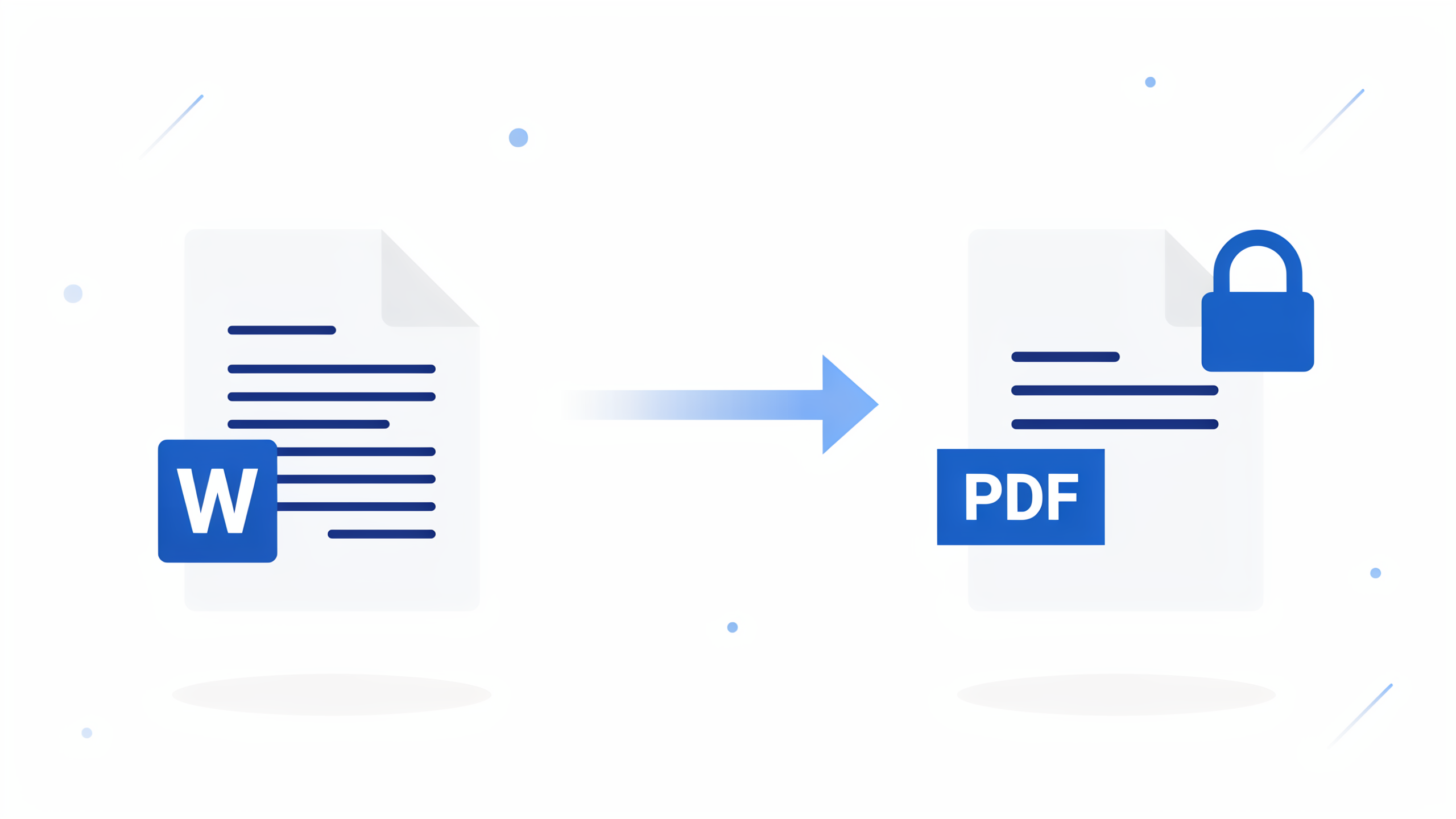
FileReadyNow’s free Word to PDF converter turns your DOCX files into PDFs that look identical on any device. No signup, no software install. Just drag, convert, and download. Your formatting, fonts, tables, and images stay locked. Files are automatically deleted after processing. Works on mobile and desktop.
You spend hours formatting a Word document, only to hear from your boss or client that it looks broken on their screen. That is the headache of sharing DOCX files. FileReadyNow’s Word to PDF converter solves this by locking your document’s layout into a PDF that looks the same everywhere. Whether it’s a contract, a resume, or a training manual, the conversion fixes the one thing Word can never guarantee: consistency across devices.
Different versions of Word, missing fonts, and even a different operating system can all cause the same thing: spacing shifts, headings reflow, bullet points move. Converting to PDF removes all of that. The layout you see when you convert is exactly what everyone else sees when they open it. I once sent a loan application as a DOCX, and the numbered paragraphs jumped all over the place on the reviewer’s Mac. After uploading the same file to FileReadyNow and getting the PDF back, the formatting stayed rock solid.
You do not need an account, you do not need to download anything, and the whole process takes seconds. Here is how it works and why it matters.
Why Does My Word Document Look Different on Someone Else’s Computer?
Word relies on fonts installed on the viewing device. If the recipient does not have your font, Word picks a substitute, causing text reflow, shifted pages, and broken layouts. A PDF embeds the actual fonts directly into the file, so the document stays frozen as you designed it.
This means every header, every image, and every cell in a table stays locked in place, no matter if the person opens it in a desktop email client, a browser, or a phone. That alone is the single biggest reason businesses, schools, and job seekers convert resumes and reports to PDF before sending.
How to Convert Word to PDF without Losing Formatting
Go to the free Word to PDF tool, drag your DOCX file onto the dotted area, click Convert, and download the result. The engine preserves headers, spacing, images, and tables without shifting a single pixel.
Steps:
- Open the Word to PDF page on any browser (phone, tablet, or desktop).
- Upload up to 10 DOC or DOCX files; each can be up to 50 MB.
- Click the Convert button. The tool uploads the files and processes them almost instantly.
- Download each PDF individually or grab all files in a ZIP at once.
No preview step clutters the flow. You go straight from upload to final PDF. If you have a multi-page document, every page appears in the correct order.
Does the Online Converter Keep My Tables and Images Intact?
Yes. Tables, images, text boxes, and embedded objects convert without shifting or breaking. The converter mirrors the exact positioning from the original document, so even complex layouts with nested tables or side-by-side images stay correct.
I tested this with a training manual that had screenshots inside bordered tables and callout arrows. The PDF kept every picture anchored exactly where it was supposed to be. The only thing that changes is that the document is no longer editable, which is the whole point when you want a final copy to share.
| Element in Word | Appears in PDF? |
|---|---|
| Fonts (even custom ones) | Yes, embedded |
| Headers and footers | Yes |
| Tables and cell formatting | Yes |
| Images and logos | Yes |
| Text boxes and shapes | Yes |
| Live fields or macros | No, flattened |
Is This Word to PDF Tool Really Free (No Watermarks)?
Absolutely free. You can convert as many documents as you like, with no watermarks, no page limits, and no forced sign-up. The only restriction is a 50 MB file size limit per document and a maximum of 10 files per batch.
That means if you need to convert hundreds of small documents, you can run batch after batch without hitting a paywall. Free tools often hide catches, but here the catch is just a reasonable file size cap to keep the service fast for everyone.
How Secure Are My Word Files During Conversion?
All uploads and downloads are protected by 256-bit SSL encryption. Once the conversion finishes and you download the resulting PDF, both the original Word document and the PDF are permanently deleted from the server. No one else can access them, and the server does not keep copies or backups.
Because the files are not stored, you can safely convert sensitive documents like contracts, tax forms, or client proposals. The tool acts like a temporary workbench: your file arrives, gets converted, and the bench is wiped clean.
Can I Convert DOCX to PDF on My Phone or Tablet?
Yes. The converter works in any mobile browser (Safari, Chrome, Firefox) without you installing an app. The page adapts to smaller screens so you can tap to select files from your phone’s storage or cloud drives, then download the PDF directly.
I have converted Word docs on my iPhone while sitting on a train, and the process felt just as smooth as on a laptop. There is no difference in output quality; it is the same engine, same result.
When you are ready to share a document that must look professional everywhere, skip the frustration of reformatting. Get the PDF that matches your original exactly. Try the free Word to PDF converter and have your file back in seconds. For other file fixing needs, check the Pdf Tools collection.
Frequently Asked Questions
Is the Word to PDF converter really free to use?
Yes. FileReadyNow’s converter is free with no hidden costs, watermarks, or sign-up required. You can convert as many files as you want, though each file must be under 50 MB.
Will my formatting change after conversion?
No. The tool preserves your original fonts, spacing, tables, and images exactly. The resulting PDF will look identical to your Word document on any device.
Are my documents deleted after I convert them?
Absolutely. Both your uploaded Word file and the converted PDF are automatically removed from our servers after you download them. We do not keep copies or back them up.
Can I use this converter on an iPhone or Android phone?
Yes. The Word to PDF tool works directly in your mobile browser. No app download is necessary, and the interface is easy to use on any screen size.
Do I have to install any software to convert Word to PDF?
No installation required. Everything happens online in your browser, so you can convert documents on the spot without downloading anything.
Table of Contents
Recent Posts

PDF to JPG Blurry? How to Convert a PDF Page With Sharp Text
5 days ago
HEX vs RGB vs HSL vs CMYK: Which Color Code Should You Use?
1 week ago
Video Converter Online Free: Which Format to Pick and Why
2 weeks ago
Audio Trimmer Online Free: Cut, Keep, or Remove Any Section
2 weeks ago
How Strong Should Your Password Actually Be in 2026?
3 weeks ago
HEIC vs JPG: Which Should You Actually Use?
1 month ago