Crop Animated GIFs Without Losing Frames , Free GIF Cropper

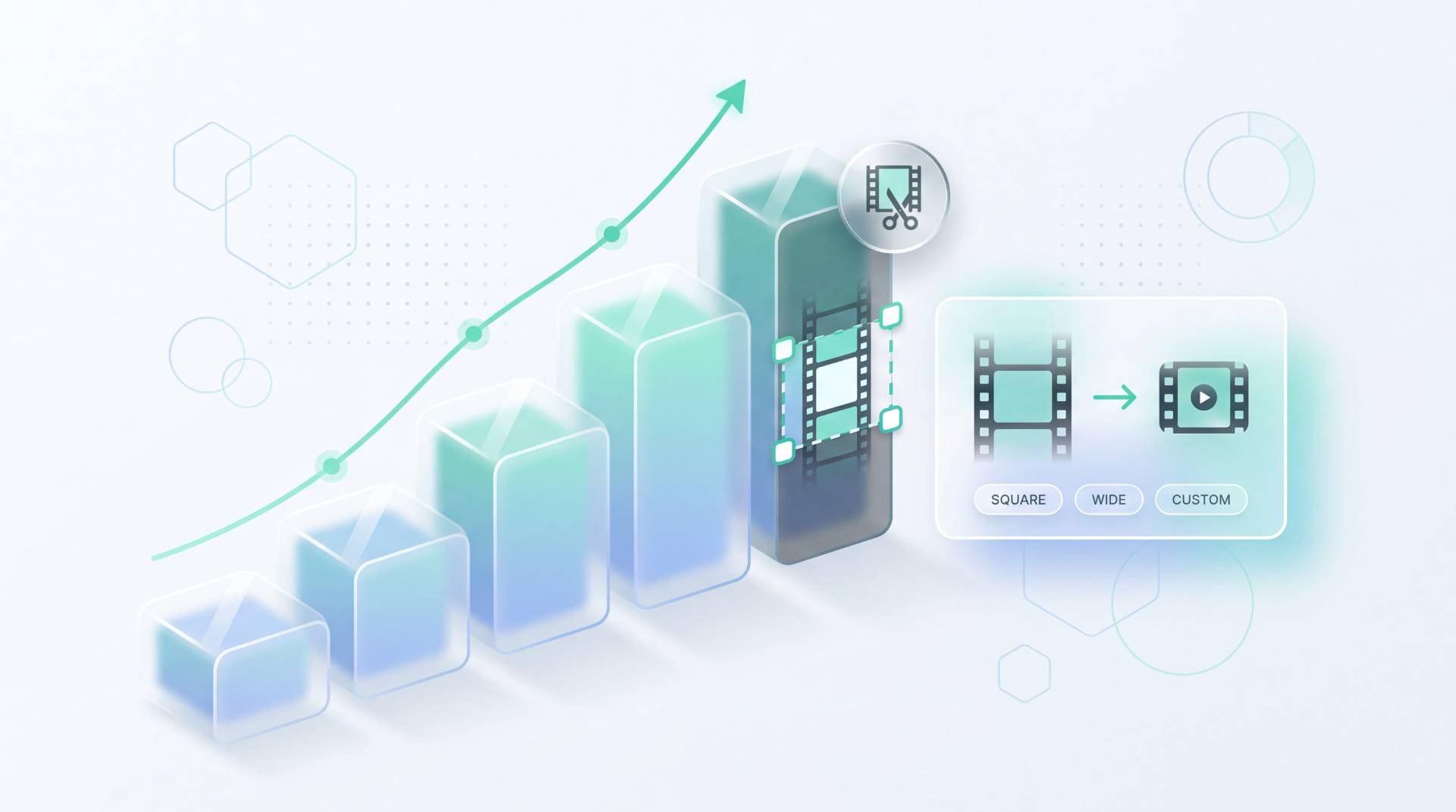
TL;DR: Crop animated GIFs online free. FileReadyNow's GIF Cropper lets you trim the edges of a GIF while preserving every frame and its timing. Works right in your browser, no upload needed. Drag a crop box, see animation play live, and download a true cropped GIF instantly. Max file size 20 MB.
You’ve got an animated GIF that’s too wide or has unnecessary background space. Maybe you want to focus on a reaction, a specific detail, or just remove the logo from the corner. But when you try to crop it with a regular image tool, the result is a single frozen frame, not the looping clip you expected. That frustration is exactly what the GIF Cropper from FileReadyNow solves. This free online tool keeps every frame intact, so your GIF stays animated after cropping. No signup, no watermarks, and nothing leaves your device. You drag a crop rectangle over the playing animation, lock an aspect ratio if you need one, and download a perfectly cropped, fully animated GIF. It works entirely in your browser, meaning instant processing and complete privacy.
How Does the GIF Cropper Keep My GIF Animated?
It decodes every individual frame of your GIF, crops each one to the same rectangular area, and then re-encodes them back into a single animated GIF with the original frame delays and loop settings unchanged. No frames are skipped, no timing is altered. The tool treats a GIF as a stack of frames, not a flat image, so the animation survives the crop operation perfectly. You end up with an output that plays exactly like the original, just trimmed to your selected region. Unlike generic image croppers that discard all but the first frame, the GIF Cropper processes frame by frame. The result is a genuine animated GIF you can use anywhere, from chat apps to websites, without losing that motion you need.
How Do I Crop an Animated GIF Online Without Losing Frames?
Open the GIF Cropper tool, drop your GIF file onto the page, and a crop box appears over the live animation. Drag it to frame exactly what you want. Optionally lock an aspect ratio from the presets or set a custom width-to-height lock. Then click “Crop & Download” to save the cropped GIF. The whole process takes seconds.
Here’s the typical workflow:
- Go to the page and drop your GIF (maximum 20 MB).
- A crop rectangle appears on the playing animation.
- Drag the corners to select the region. While you adjust, the GIF continues to play inside the box, letting you frame motion precisely.
- Choose an aspect ratio if needed. Presets include 1:1, 16:9, 4:5, and more. You can also enter your own pixel width and height.
- Click the “Crop & Download” button. The tool processes all frames and downloads the cropped animated GIF immediately.
Why Do Most Online GIF Croppers Turn My Animation Into a Still Image?
Typical browser-based image croppers are built for static photos. They read only the first frame of a GIF and discard the rest, then flatten that frame into a JPEG or PNG. They simply aren’t designed to handle multiple frames. FileReadyNow’s GIF Cropper is built specifically to decode every frame, crop them all identically, and repack the animation. The table below shows the real difference.
| Feature | Typical Online Cropper | FileReadyNow GIF Cropper |
|---|---|---|
| Frame handling | Flattens to single frame | Crops each frame individually |
| Output format | Static PNG/JPEG | Animated GIF |
| Privacy | May upload file to server | 100% local, no upload |
| Preview | Static preview or none | Live animated preview while you crop |
What Aspect Ratios Can I Lock While Cropping a GIF?
The tool offers seven common presets: Free (no lock), 1:1 (square), 4:3, 3:4, 16:9 (widescreen), 9:16 (vertical), 4:5, and 5:4. There’s also a Custom option where you enter a specific width and height ratio in pixels. If you don’t need a lock, simply drag the crop box freely to any size; the aspect ratio will reflect your selection exactly. The live preview lets you see the crop boundaries on the playing GIF before committing.
Is There a File Size Limit for the GIF Cropper?
Yes, the maximum file size is 20 MB. If your GIF is larger than that, the tool won’t process it. This limit ensures smooth, fast processing in the browser without straining device memory. Most everyday GIFs, especially those for social media or messaging, fall well under 20 MB. For larger files, you might consider splitting the GIF or using a converter to reduce its size before cropping.
Can I Preview the Cropped Area Before Downloading?
Absolutely. The GIF actually plays underneath the crop box while you position it. That means you can see movement through the selected window as you drag the handles. This live animated preview is a huge advantage: you can frame around a specific motion, like a person’s expression or a bouncing object, without guessing. The cropped result will match exactly what you see inside the box.
Cropping a GIF shouldn’t mean sacrificing the very thing that makes it a GIF. With FileReadyNow’s GIF Cropper, you trim away the edges while preserving every frame, every pause, every loop. It works without uploads, accounts, or watermarks, right in your browser. Try it now at the GIF Cropper page. Need to resize, convert, or compress images too? Browse the full set of Image Tools for more free browser-based editors.
Frequently Asked Questions
Do I need to install anything to use the GIF Cropper?
No, it’s a web-based tool. Just open the page and start cropping. There’s no software to download or extension to add.
Will cropping a GIF change its timing or loop count?
No. The tool preserves the exact frame delays and the original loop flag. The cropped GIF plays at the same speed and loops exactly as the source.
Can I crop a GIF to a specific resolution?
Yes. Lock an aspect ratio preset or set custom Width and Height values in pixels. The output dimensions will match your crop rectangle exactly.
Does the GIF Cropper work on mobile?
It works in any modern mobile browser. You can tap to upload a GIF, drag the crop box with your finger, and download the cropped file directly to your phone.
Is my GIF uploaded to a server?
Never. Everything happens locally in your browser. Your file never leaves your device, so it remains completely private.
Table of Contents
Recent Posts

PDF to JPG Blurry? How to Convert a PDF Page With Sharp Text
5 days ago
HEX vs RGB vs HSL vs CMYK: Which Color Code Should You Use?
1 week ago
Video Converter Online Free: Which Format to Pick and Why
2 weeks ago
Audio Trimmer Online Free: Cut, Keep, or Remove Any Section
2 weeks ago
How Strong Should Your Password Actually Be in 2026?
3 weeks ago
HEIC vs JPG: Which Should You Actually Use?
1 month ago